
Home serves as the landing page displaying all projects and drafts within an organization.
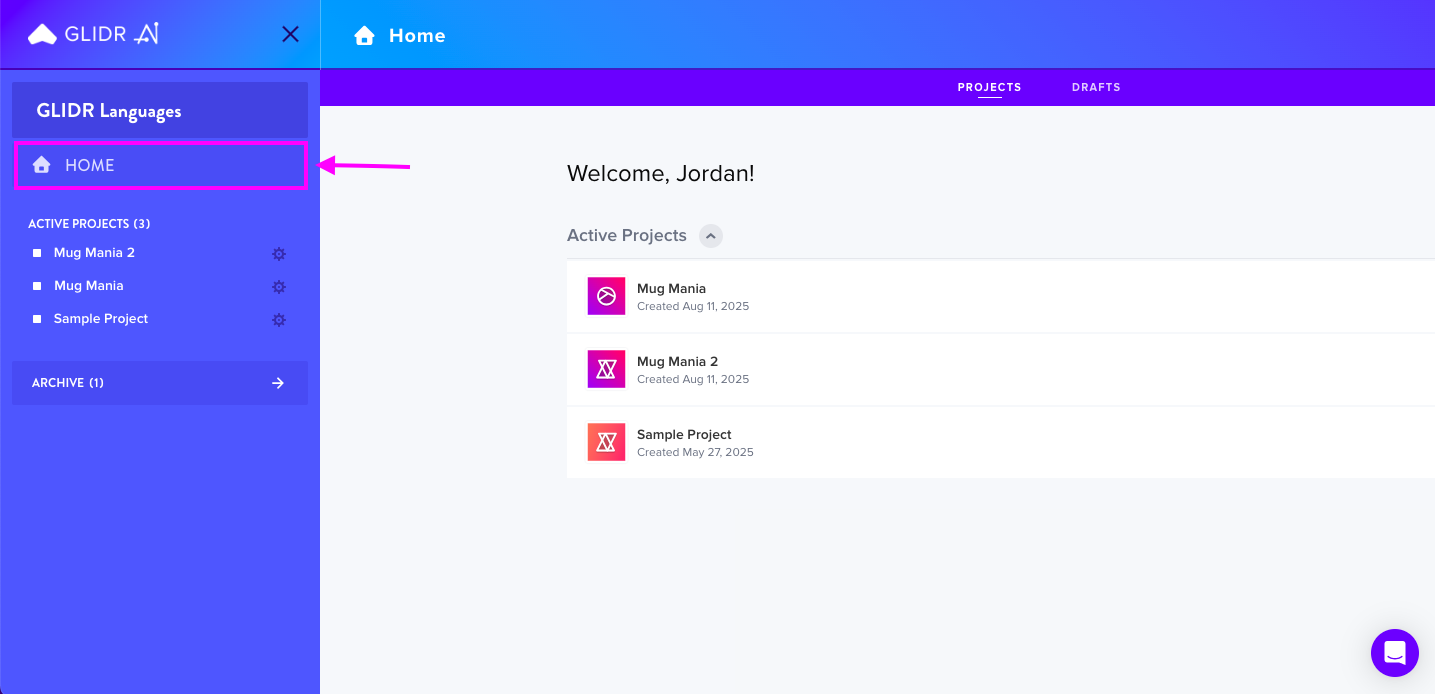
Projects Tab
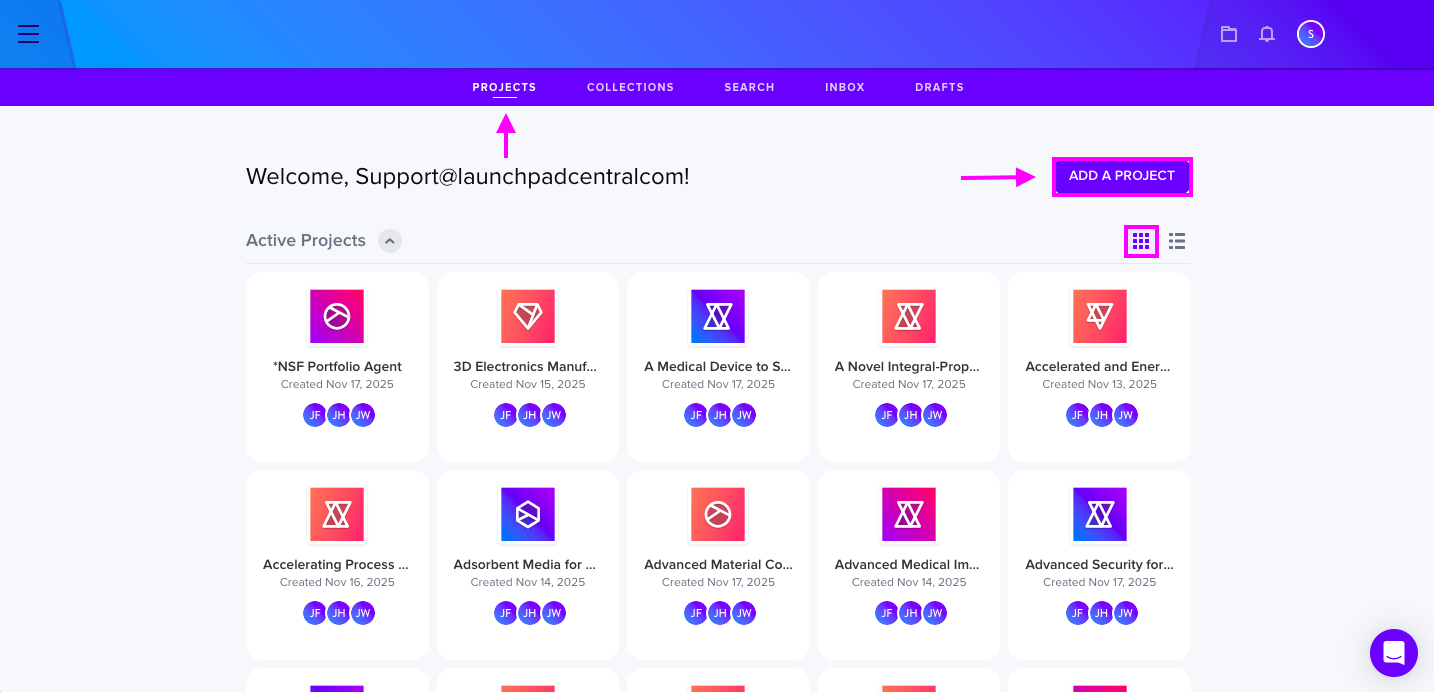
The first tab, Projects, displays all the accessible projects in your organization in list or card view. Administrators and owners have the ability to create new projects here. Users can select between kanban or list view options and return to their previous location when clicking into a project.
Collections Tab
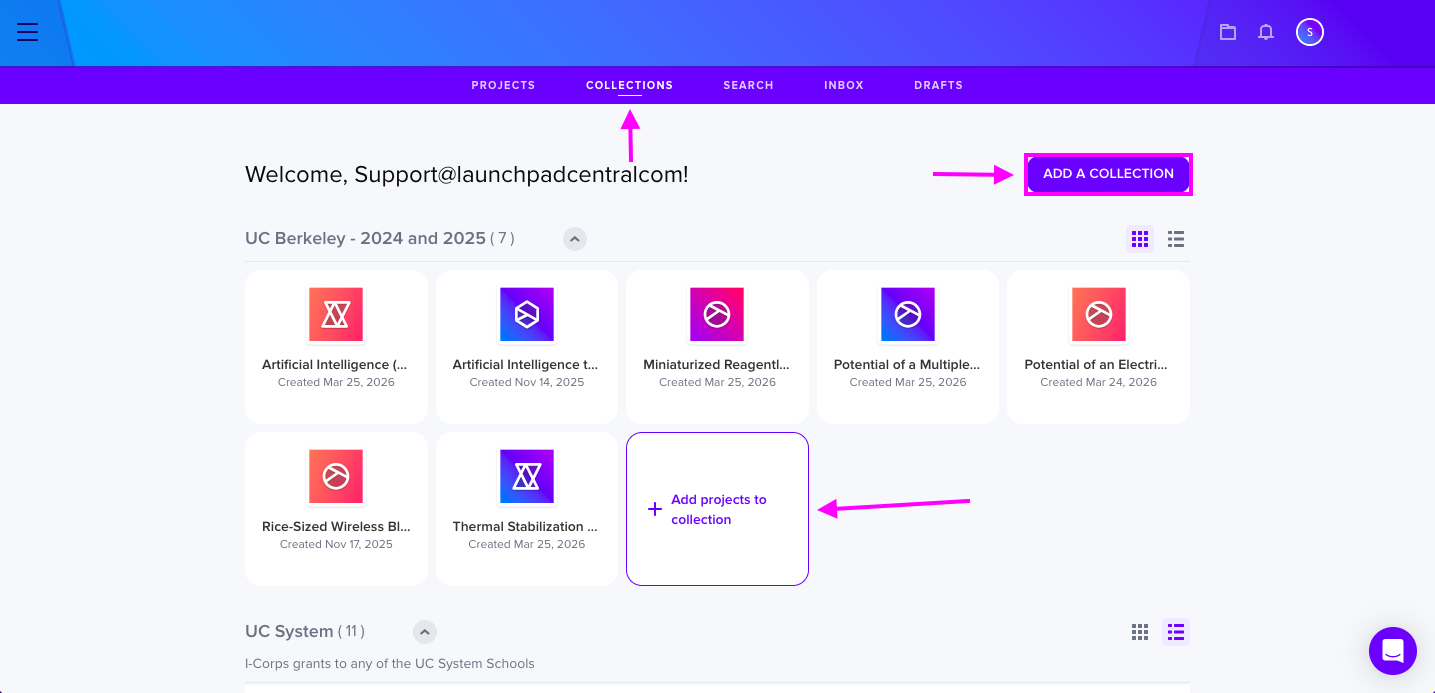
The Collections section enables users to view projects grouped by collection, establish new collections, add projects to existing ones, and oversee collection management. This feature is available to Business and Enterprise tier subscribers.
Search Tab
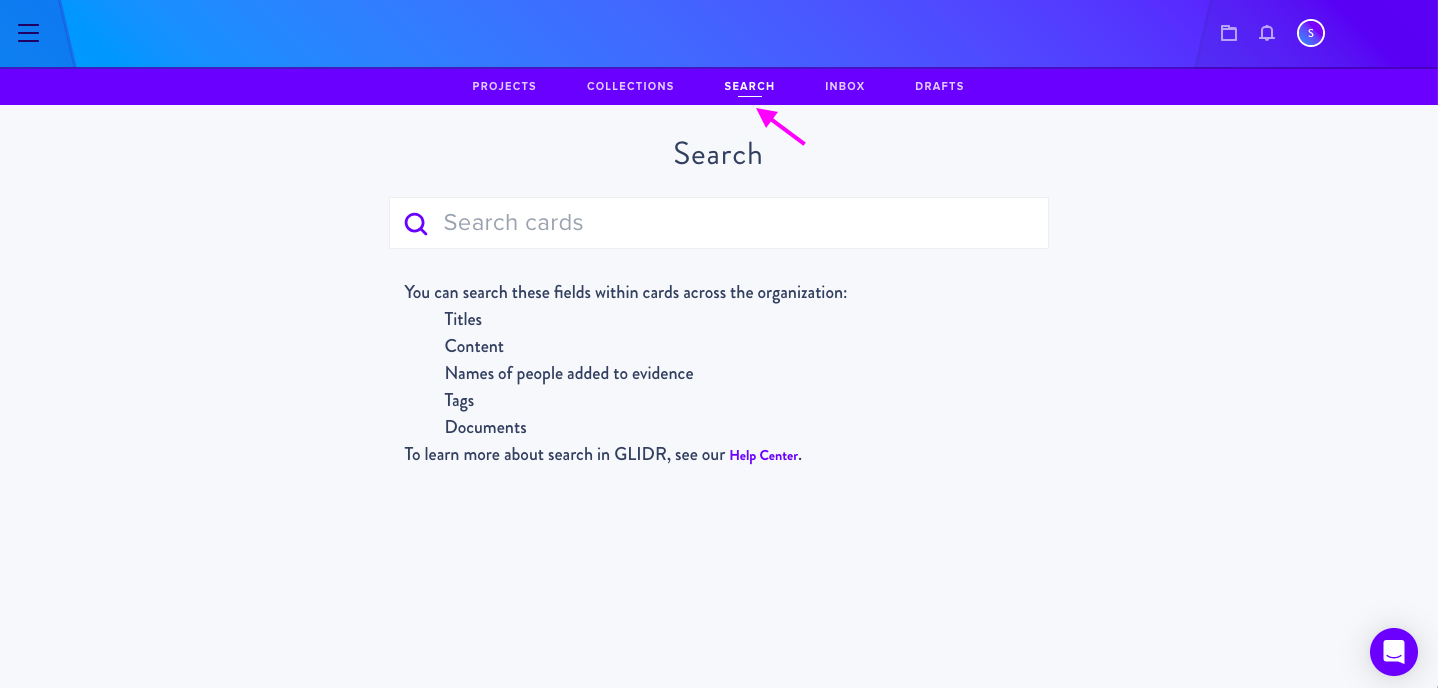
Users can search for cards across all organizations within this tab, available to Business and Enterprise tier members.
Inbox Tab
This section displays all project updates such as Posts, Ideas, Evidence, and @Mentions. The inbox offers filtering options:
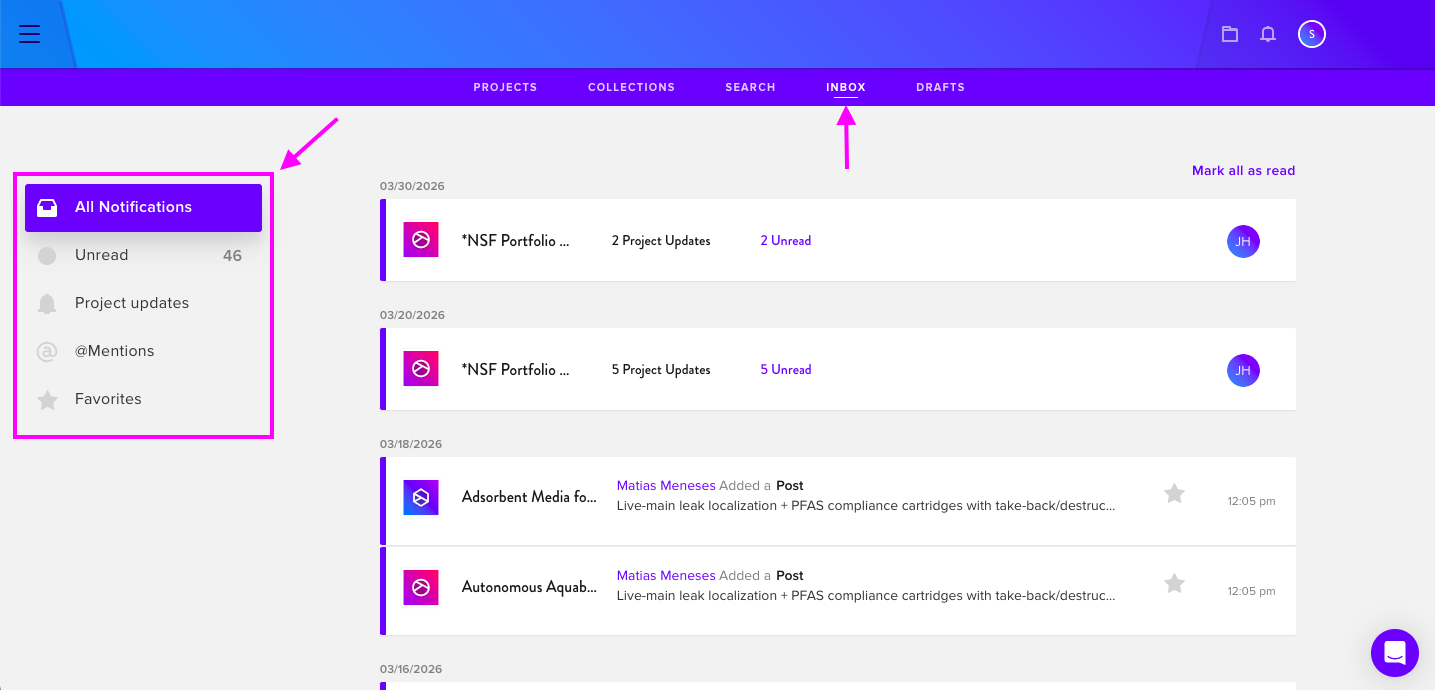
- Inbox (all updates and mentions)
- Unread (unread items only)
- Project updates (project-specific updates)
- @Mentions (tagged comments)
- Favorites (updates from favorited projects)
Drafts Section
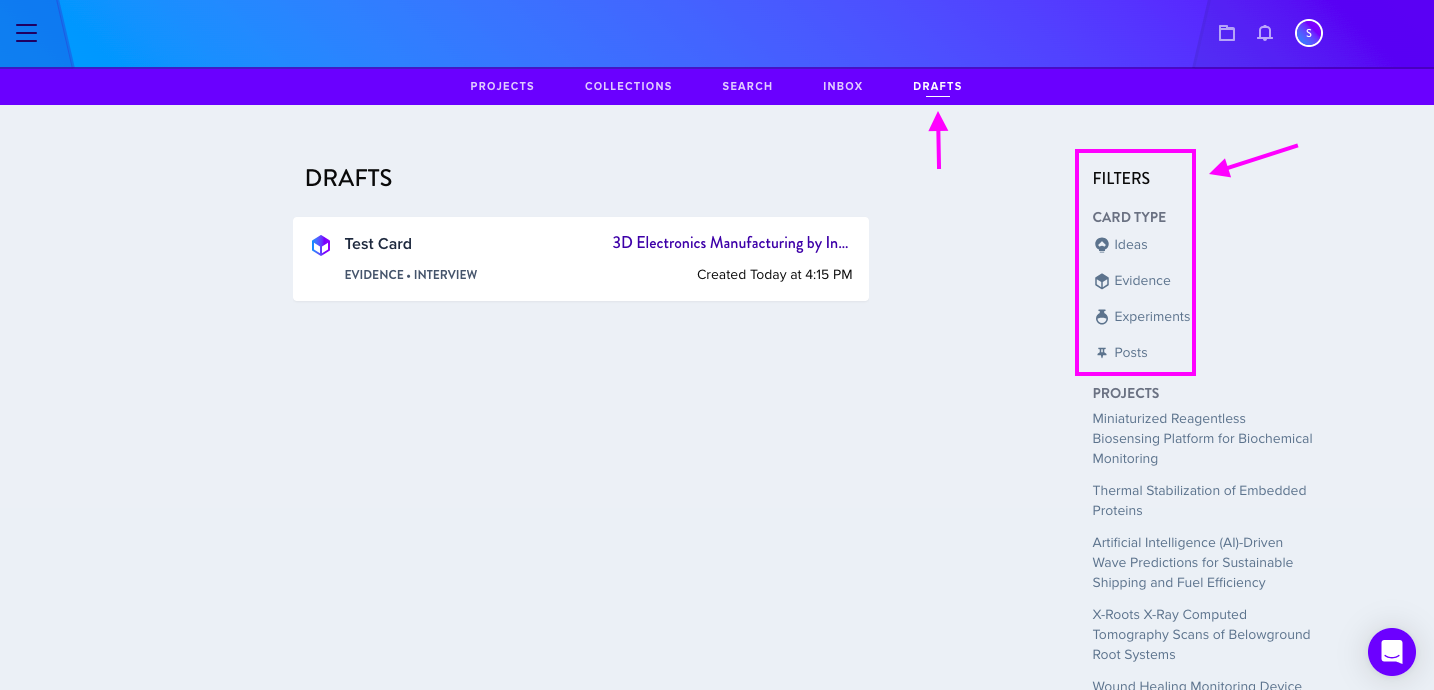
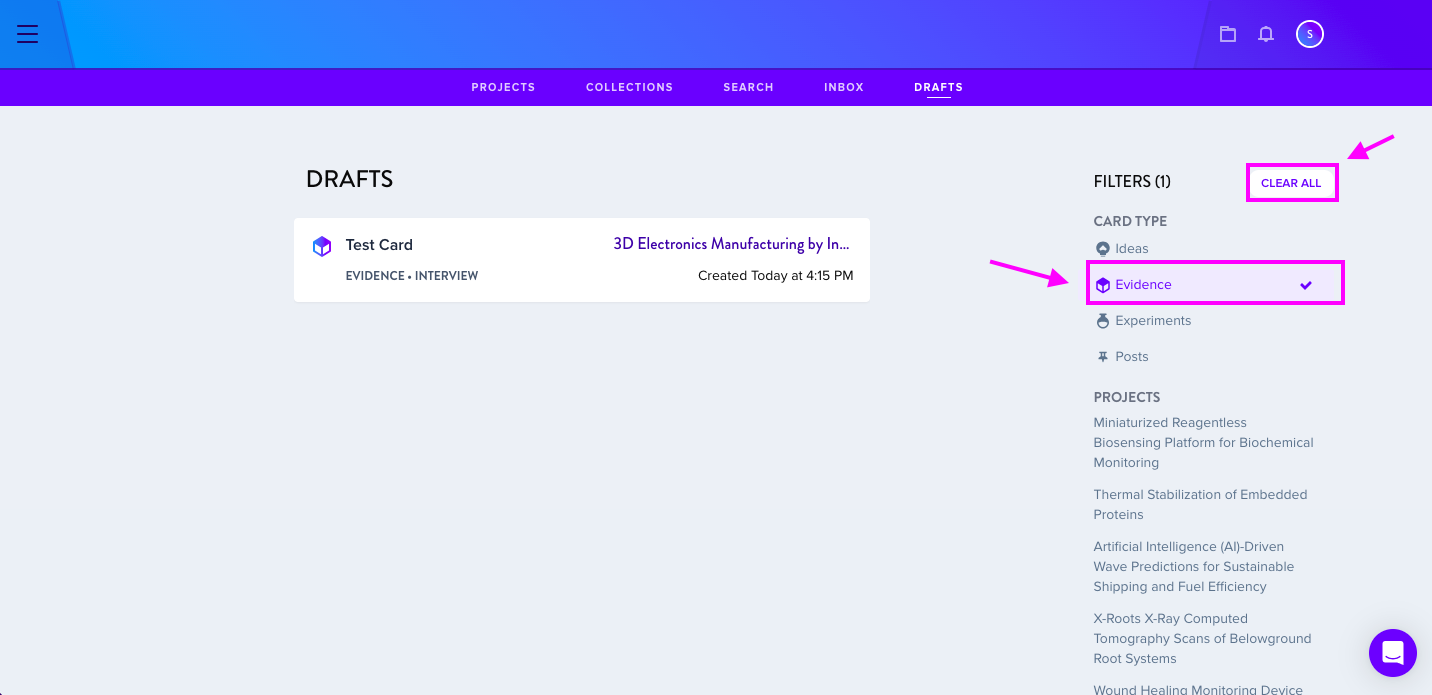
Unpublished Ideas, Evidence, Experiments, and Posts appear here. Drafts are viewable only to the author until published. Users can filter drafts by section or project using the Filter list.
Additional Access
Notifications and drafts are also accessible through the Notifications icon.