
Comments are a way to communicate with your team and discuss ideas, posts, evidence, and discovery tasks.
Add a Comment
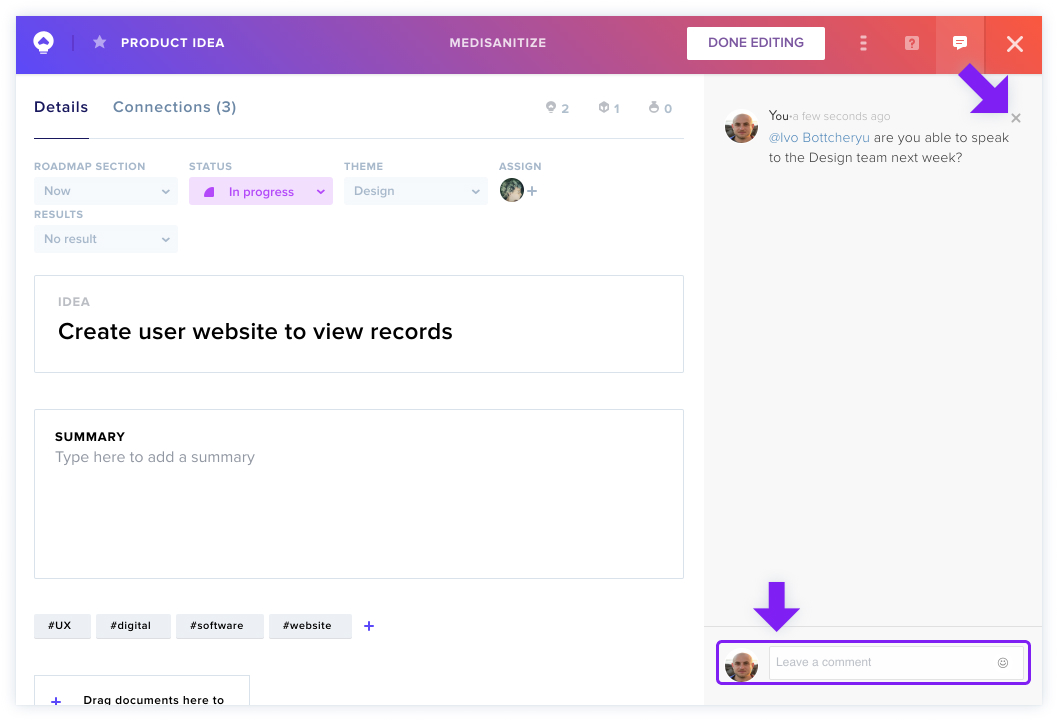
Click into the Leave a Comment box on the lower right section of the screen. Type your comment, @mentioning any teammates, and press Enter to add it.
Edit a Comment
Click on the comment you want to edit. Make your edits and press Enter to save your changes.
Delete a Comment
Hover your cursor over the comment and click the X icon beside it to delete it.
Note: You can't recover a comment once it's been deleted.