
GLIDR users on all tiers can export and download individual evidence in PDF format, or all data for your organization in .csv format.
Export Experiments
Users can export experiments directly from the relevant card by clicking the Export to PDF option.
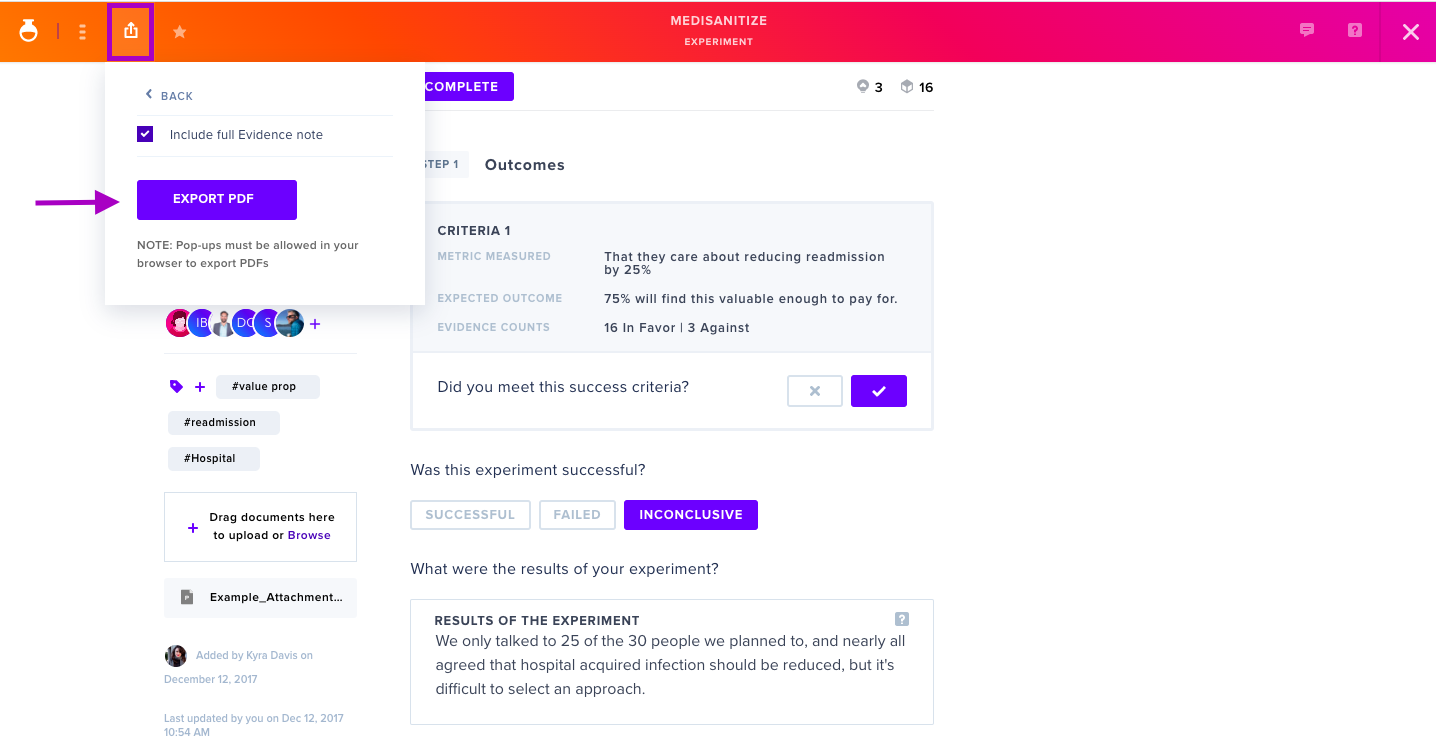
For more on PDF exports, see Exporting Data in PDF: Step-by-Step.
Export All Data
To export all organizational data:
- Open the left-side menu and click your organization name.
- Select Organization Management.
- In the Settings section, click Export.
- A
.zipfile containing all data will download to your device.
Additional information is available in Manage Your Organization.