
Bring in Evidence from across the web with one click. Conducting robust product discovery is now easier and quicker.
Gather data quickly
Highlight text from any page you're viewing in Chrome — including emails, browser-based software tools and websites — and add tags easily before sending to GLIDR.

Organize your new Evidence
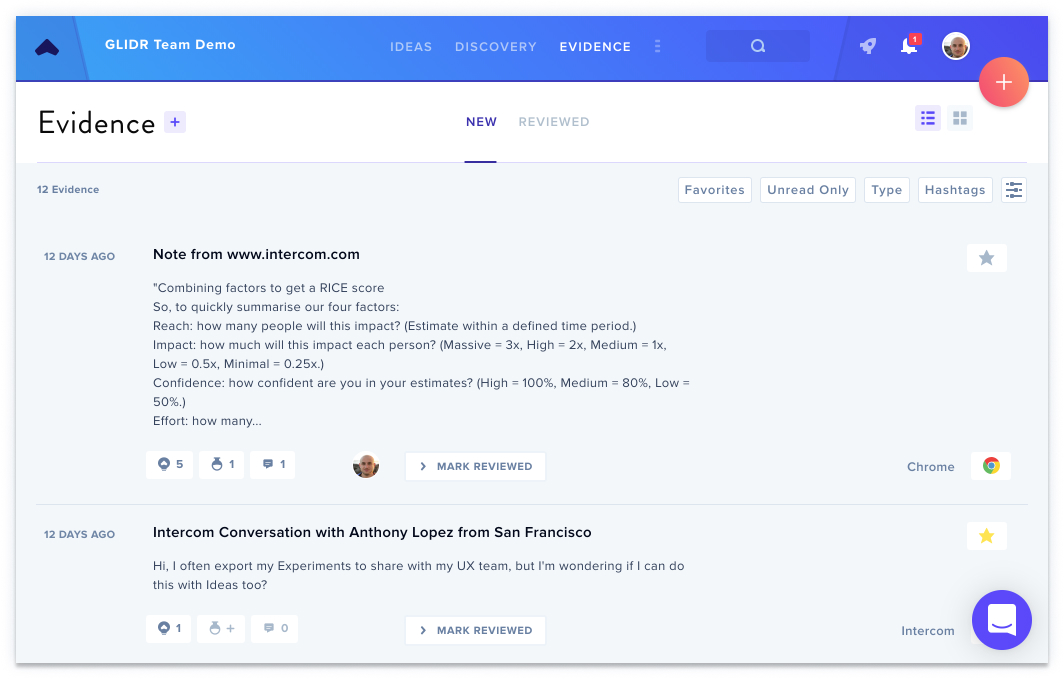
Evidence will be created with your text, source link, and tags. You can search through your Evidence in GLIDR by keyword or tag, and edit what you've added.
Connect and share
Comment and @mention teammates to discuss your Evidence, connect it to your Ideas, Research, and Experiments, and rate your Evidence to evaluate its impact on your Ideas.
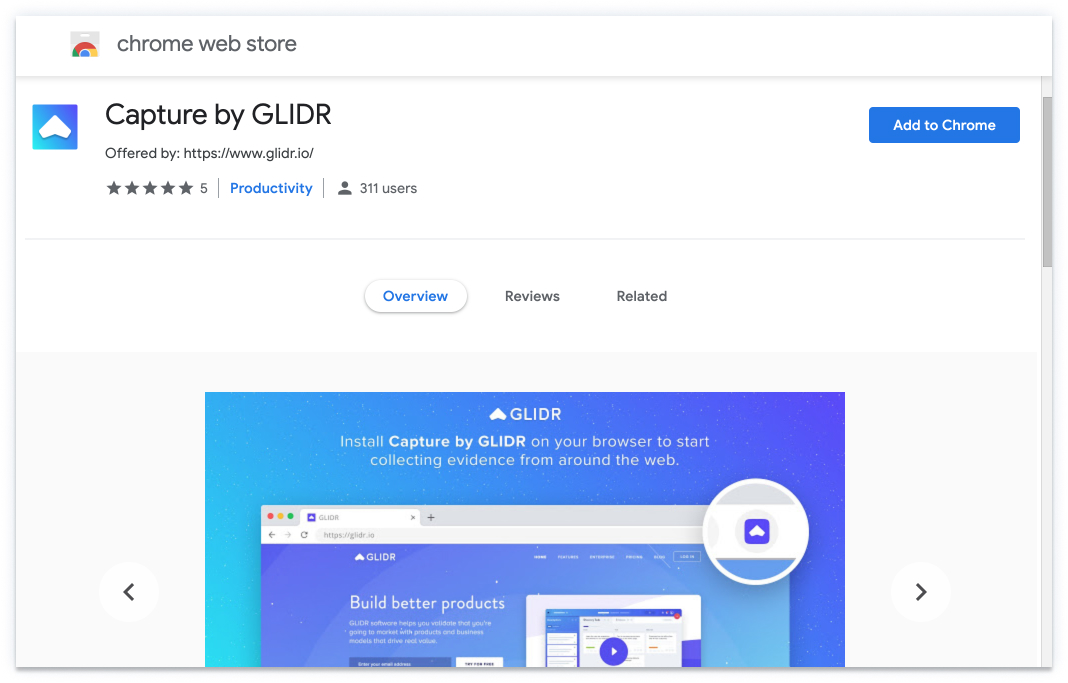
Install Capture by GLIDR from the Chrome Web Store (opens in new tab), or see Set up the Chrome Extension for step-by-step instructions.