
Getting Started
Organize Team Members - Create a form to collect cohort member names, teams, roles, and emails to streamline setup.
Communicate Everything - Send login instructions to cohort members and alert them that GLIDR emails may appear in spam folders.
Compile Resources - Customize the Resource Menu before the semester begins by adding office hours sheets and materials. GLIDR provides resources including "Team Member Get Started Guide" and "Intellectual Property Basics."
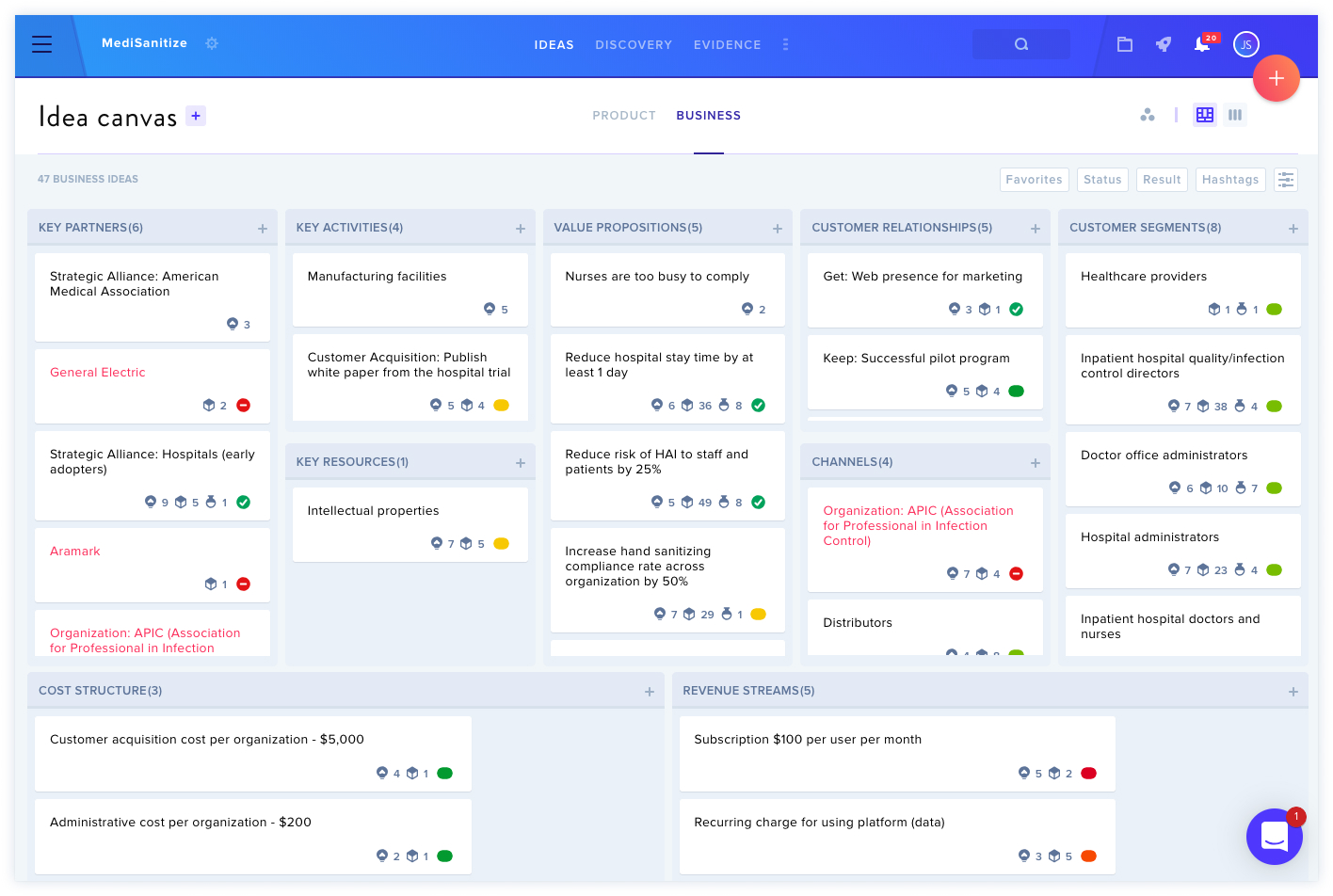
Make Your Teams Feel at Home - Instruct members to complete their Team Profile first, then add Ideas (assumptions or hypotheses) to their Business Canvas, starting with Customer Segments and Value Propositions.
Enable Weekly Digest Emails - Configure notification settings to receive daily or weekly progress updates on cohort activities.
During the Semester
Allow four weeks for cohort adjustment, as initial weeks often show slower progress before improvements appear around week four.
Export the Business Model Canvas using screenshots for presentations to maintain formatting and data integrity.
Use the Trending Score feature to monitor Idea progression, where "Green indicates the Idea is leaning confirming" and red signals disconfirming status.
Monitor team progress daily via the Dashboard to identify lagging teams and coordinate mentor support.
Lessons Learned & Demo Day
Final presentations should showcase the team's journey rather than function as sales pitches. Include first and final canvases, pivot points, and key insights to demonstrate learning outcomes.