GLIDR announced major AI-powered features released in 2024-2025.
Key Features
GLIDR AI Agent
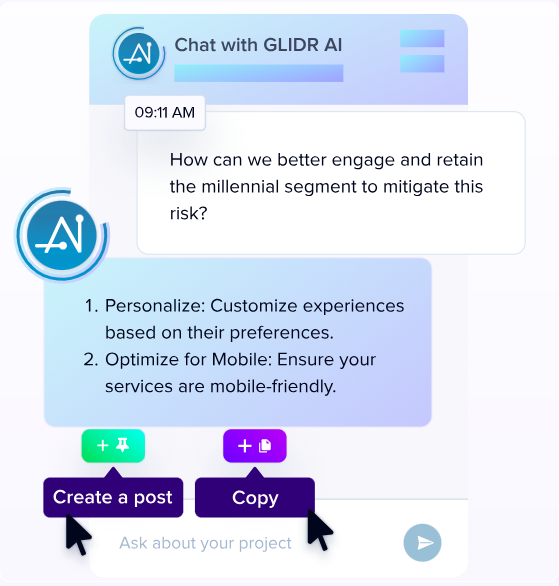
The GLIDR AI Agent is present in each project, uniquely informed by the current state of that project's Dashboard and Canvas. It suggests MVPs, partners, pivots, and investor targets.
Business Model Generation
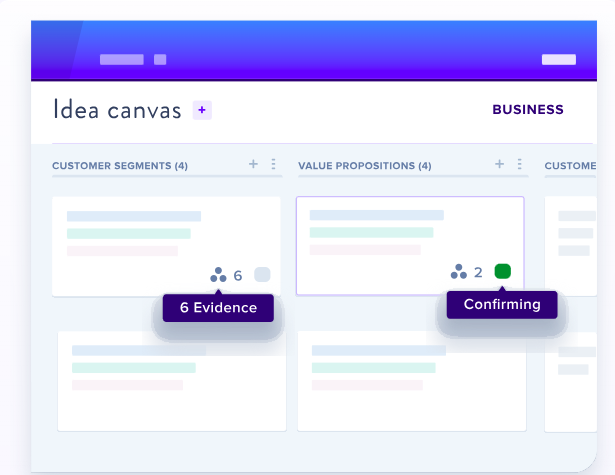
AI pre-populates canvas based on project description and optional pitch deck to jumpstart assumption testing.
Project Dashboard Summary
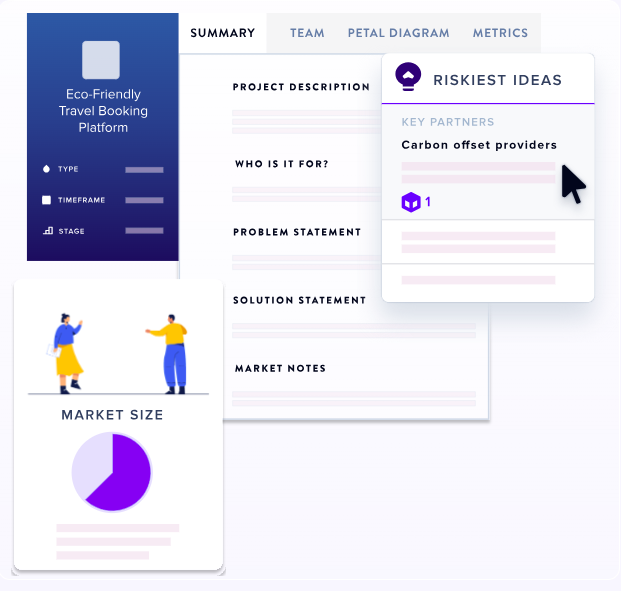
Includes problem statements, solution statements, "Why Now," and "Why Not" sections analyzing market timing and potential obstacles.
Interview Templates
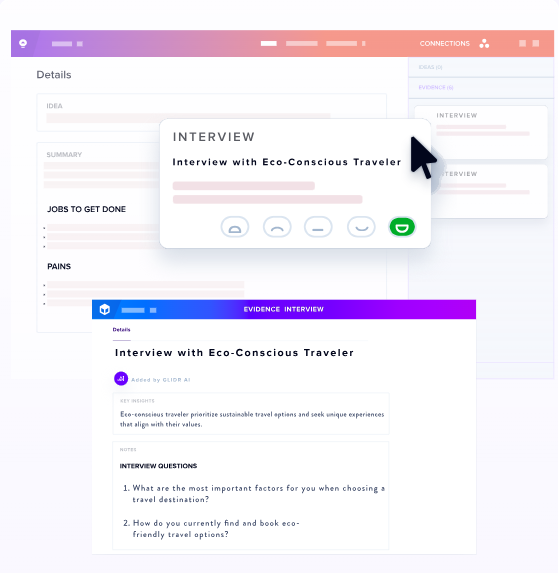
Pre-populated customer discovery templates with suggested questions and potential responses, serving as a guideline.
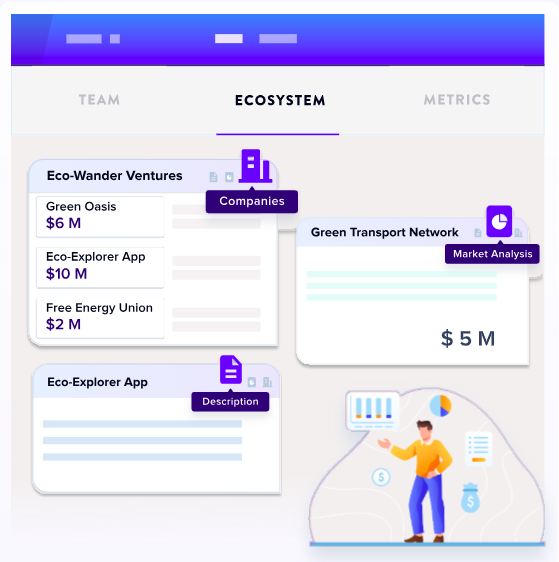
EcoSystem Map
Dynamic visualization tool helping teams spot trends, compare data, and make faster, evidence-based decisions.
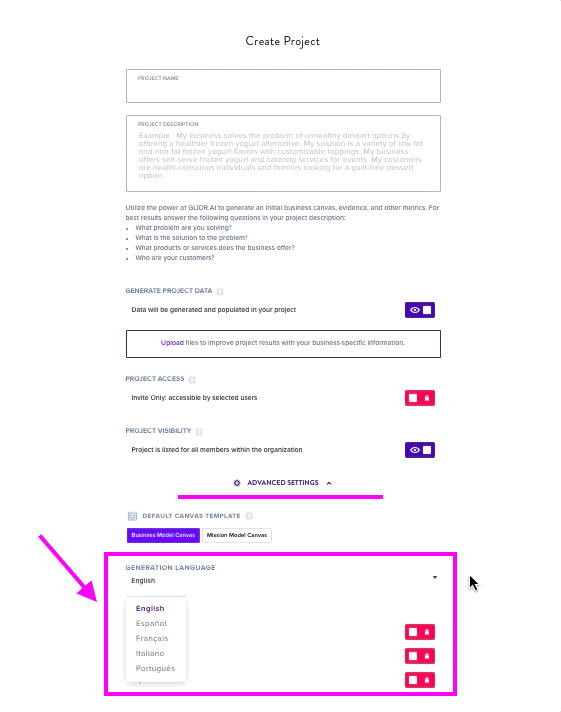
Language Support
Generation available in Spanish, French, Italian, and Portuguese.
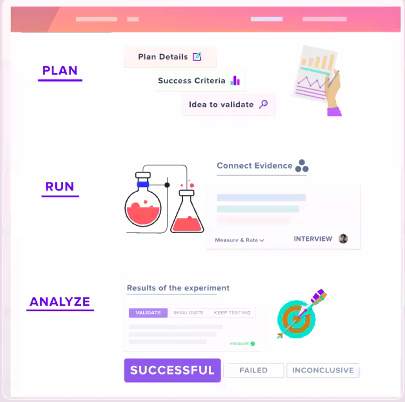
Experiments Generation
Creates comprehensive experiment plans for testing assumptions.
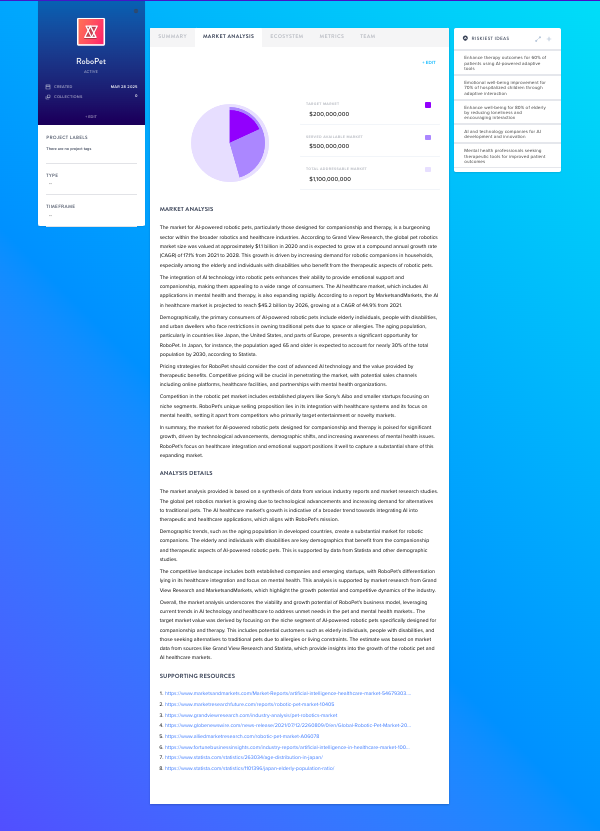
Market Analysis
Provides SOM/SAM/TAM visualizations with real-time data and cited sources.
Additional Updates
Hypothesis Suggestions
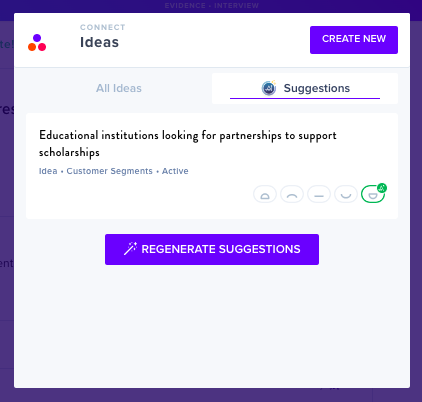
GLIDR AI can suggest Ideas and Hypotheses to connect to your Evidence, and generate them directly from an Evidence card.
GLIDR AI Academic
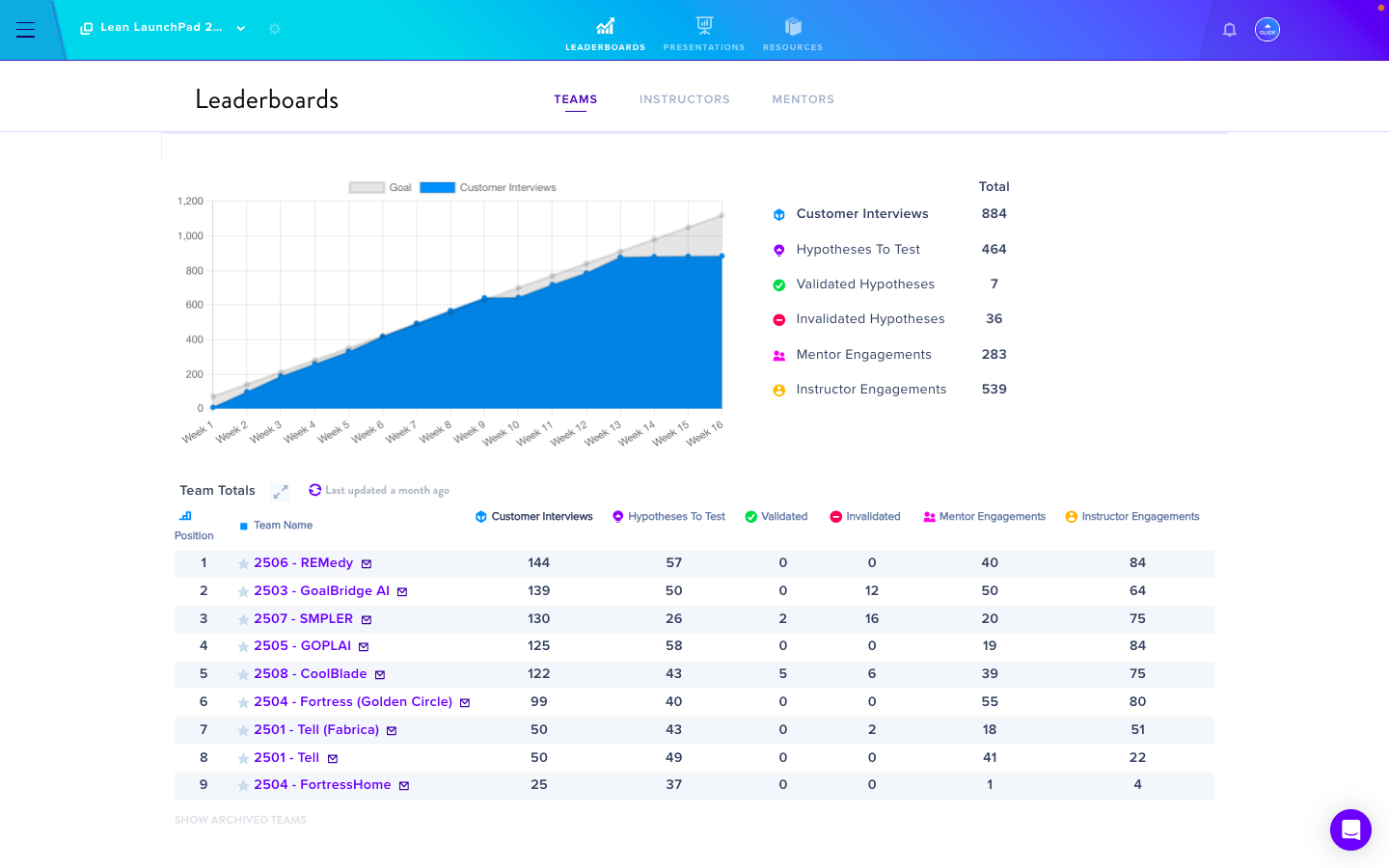
Also known as LaunchPad on GLIDR, GLIDR AI Academic gives students a real-time market-testing experience.
Single Sign-On (SSO) with Okta
Enterprise teams can now streamline login with Single Sign-On (SSO) via Okta.
Quickly Cycle Through Cards
Efficiently move through cards within the same canvas section with Quick Cycle.