
Find out how to switch your Ideas between your Product and Business Canvas.
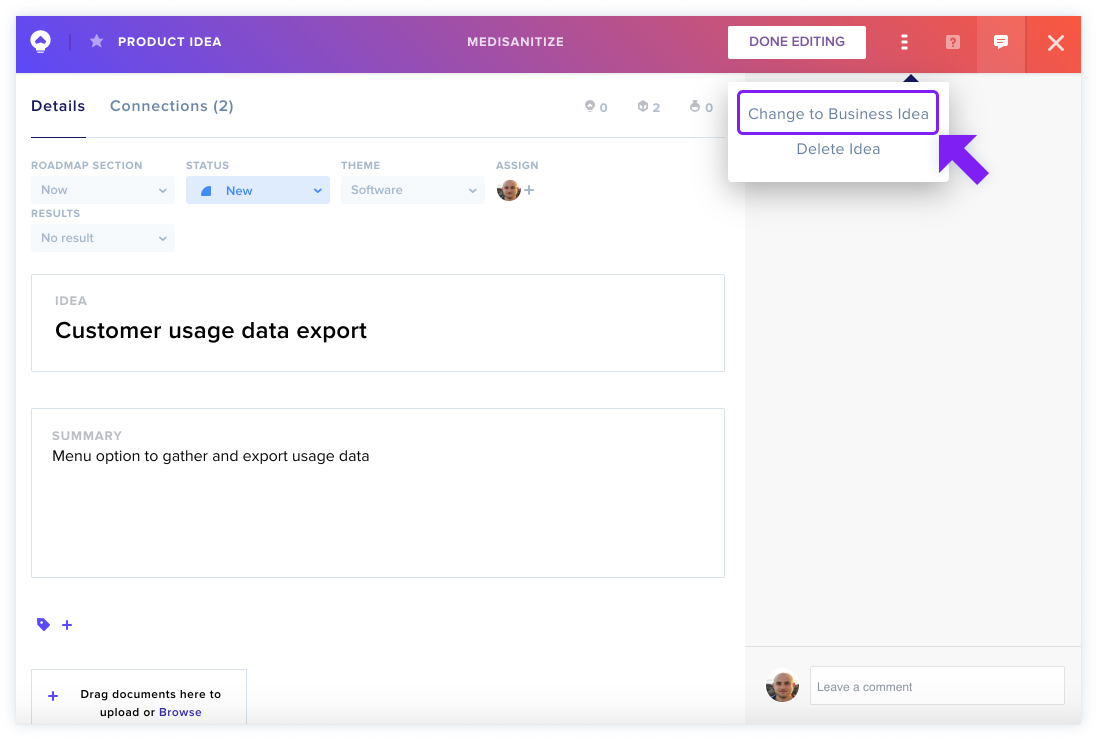
If you create an Idea in your Product Canvas and realize it fits better in your Business Canvas (or vice-versa), you can switch the Idea type. Just click the [...] icon in the top navigation bar of the idea and select Change to [Business or Product] Idea. Some features that don't overlap (such as noting the theme of the Product Idea) may be lost in the conversion.
Learn more about your Product and Business Canvases.