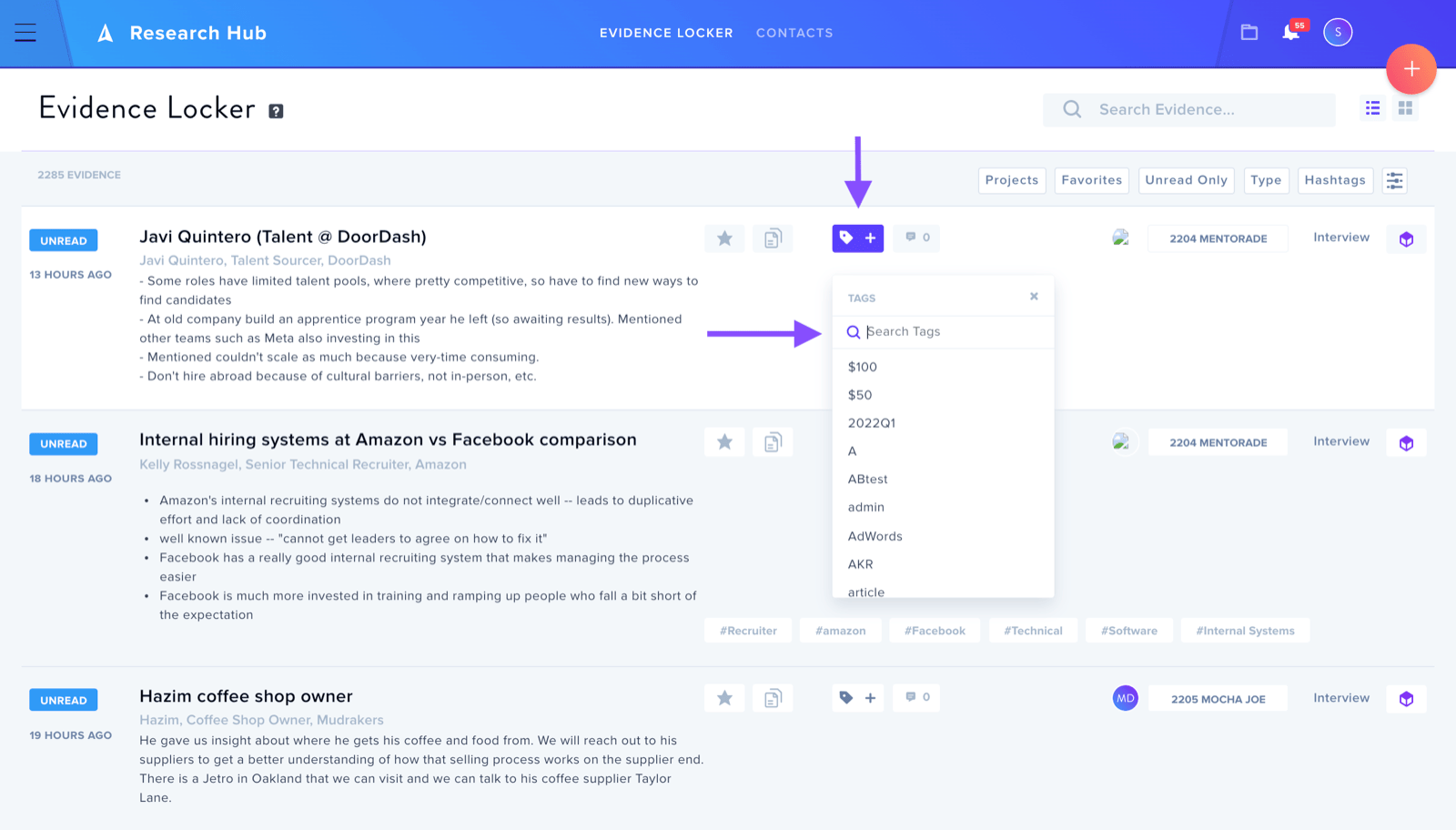
View all of your projects' Evidence at the organization level.
For Enterprise and Business tiers, the Evidence Locker can be viewed by all of the organization's members. Here, you can view all of the Evidence from every project within the organization.
To view the Evidence Locker, click on the three bars icon located at the top left of the screen, and select Research Hub.
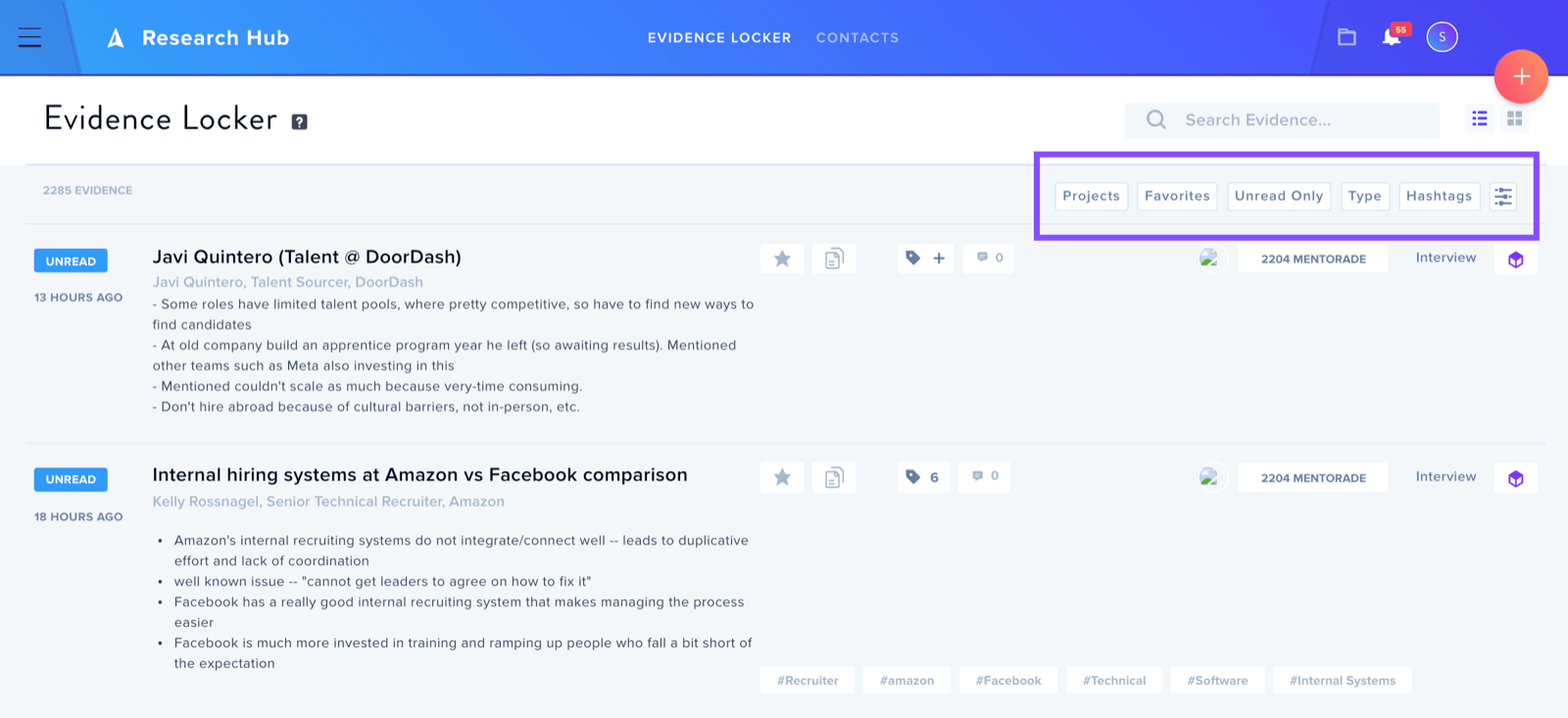
In the Evidence Locker, you can filter by many different settings including project name, created by, and creation date.
You can also easily tag your Evidence. This is a great way to highlight common themes and synergies throughout all of your organization's projects.