
"No idea ends up where it started." GLIDR positions feedback, discovery, and validation as central to project management. The platform equips users with tools to evaluate ideas through research and experiments while connecting validated evidence and providing real-time progress visibility.
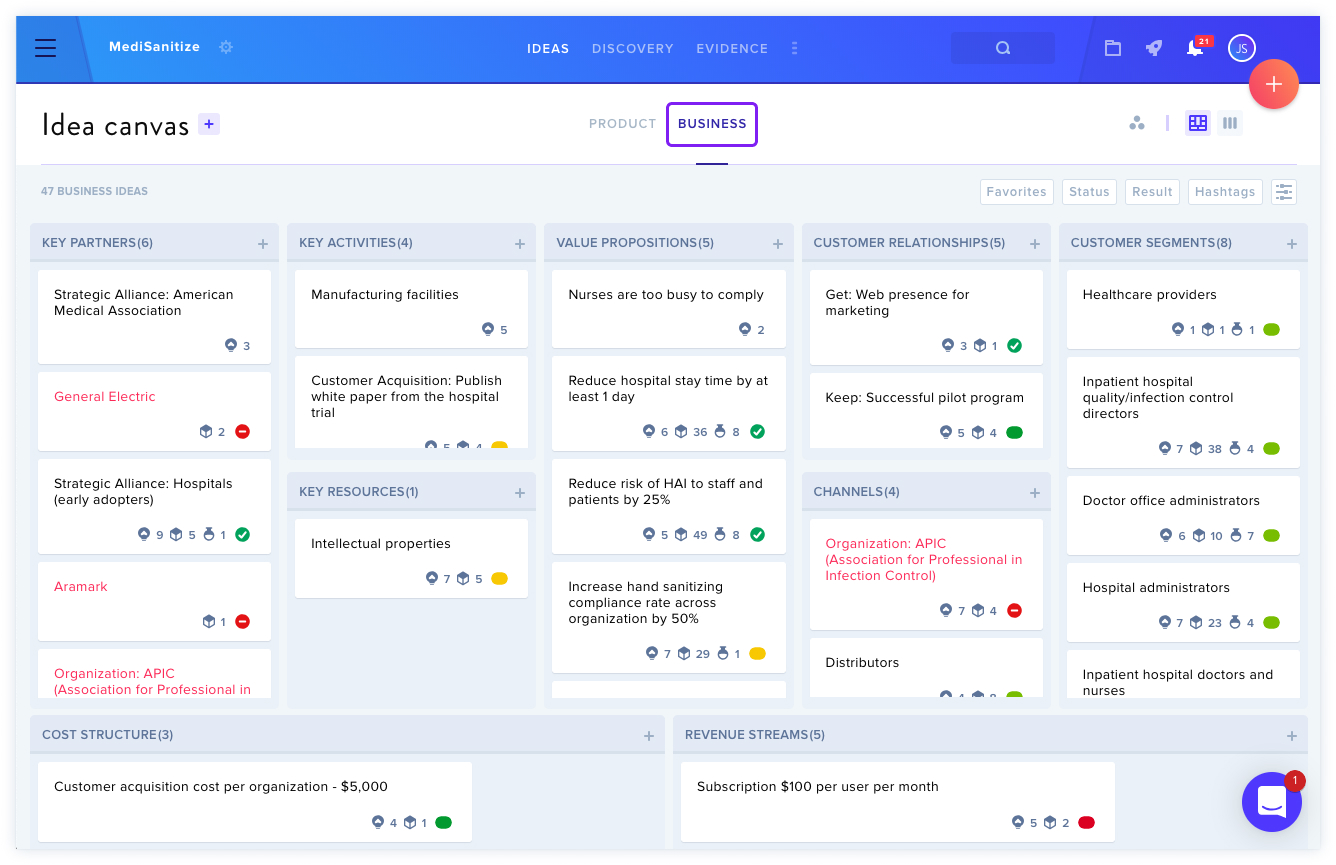
View the Canvas
GLIDR offers both Business Canvas and Product Canvas options, enabling users to distinguish market-related ideas from product-specific ones. "It's likely that most of the work will be done in the Business Canvas, but as the class progresses and business models become more developed, students may wish to start adding Ideas in the Product Canvas."
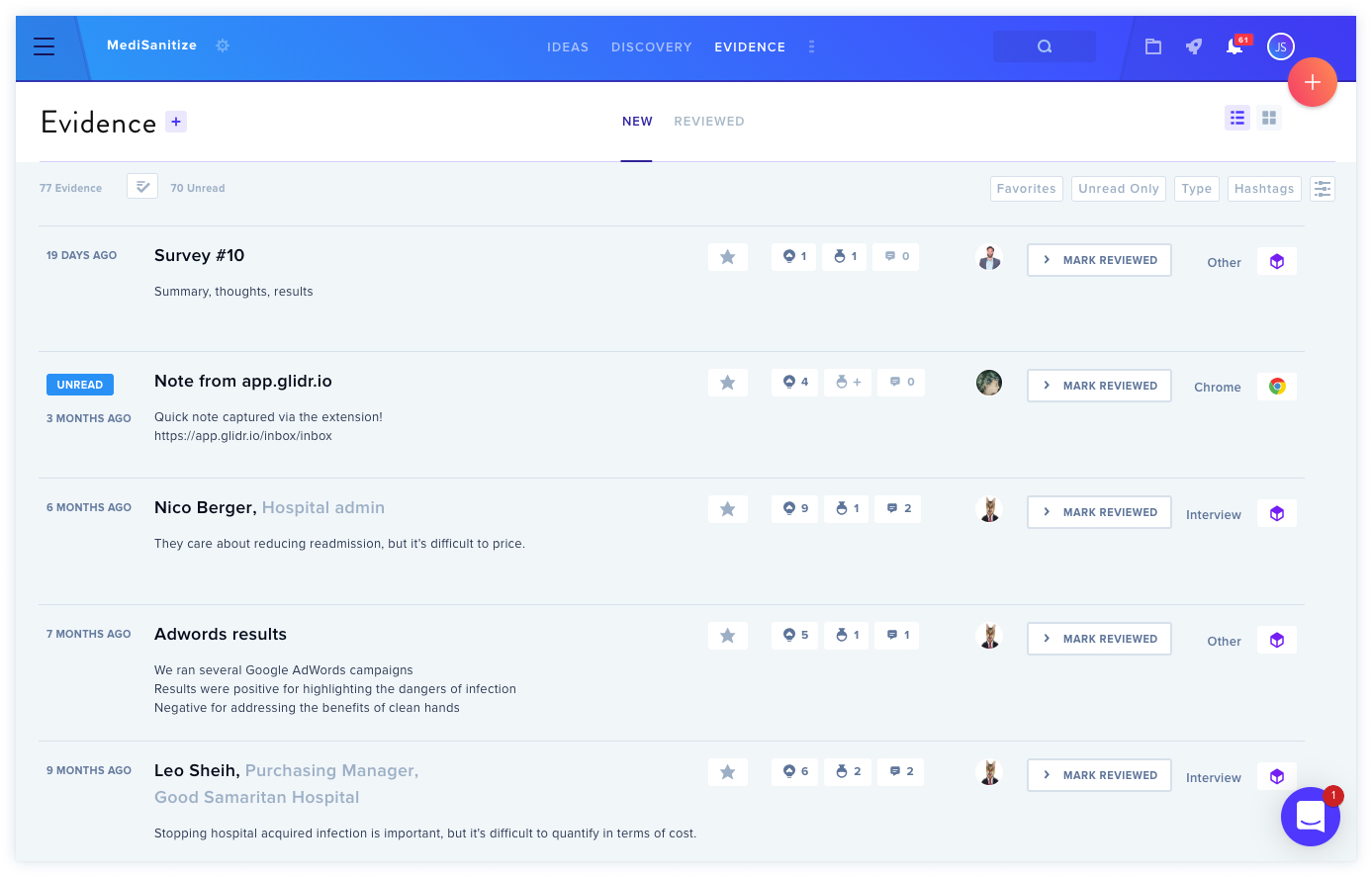
View Evidence
Students gather evidence—such as customer discovery interviews (opens in new tab)—to validate or invalidate their ideas. Evidence can be connected to ideas, and the Connections tab displays existing relationships. By rating evidence, teams gain insights into idea performance, potentially leading to validation, invalidation, or pivots.
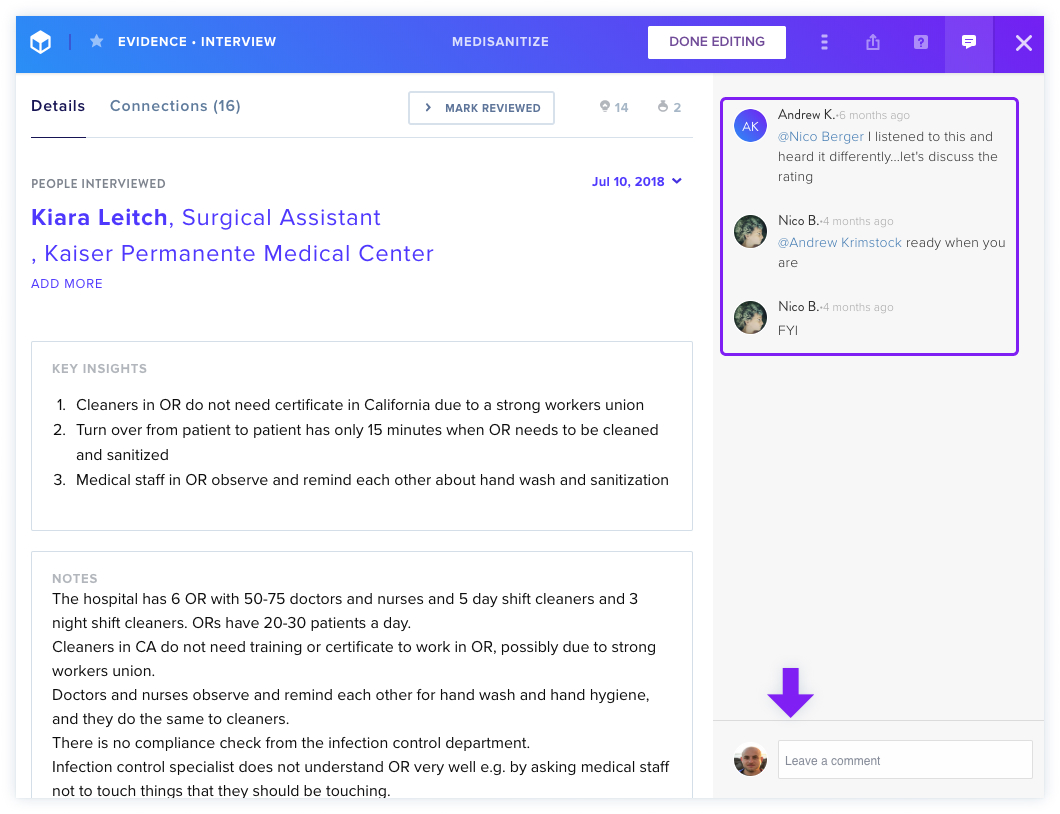
Add Comments
"Commenting in the GLIDR platform is a quick and easy way to let team members know your thoughts on Ideas, Evidence, Experiments or Posts." Users can @mention teammates for specific attention or input.
View the Activity Feed
Mentors can access the Activity Feed by clicking the three dots at the screen's top and selecting Activity Feed to monitor team progress and feedback.
Set Up Your Profile
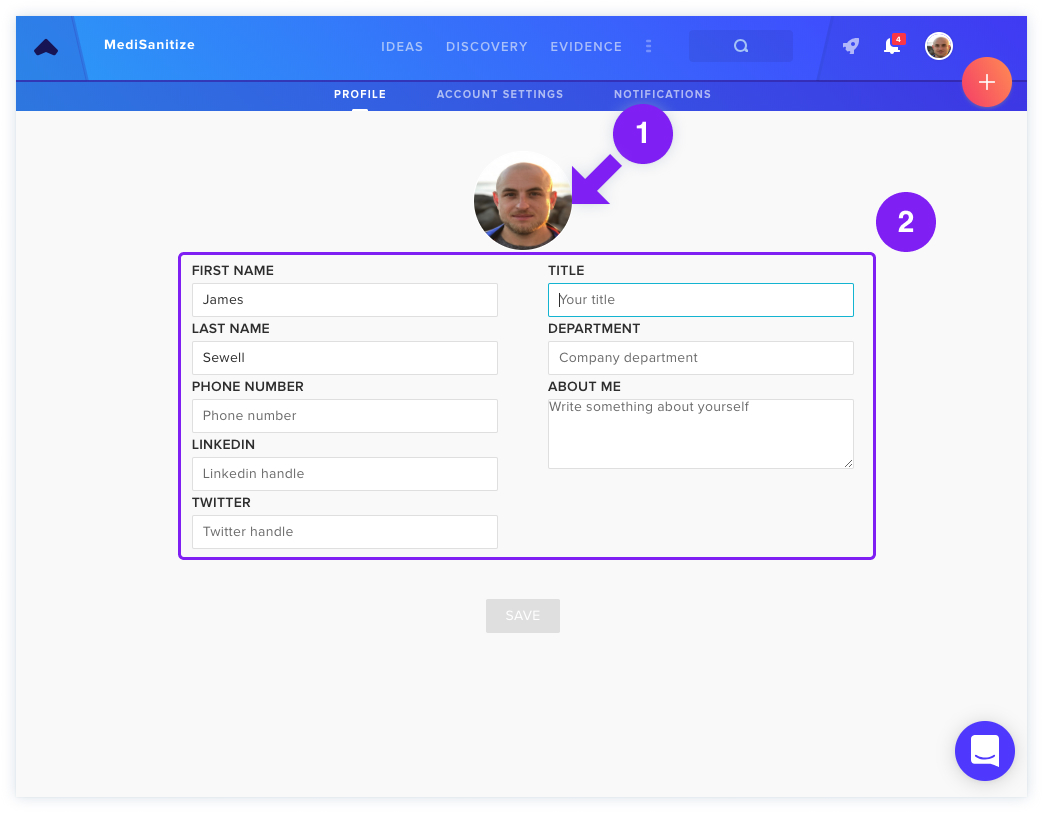
Users can update profile information—including photos and personal details—via Profile & Account Settings, making information visible to teammates.