
The Product Canvas allows you to capture feature ideas, user stories, pain points and opportunities directly in GLIDR.
Add an Idea
Adding your Ideas is easy; just click on one of the + buttons on your Canvas. If you're not ready to start working on your Idea yet, just move it to your Backlog and come back to it later.
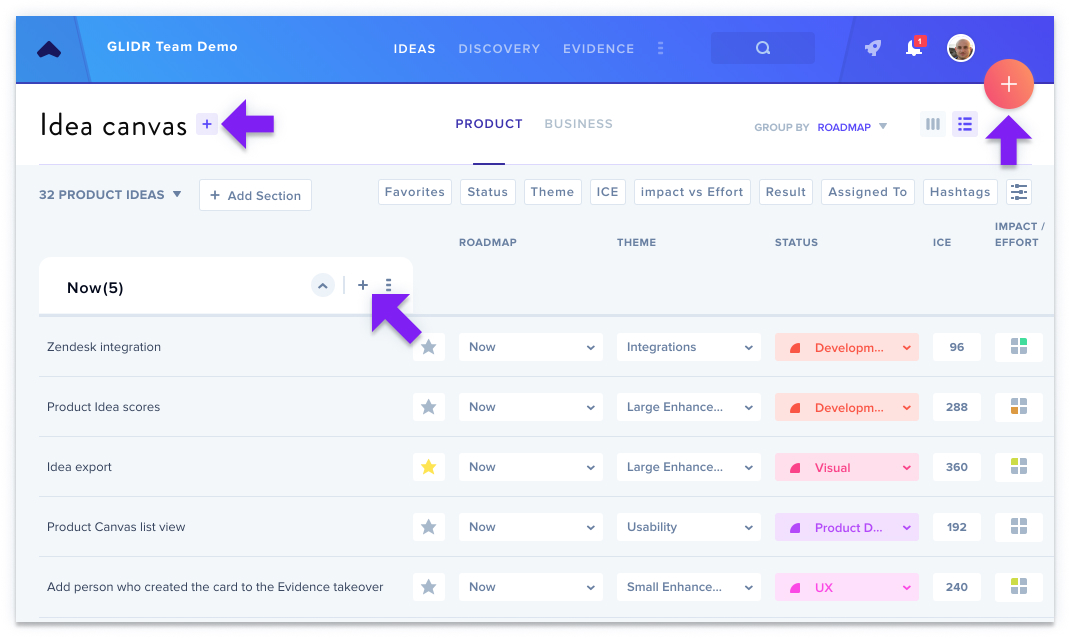
Categorize your Ideas
Your Ideas can be categorized by the following attributes:
- Roadmap — where the Idea is on your roadmap (i.e. "Now", "Next", "Future", etc.)
- Status — the status of the Idea (i.e. "In Development", "Live", etc.)
- Theme — your own categorization based on sub-sections of your product (i.e. "iOS", "Android", "Web", etc.)
- Prioritization Score — a numerical or matrix score, indicating the priority of an Idea
- Assignee — who will take the lead for this Idea
- Result — have you validated or invalidated this Idea?
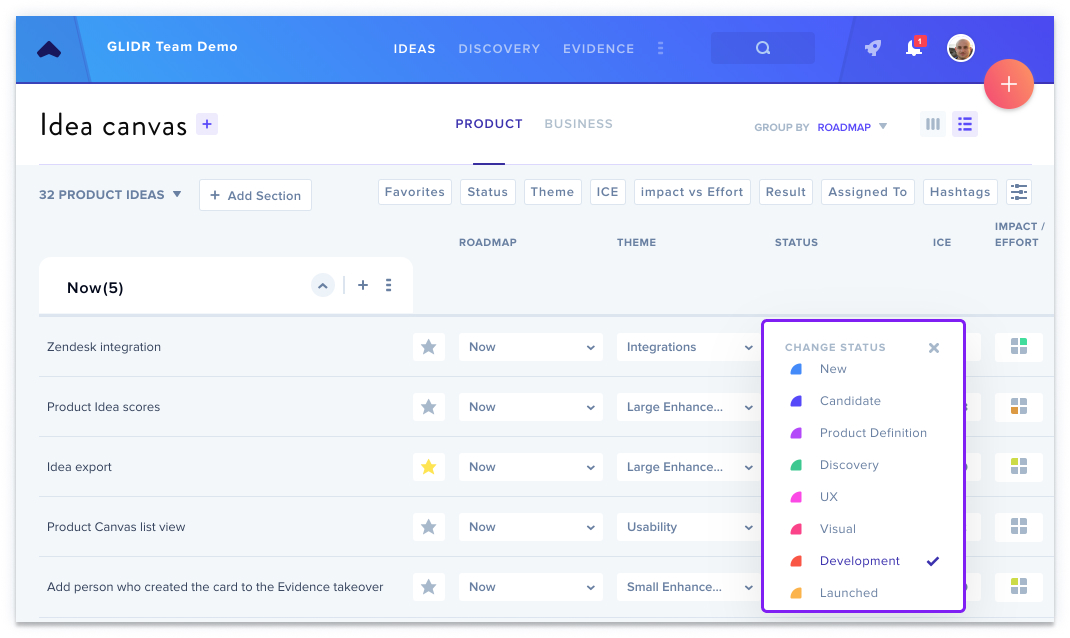
Prioritize Your Ideas
GLIDR offers several prioritization methods to help you prioritize your roadmap while minimizing subjectivity that can cause product teams to waste resources on unsuccessful features.
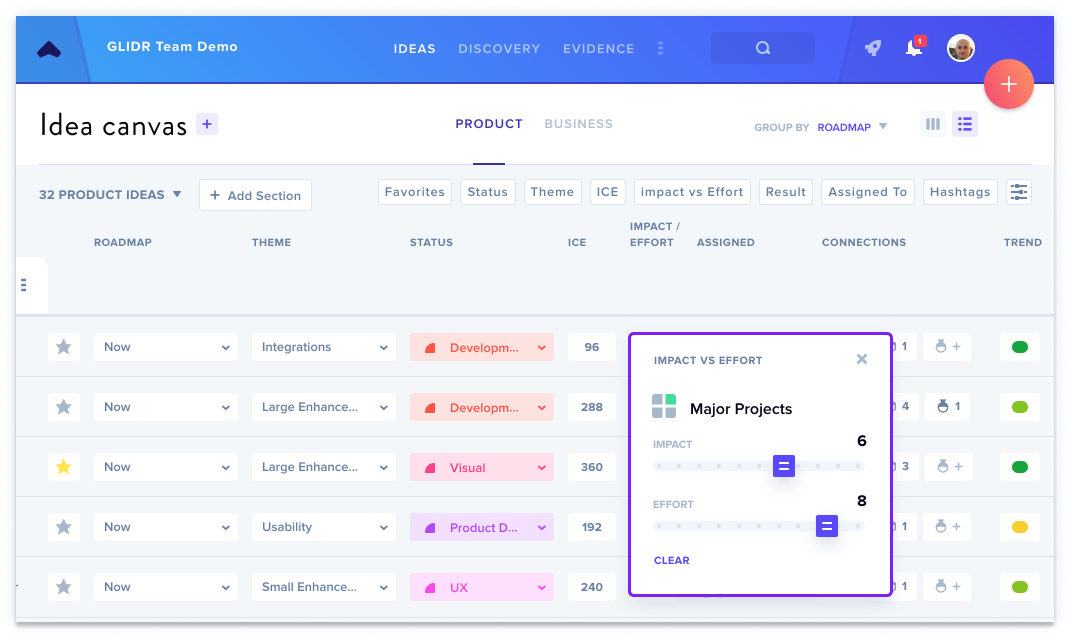
Switch Views
Visualize your roadmap in a way that works for you. While the Product Canvas defaults to List View, you can change to the Kanban view depending on your preferences.
Connect Evidence
Connect the feedback your users are giving you with the Ideas on your Roadmap to build features customers will appreciate.
Learn more about Customizing your Canvas.