
Use Prioritization Scores to add more color to your Ideas and help prioritize where to go next.
Prioritization Scores are a quantitative scoring method for your Ideas.
Enabling the Feature
Prioritization scoring is off by default in every tier. To activate it, navigate to your Project Settings and select the Product Ideas section — the steps are the same on Garage, Business, and Enterprise.
Configuration Options
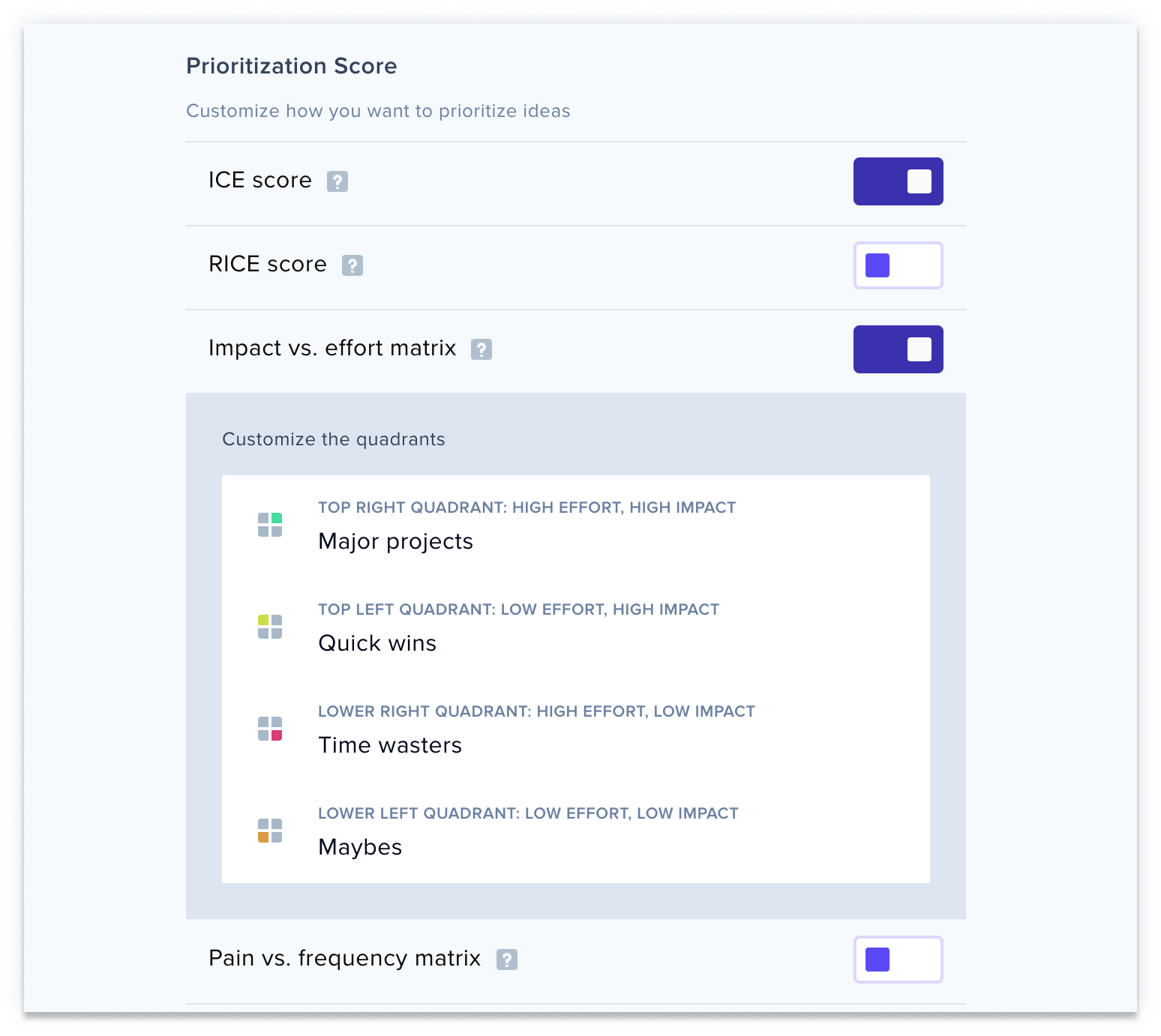
At the bottom of the settings page, you can toggle scoring methods on or off and adjust their labels according to your needs.
For deeper insights into leveraging these scores effectively, see Introduction to Prioritization Scores.