
Customize your Product Canvas by toggling sections on and off. Manage the visibility of elements like Status, Theme, and Prioritization Score through Project Settings.
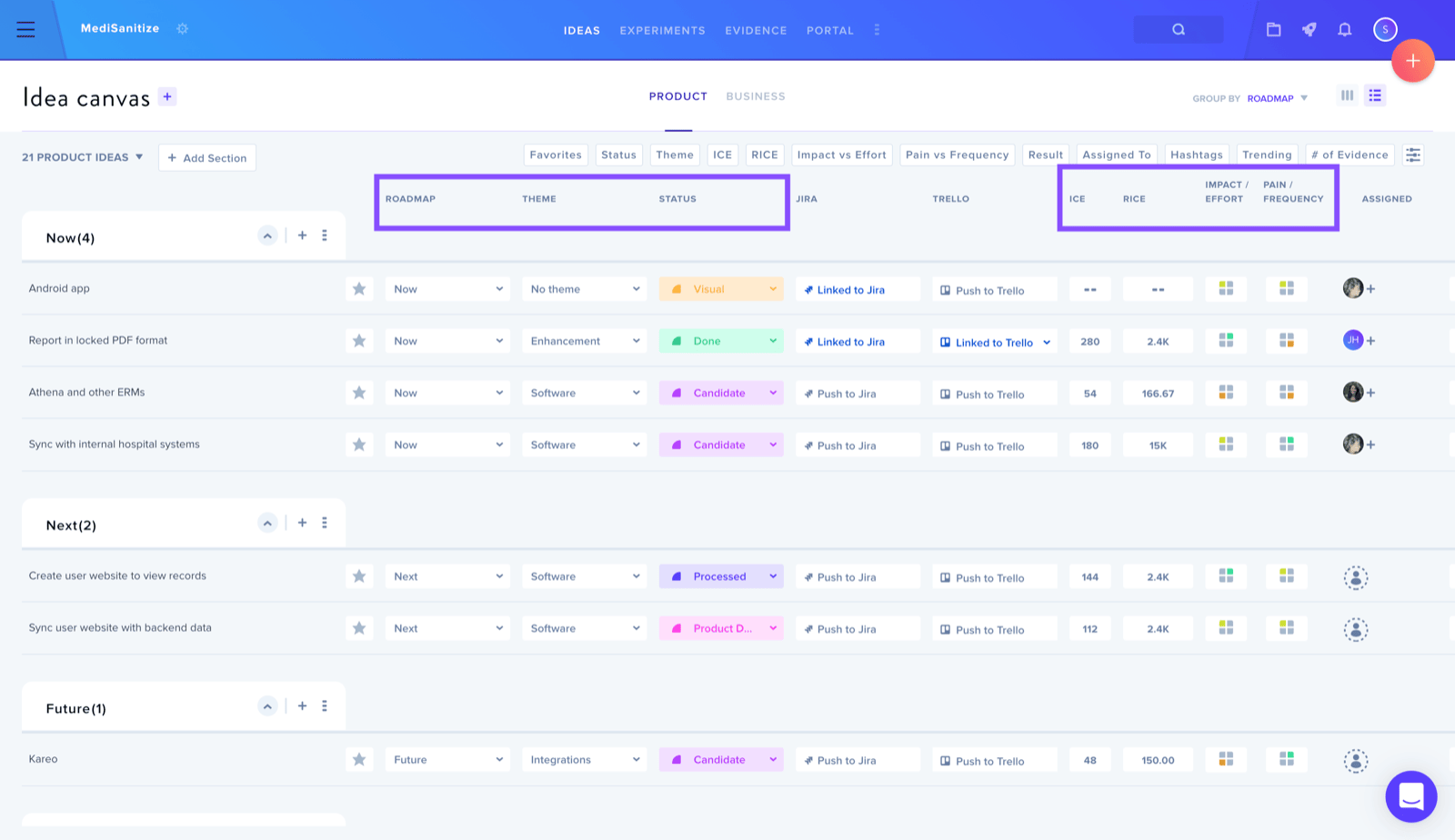
The process involves:
- Locating the wheel icon adjacent to the Project Name
- Selecting Settings from the menu
- Navigating to the Product Ideas tab
- Toggling individual section buttons between blue (active) and red (inactive) states