
How to manage your Business Model Canvas with your Product Canvas in GLIDR.
Each project includes one Business Canvas and one Product Canvas. To distinguish between different business model or product approaches, employ several strategies:
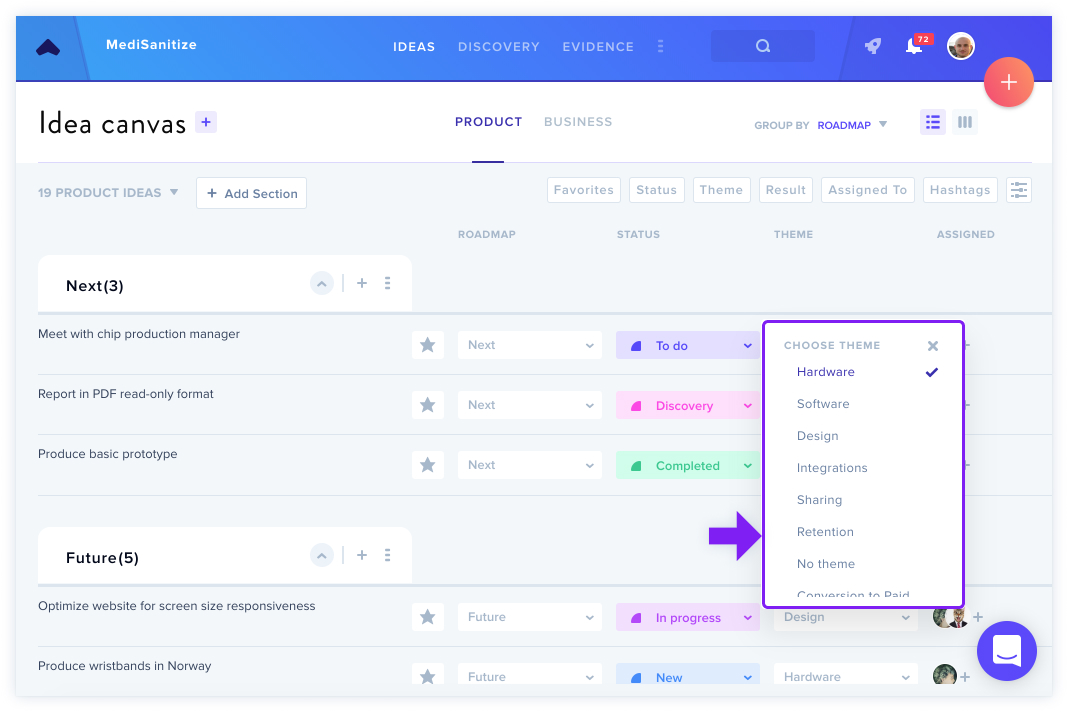
- Tag ideas and entries with themes like
#BusinessModelAand#BusinessModelB - Use the Connections feature on the Canvas
- Create custom themes in the Product Canvas (such as "desktop" or "mobile") based on what suits your product
Related Resources: