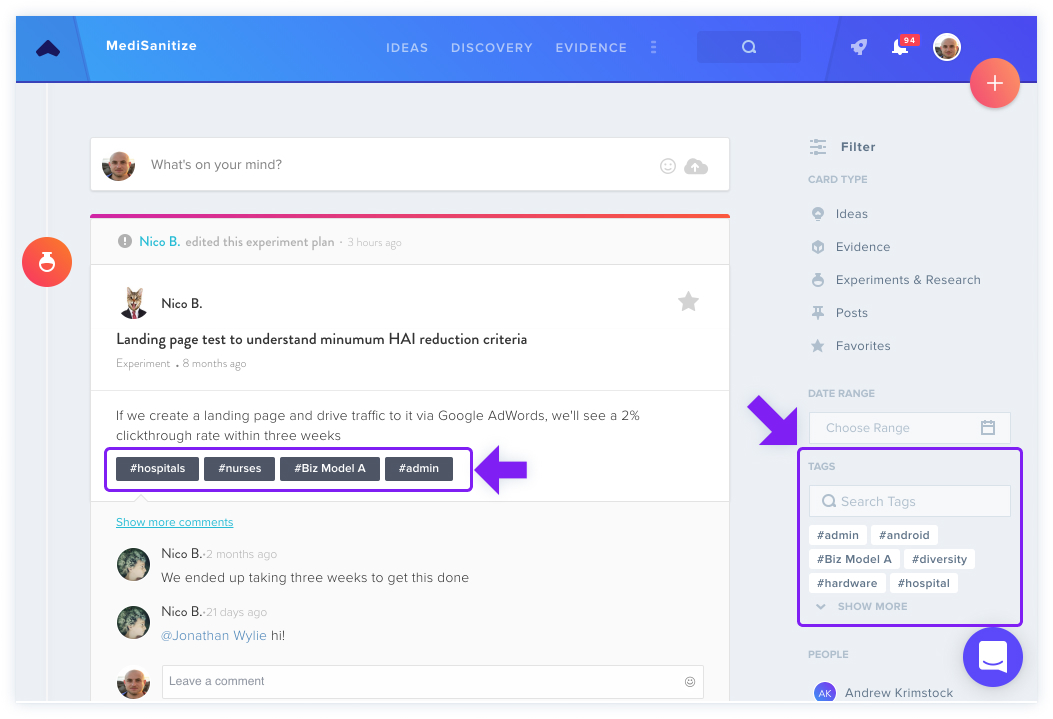
Tags serve as a mechanism for organizing and connecting project content by subject matter. To apply a tag to data, open the card's details view.
Adding Tags
Navigate to the Tags section and select + to create a new tag. Enter your keyword and press Enter to confirm.
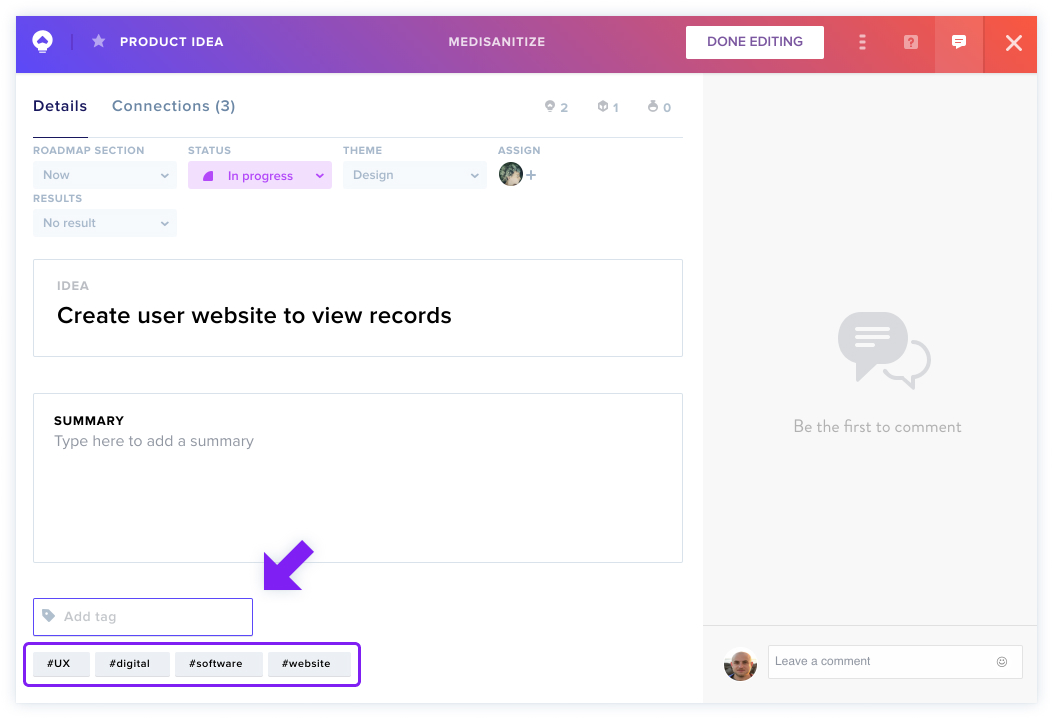
Viewing Tagged Data
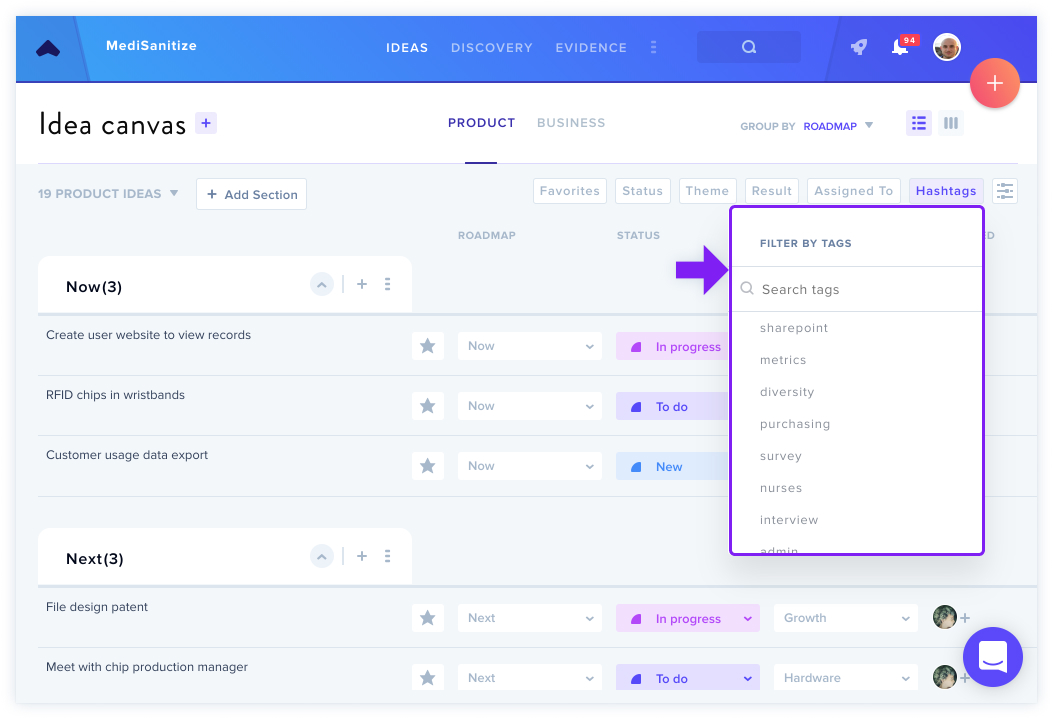
Tagged content appears on your canvas through filter icons and the search function, which covers ideas, evidence, discovery tasks, and posts.
In the Activity Feed, you can filter results by selecting specific tags from the right-side filter menu to display all associated data.
Permissions
This feature is available to all owners, admins, and members.
For more on search, see Search All Projects or searching your projects and collections.