
Maximize the value out of your Contacts Database.
The Contacts Database is available on the Business and Enterprise tiers and LaunchPad on GLIDR.
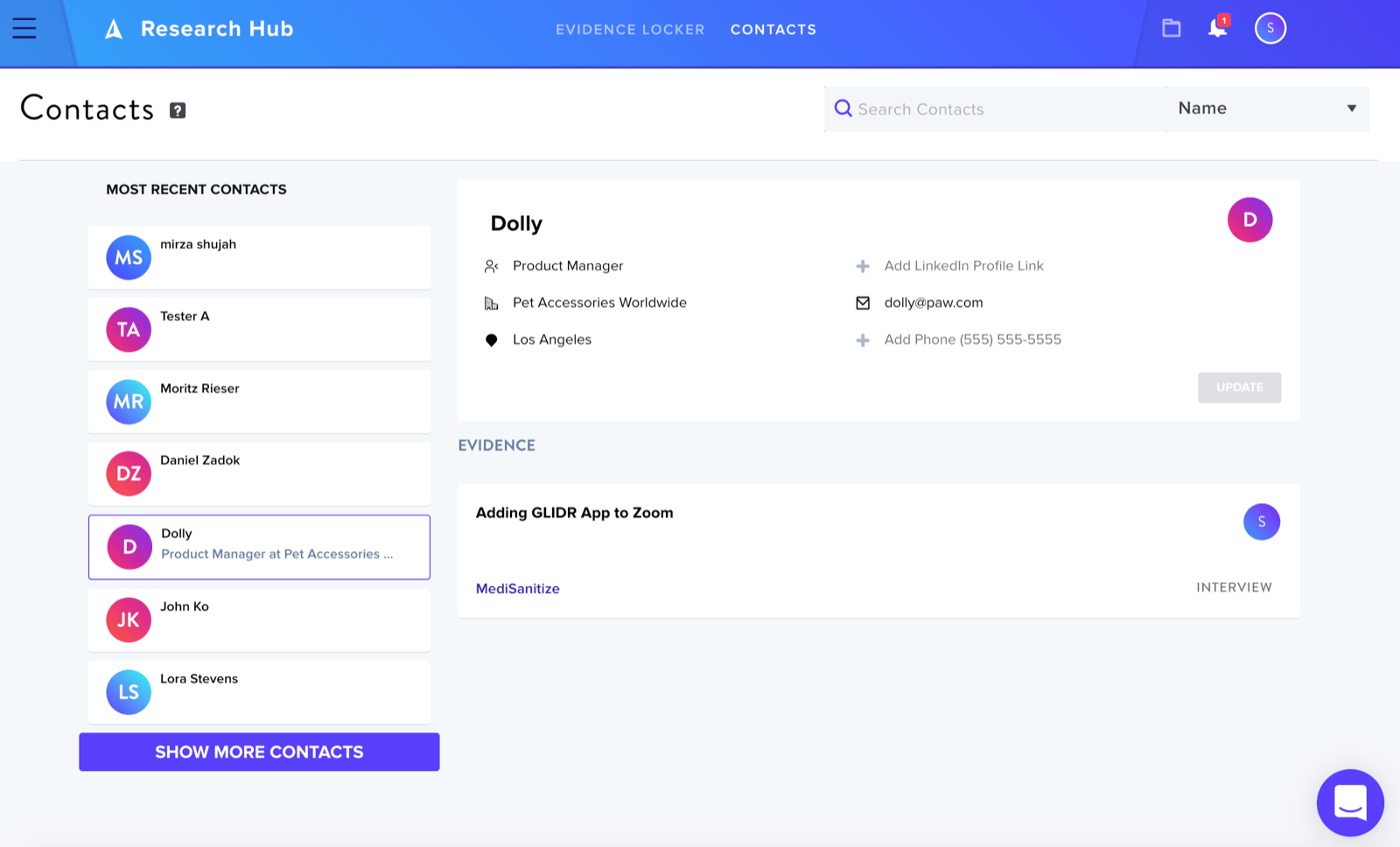
This feature is only available for organization admins and owners. For the Enterprise tier, all organization members can view the database, but only organization admins and owners can edit and add contacts.
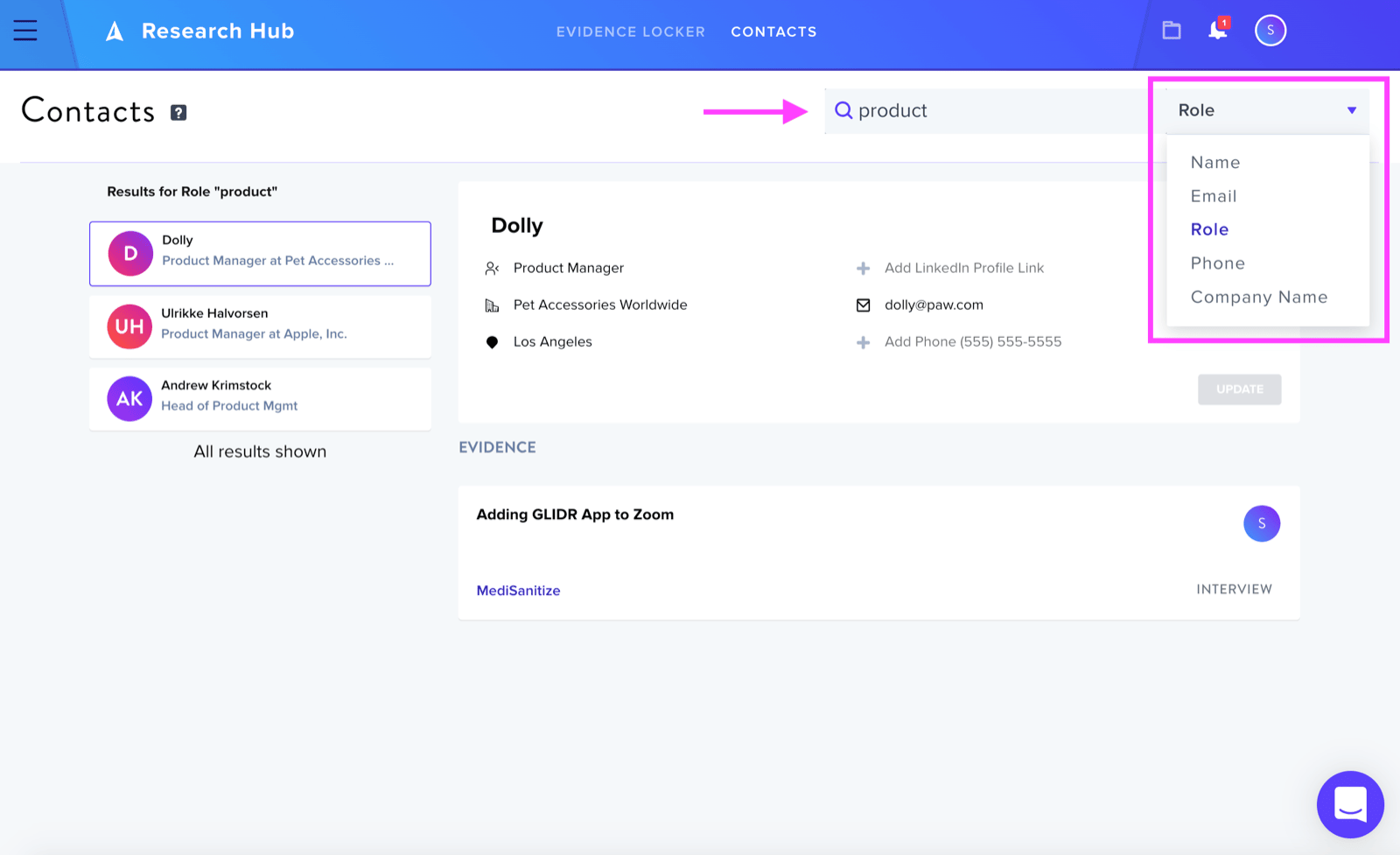
In the database, you can search for contacts using keywords such as role, name, or company name.
When you select a contact you can view the interviews logged as well as who added the interviews.
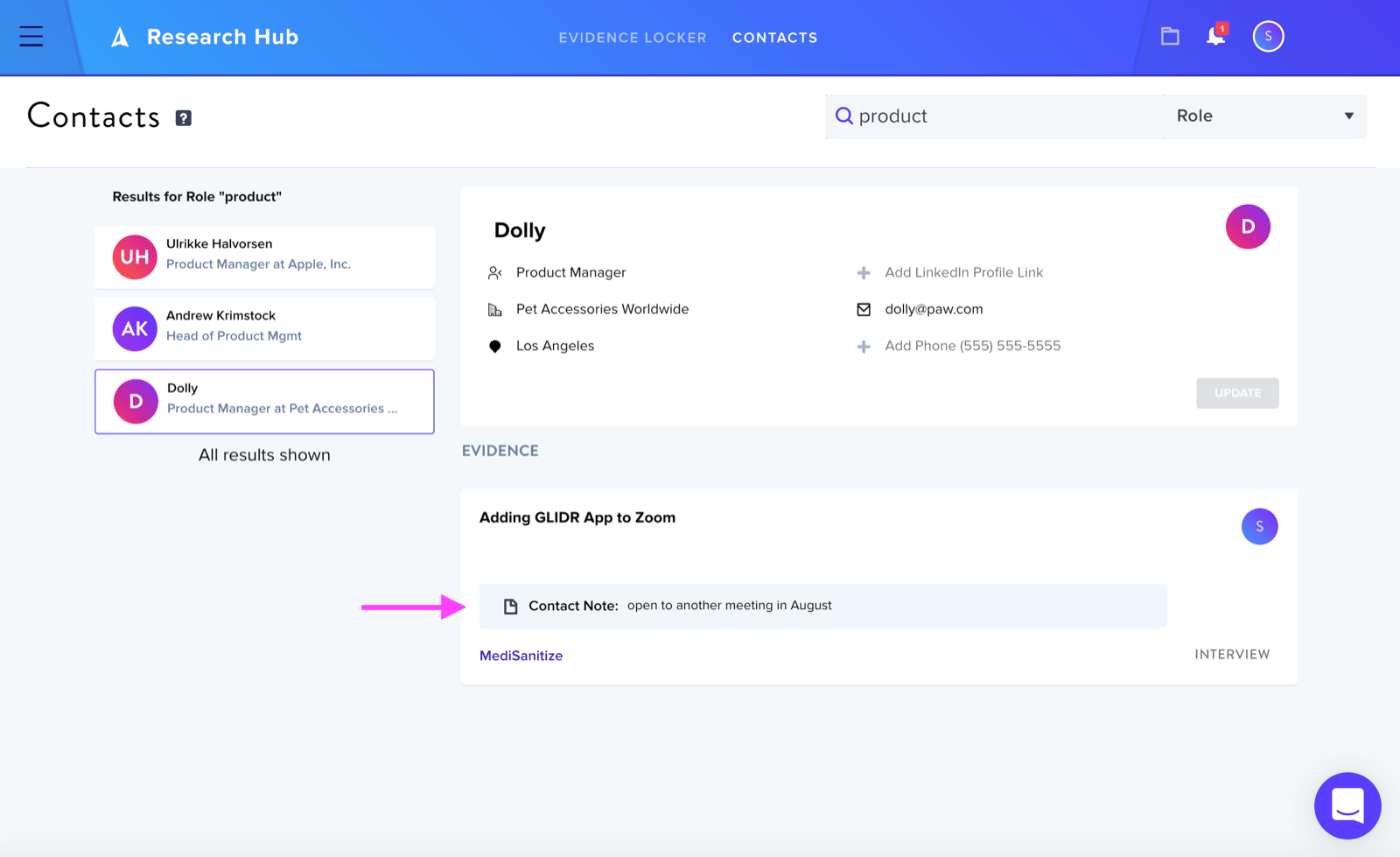
You can also view contact notes about a contact such as "open to more interviews" or "do not contact again."
When updating an existing contact, you can do so for an individual interview or all interviews related to that contact.