
Cards refer to ideas/hypotheses, experiments, evidence, or posts.
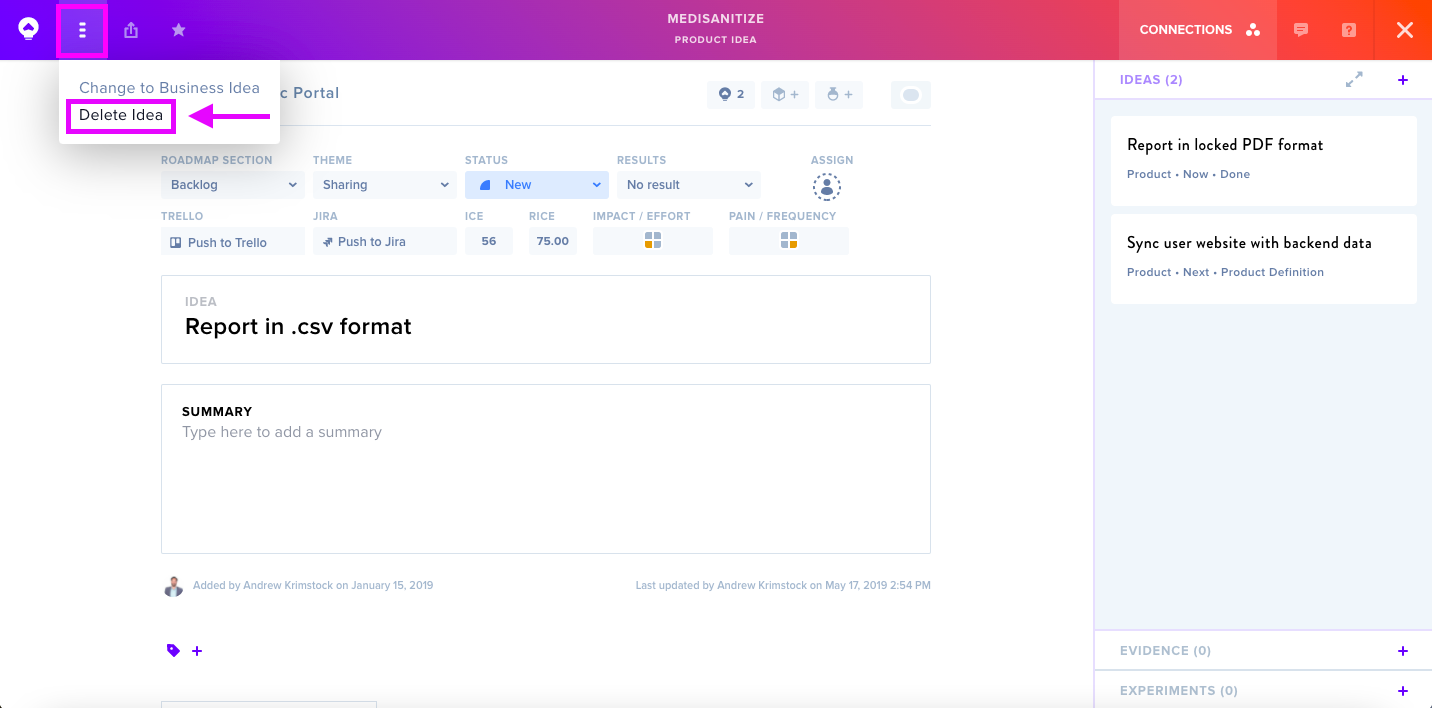
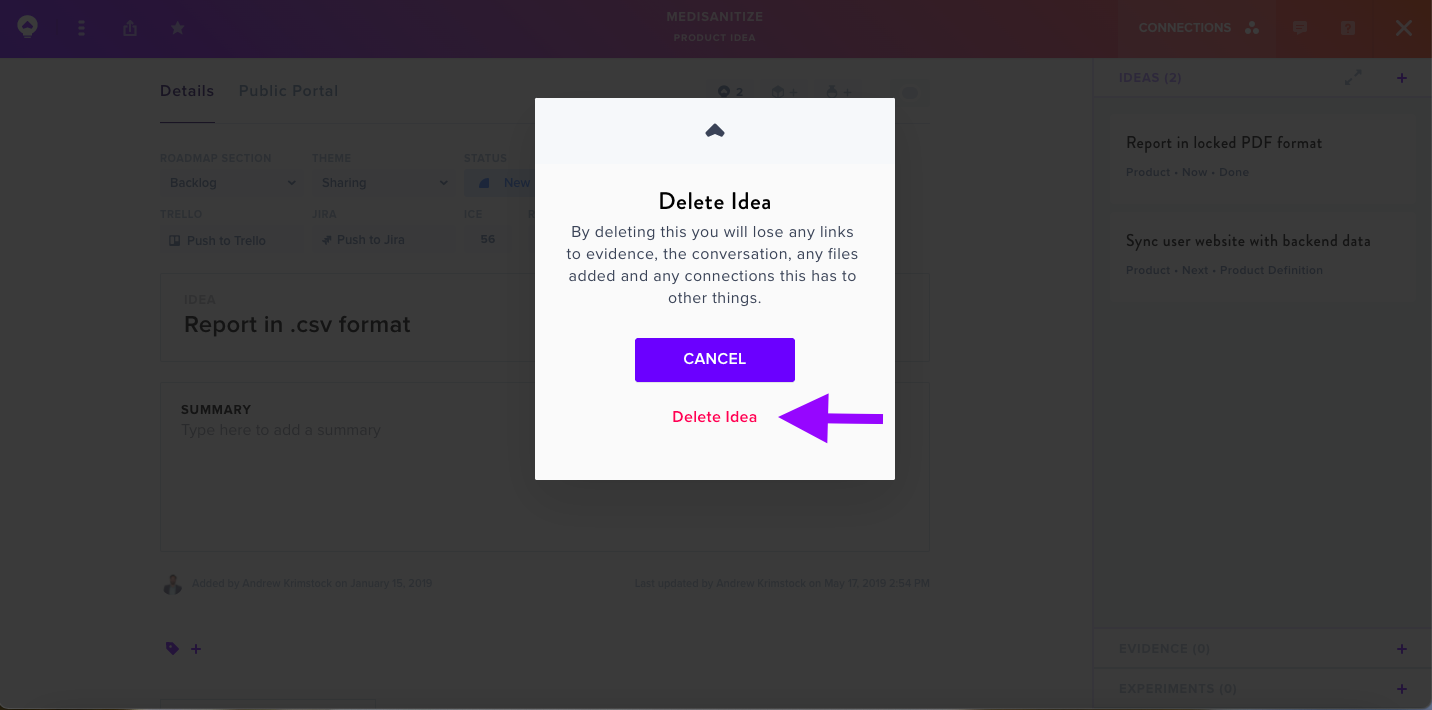
To remove a card, open it and locate the three-line menu icon at the top. Select Delete from the options. A confirmation dialog will appear — click Delete again to finalize the removal.
Important Notes
Consider alternatives before permanently deleting: invalidate rather than delete your unsupported ideas. The Status menu allows moving cards to Parked, Archived, or Completed states instead.
Once deleted, cards cannot be recovered.
For related guidance, see Edit a Card.