
You can manage notifications for individual projects alongside your overall notification preferences.
How to Access Project Notifications
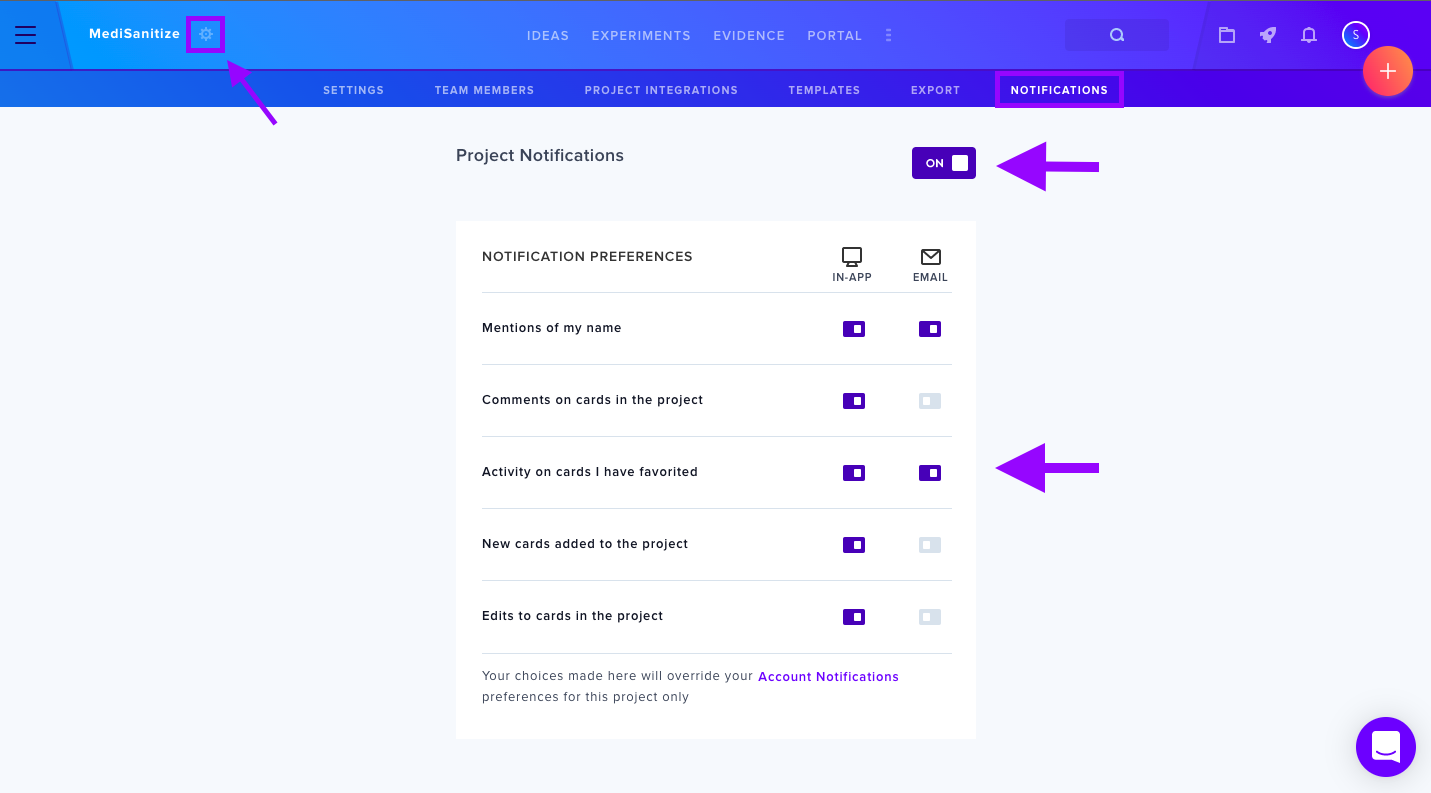
Click the Gear icon next to your project in the left-hand navigation and select Notifications at the top to customize your preferences.
Available Notification Options
- Mentions of my name — Alerts you when someone tags you with @mentions.
- Comments on cards in the project — Updates on contributions you've made.
- Activity on cards I have favorited — Changes to items you've marked with the star icon.
- New cards added to the project — Notifications when new cards are created.
- Edits to cards in the project — Updates to any card modifications.
For more, see Manage Project Settings.