
The Product Canvas feature enables users to capture feature ideas, user stories, and other product ideas directly in GLIDR. The default view is List View, though users can switch to Kanban format alternatively.
List view
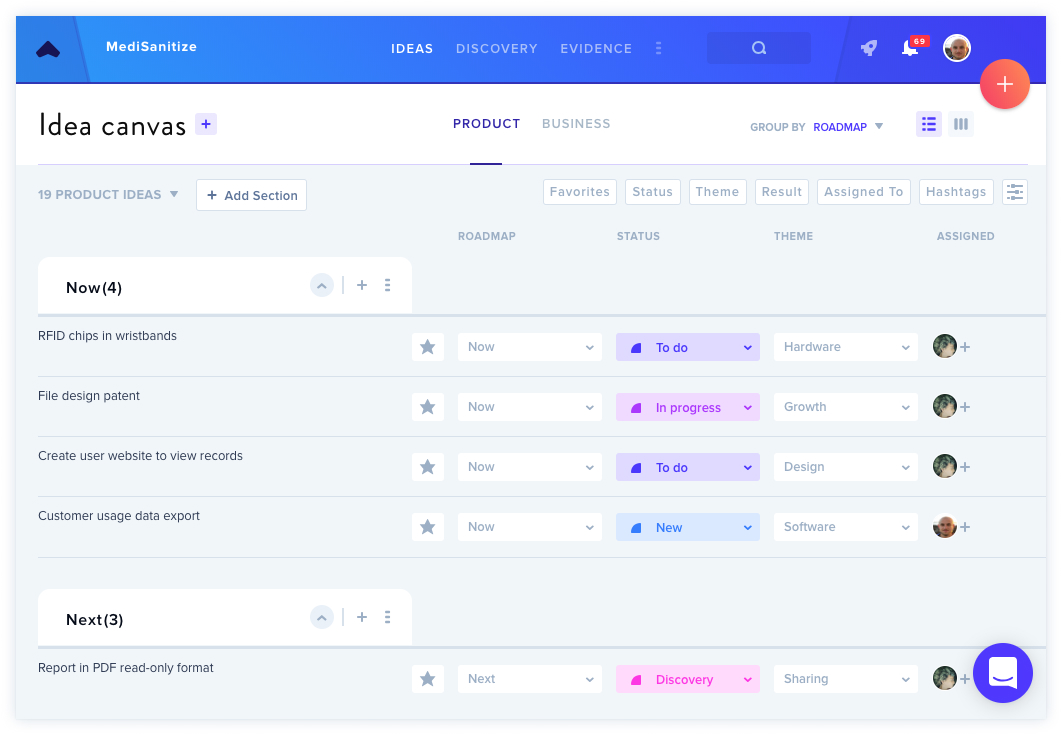
In this view, several inline quick actions are available without opening individual cards:
- Update Roadmap, Status, or Theme via dropdown icons
- Connect cards to Ideas, Evidence, and Experiments using dedicated icons
- Manage assignees and perform other modifications
Connecting Evidence
Users can connect Ideas and Evidence from within List View, making it easy to quickly make changes.
Prioritizing Your Ideas
The drag-and-drop functionality allows reorganization of ideas both within and between sections. Entire sections can also be repositioned this way.
Filtering Your Ideas
A filtering system enables viewing specific ideas based on criteria including status (such as in-progress items), theme, assignee, or hashtag by clicking filter buttons above the ideas list.