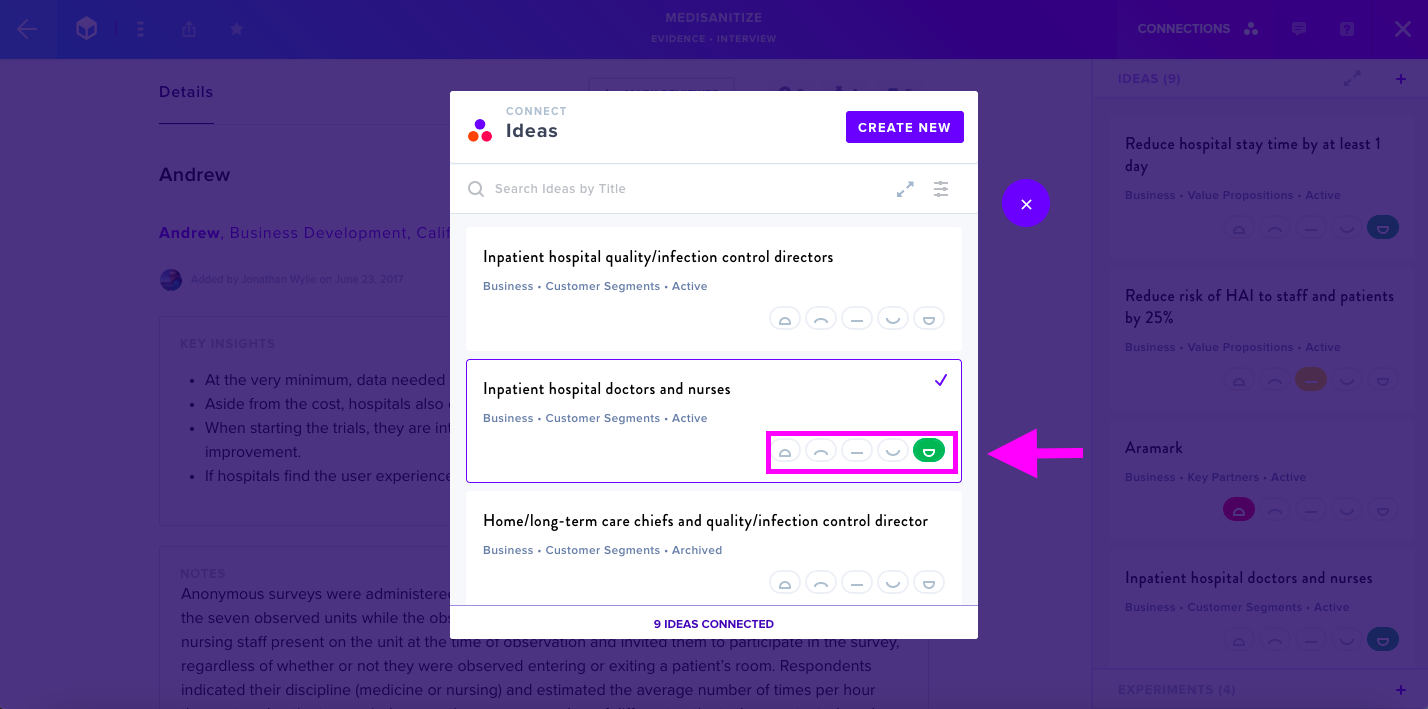
Once you've added your Evidence, you can begin connecting it to Ideas and Experiments. This allows you to see which Ideas are connected to which items of Evidence, as well as how well the Evidence supports or doesn't support your Ideas.
Connect Ideas
Clicking on the Connections tab from inside your Evidence will pull up the menu section showing existing connections, as well as allowing you to connect new Ideas and Experiments.
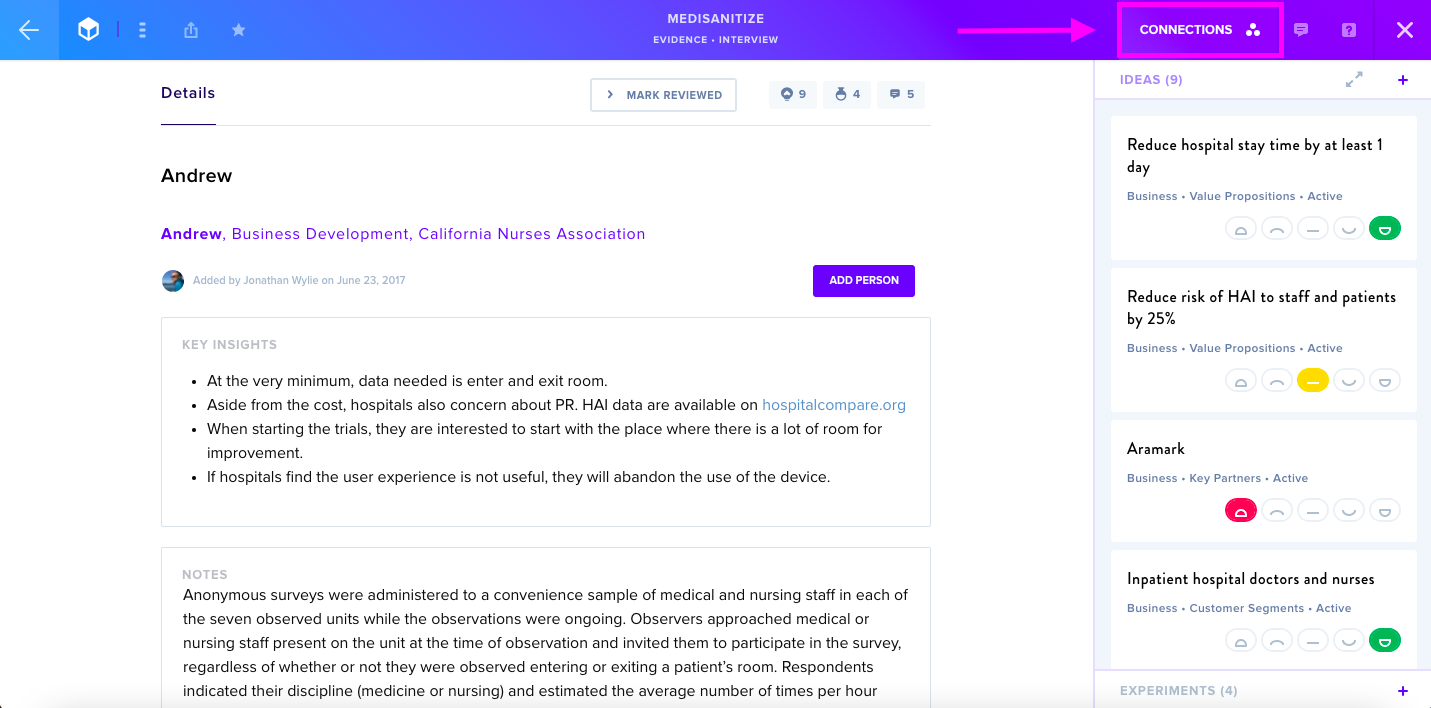
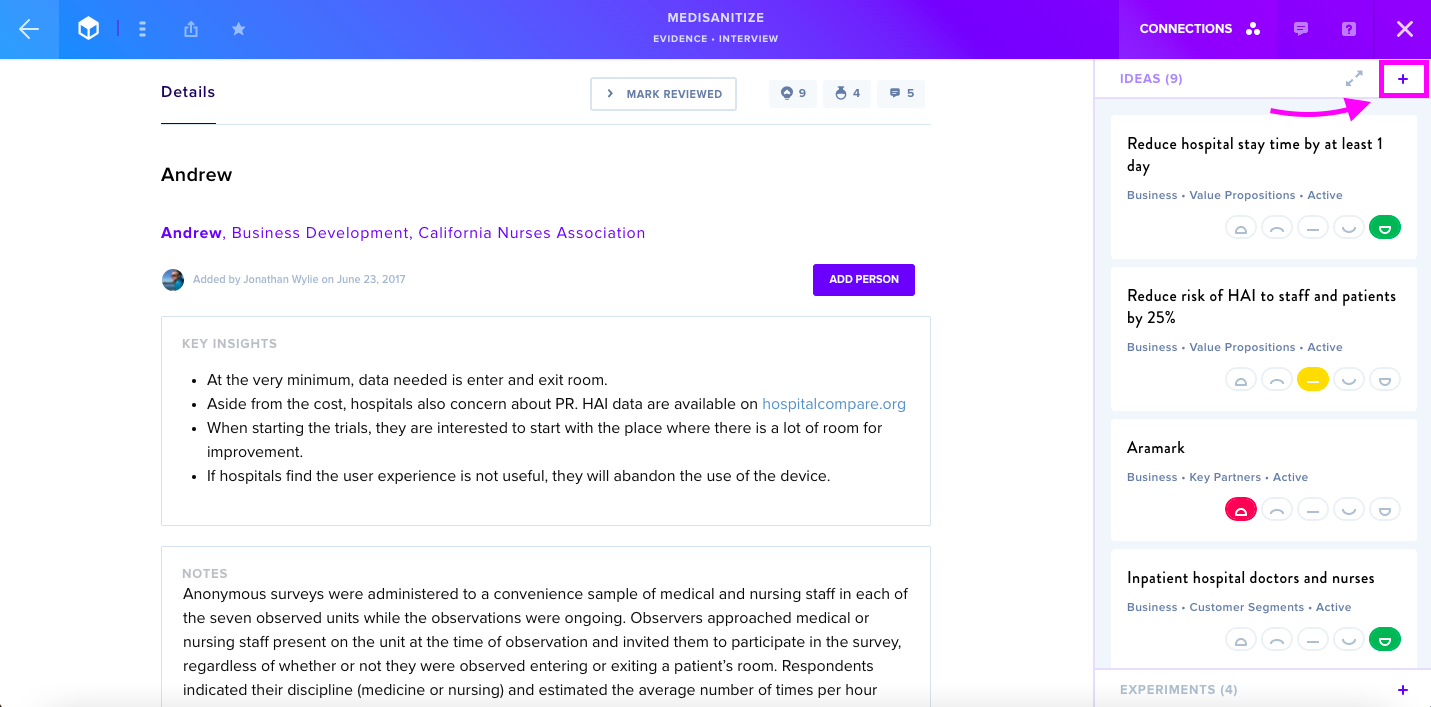
Any existing connections will appear here, while clicking the + button will allow you to add or remove connections to Ideas or Experiments.
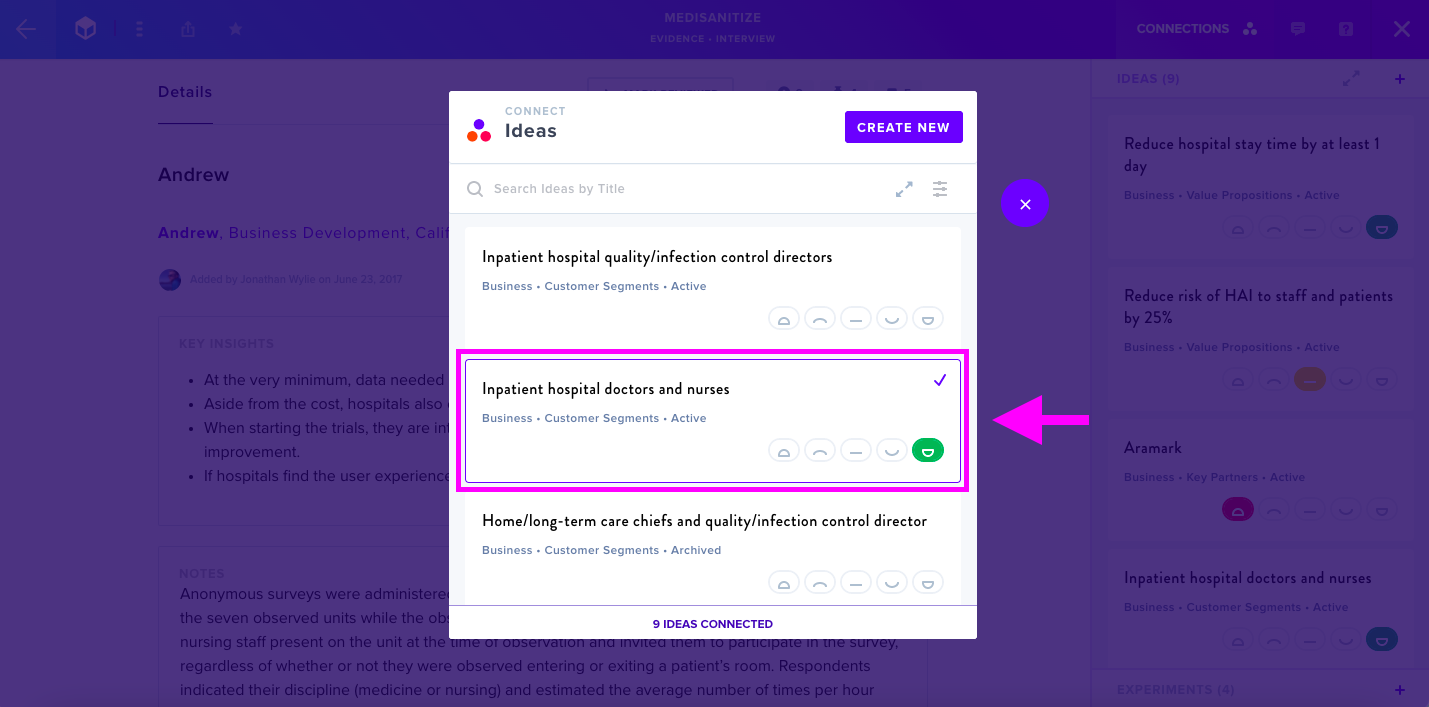
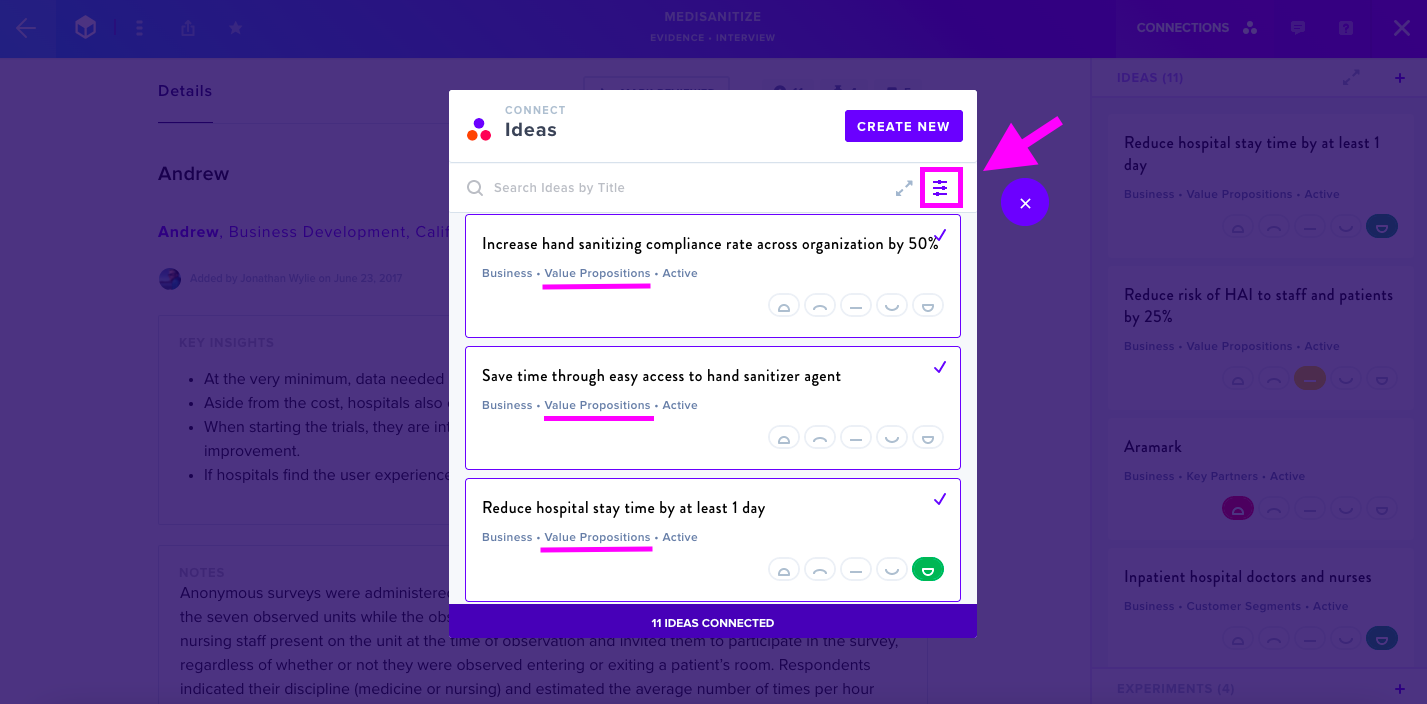
Select the Ideas you would like to connect by clicking on them, or click on already selected Ideas to de-select them.
You can also filter by Canvas Section or Result.
AI-Suggested Connections
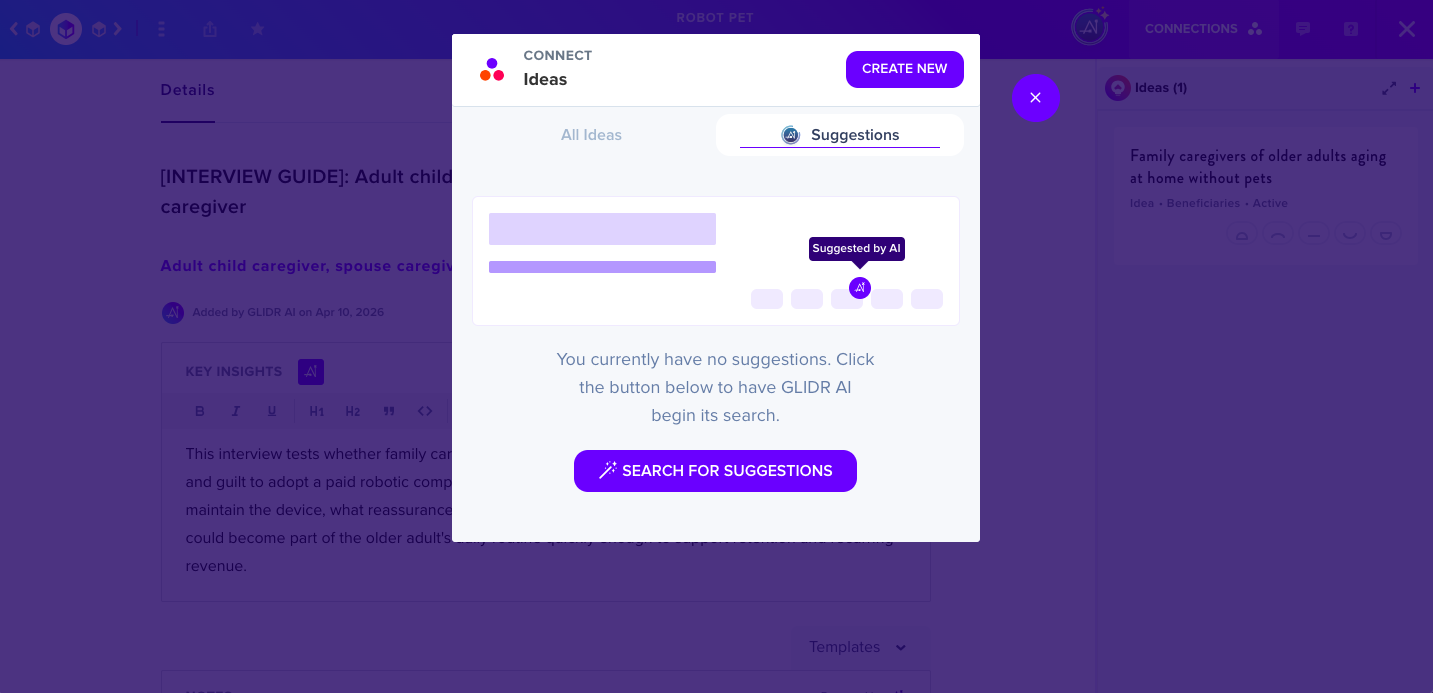
Not sure which Ideas to connect to your Evidence? Let GLIDR AI help. Click the Search For Suggestions button to have GLIDR AI begin its search.
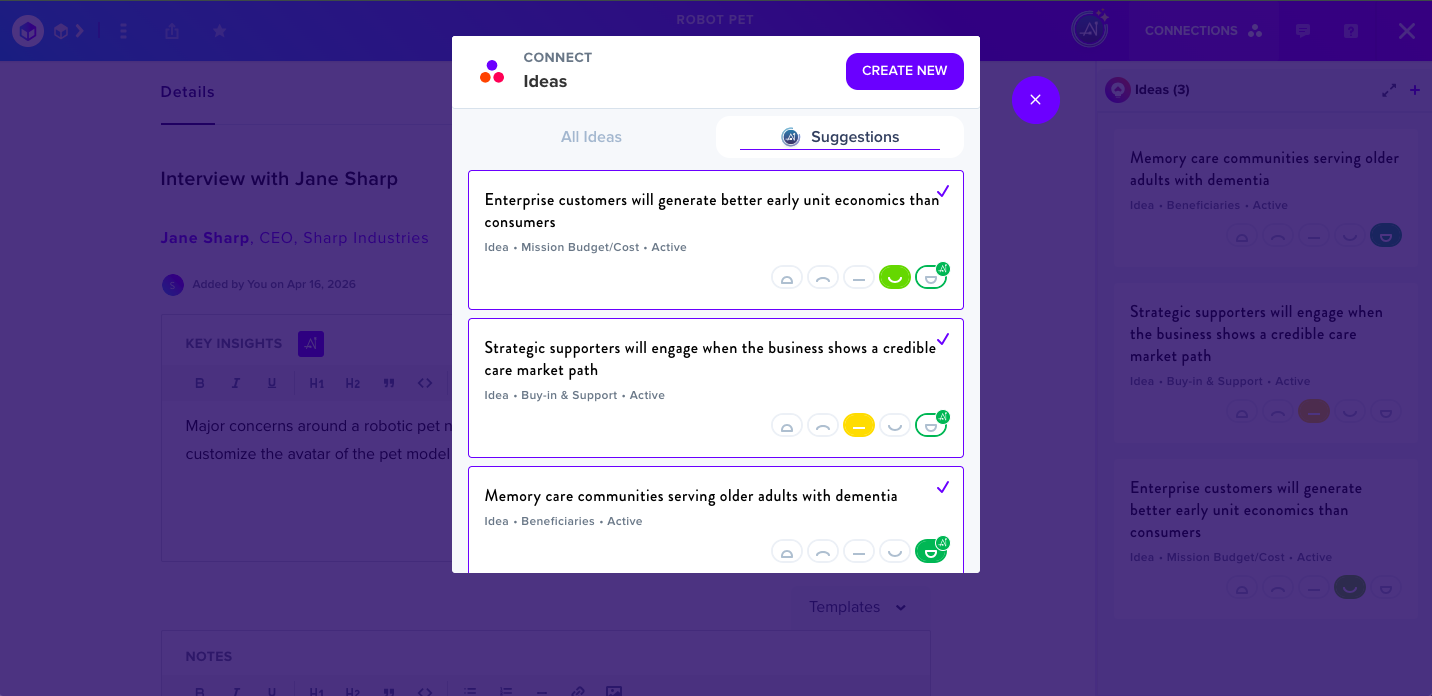
Then choose from the list of suggestions. Make sure to rate them when you're finished.
Rate Ideas
Finally, your connected Ideas will appear on screen, along with an option to rate your Idea on a scale from Disconfirming to Confirming. The scale relates to how well this individual piece of Evidence supports (or doesn't support) the Idea in the box. This becomes part of the Idea's Trending Score.