
From the Activity Feed, you can quickly filter and sort through recent and past updates to your project.
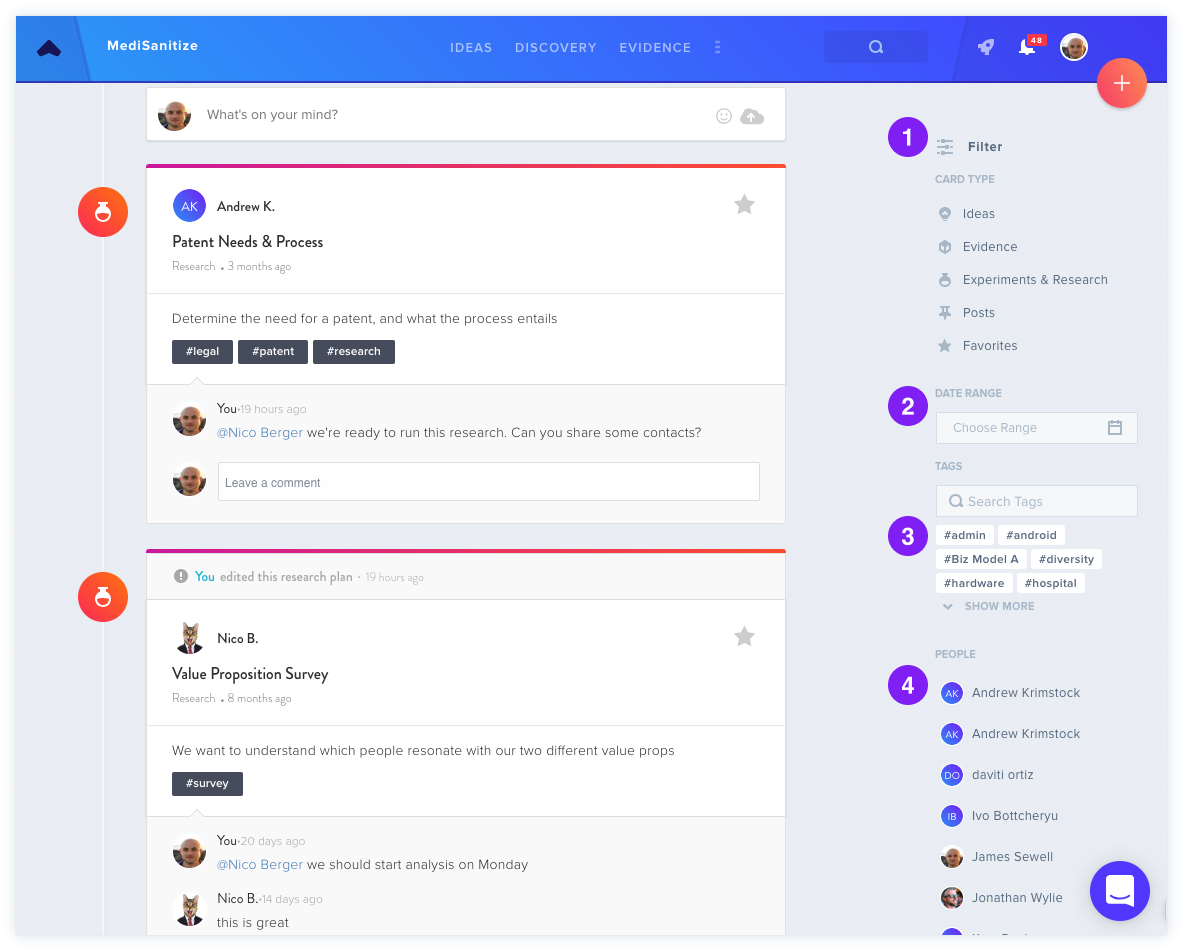
Filtering Options
- Filter by Card Type: choose the type of Posts you'd like to see, such as only your Evidence.
- Filter by Date Range: use this to only show Posts from between dates of your choosing.
- Filter by Hashtag: choose which hashtags you'd like to see.
- Filter by People: use this to filter by team member.
You can apply multiple filters at once.
Pro Tip
Use the keyboard shortcuts Ctrl+F (Windows) or ⌘+F (Mac) to quickly find a word or phrase.
For additional information about Posts, see the Post Overview.