Your GLIDR AI Agent operates as your project Thought Partner, while your Portfolio Agent leverages knowledge across all Projects and Collections within your Organization.
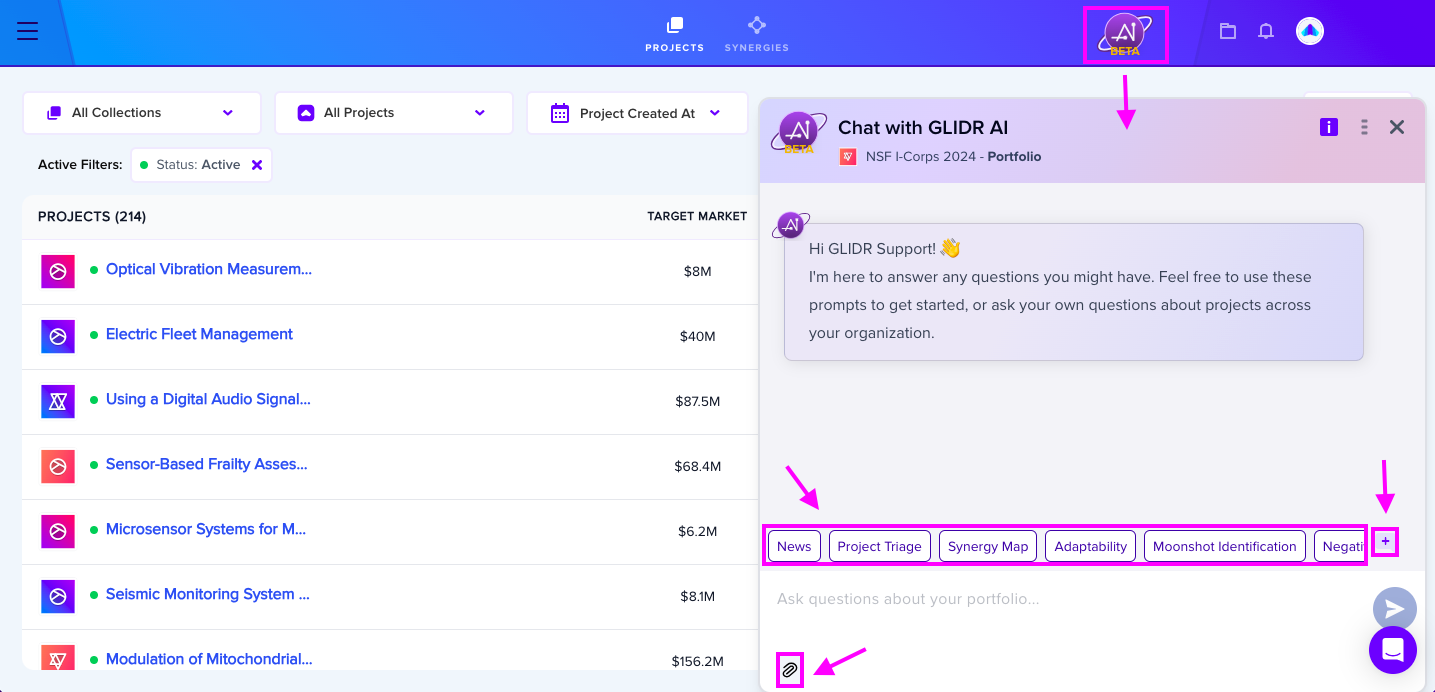
You can select a prompt from the available list, compose a custom prompt, or attach files for additional context. Initiate a new conversation by clicking the + button at any time.
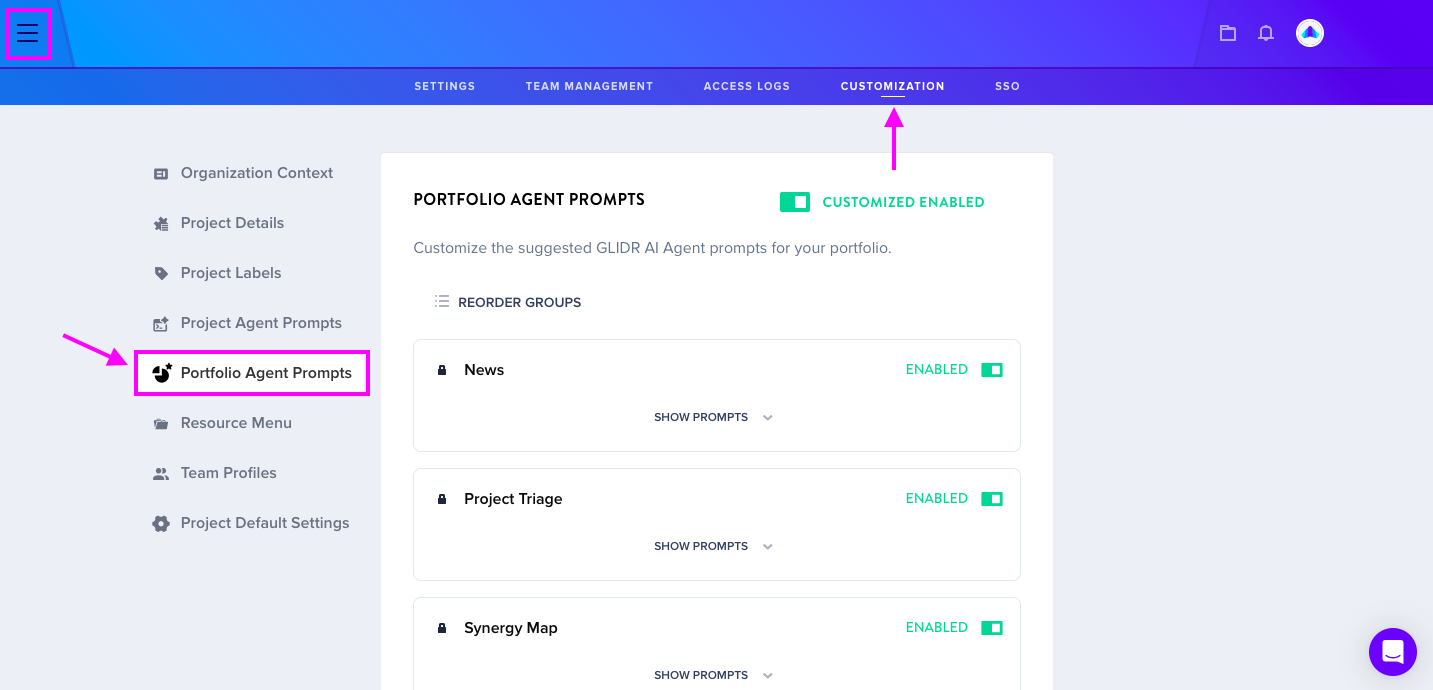
Custom Portfolio Agent prompts can be configured in Organization Management > Customization > Portfolio Agent Prompts. Any custom prompts created will be accessible to all Organization users with Portfolio Agent access.