
A step-by-step guide for signing up with GLIDR AI.
Step 1: Visit the GLIDR AI Website
- Open your web browser and go to GLIDR AI (opens in new tab).
Step 2: Click on "Sign Up"
- On the homepage, enter your email and click the Sign Up button.

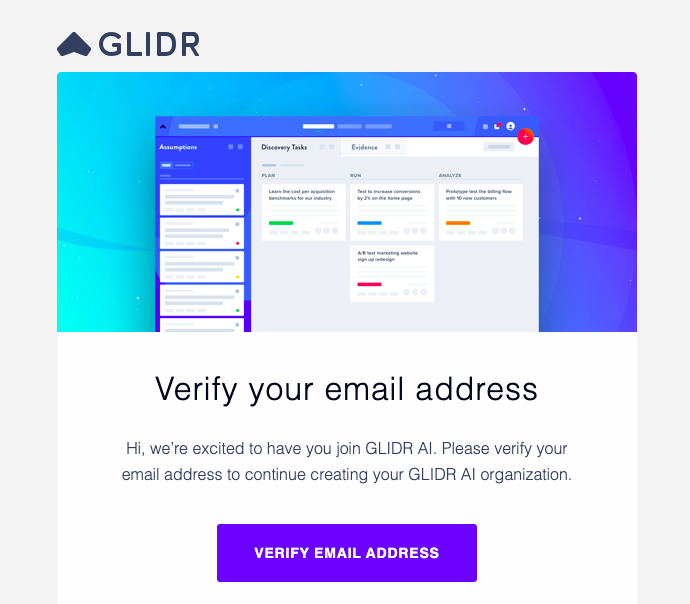
Step 3: Verify Your Email
- Check your email inbox for a verification email from GLIDR AI.
- Click on the verification link provided in the email to confirm your account.
Step 4: Log In To Your New Account
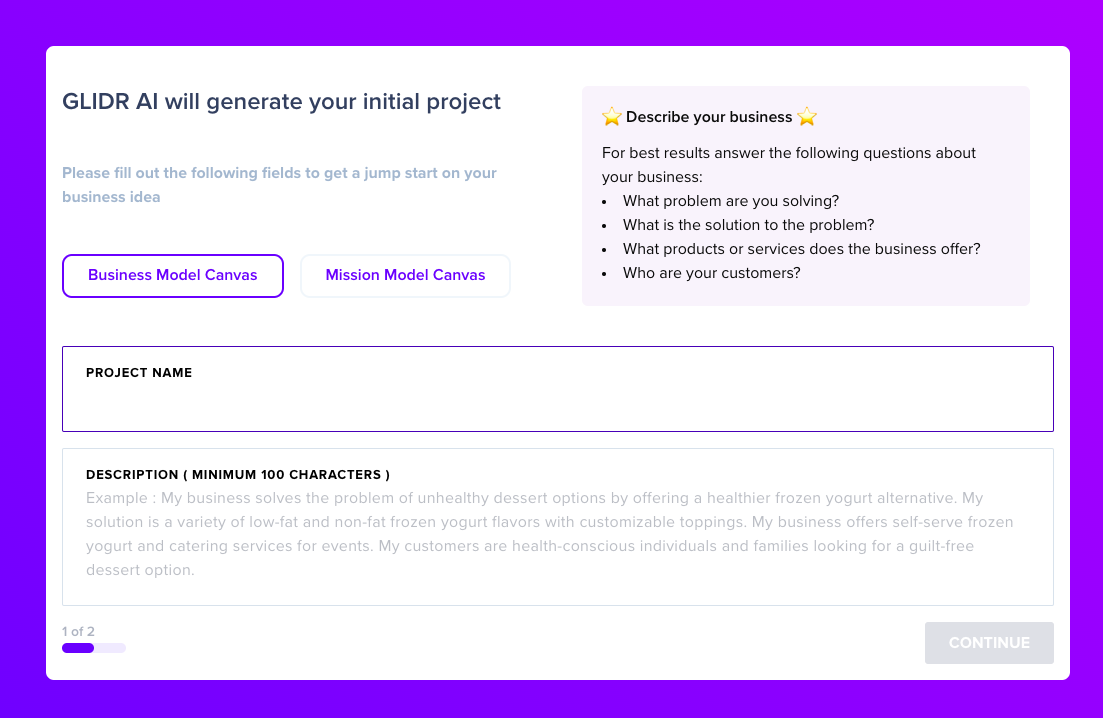
- Create your Organization
- Select your Canvas
- Name your Project
- Create your Project Description — 2-4 sentences between 100-800 characters
- Add payment options
Step 5: Start Exploring
- Access the Dashboard, Canvas, and explore the array of GLIDR features.