
Need extra hands-on for an issue within your project? Let GLIDR Customer Support take a closer look.
If you're experiencing an issue and need extra help, you can grant temporary permission to GLIDR Customer Support to access your organization and investigate. When ready for troubleshooting, contact support through the purple chat icon at the bottom of the screen.
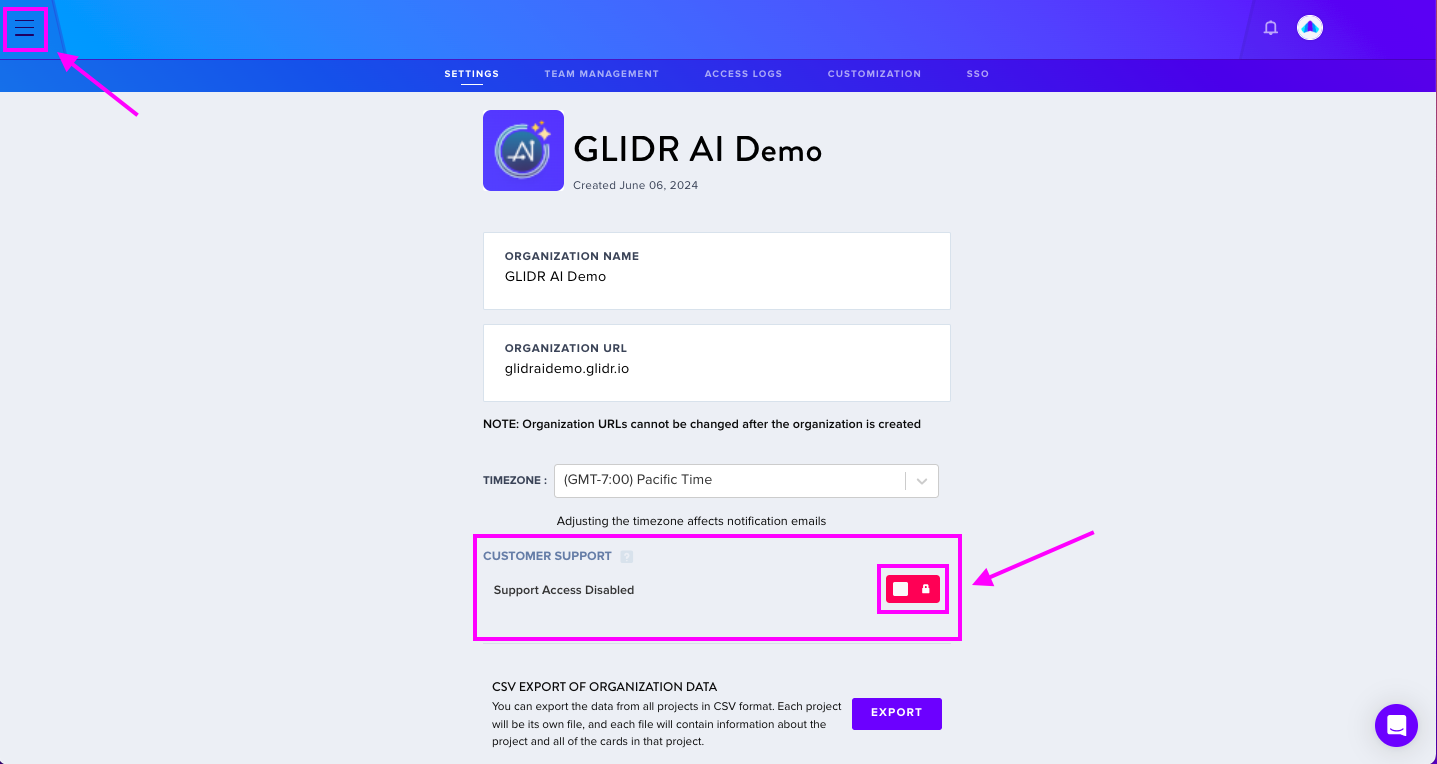
To enable this feature
- Navigate to Organization Menu > Org Name > Organization Settings
- Click the red toggle
- When the toggle turns purple, the feature is enabled and GLIDR Customer Support can access your organization
- Once the issue is resolved, return to deactivate and rescind permission
This feature represents the commitment to balancing data privacy with responsive support.