
Experiments progress through three phases: Plan, Run, and Analyze. Once you've finished collecting data and documenting results, you can finalize your test by selecting Complete from the top of the Experiment screen.
After completion, experiments become locked and cannot be modified. This protection ensures the integrity of the results and information gathered there and allows it to remain intact in light of new learnings and data.
Steps to Complete an Experiment
- Click Complete after finishing the Analyze phase.
- Confirm your intent to complete the test.
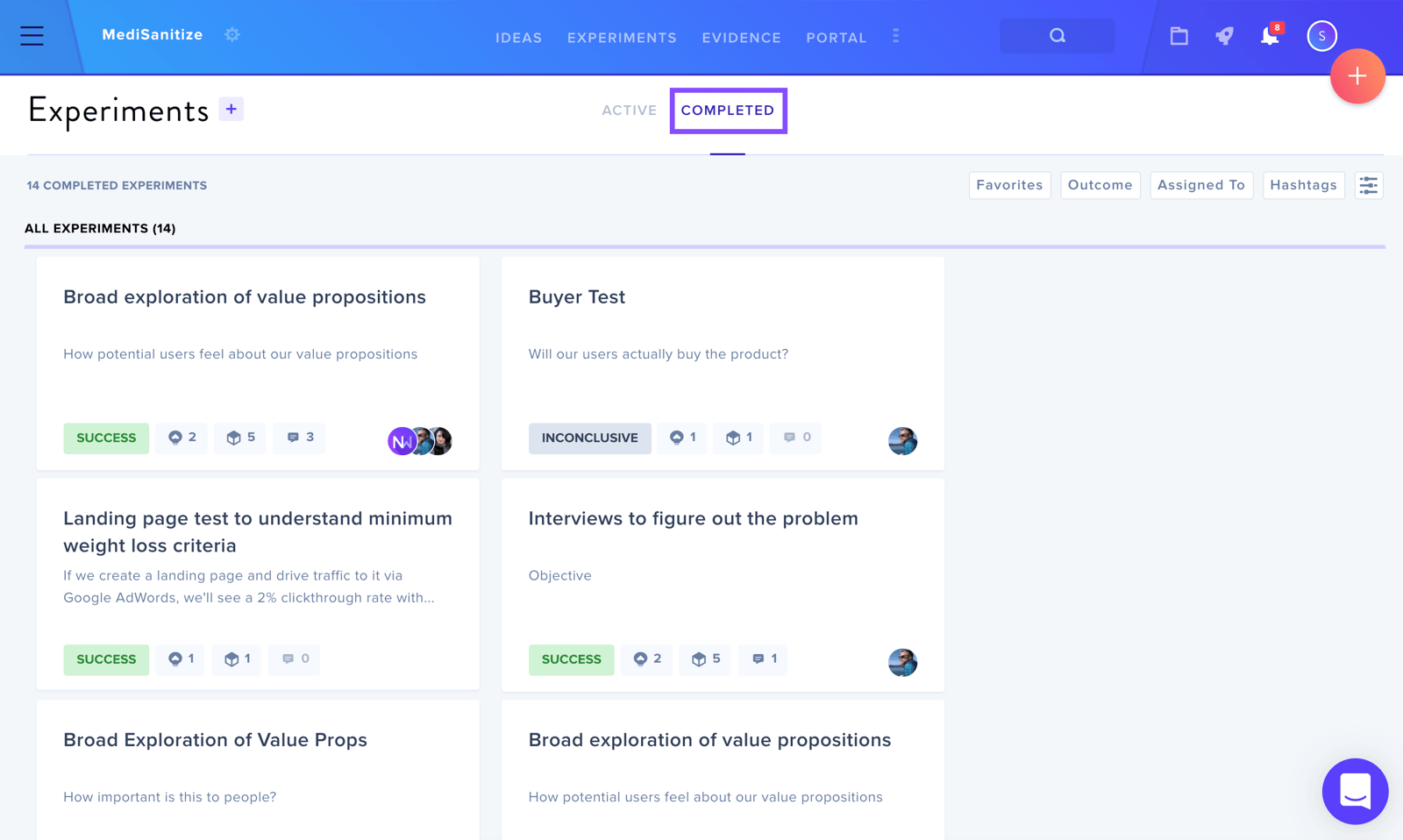
Once finalized, the experiment transitions from the Active section to the Completed section and becomes read-only.
For additional information about experiments, see Experiments Overview.