Use Experiments in GLIDR to target your research more effectively.
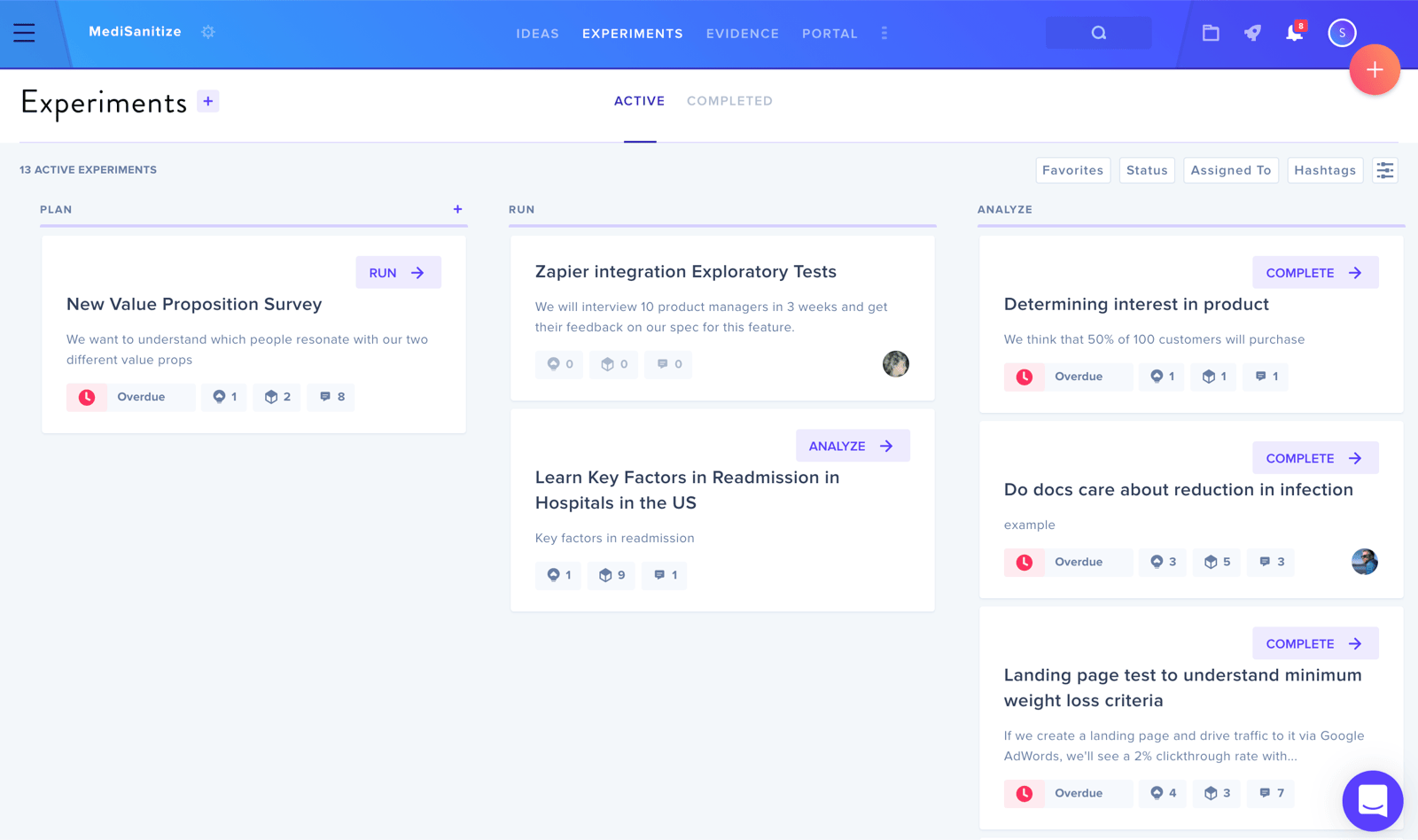
The Experiments section helps teams put rapid experimentation at the center of their work and helps managers track, analyze, and disseminate the knowledge gained in order to accelerate their ideas. This feature can be turned on and off by Org Owner and Admin in Project Settings.
Experiments provide the structure necessary to design and run great tests (avoiding common cognitive biases), and are flexible enough to support a variety of applications and starting points.
Experiments are similar to Evidence, with more focus on testing live user behavior, and with a clearly-articulated hypothesis that can be proven or disproven. The team decides the criteria to evaluate success before running the experiment, then they gather data, before finally analyzing it.
Move Through Phases
There are three phases of each Experiment: Plan, Run, and Analyze.
-
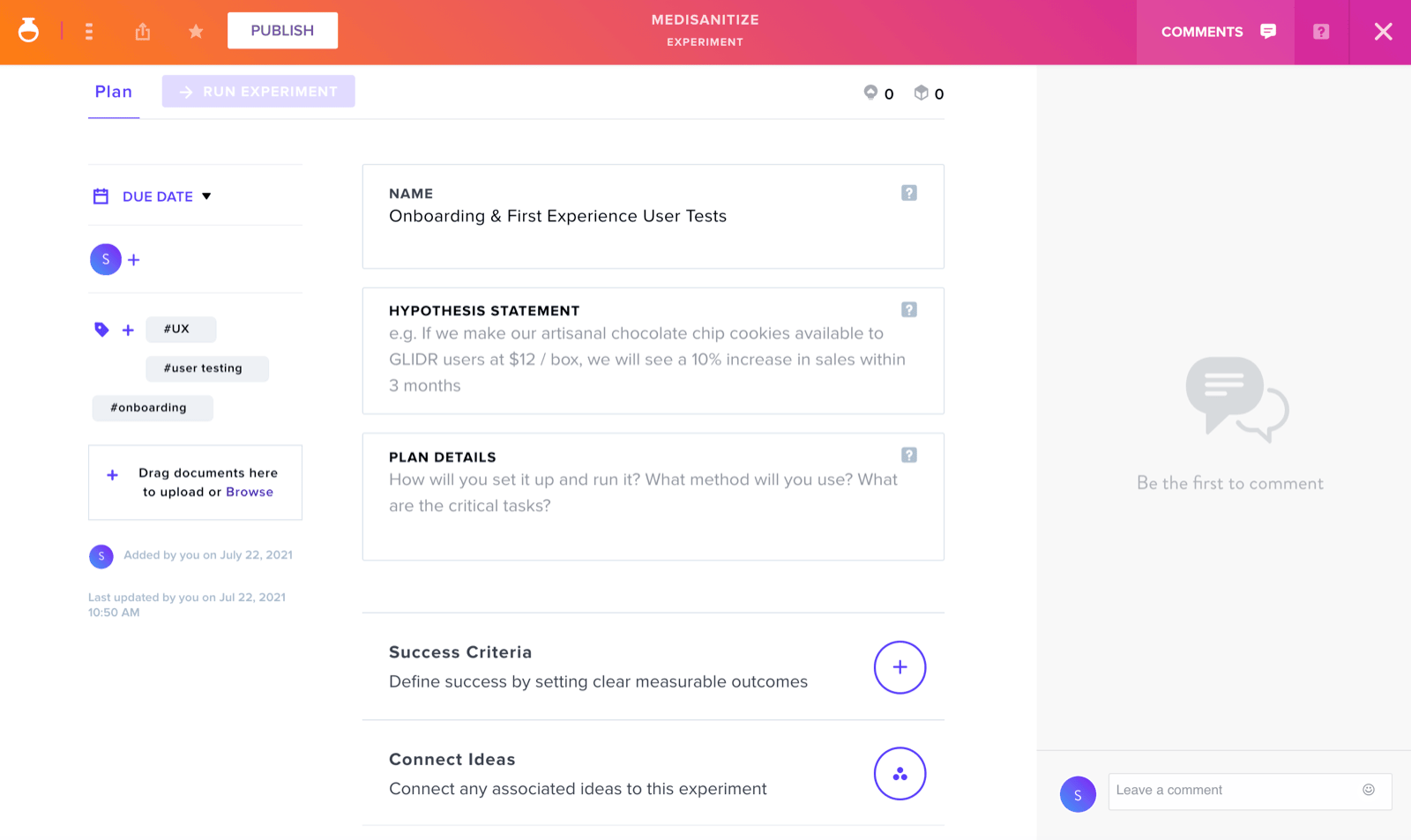
Plan — Structure your test and add basic information of what you're trying to learn and how you'll learn it. See Experiment: Plan Phase.
-
Run — Connect or create corresponding evidence to a test and indicate the metrics by which you will determine its success in achieving your expected outcome. See Experiment: Run Phase.
-
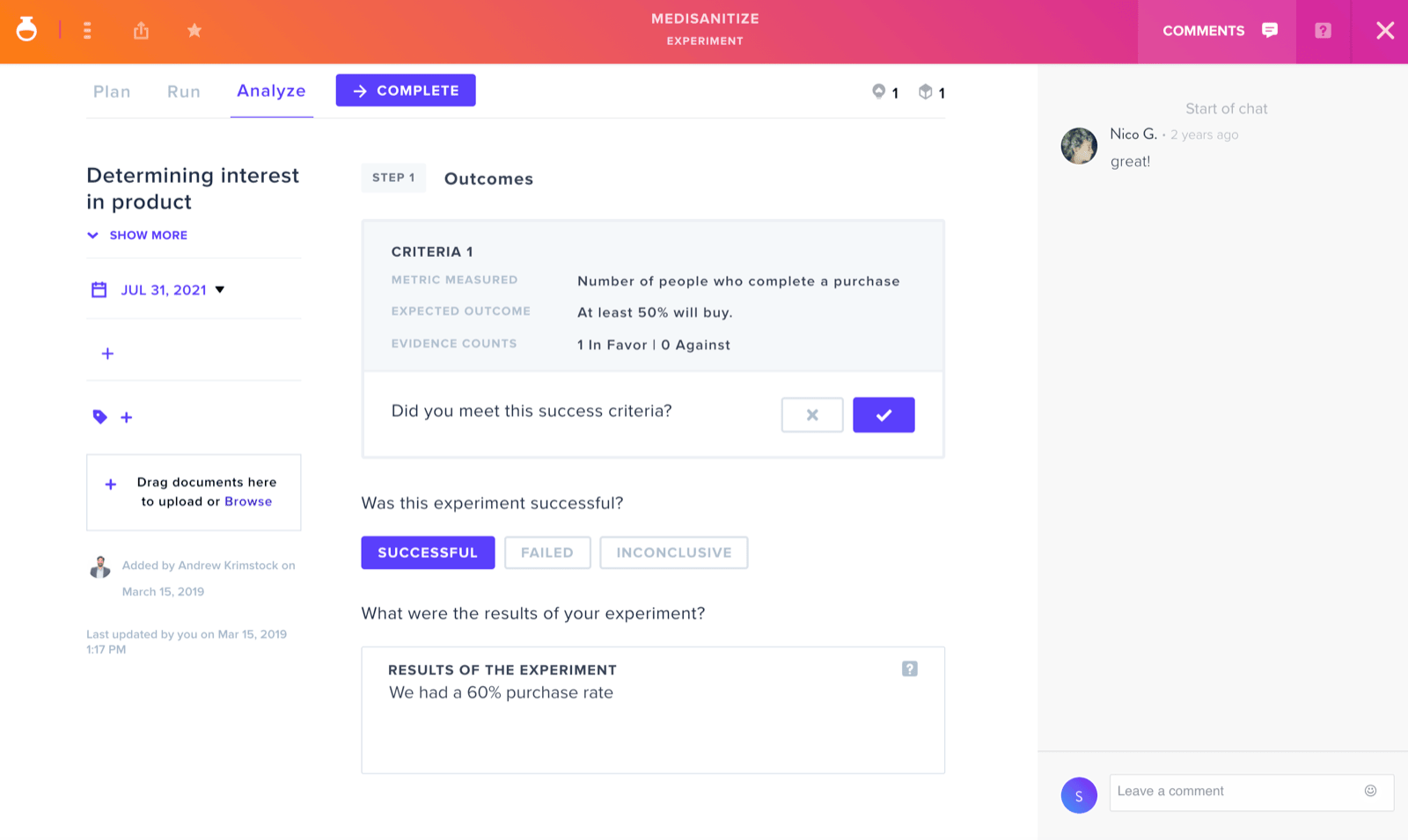
Analyze and Complete — Record your results and indicate if they met your goal. Click Complete when you're done; once an Experiment is completed, it cannot be edited; this ensures data integrity. See Experiment: Analyze and Complete Phase.