Overview
GLIDR is a platform designed to support academic programs by centralizing feedback, discovery, and validation. The guide walks teaching assistants through setup and management tasks.
Team Management
TAs can invite team members individually or in bulk through the organization menu.
The platform supports four permission levels:
- Members: For students; can only access assigned projects
- Admins: Limited administrative access; can create projects
- Owners: Full access; recommended for instructors and TAs
- Disable: Removes access while preserving contributed work
Project Creation
Each team receives its own project.
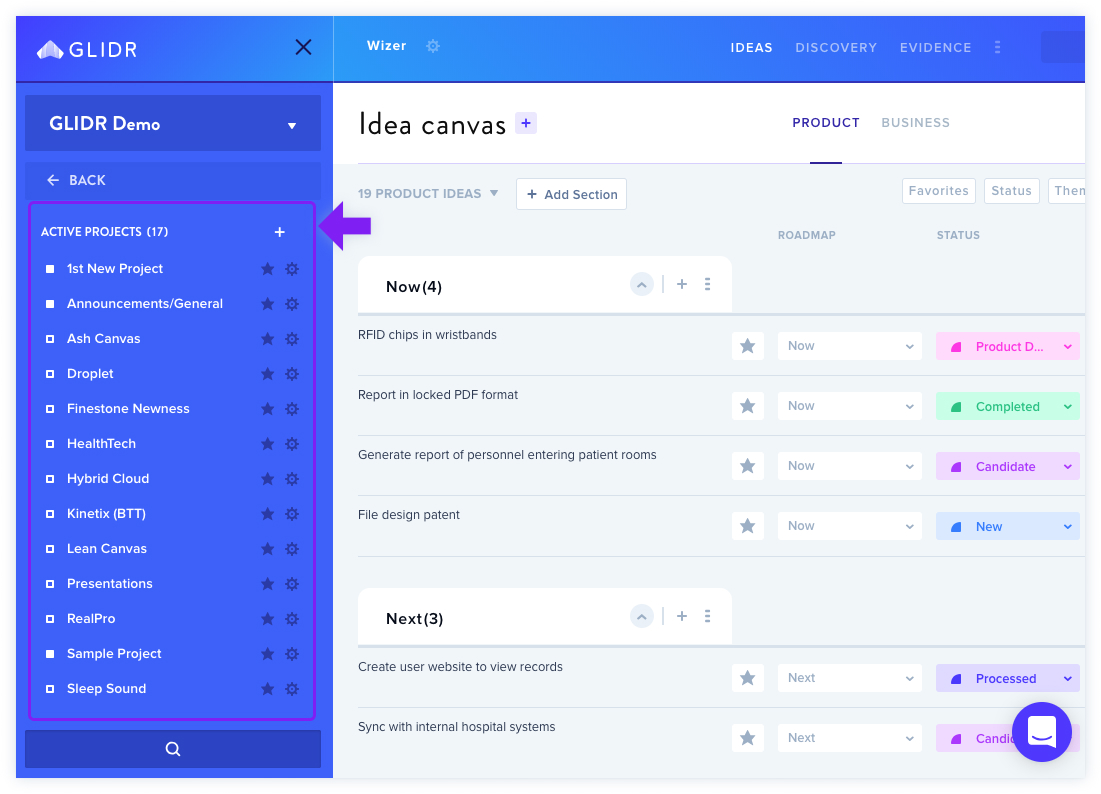
TAs assign project-level permissions:
- Project Admins: Full project access (instructors/TAs)
- Collaborators: Primary workers on canvas (students)
- Limited Contributors: View and comment only (mentors)
- Viewers: Read-only access
Projects can be marked private or public to control visibility.
Canvas Setup
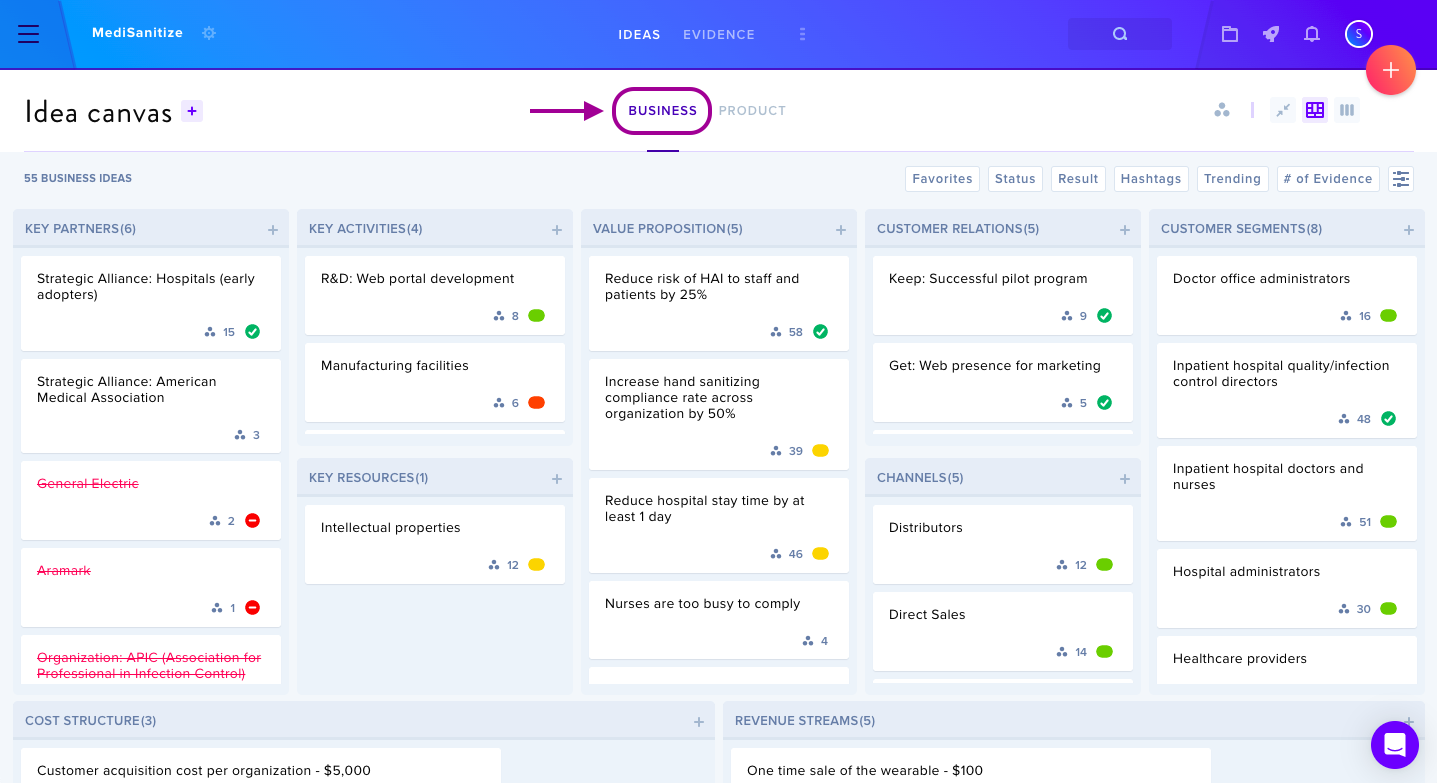
Two canvas types are available:
- Business Canvas: For market-related ideas
- Product Canvas: For product-specific ideas
Core Workflows
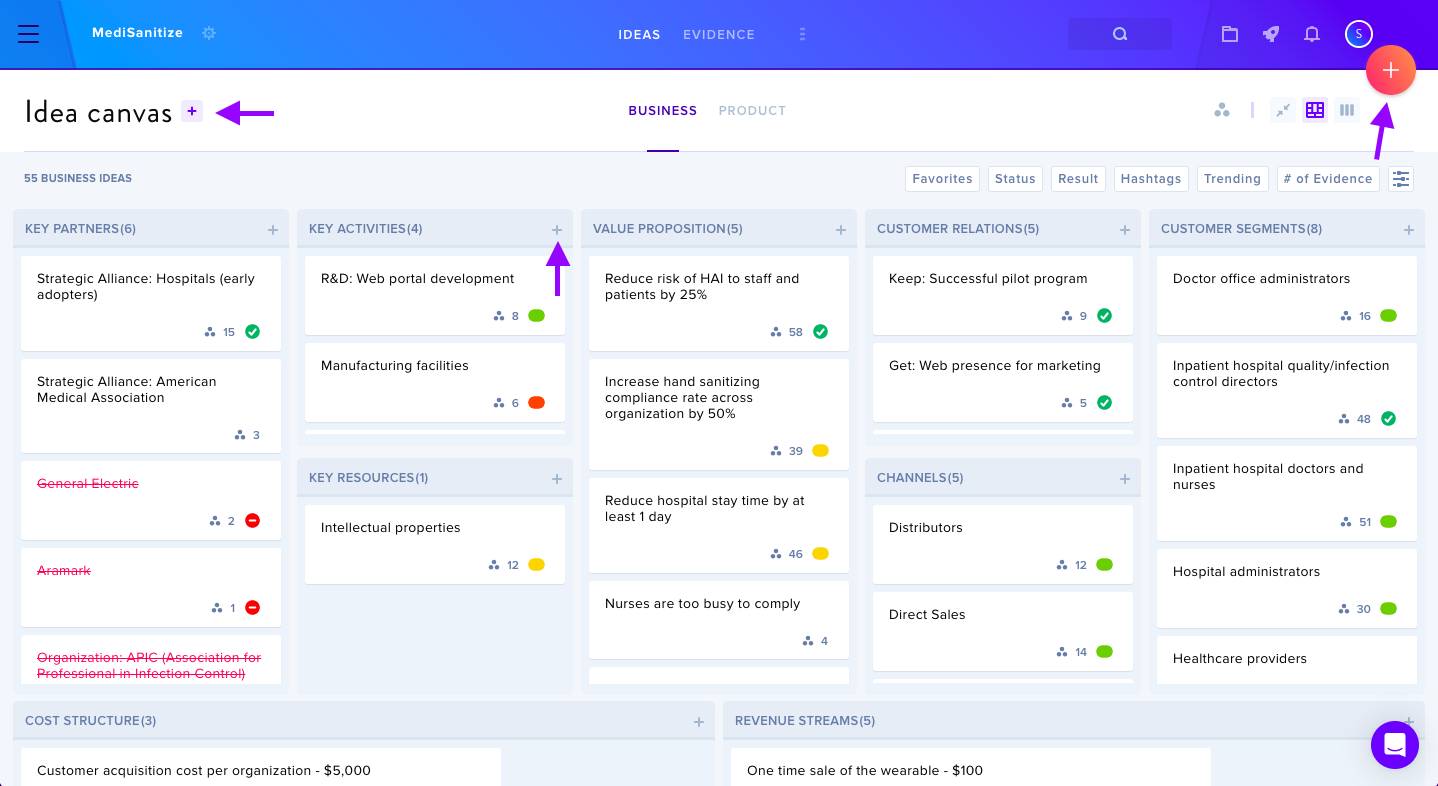
Adding Ideas: Brief entries (100 character limit) can be expanded with detailed notes; updates save automatically.
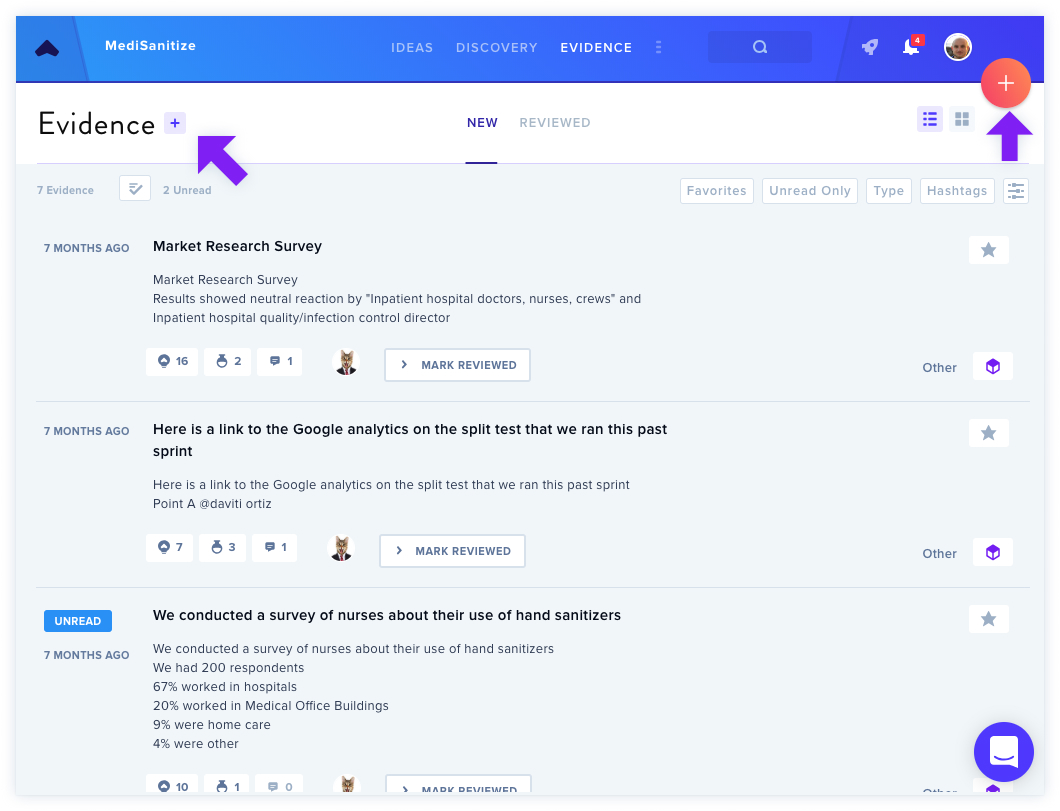
Evidence Management: Teams document discovery through interviews, tests, and other research. Evidence connects to ideas to validate or invalidate them.
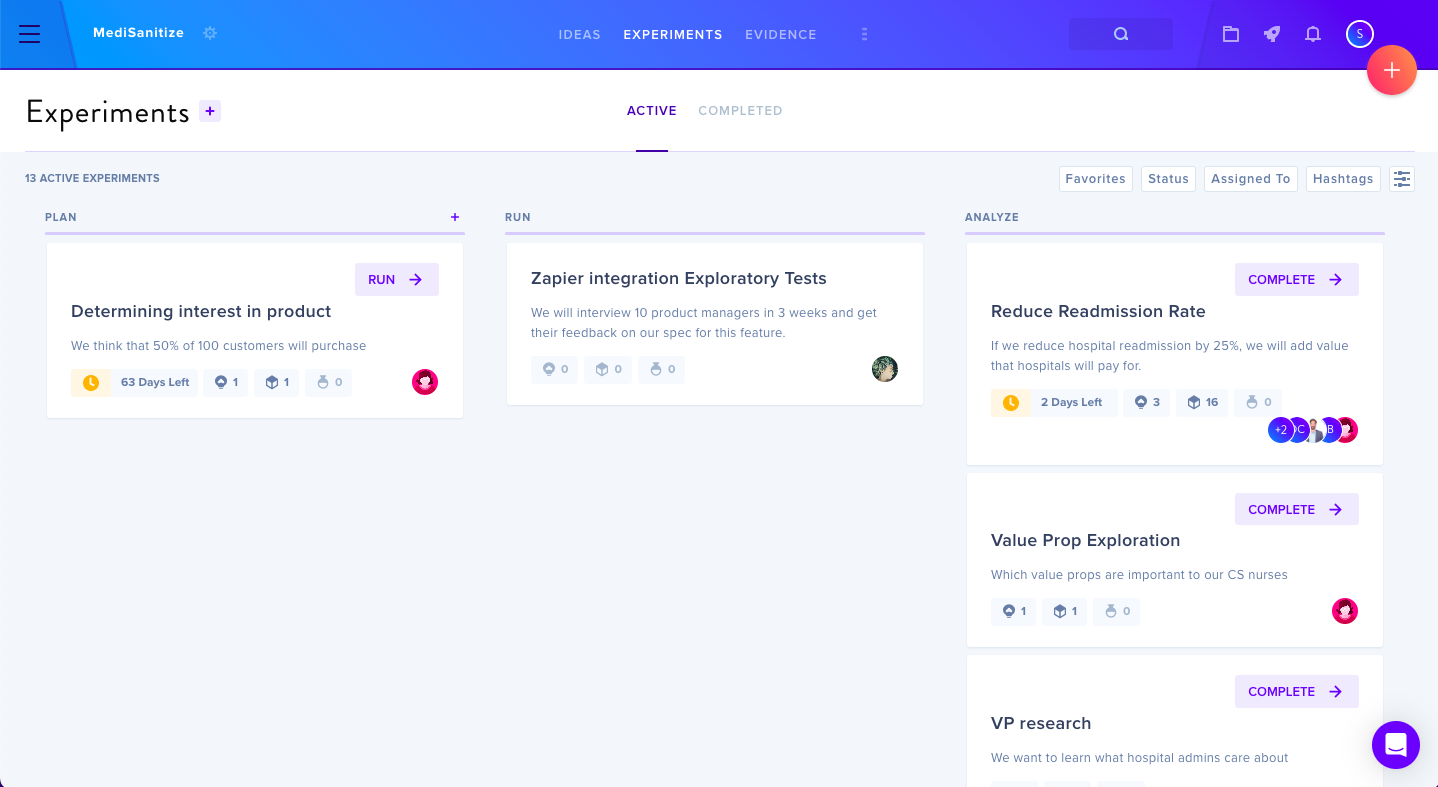
Experiments & Research: Design targeted tests or exploratory research; can be toggled in project settings.
Portfolio Tracking
The Portfolio Dashboard provides real-time visibility into team progress, displaying idea counts and evidence metrics across all projects.
Collections
Organize multiple projects by class or department for grouped metrics viewing.
Additional Features
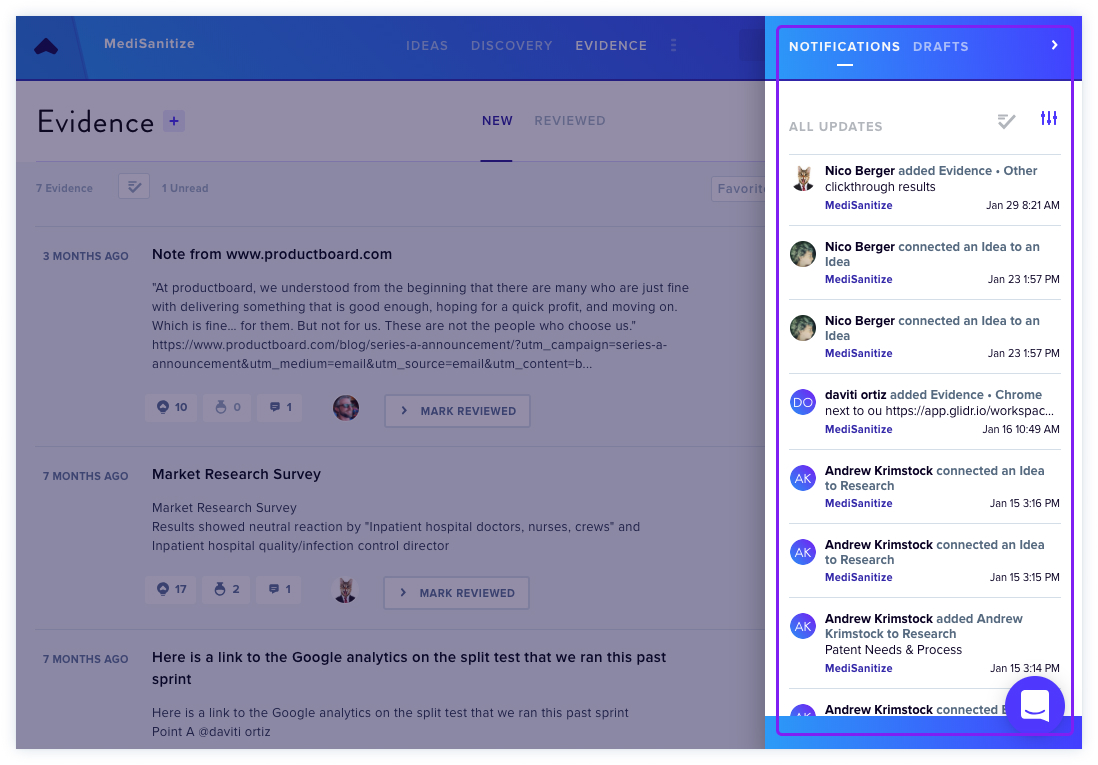
- Notifications: Track updates and view unpublished drafts
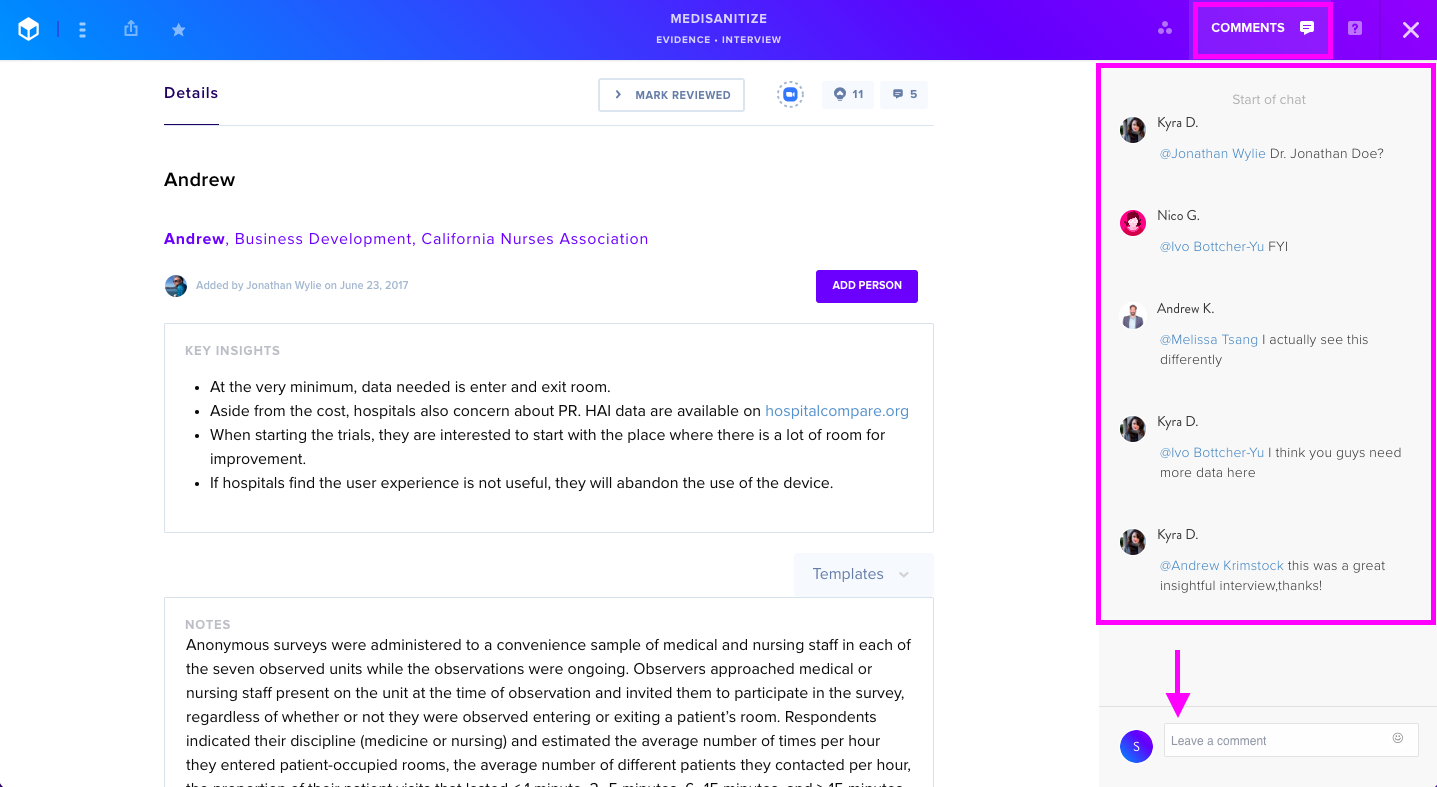
- Comments: Provide feedback with @mentions for team communication
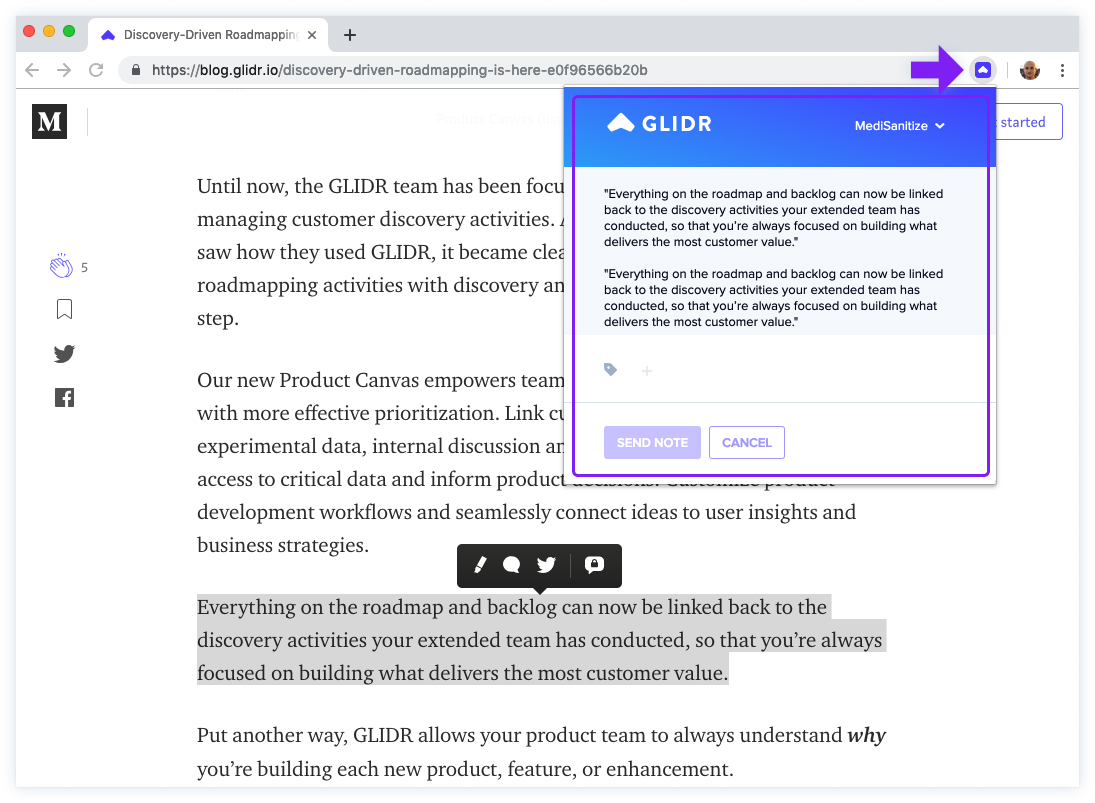
- Chrome Extension: "Capture by GLIDR" allows quick web content capture as evidence
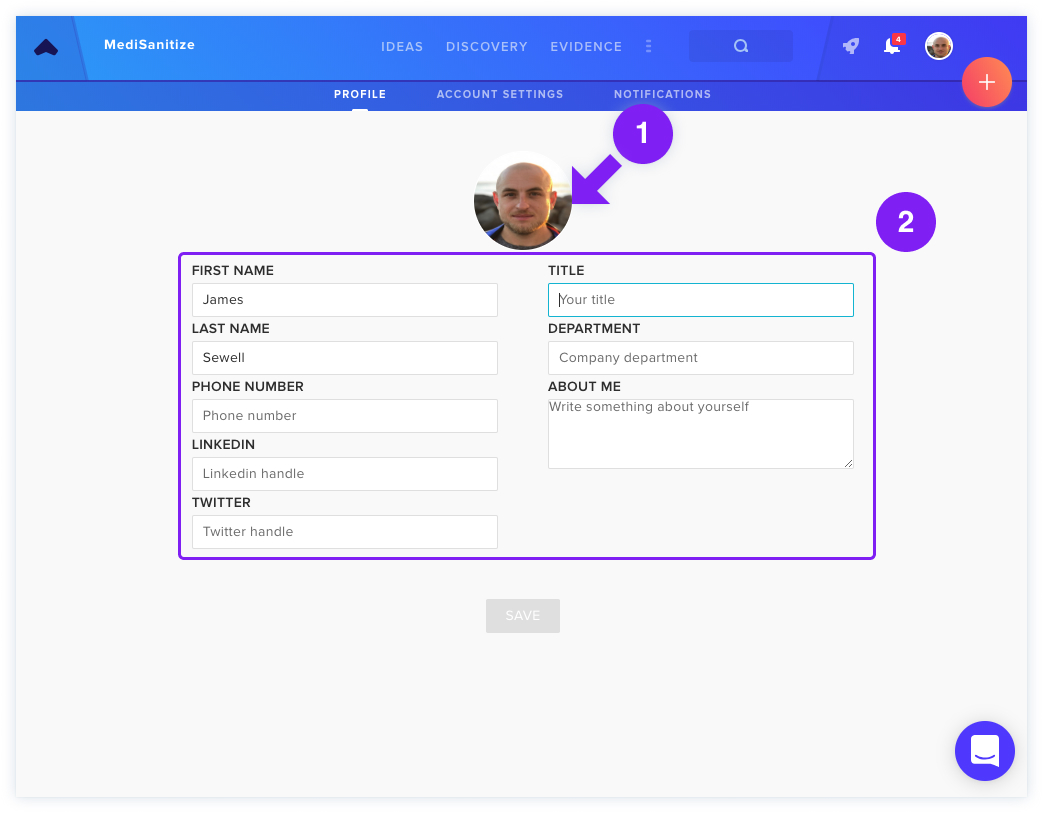
- Profile Setup: Customize user information visible to teammates