
You can add contact information for every person associated with your Evidence so that repeat interviews and data are connected to the same customers.
To add a contact, click into (or create) an Evidence card. Click ADD PERSON and enter your contact's details. Click SUBMIT to save.
For GLIDR AI Users
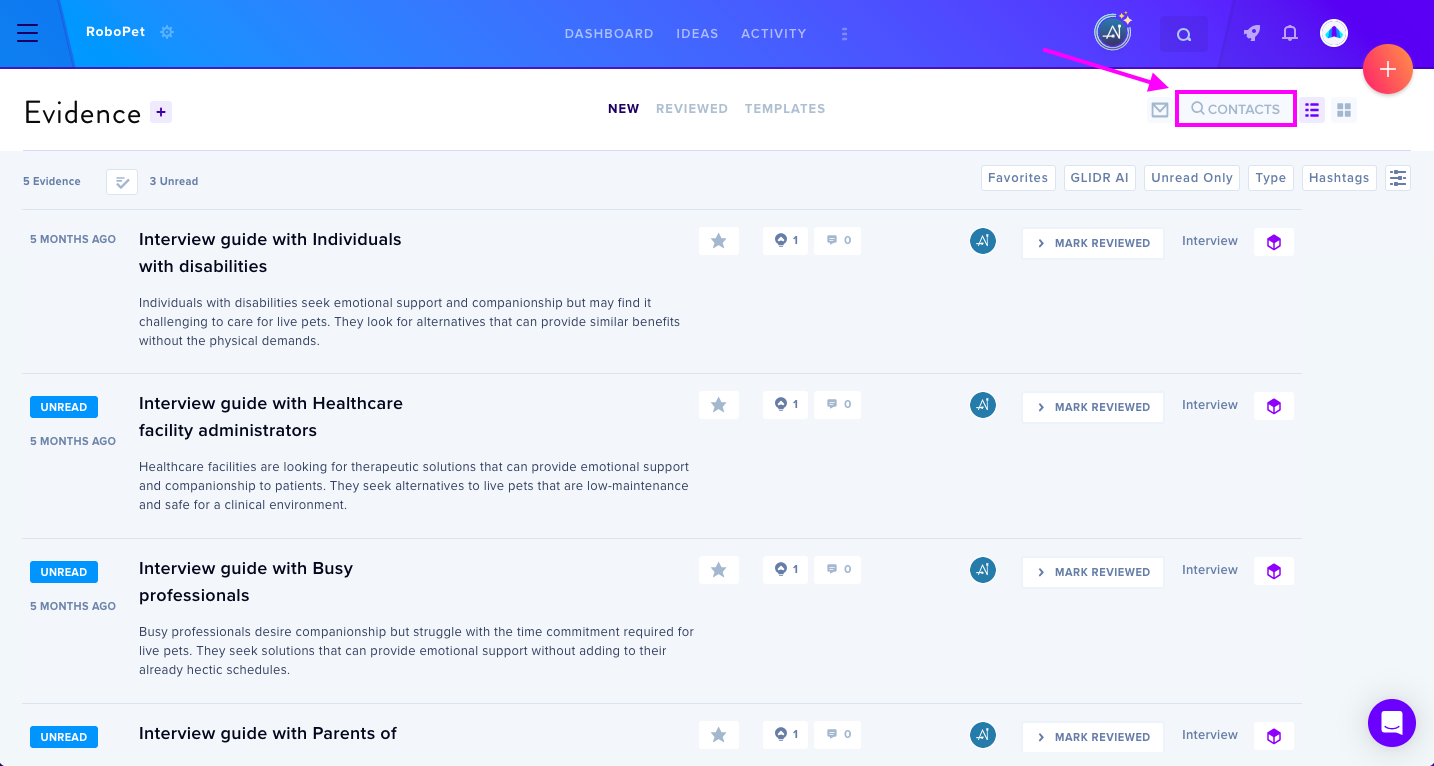
Click CONTACTS in the Evidence view to access all customer profiles.
For LPG Users
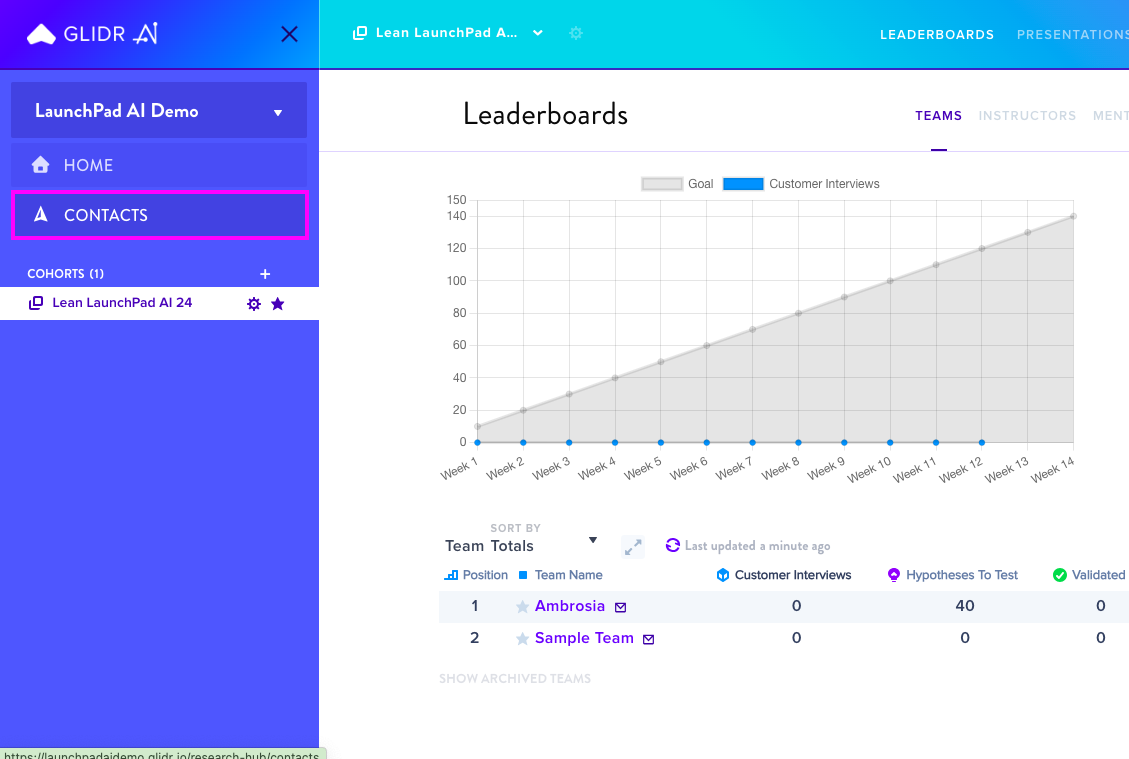
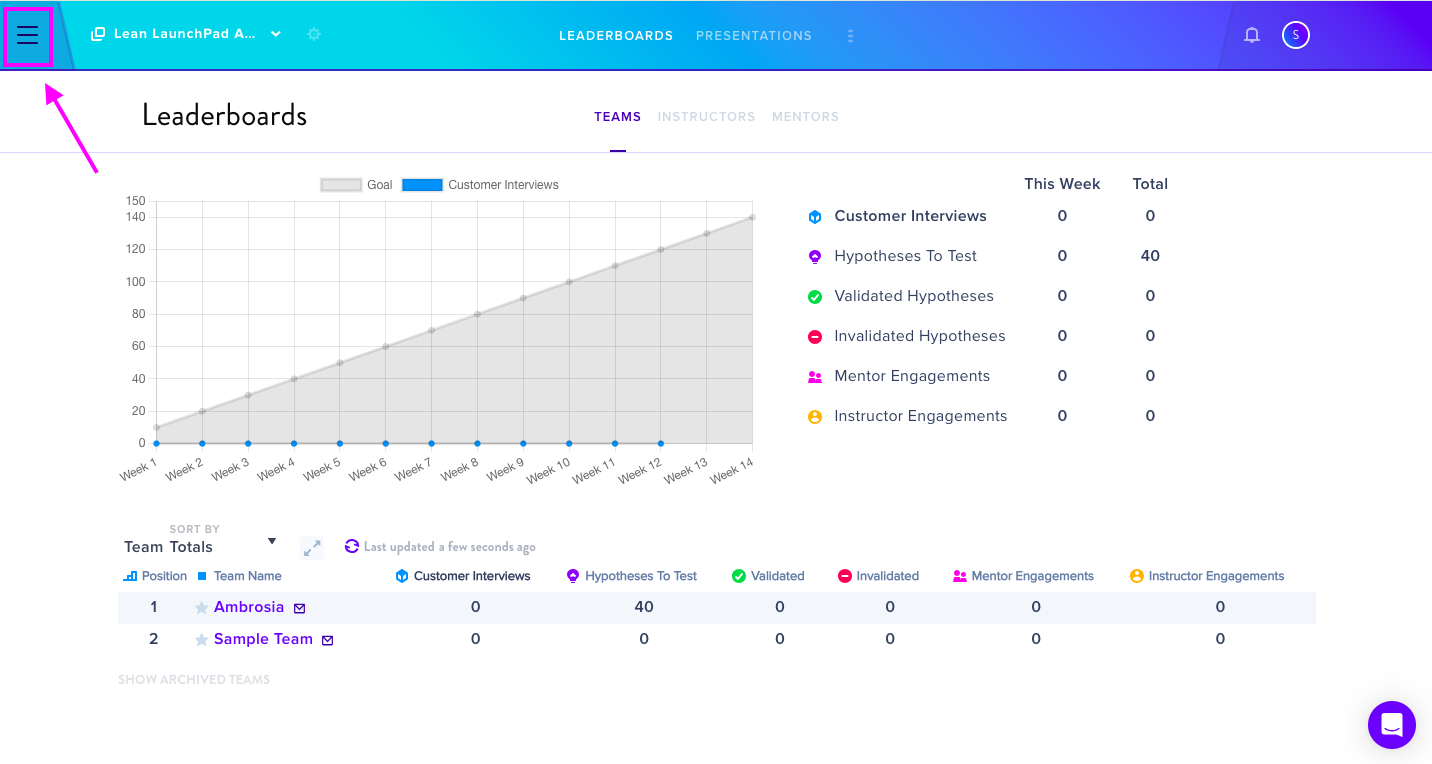
Click the three-line menu icon at the upper left corner and select CONTACTS from the sidebar menu.
Contact Management Features
From the contacts section, you can:
- Search contacts by any attribute (name, email, etc.)
- View all associated Evidence cards connected to each contact
- Update contact information, which automatically reflects across all linked Evidence cards