
The Organization Management menu enables Business and Enterprise users to configure and manage their organization as a whole.
How to Access
To find this menu, open the three-line navigation menu in the top left corner and click the white arrow next to your organization name, then select Organization Management.
Settings
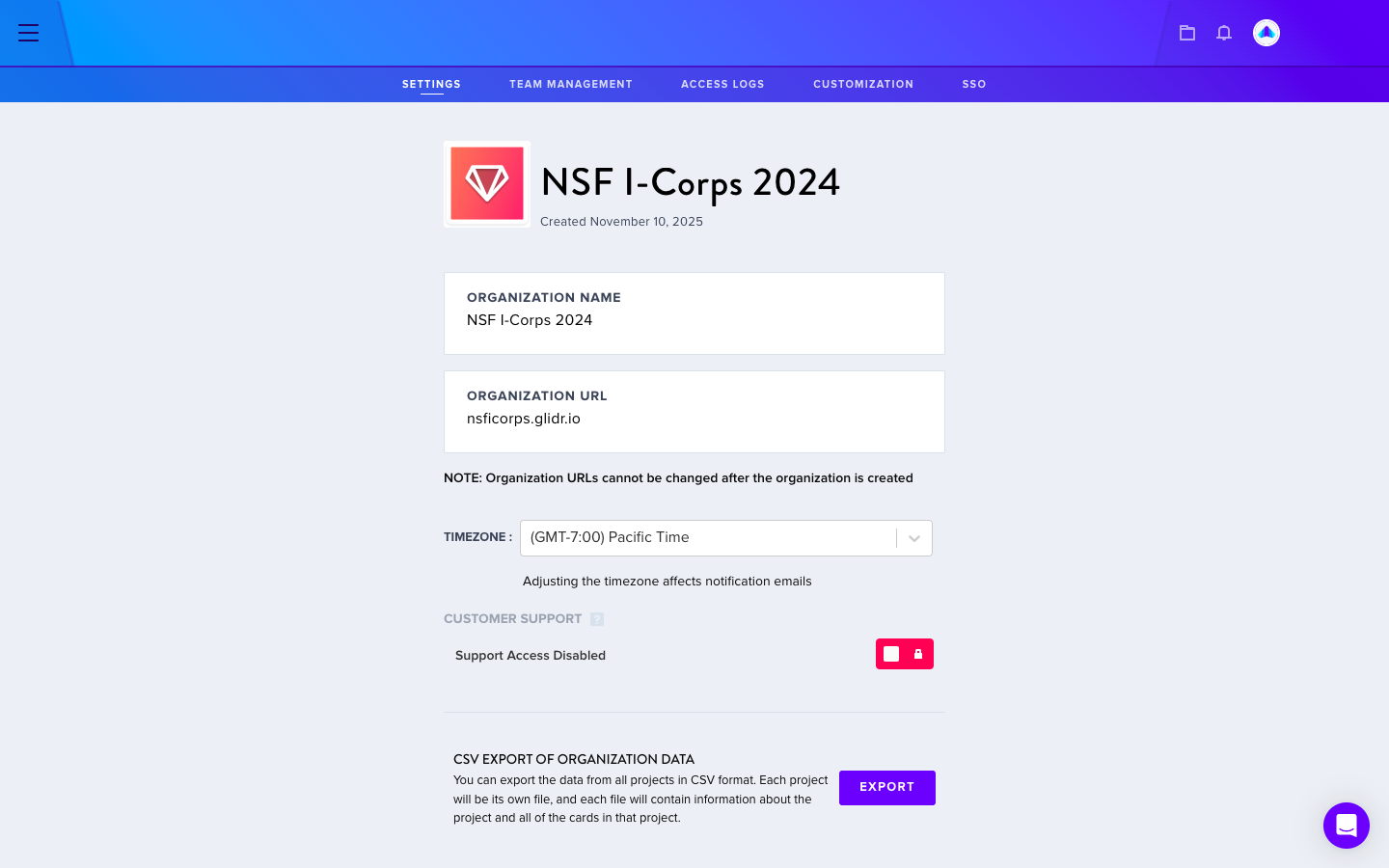
In the Settings section, users can:
- Update the organization name (owners only)
- Update the organization logo
- Set timezone
- Download a CSV file of all organization data
Permissions: Organization and Project Management
Users should first configure their Organization Permissions, which affect Project Permissions.
Customization
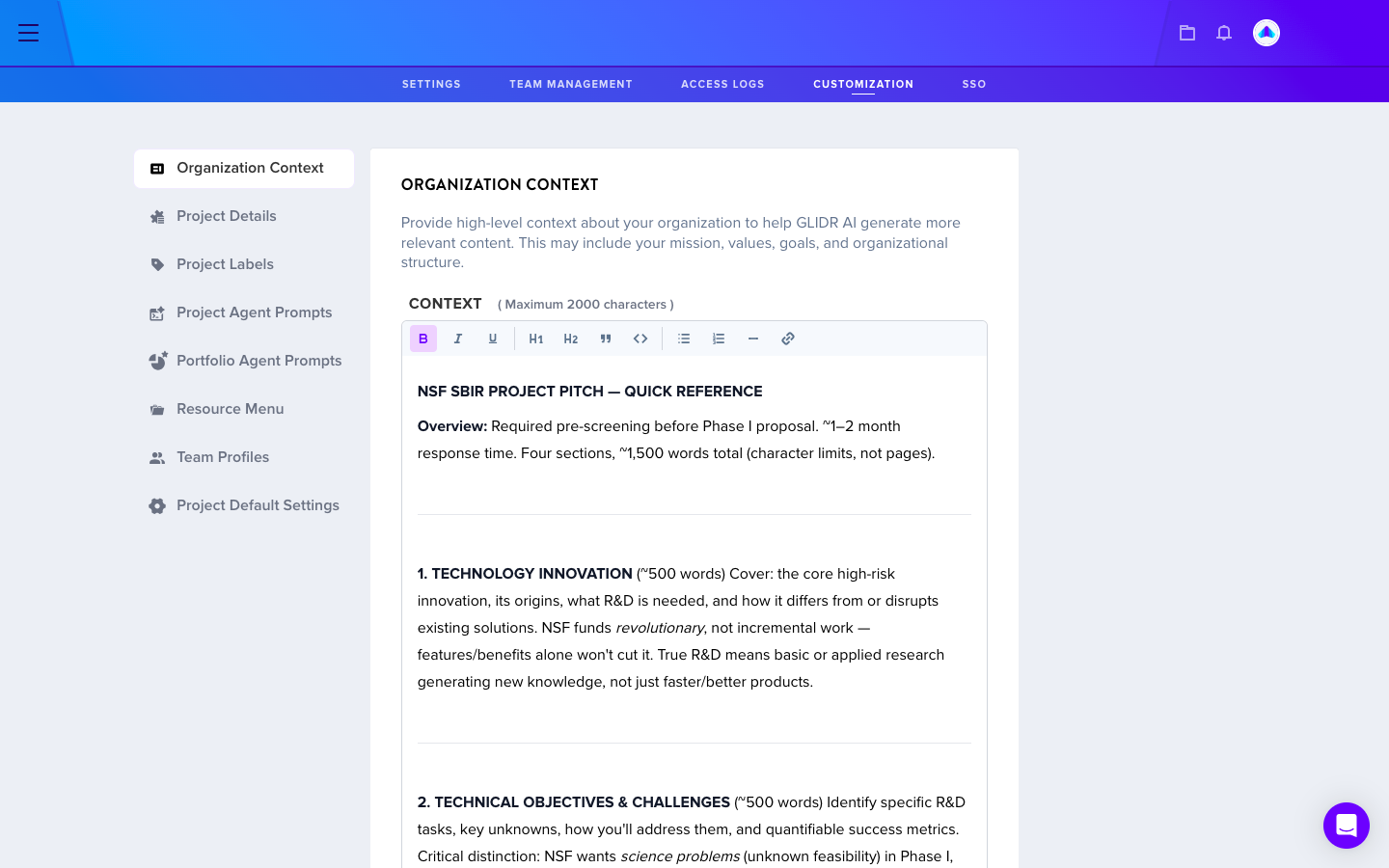
The Customization section allows administrators to expand options for tailoring:
- Organization Context (influences project generation)
- Project Details
- Project Labels
- Project Agent Prompts
- Portfolio Agent Prompts
- Resource Menu
- Team Profiles
- Project Default Settings
Access Logs
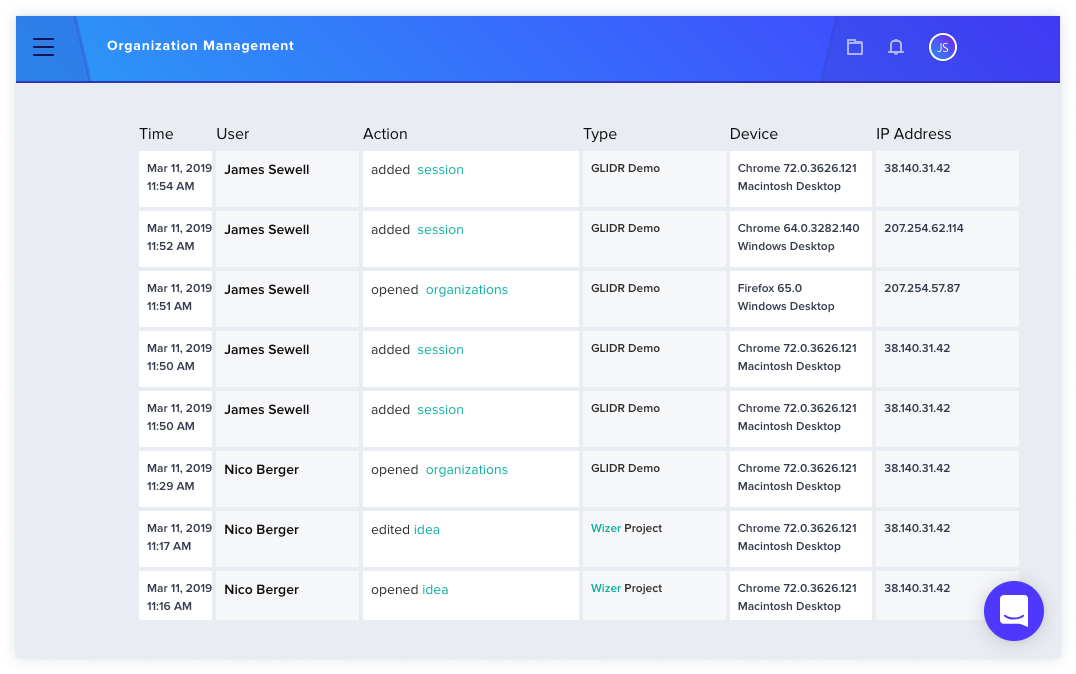
Owners and admins can view user access activity within the organization by navigating to Organization Settings > Organization Management > Access Logs. This feature displays access history and activity tracking.