
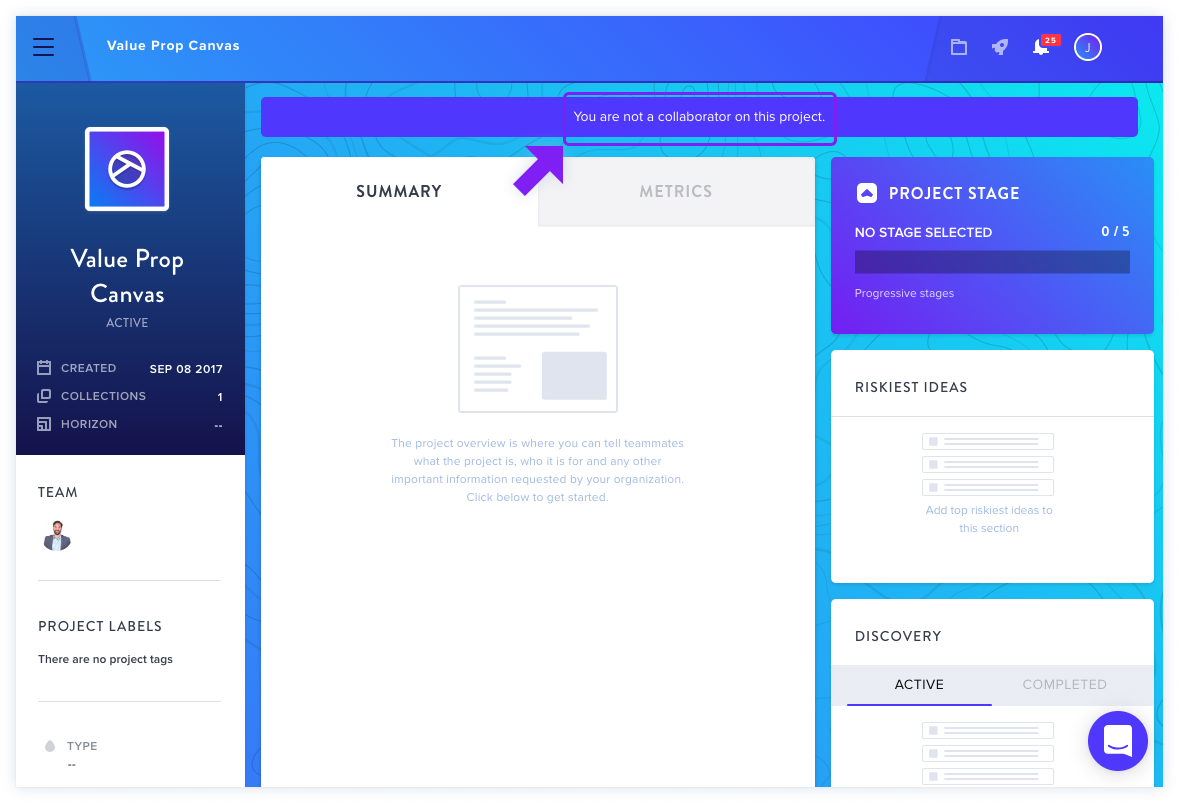
If you access a project with limited options and see the alert "You are not a collaborator on this project" at the top, this simply indicates you haven't been added as a member to that specific project.
Project Membership Indicators
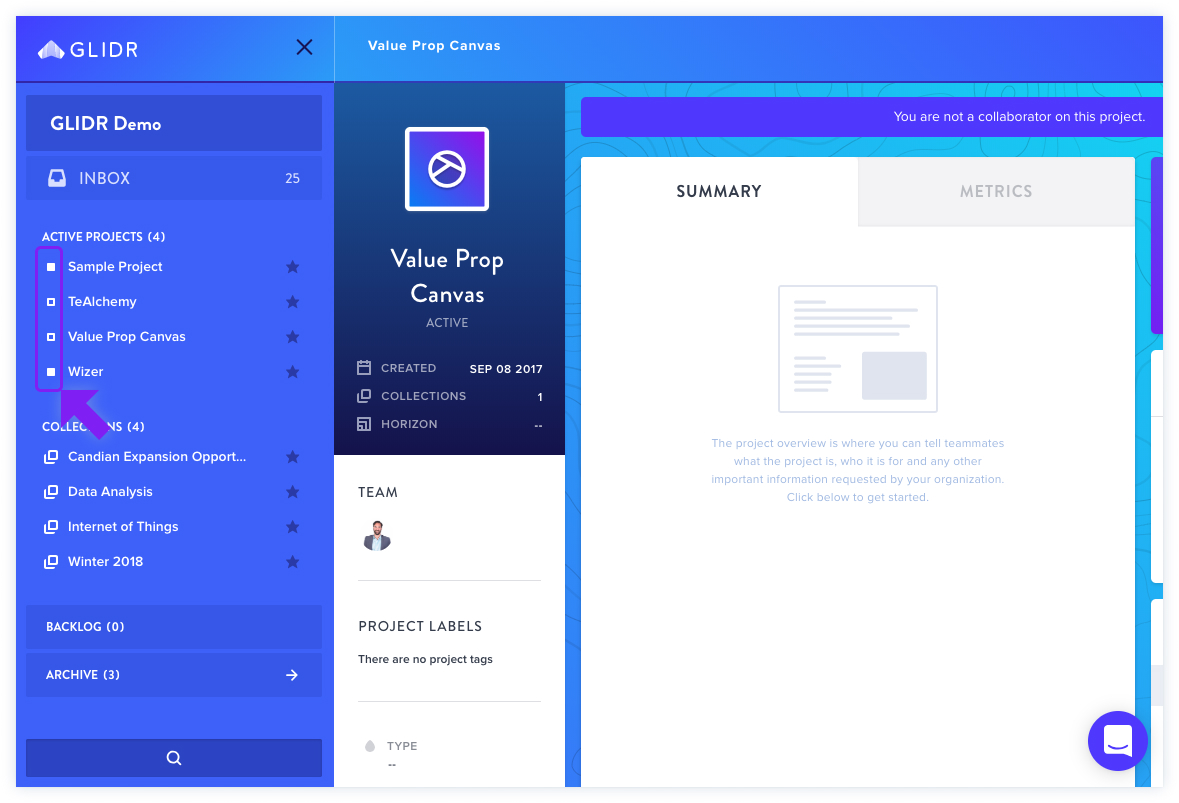
Projects appear in the left navigation menu. Your membership status is shown visually:
- Solid square icon — You are a project member.
- Empty square icon — You are not a project member.
Next Steps
If you should have access to a project but don't, reach out to your organization lead for assistance.