
GLIDR is a product development platform that integrates feedback, discovery, and validation into your workflow. This guide walks new Enterprise team members through the essential features.
Join Your First Project
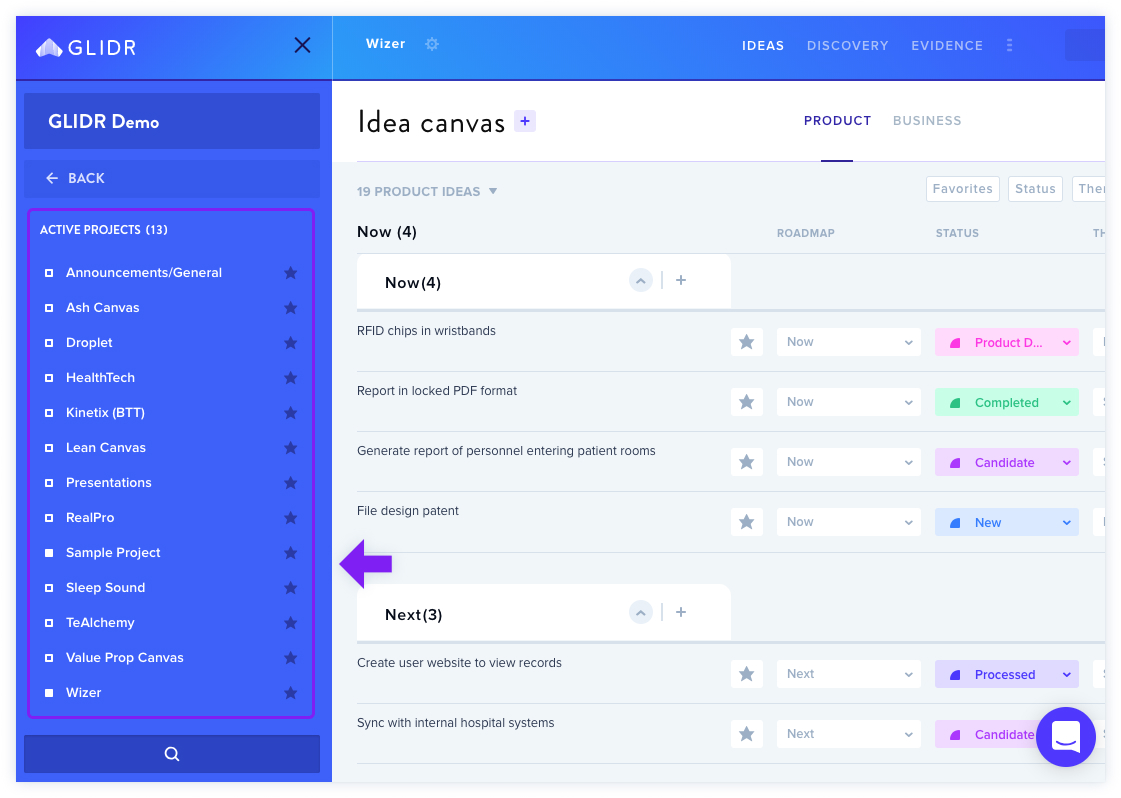
Team members can access multiple projects assigned by the account owner. Projects appear in the left sidebar with a filled square icon indicating membership.
Familiarize Yourself With The Canvas
GLIDR offers two canvas types:
- Business Canvas — market-related ideas
- Product Canvas — product-related ideas
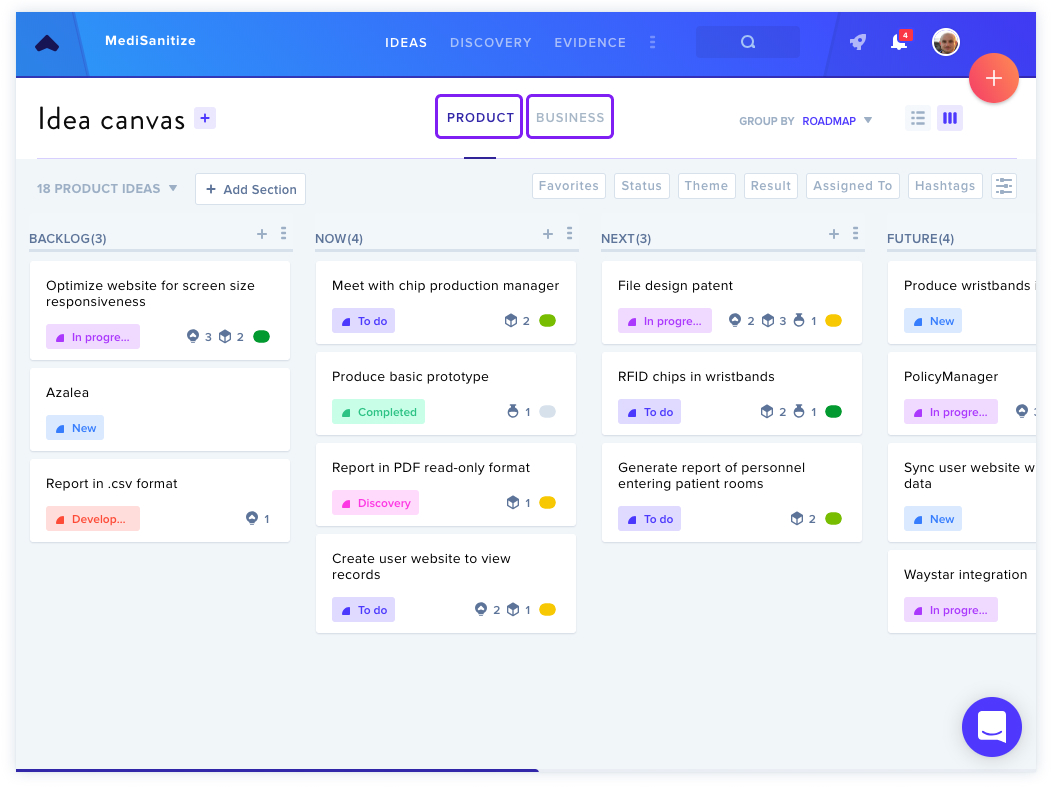
Customize categories by Roadmap, Status, and Theme. Default suggestions are provided but can be modified by account owners or project admins.
Start Adding Your Ideas
- Use + buttons to add ideas (100-character limit initially)
- Click ideas to expand with additional details
- Prioritize or progress ideas by dragging cards or using List View
Add Your Evidence
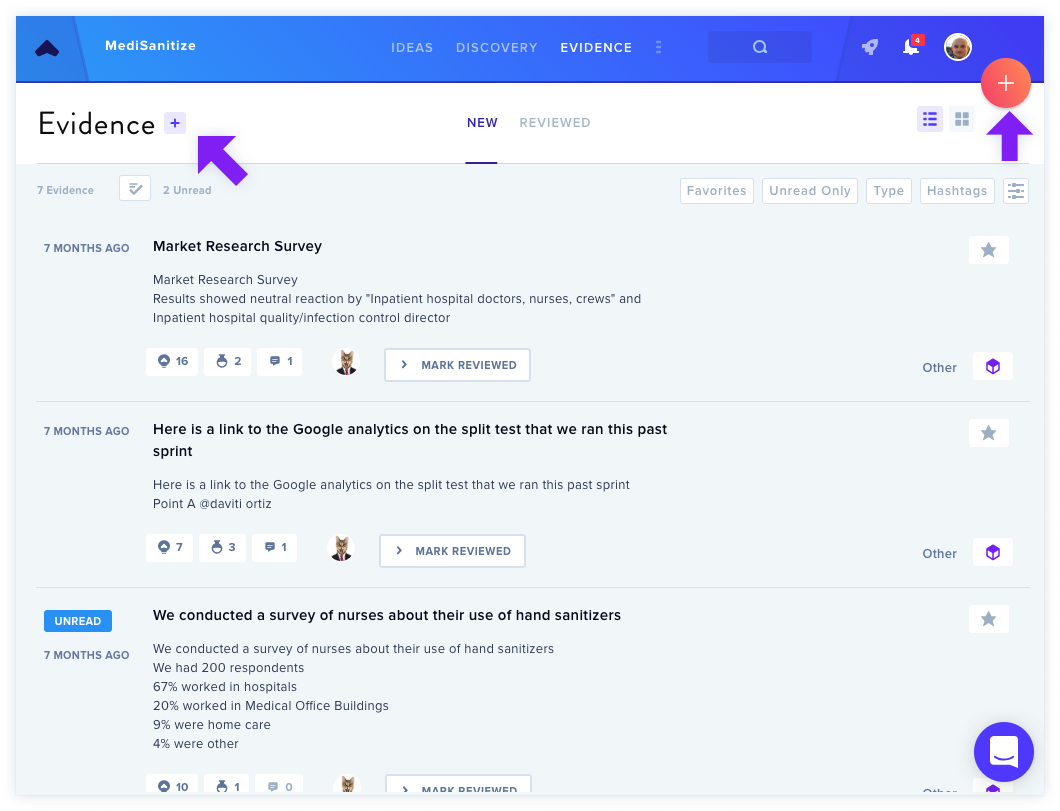
- Navigate to the Evidence section
- Add research data, test results, and interview transcripts (opens in new tab)
- Use the Connections tab to link evidence to ideas
Run Discovery Tasks
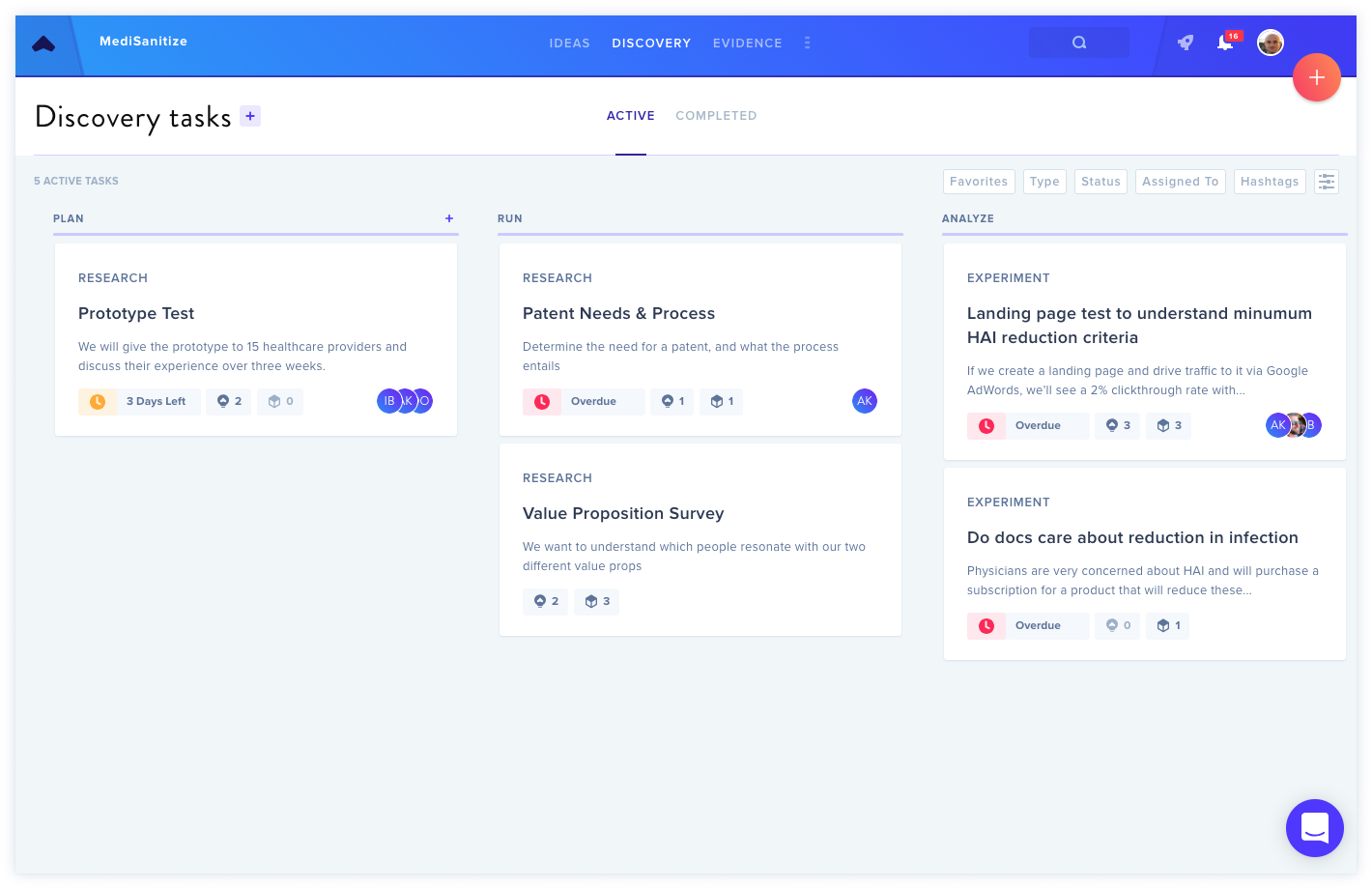
Choose between:
- Research — exploratory investigation generating new ideas
- Experiments — targeted testing for specific yes/no outcomes
View Notifications
Access the Notifications icon in the top-right navigation bar to manage alerts and drafts. Customize notification preferences via your Profile icon.
Add Comments
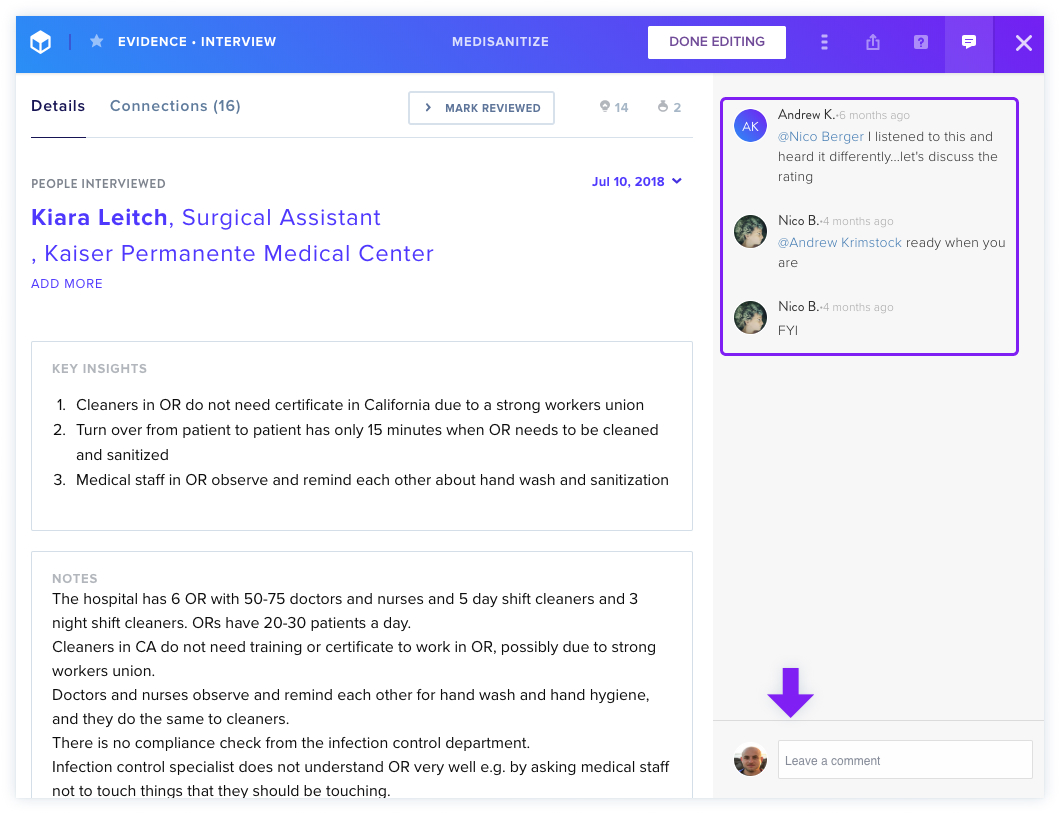
Comment on ideas, evidence, experiments, and posts. Use @mentions to tag teammates.
Install Chrome Extension
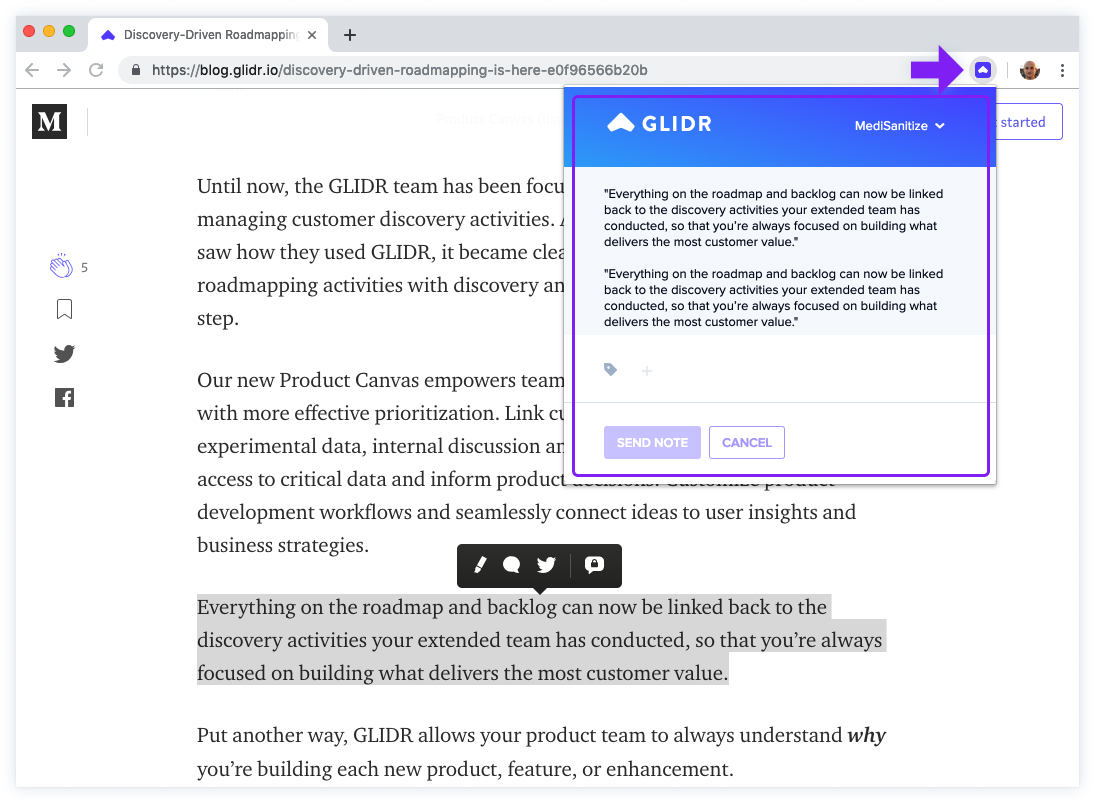
"Capture by GLIDR" lets you grab web content and automatically create evidence entries.
Set Up Your Profile
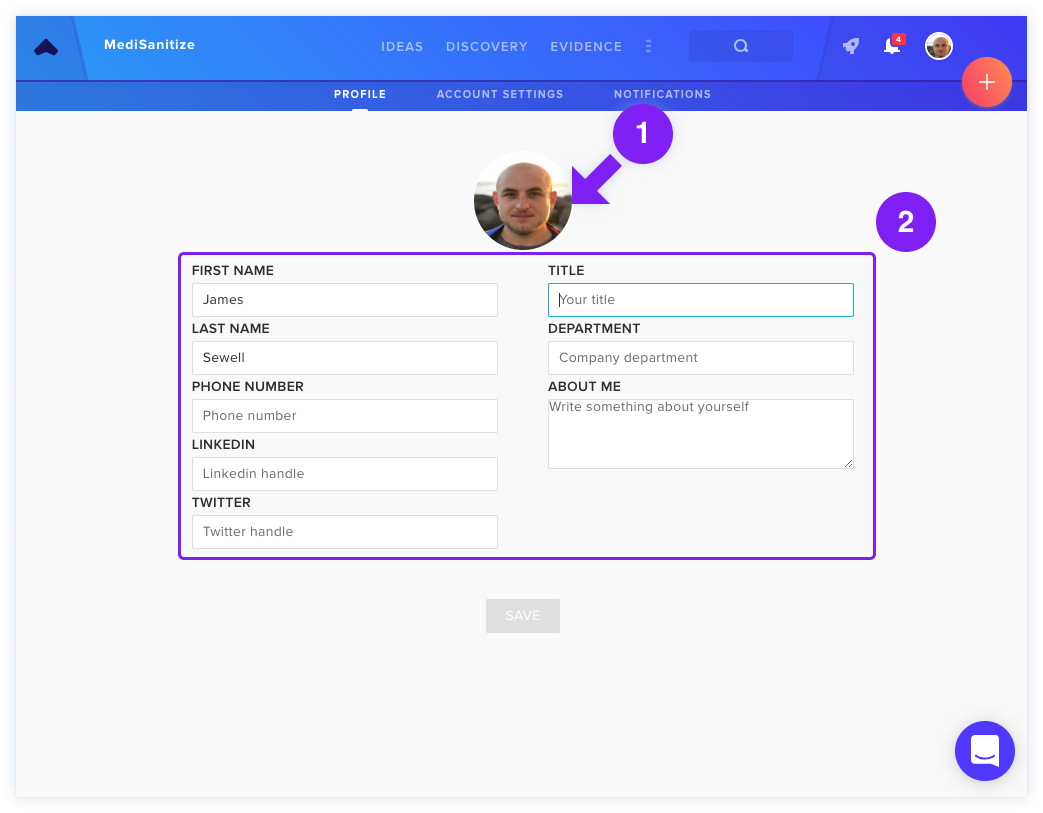
Update profile information and photo under Profile & Account Settings.