
You can add figures for your project's current and estimated investment, as well as your market size data.
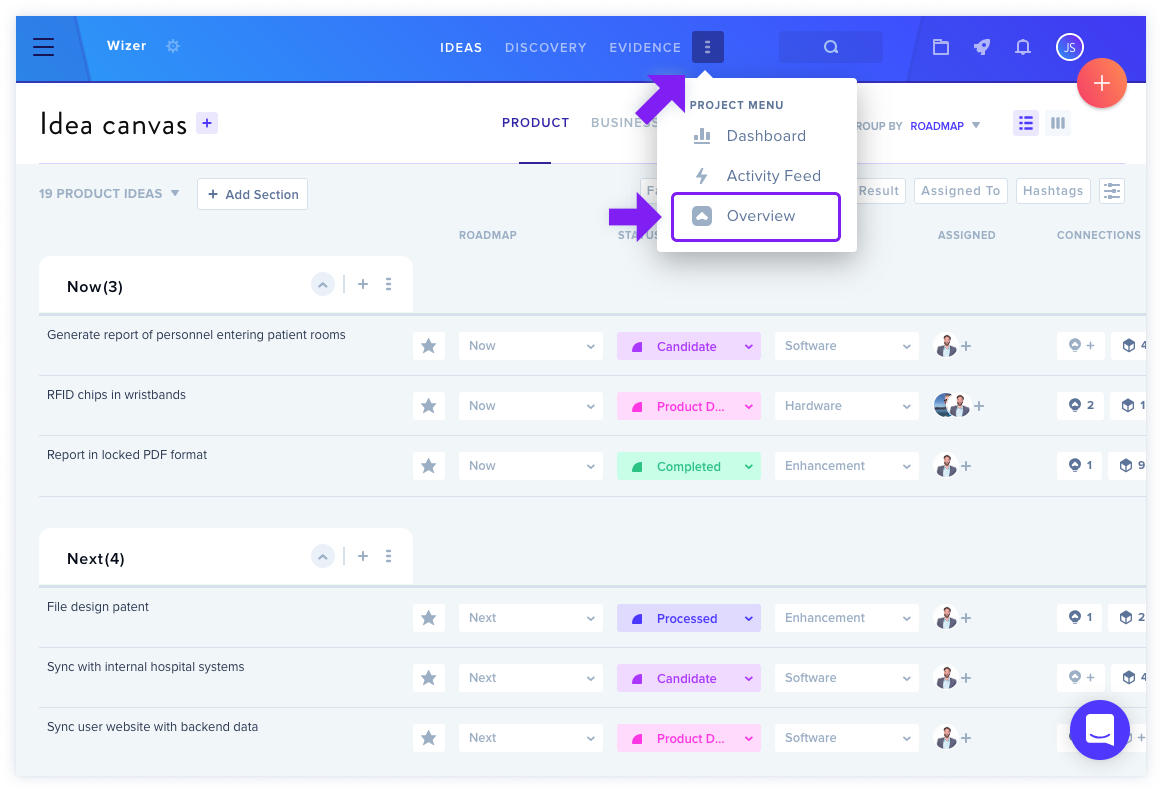
To edit this, click the three dots next to Evidence to bring up your Project Menu, then click Overview.
Investment Tab
In the Investment tab, enter the current amount of investment your project has received, as well as the estimated total you're expecting to generate. These edits are automatically saved.
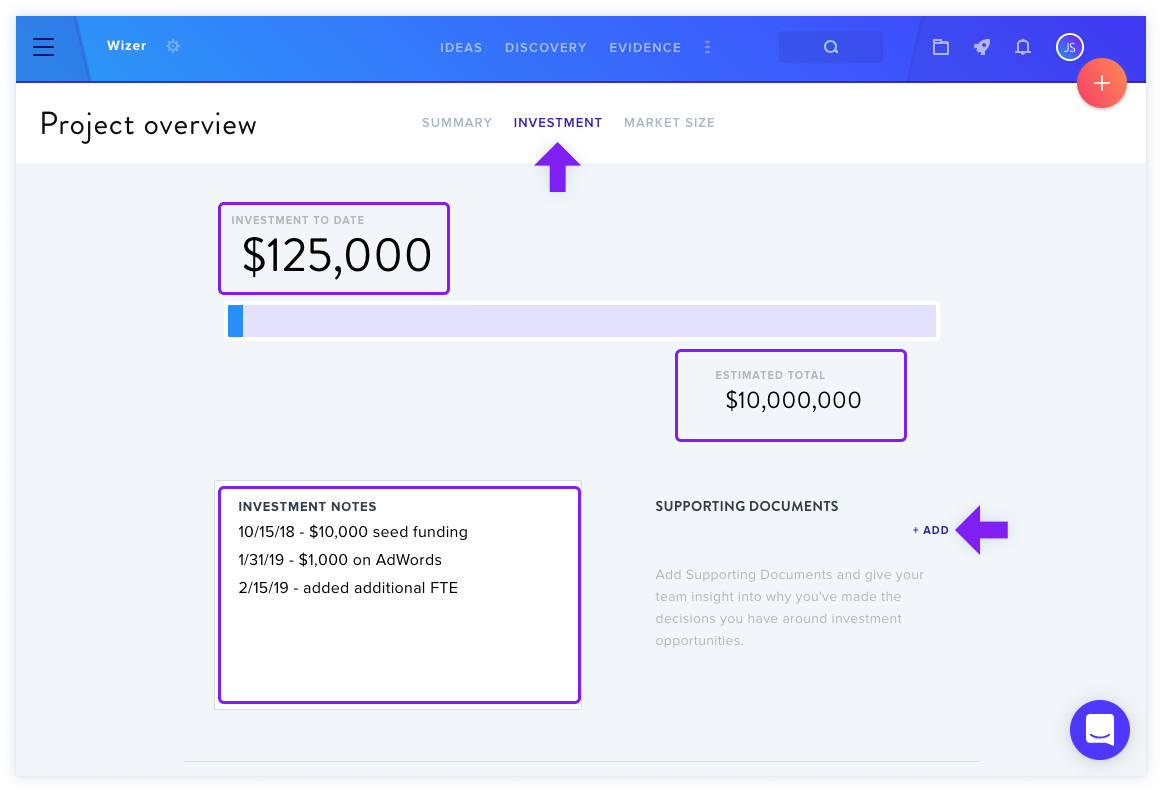
You can add supporting documents such as reports or spreadsheets to support your reasoning.
Market Size Tab
In the Market Size tab, enter your Target Market, Served Available Market, and Total Addressable Market figures. Changes are automatically saved.
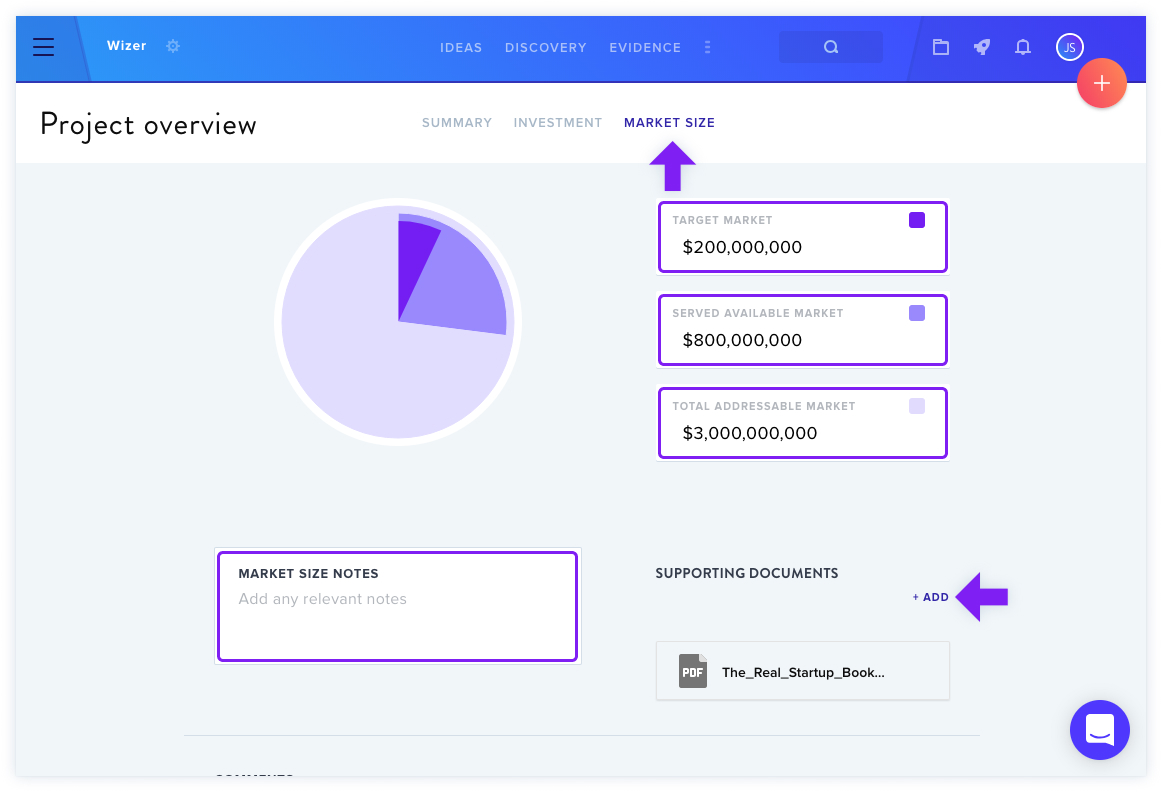
When you update your Project Financials, the changes are also reflected in the Project Dashboard.
For more details on customizing Project Dashboard fields, see Customize the Project Dashboard Fields.