
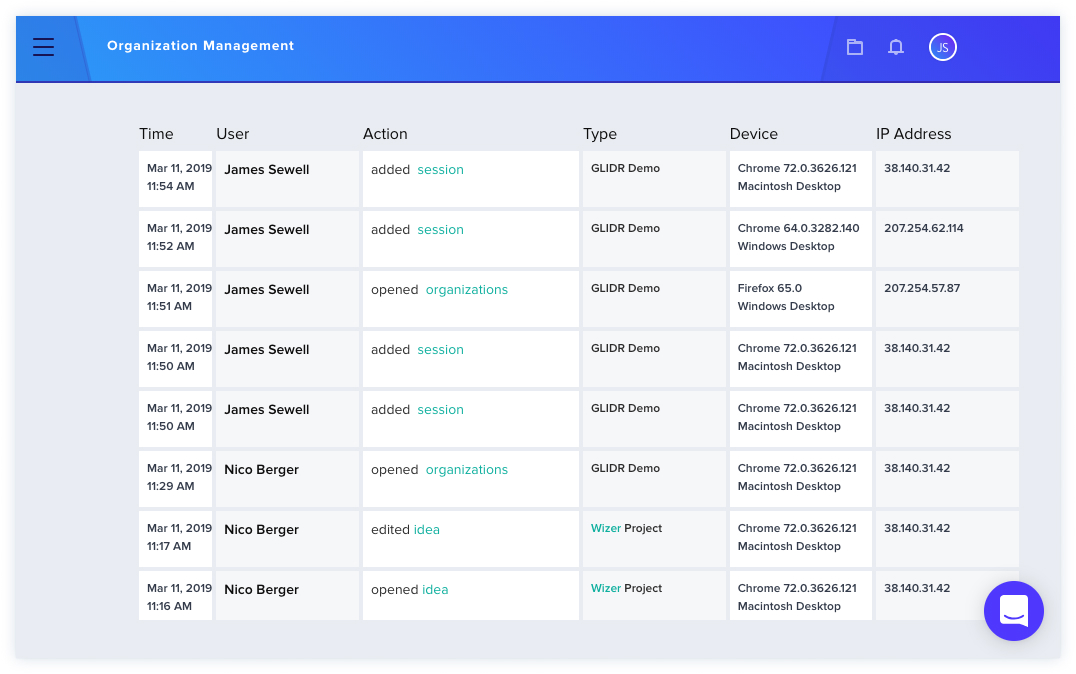
Access Logs are visible to owners and admins and display user access activity within your organization.
How to View Access Logs
To view the Access Logs for your organization:
- Click on the white arrow next to your organization at the top left of the page.
- Click Organization Management.
- Select the Access Logs tab.
- Results load as you scroll down the page.
Support
For questions about the Access Logs feature, reach out to GLIDR Support.