
Connect and share your designs and ideas in GLIDR.
Instructions
First, ensure the Figma Integration has been enabled in your project.
Navigate to the Idea card you wish to update. Select + Attach Figma Prototype.
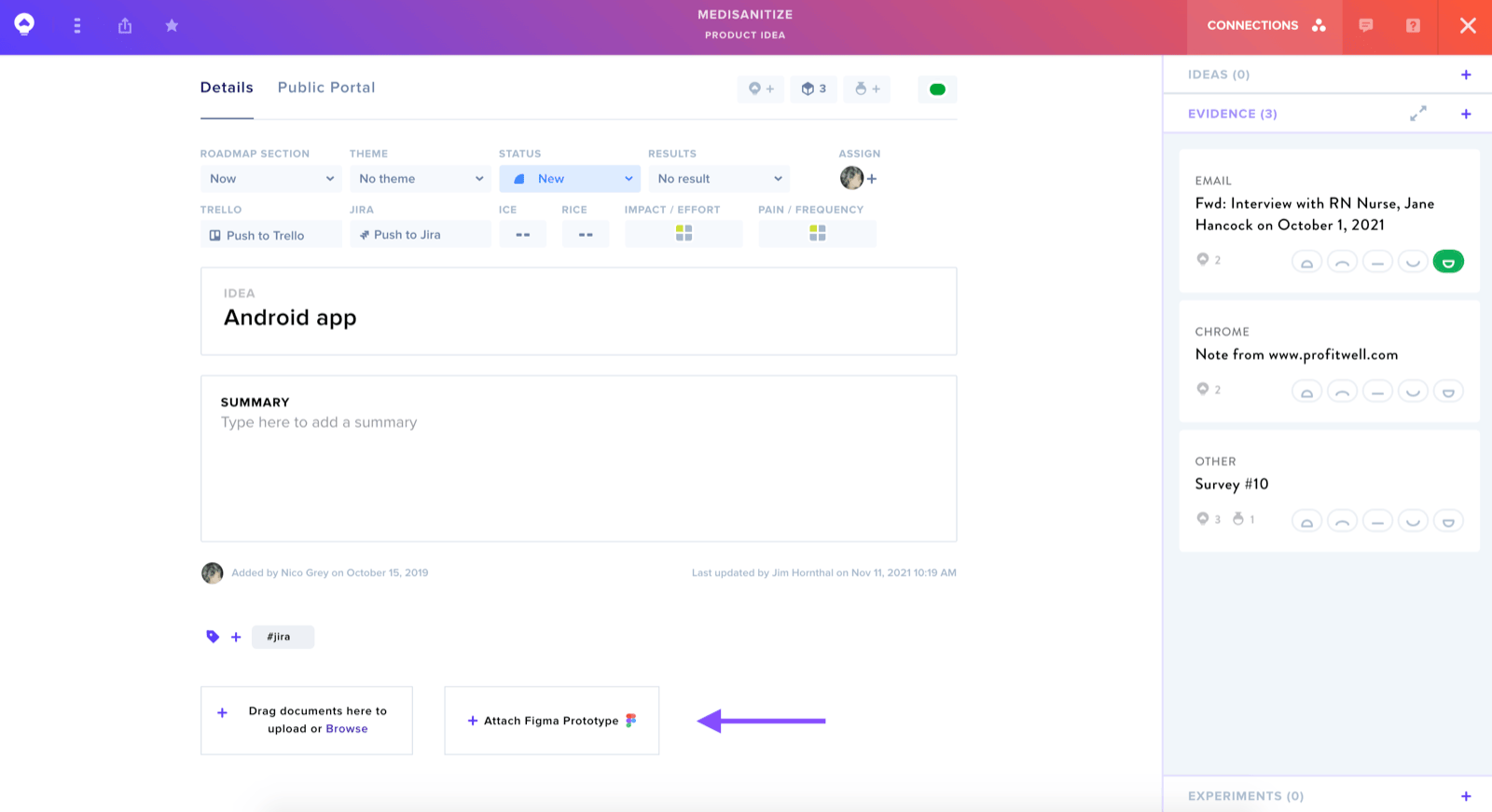
In the pop-up window, provide:
- File Name
- URL to the Figma Prototype
Features
The attached prototype supports resizing and navigation to the Figma URL. Viewers can interact with the prototype preview by clicking through the design to observe the user experience.