
Share your projects with teammates, stakeholders, and more. You can integrate an interactive file of your Figma prototype (opens in new tab) on the GLIDR platform.
To enable the Figma integration in your project, navigate to the wheel icon next to your project's name at the top right of your screen and select Integrations.
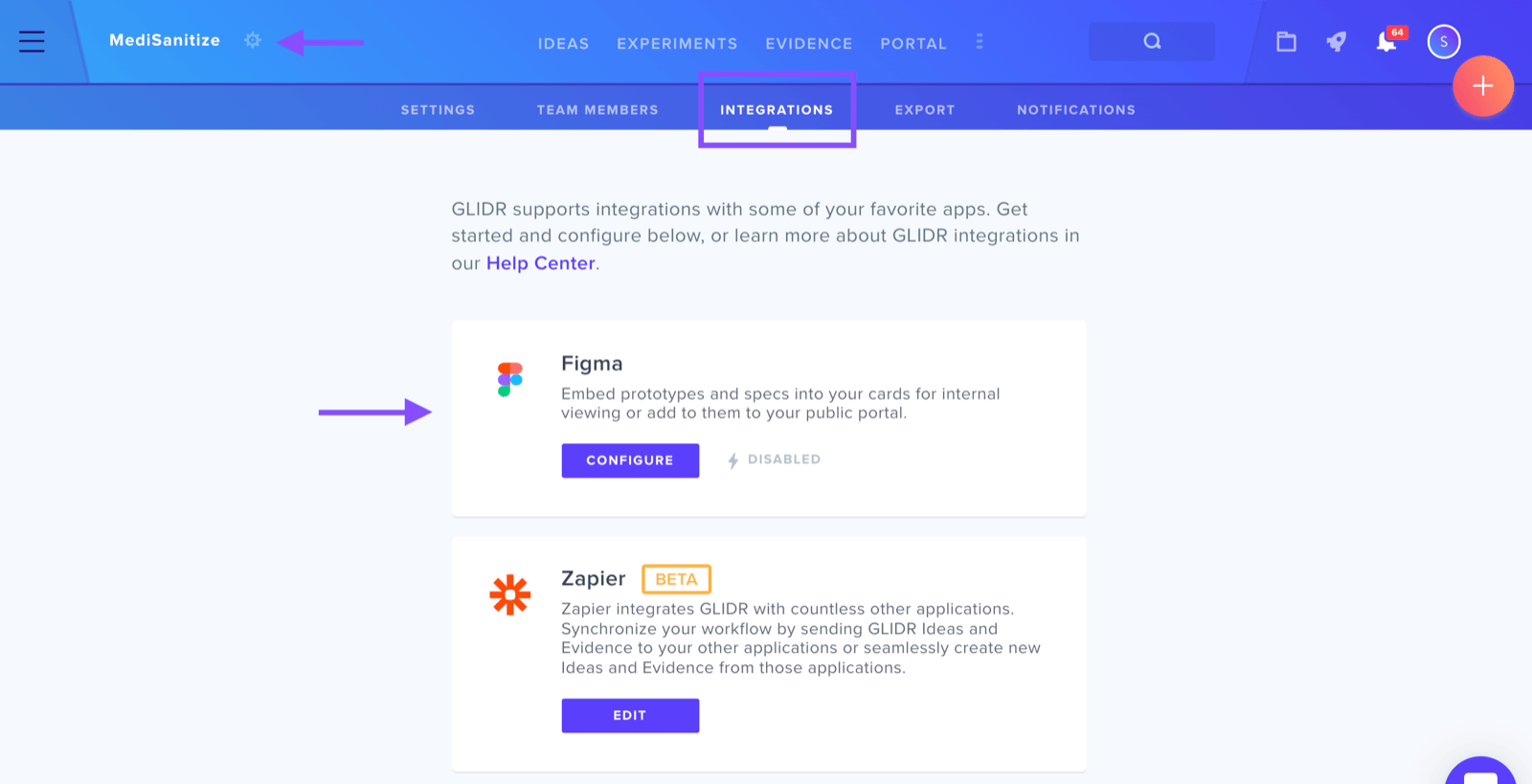
On the Integrations page, scroll to the Figma integration and click on configure.
On the Figma integration page, click the red button to enable the integration.
Now you can attach a Figma prototype to any Idea card in your GLIDR project.