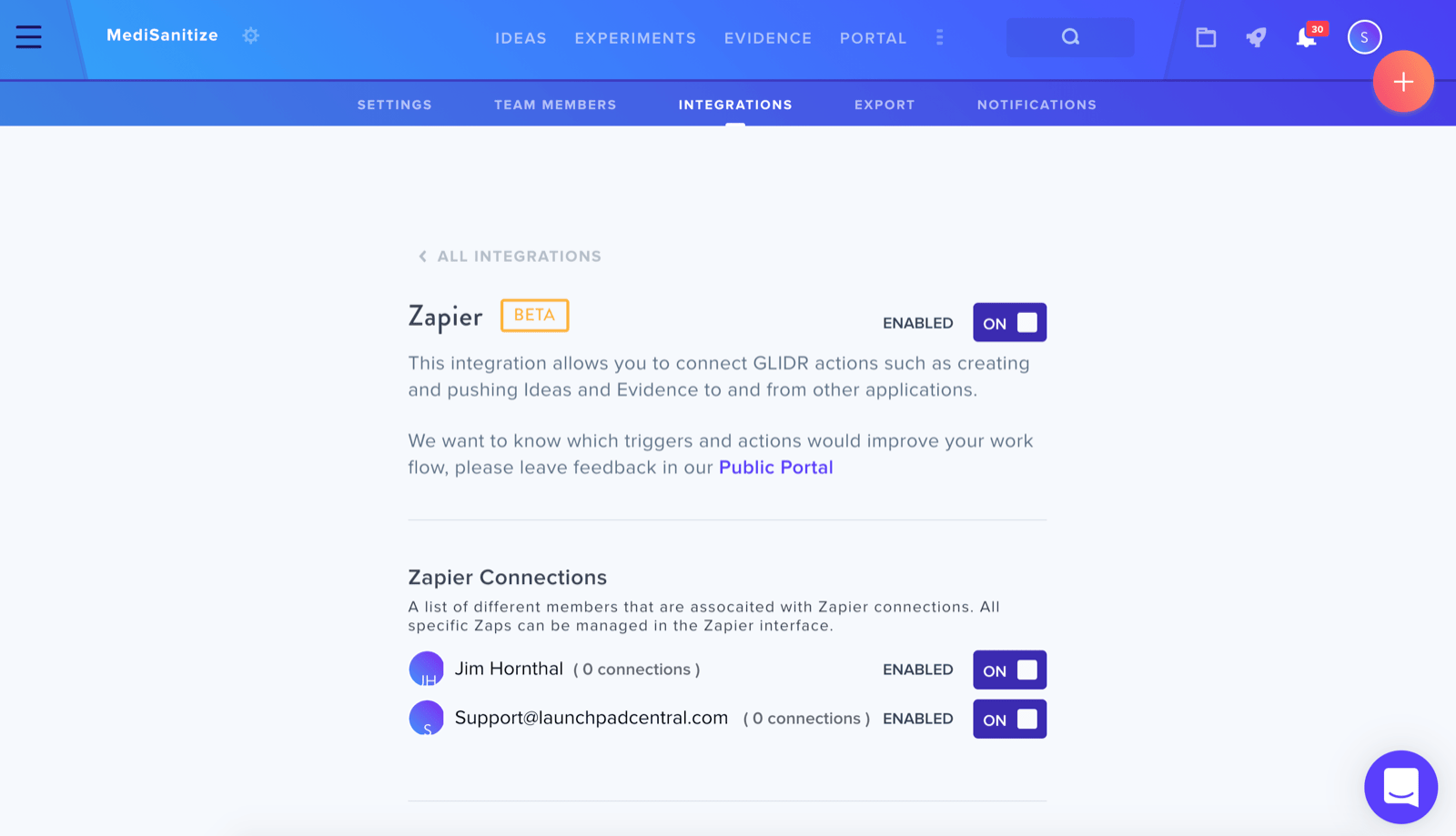
GLIDR offers a native integration with Zapier (opens in new tab) to streamline workflow automation.
Enabling the Integration
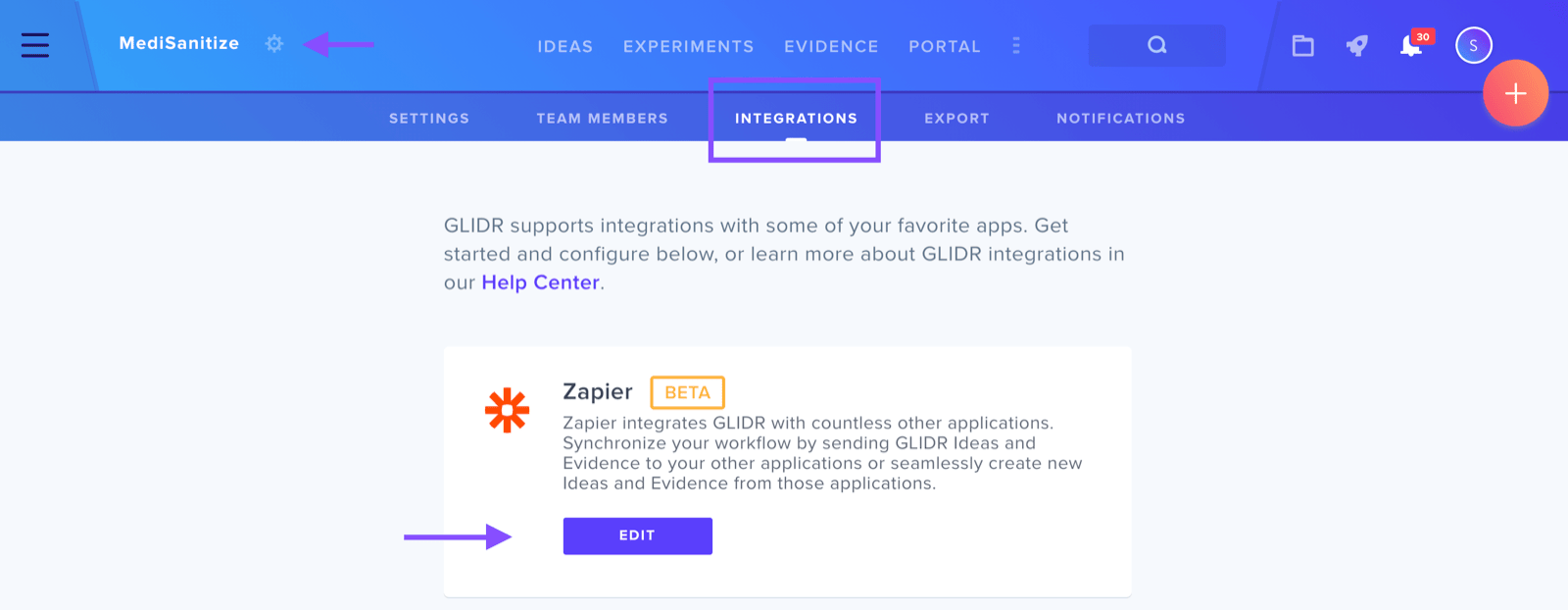
To activate the Zapier integration, navigate to the wheel icon adjacent to your project name in the upper right corner and select Integrations. From the Integrations page, enable the Zapier integration to facilitate connecting GLIDR with external applications.
Key Capabilities
The integration allows you to create or push Ideas and Evidence to and from other applications. This bidirectional connectivity supports data synchronization across platforms.
Additional Resources
Review our recommended zaps for optimizing the discovery process.