Overview
GLIDR's Trello integration lets you seamlessly push your Ideas from GLIDR to Trello. Use GLIDR as a product roadmap tool to decide priorities based on collected evidence, then export those ideas to Trello for execution and task management.
Setup
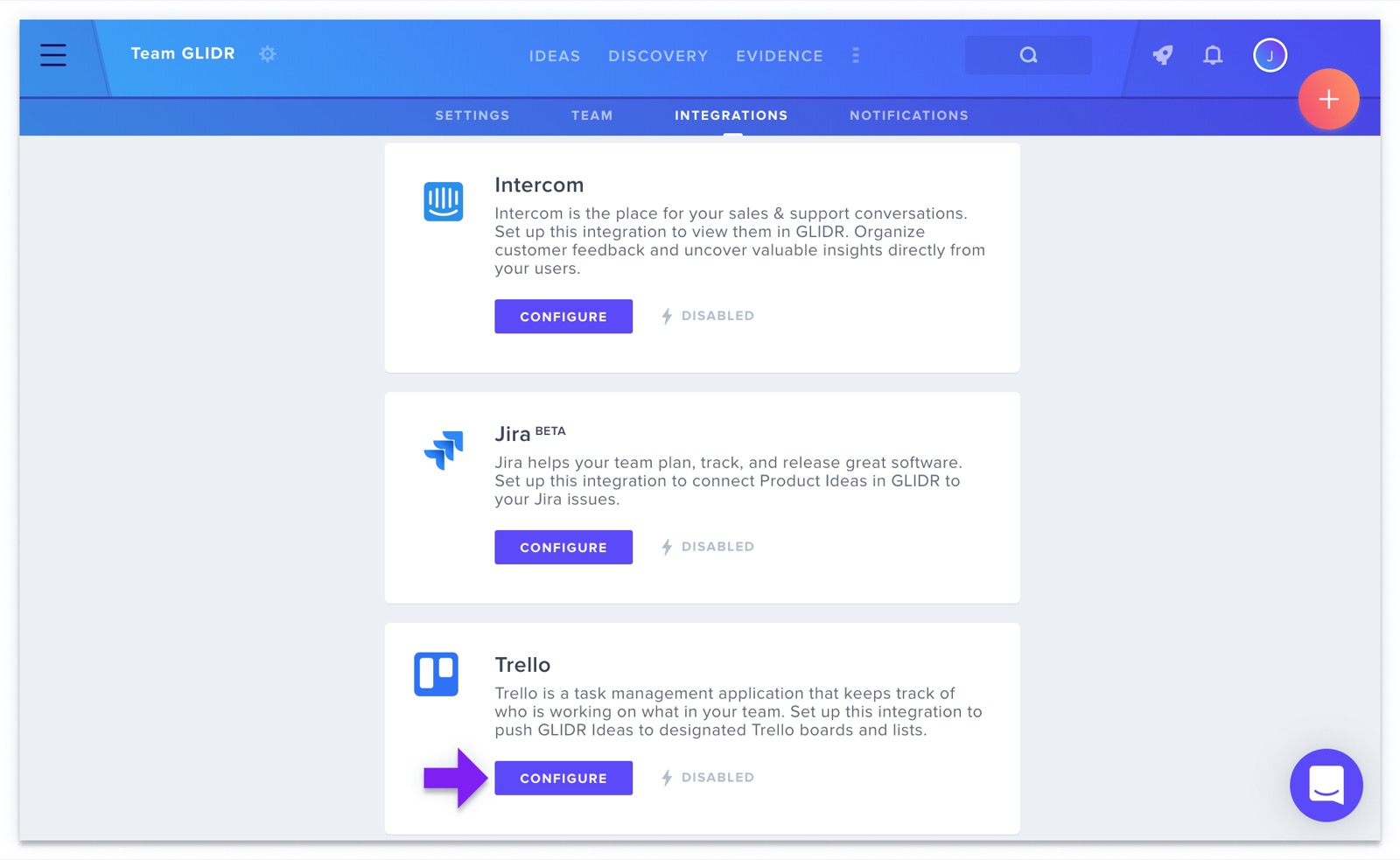
Configuration occurs via the Integrations page. See Set Up the Trello Integration for the full walkthrough.
Pushing Ideas to Trello
Initiate exports by clicking the Export menu in the top right corner of any Idea card.
Project Selection
The integration allows you to:
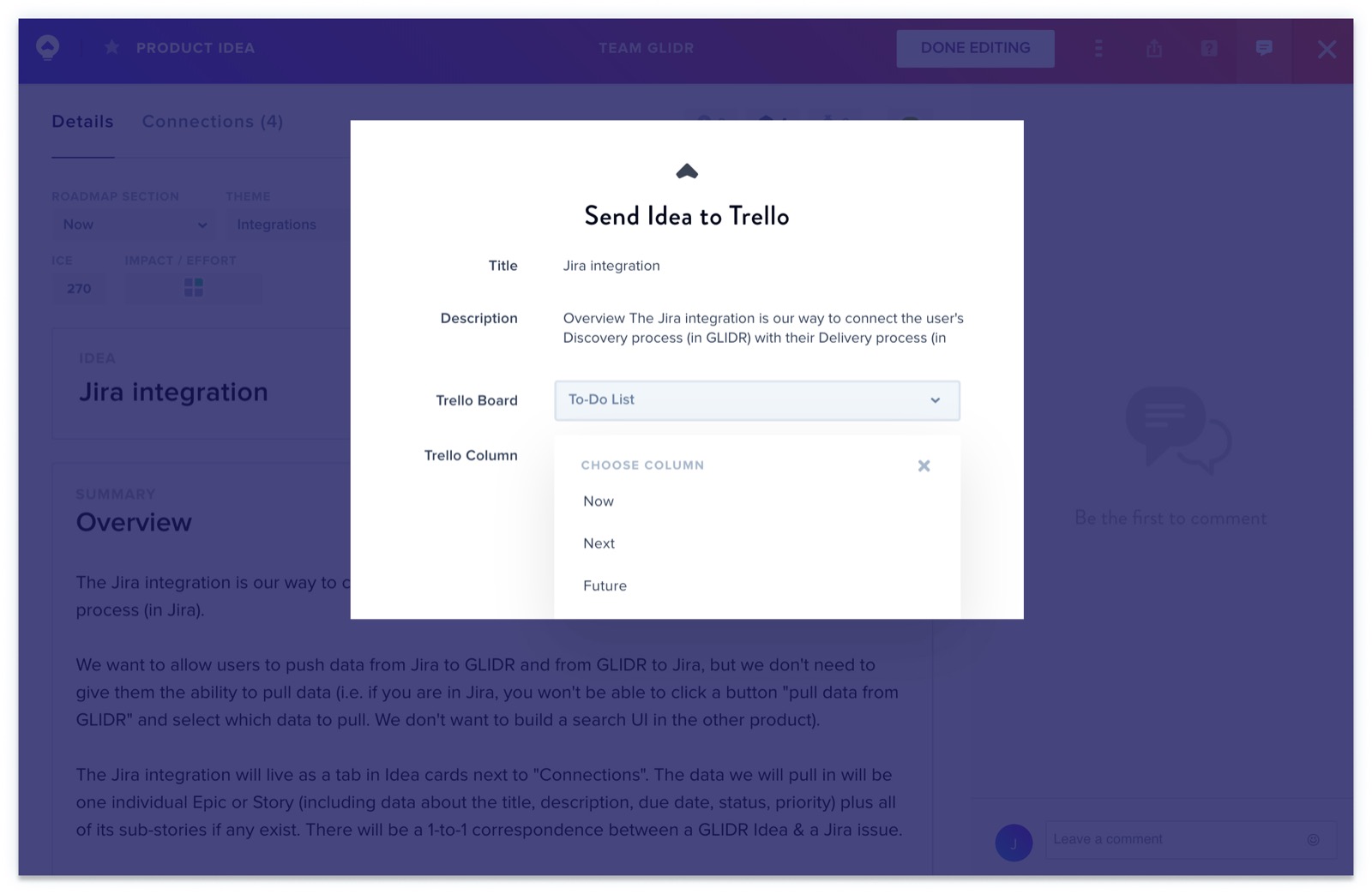
- Select which Trello board receives the idea
- Choose the specific column for placement
- Send an Idea to as many Trello boards as you like
Viewing Ideas in Trello
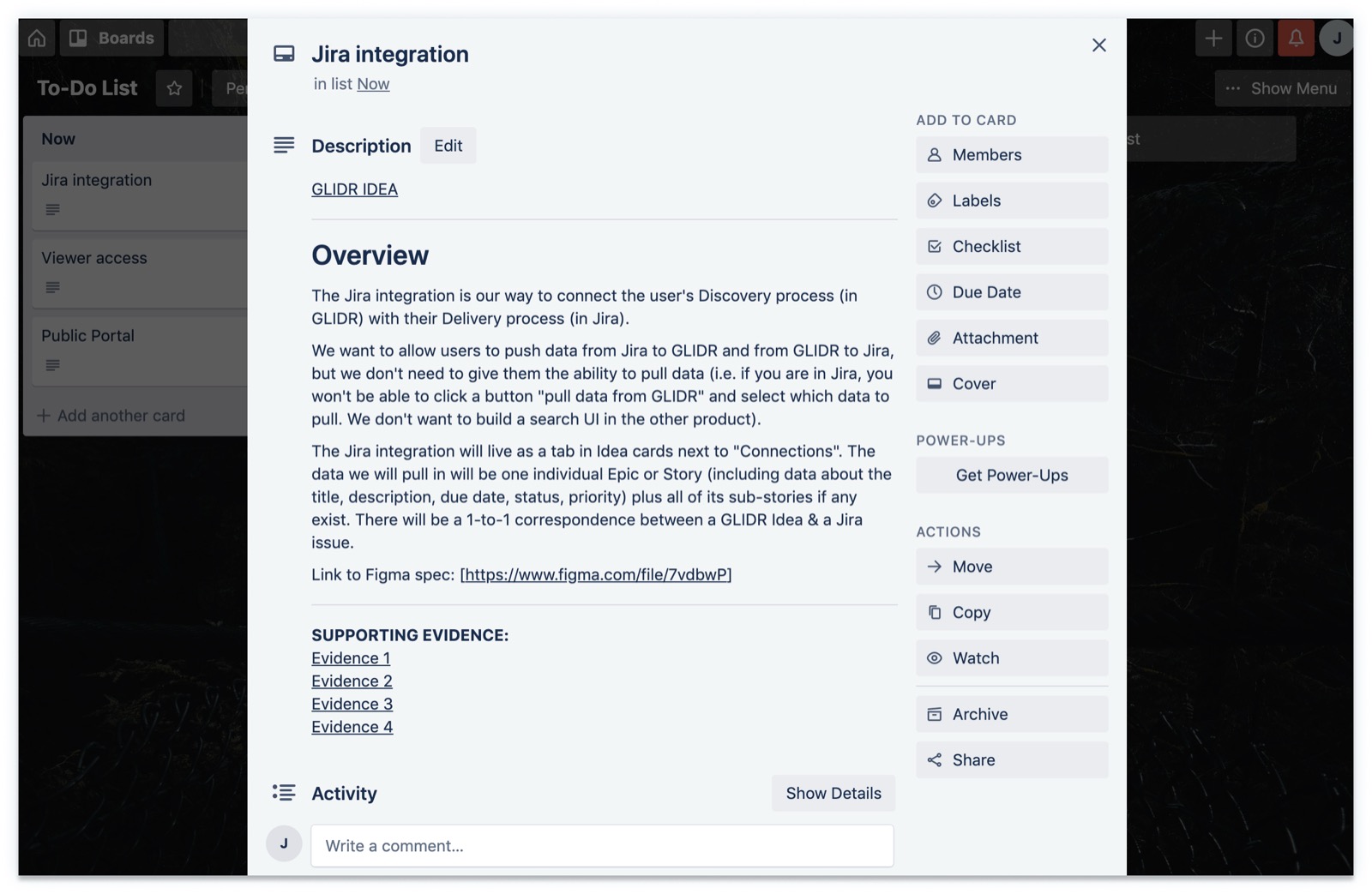
Exported ideas appear as Trello cards displaying:
- The original GLIDR description
- Links back to the GLIDR card
- References to associated Evidence
Important Note: Any subsequent changes you make to the GLIDR Idea will not be updated in the Trello card, and any changes you make in the Trello card won't be pushed to GLIDR. The integration is one-directional and non-synchronizing.