Use the GLIDR app in your daily Zoom meetings. You can create GLIDR evidence directly from a Zoom meeting.
Setup Steps
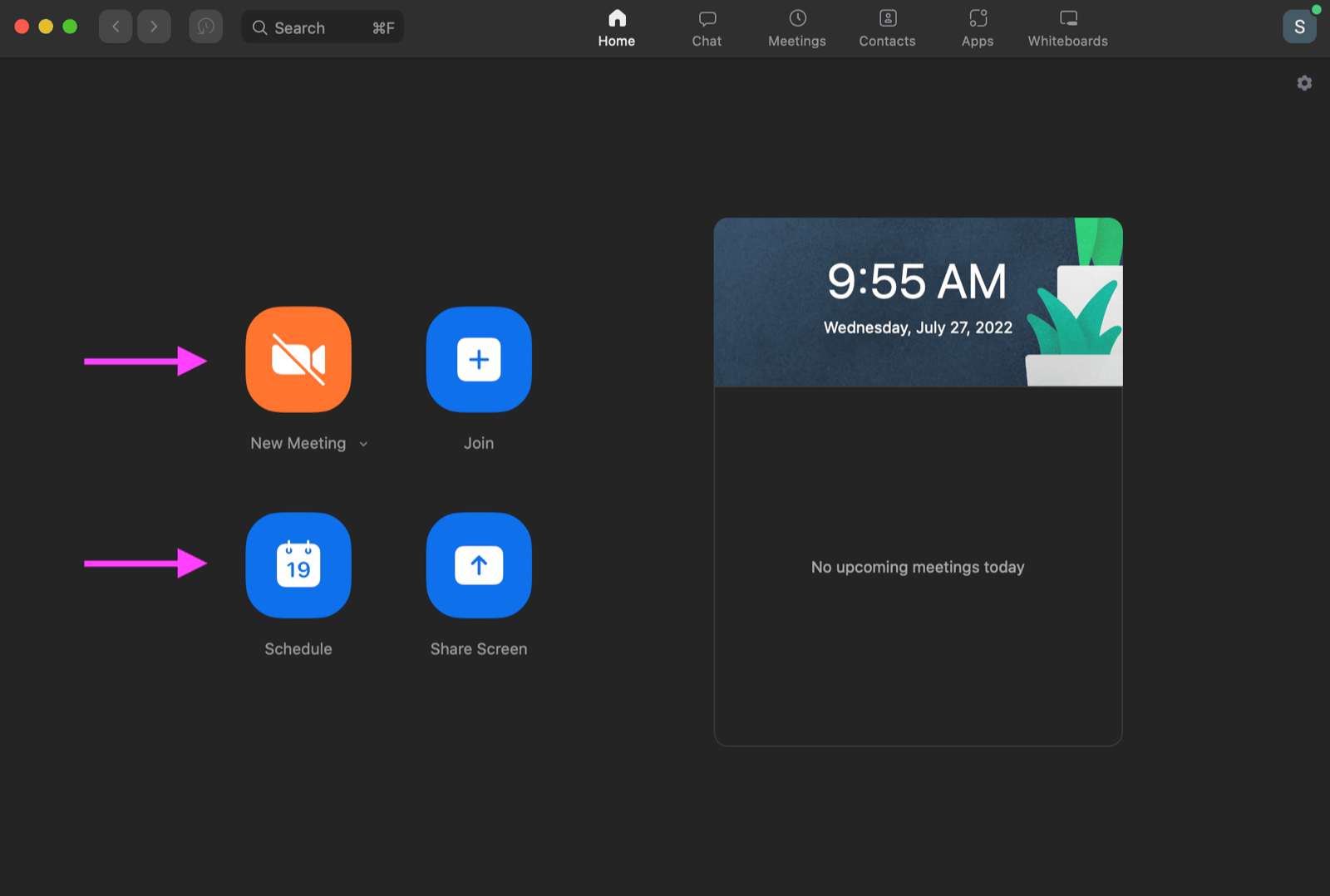
Start a new meeting or schedule a meeting for a later date.
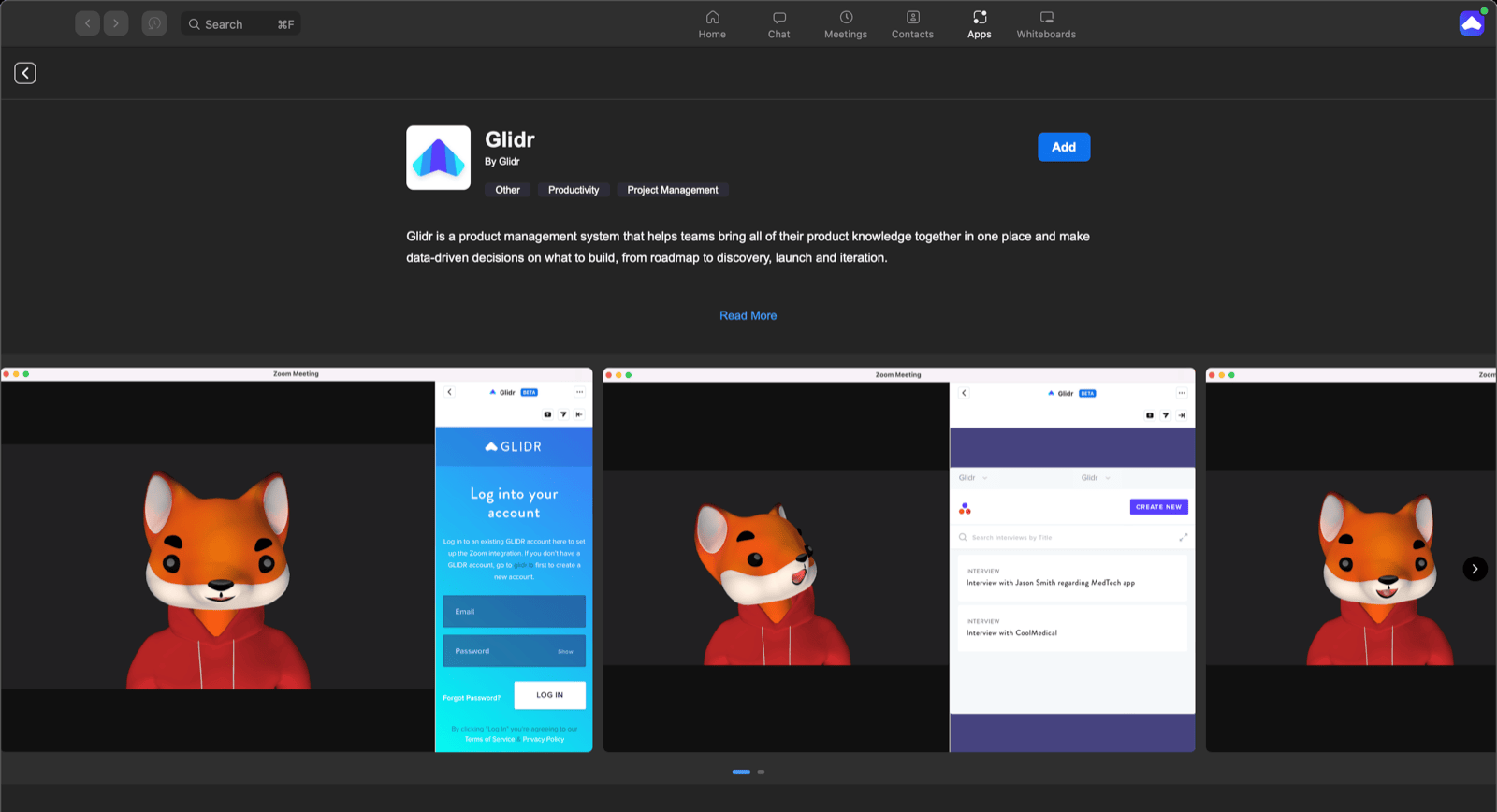
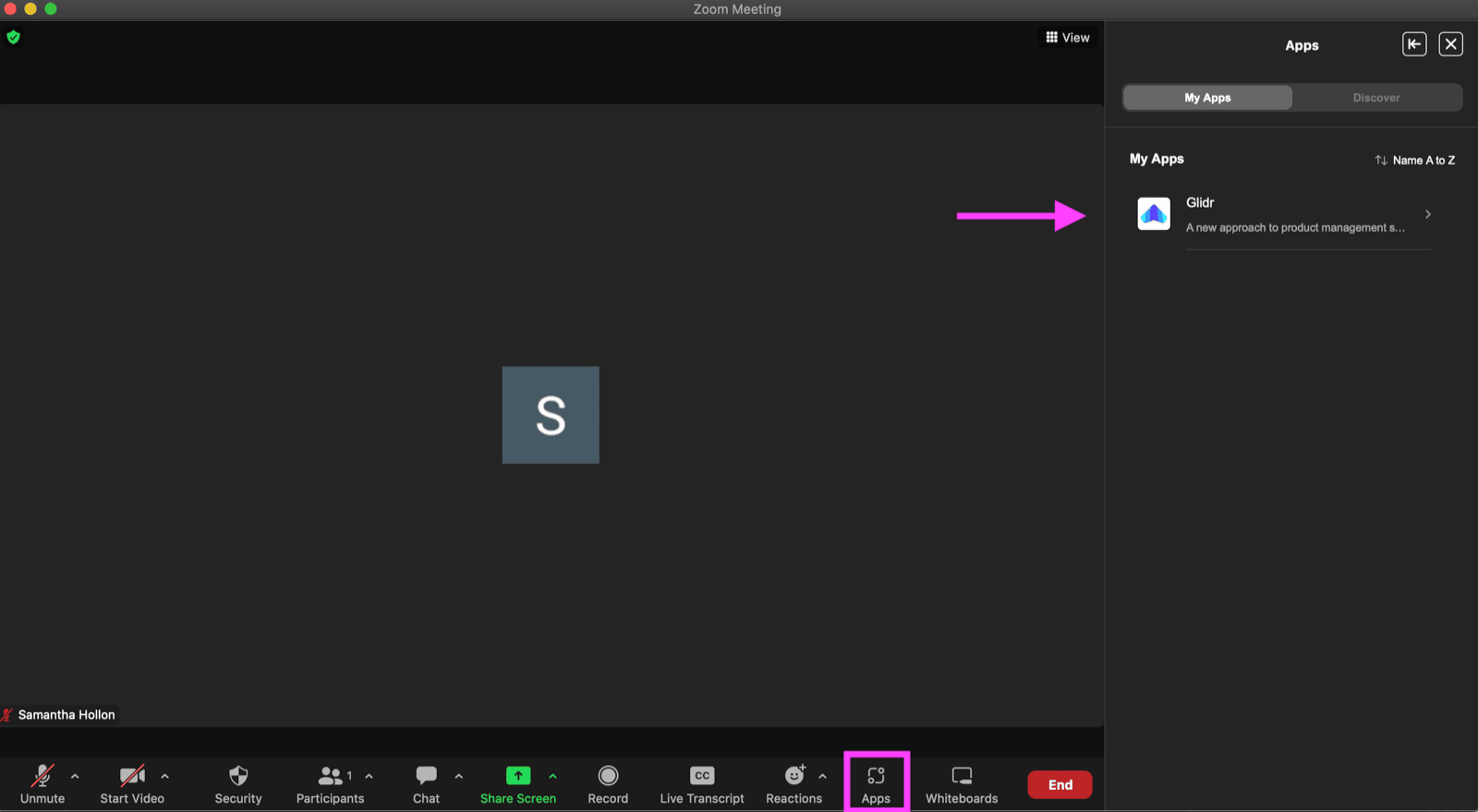
When you begin your meeting, go to your Apps in Zoom and search for GLIDR.
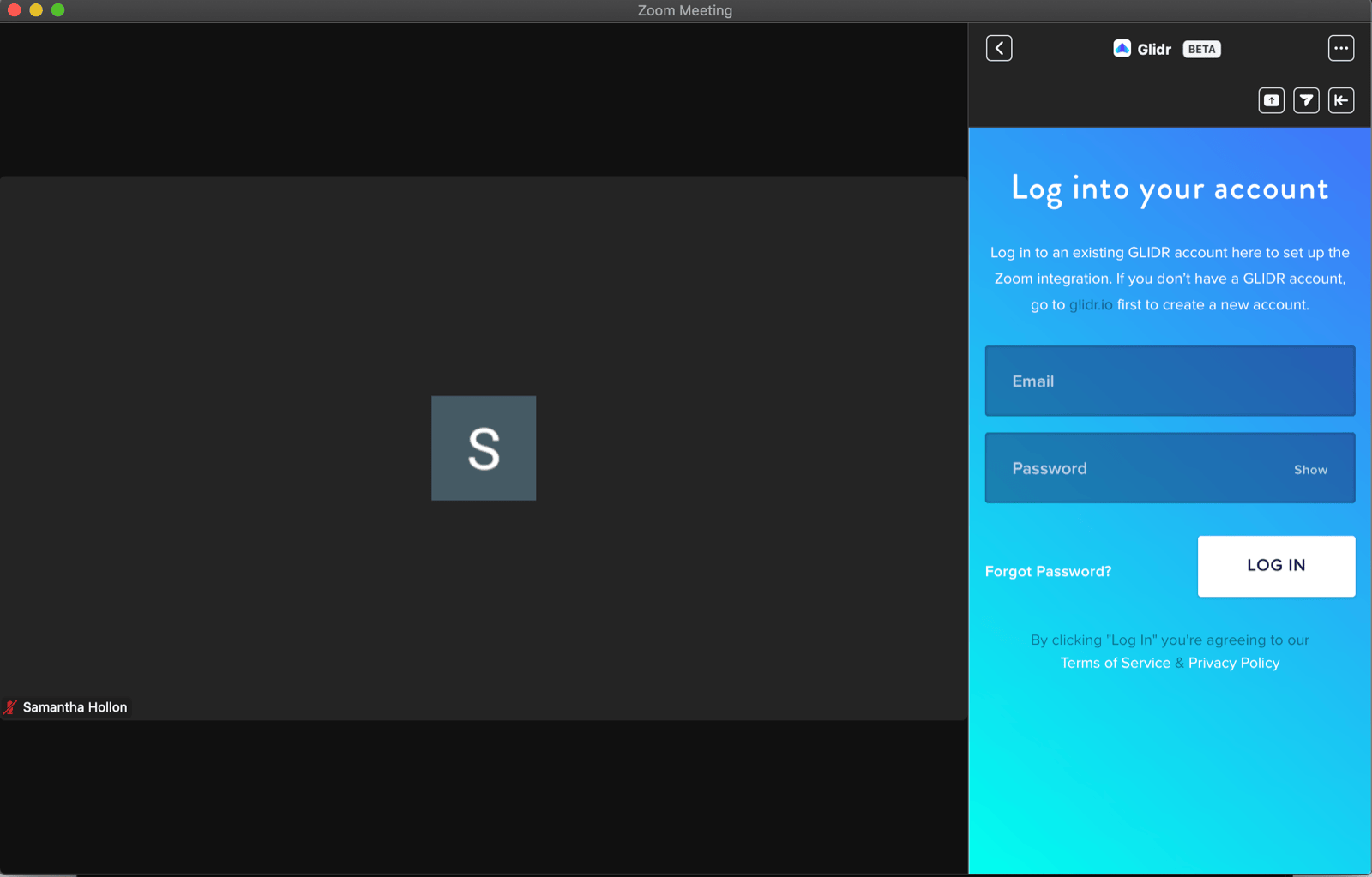
Once you connect to GLIDR, you will be prompted to sign in to your GLIDR account.
You will then select your Organization and Project to access your Evidence page.
You can choose to edit an existing piece of Evidence or you can create a new Evidence card for your meeting.
Once you Publish your Evidence card, it will immediately be viewable to your team members and instructors.
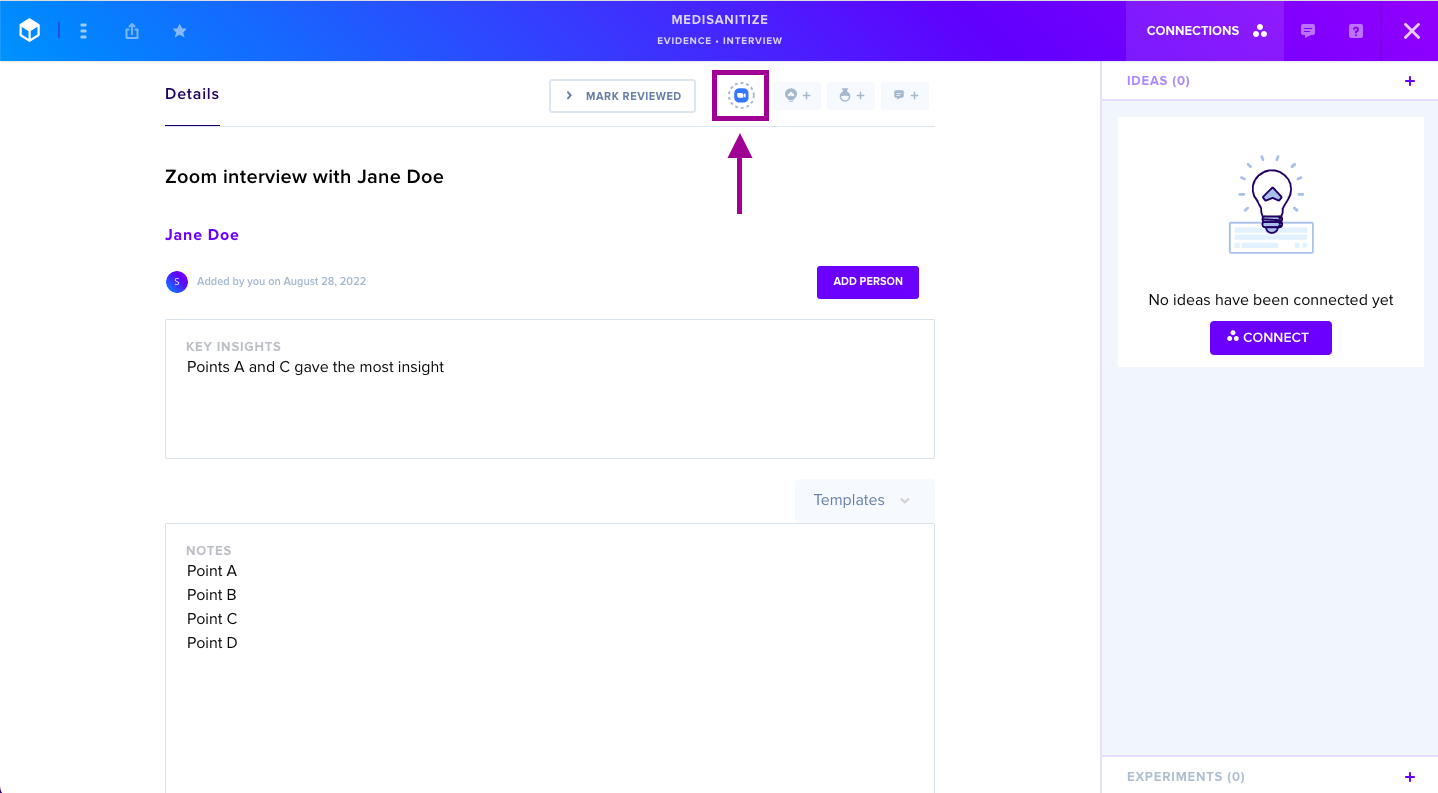
Additionally, you can access Zoom at any time by selecting the Zoom icon button in any open Evidence card.