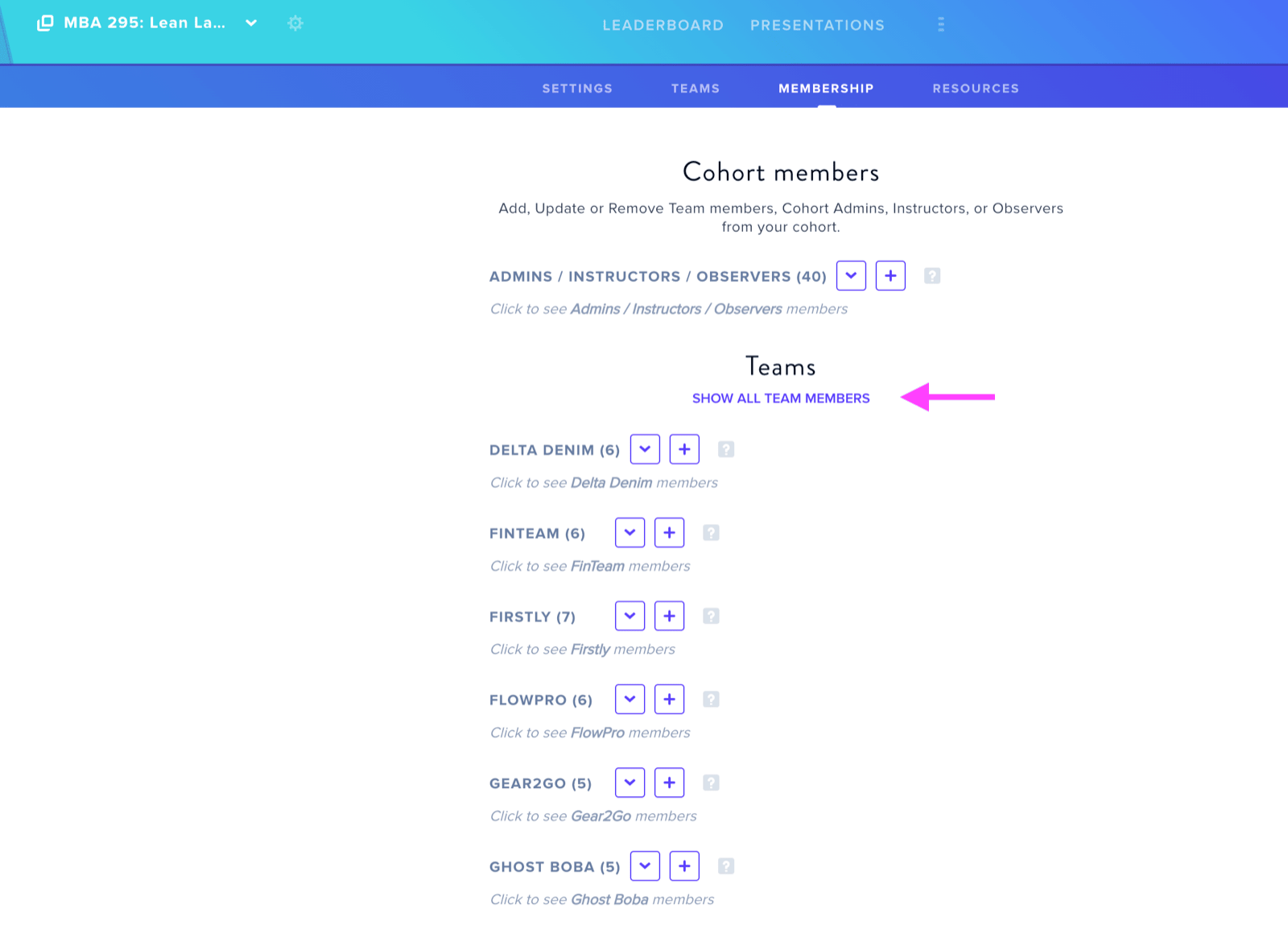
The Memberships tab enables administrators to invite instructors, mentors, and team members to their cohort. Click the plus button adjacent to either Instructors or the Team Name, provide an email address, select appropriate permission levels, and confirm with the Add Invite button.
We recommend assigning Instructor permissions to teaching staff and Team Admin permissions to students within their respective teams.
The interface displays pending invitations at the bottom of the page. Click Show All Details to review invitation specifics including team assignment, permission level, and send date. Additionally, clicking Show All Team Members below the Teams section reveals all team member listings.