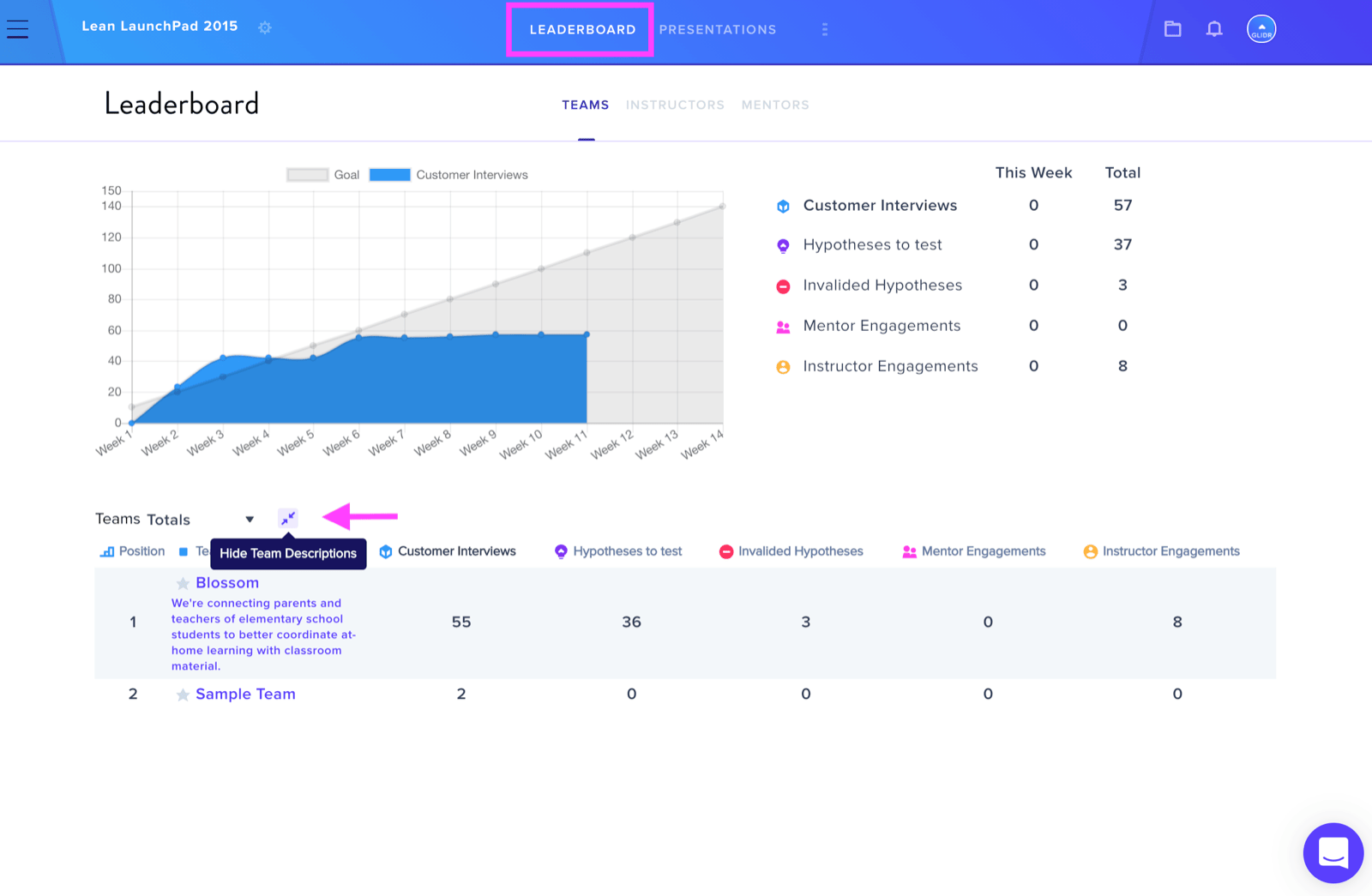
To access team descriptions in GLIDR, navigate to the Leaderboard and locate the Show Team Descriptions icon positioned to the right of the Team Totals filter.
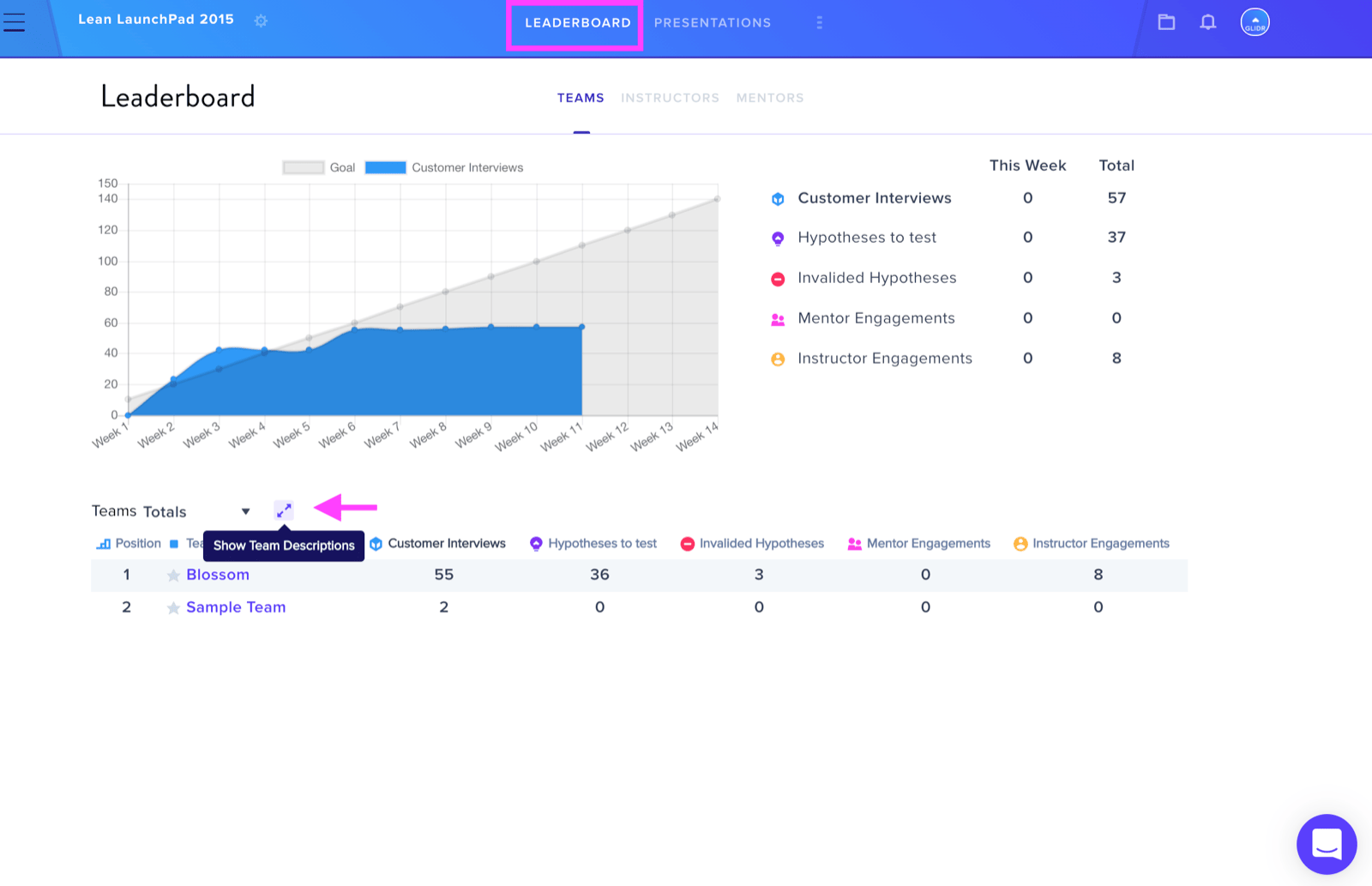
Clicking this icon will display your teams' descriptions on the interface. To conceal the descriptions again, simply click the same icon a second time.