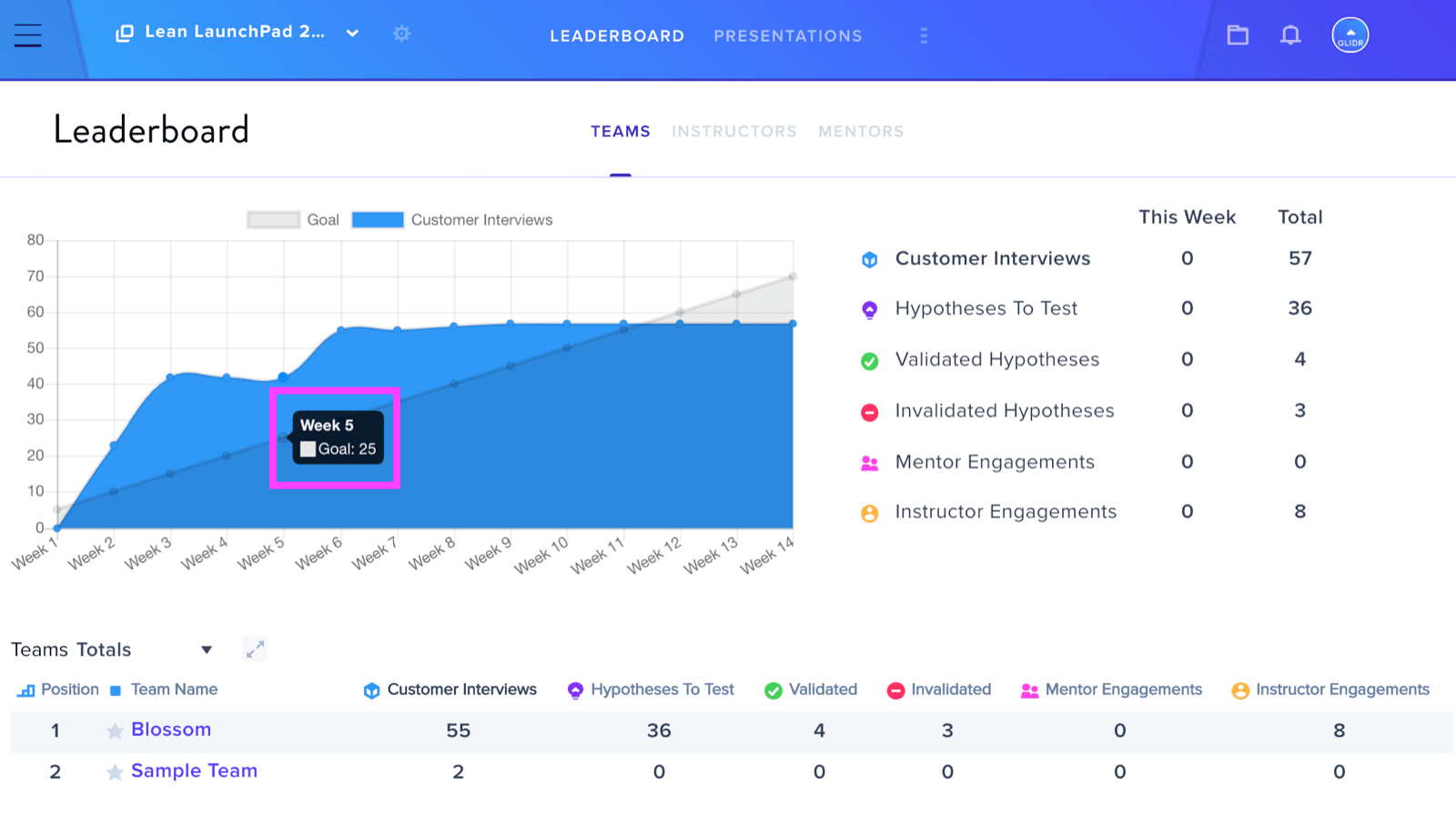
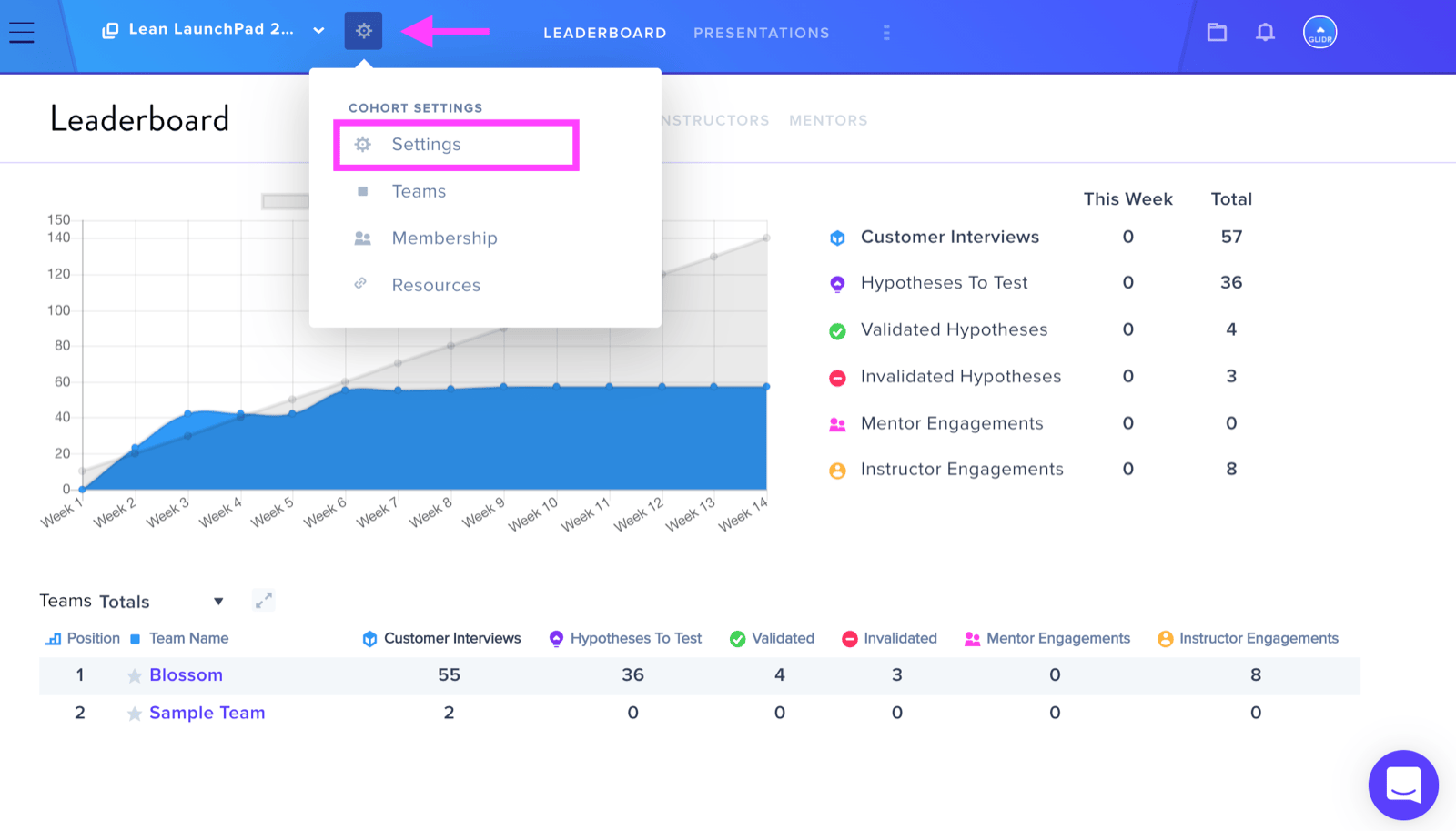
To modify the weekly interview goal, access the Leaderboard and locate the wheel icon positioned to the right of your Cohort Name, then select Settings.
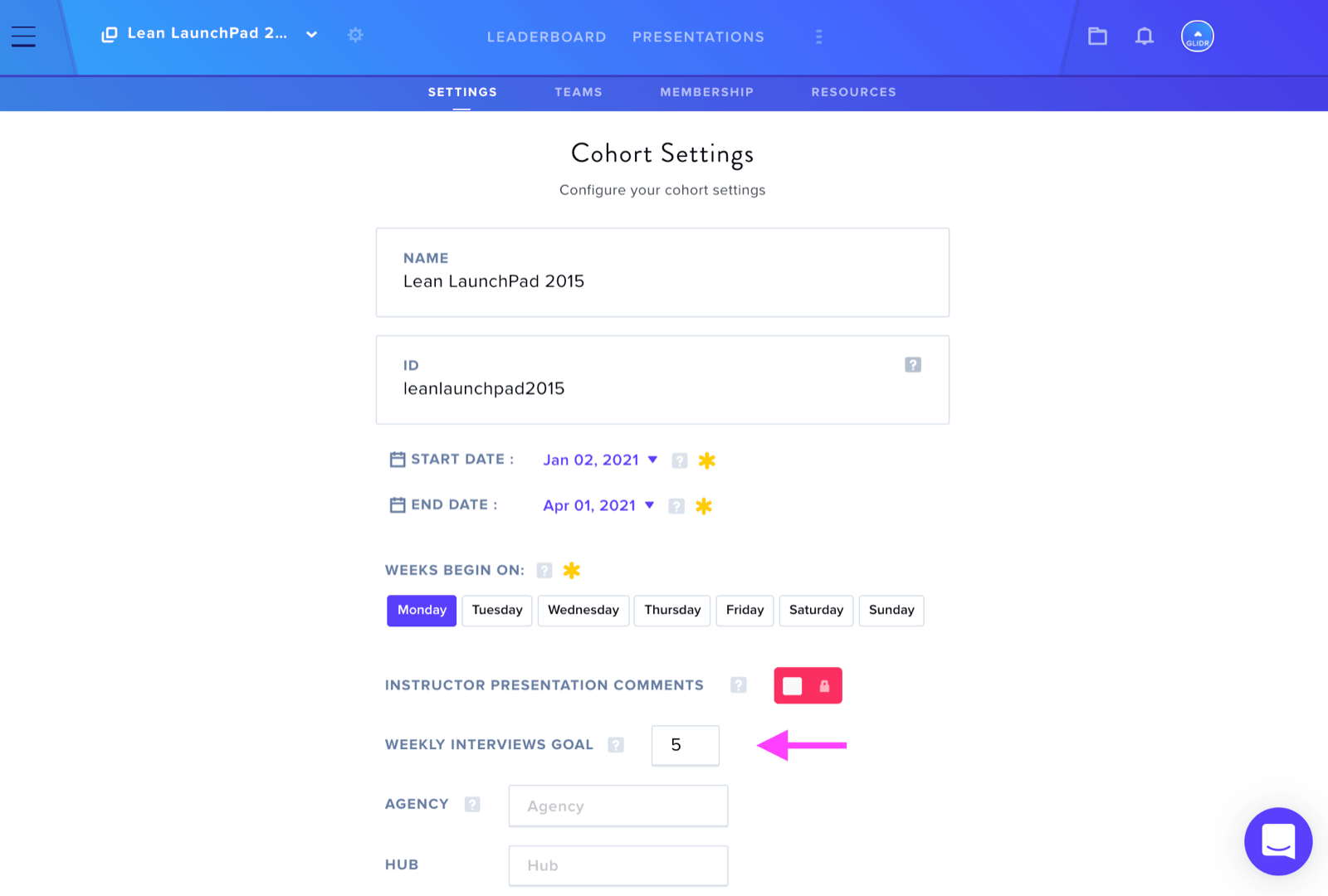
Within the Settings tab, you can input the desired number of interviews for your team's weekly interview objective.
Once you update the interview goal, the Leaderboard automatically recalculates the Total Weekly Interview Goal for the entire cohort. This calculation multiplies the number of Interviews Goal per Team and the number of Teams. Note that the Sample Team is excluded from this computation.