
This guide helps Cohort Admins create academic teams in LaunchPad on GLIDR. The process enables teams to progress from initial setup through completion in minutes.
Prerequisites
Before generating teams, teaching staff must add a Project Description to the Team tab in Cohort Settings. The description should be 2-4 sentences (a minimum of 100 characters) and ideally address:
- The problem being solved
- The proposed solution
- Products or services offered
- Target customers
Generation Steps
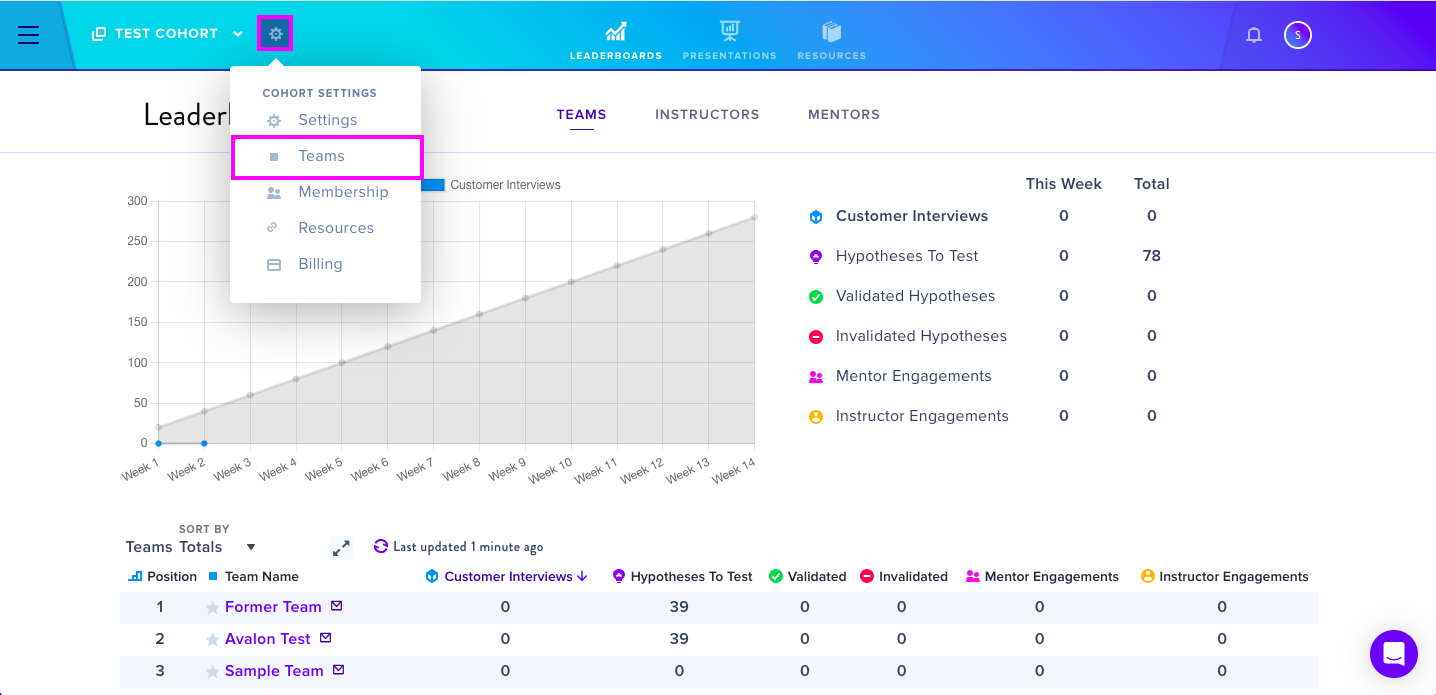
- Click the wheel icon at the top right of the cohort name and select Teams
- Add a team name and click ADD TEAM
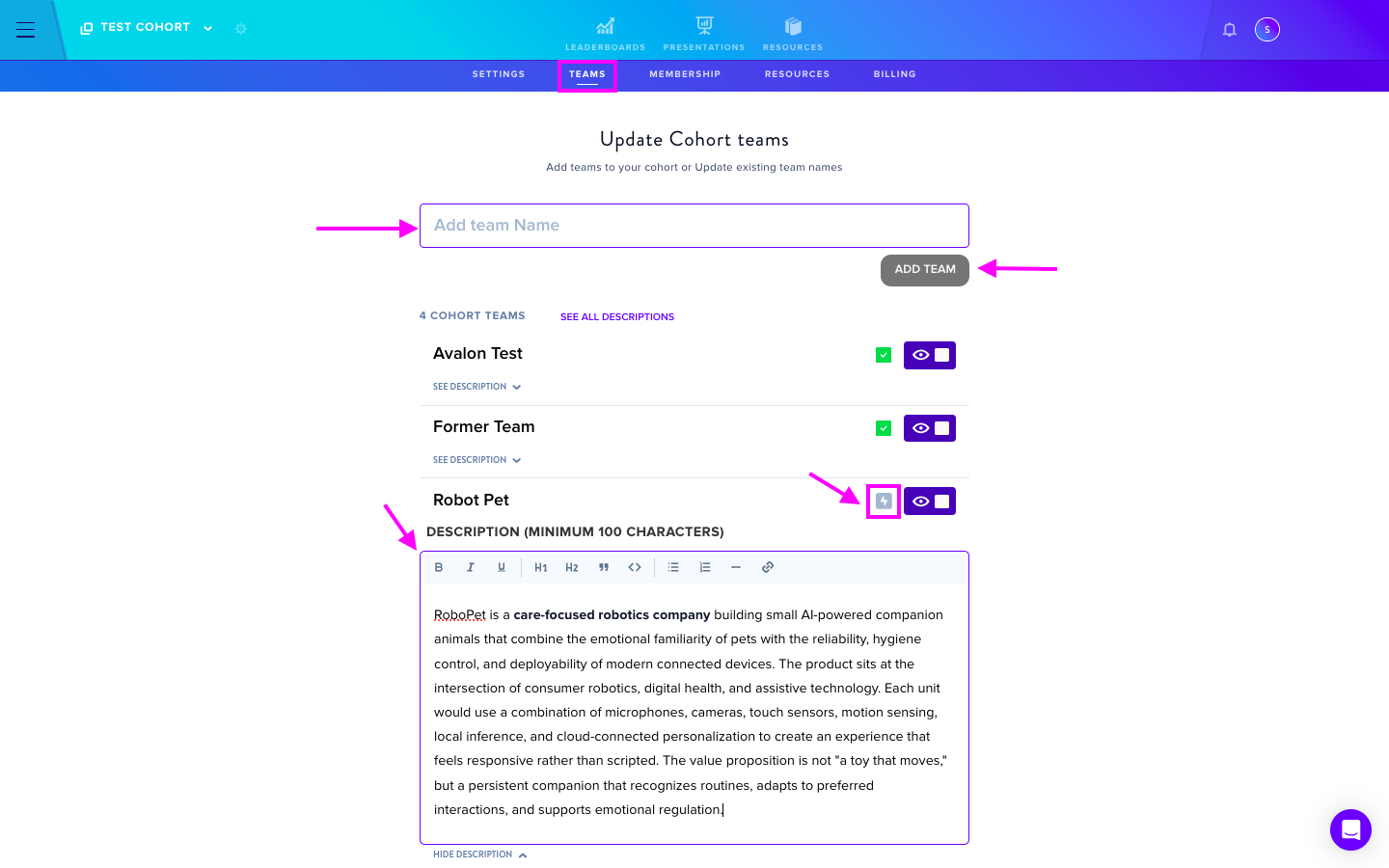
- Select See Description and input the Project Description
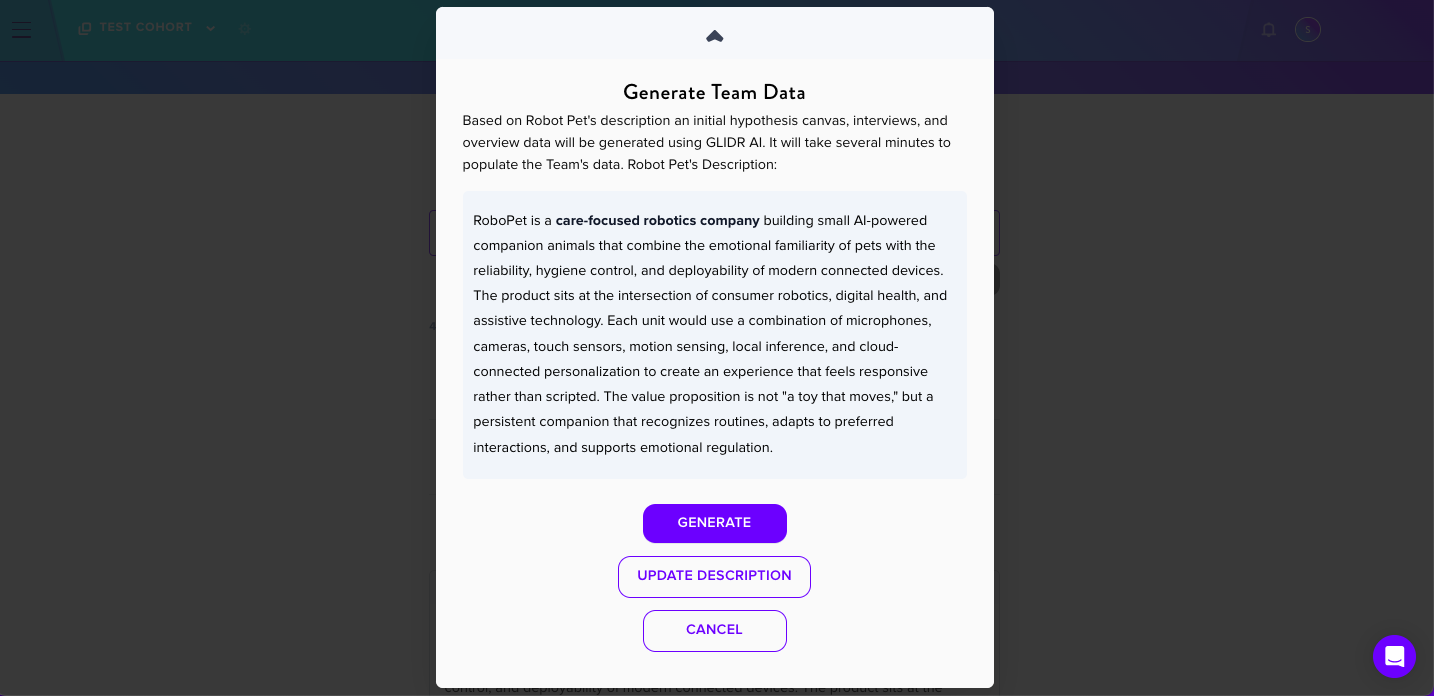
- Click the grey lightning icon
- Confirm the description and click Generate
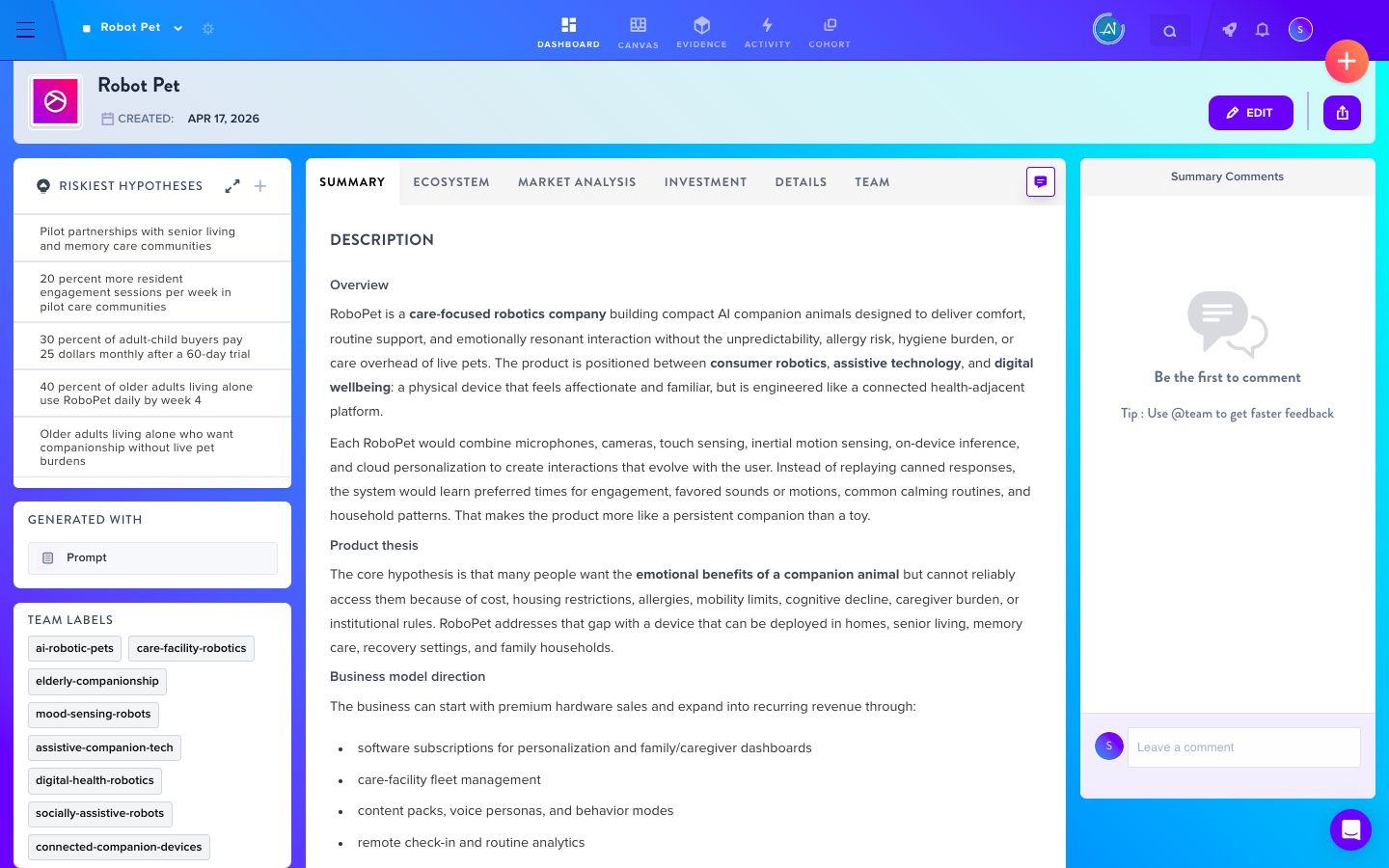
- Wait for the icon to turn green, indicating completion
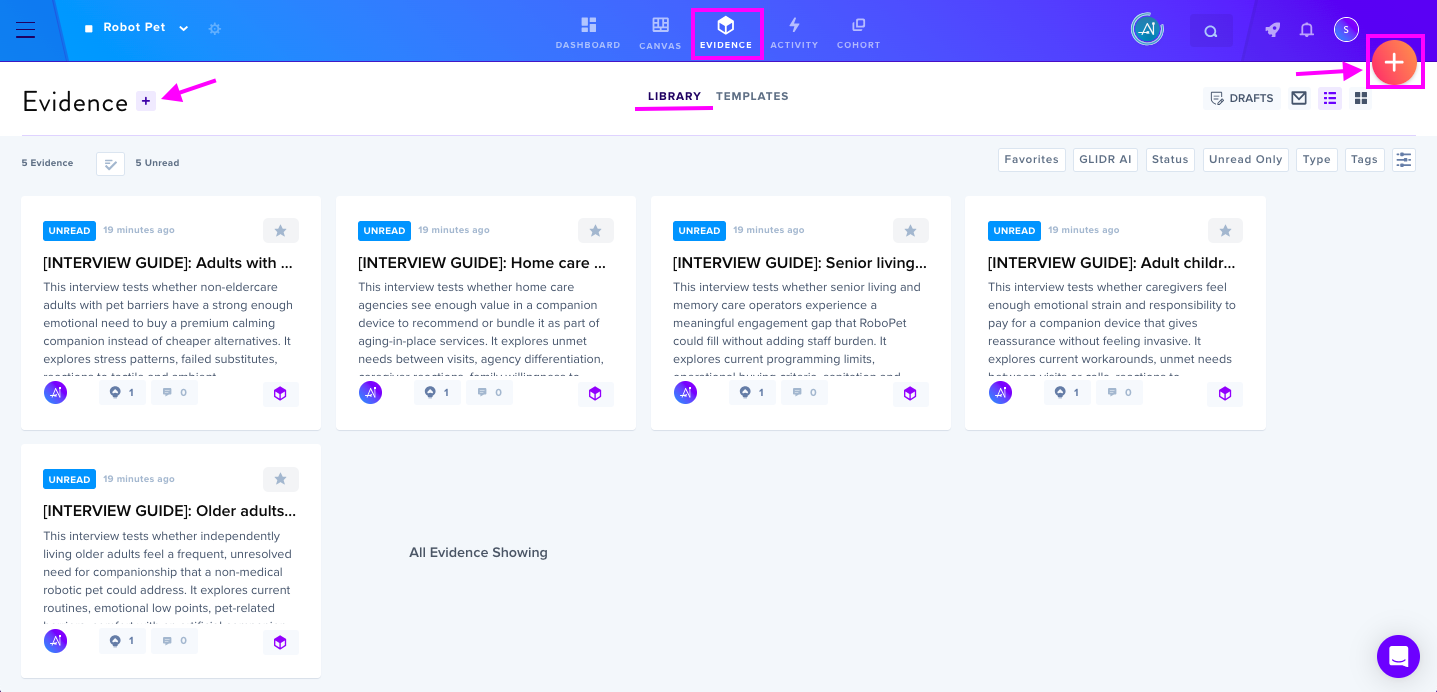
Generated Content
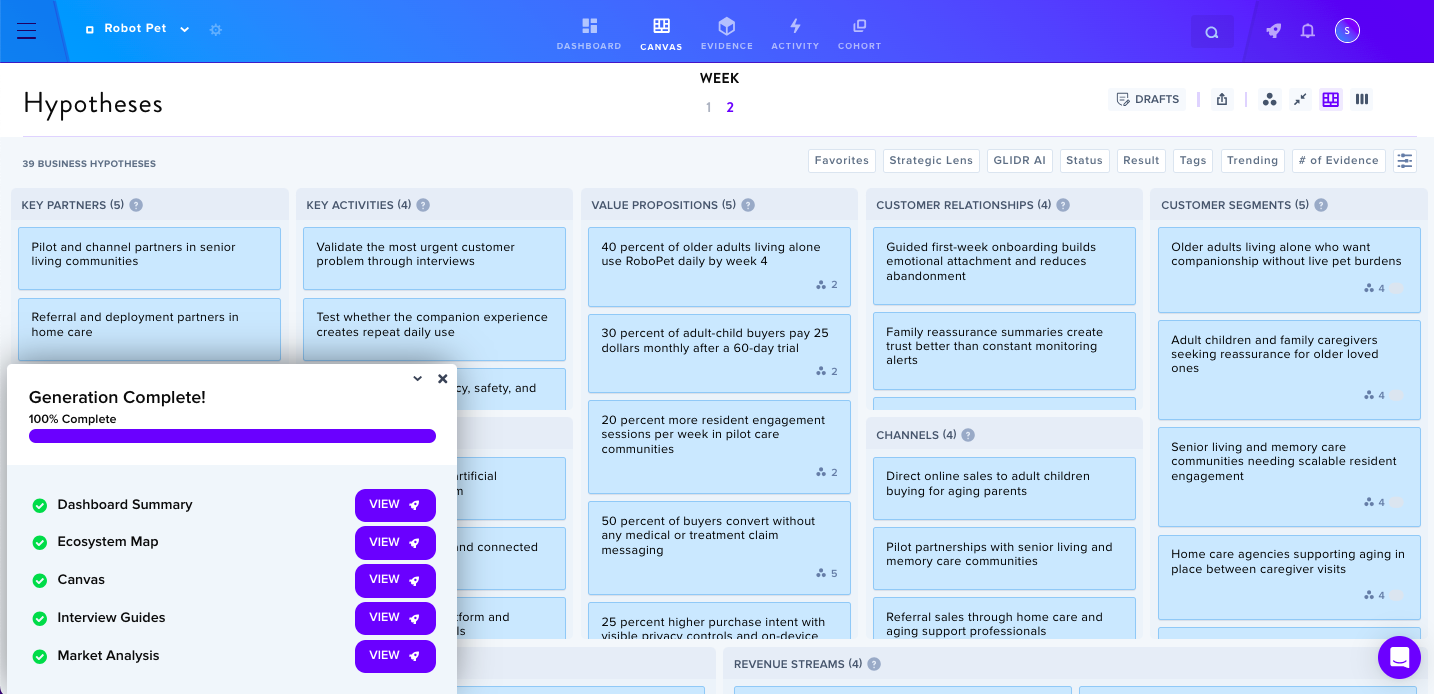
The system automatically creates:
- A team canvas first draft
- A Project Dashboard containing project summary, market analysis, ecosystem map, investment notes, and team information
- Interview Guides in the Evidence tab for customer interviews
Important Note
Instructors and Admins should know that an Interview Guide is not to be used in place of actual Customer Discovery Interviews and cannot be edited for use as formal customer interviews. Actual interviews must be added separately as Evidence Interviews.
Multiple team projects can be generated simultaneously.