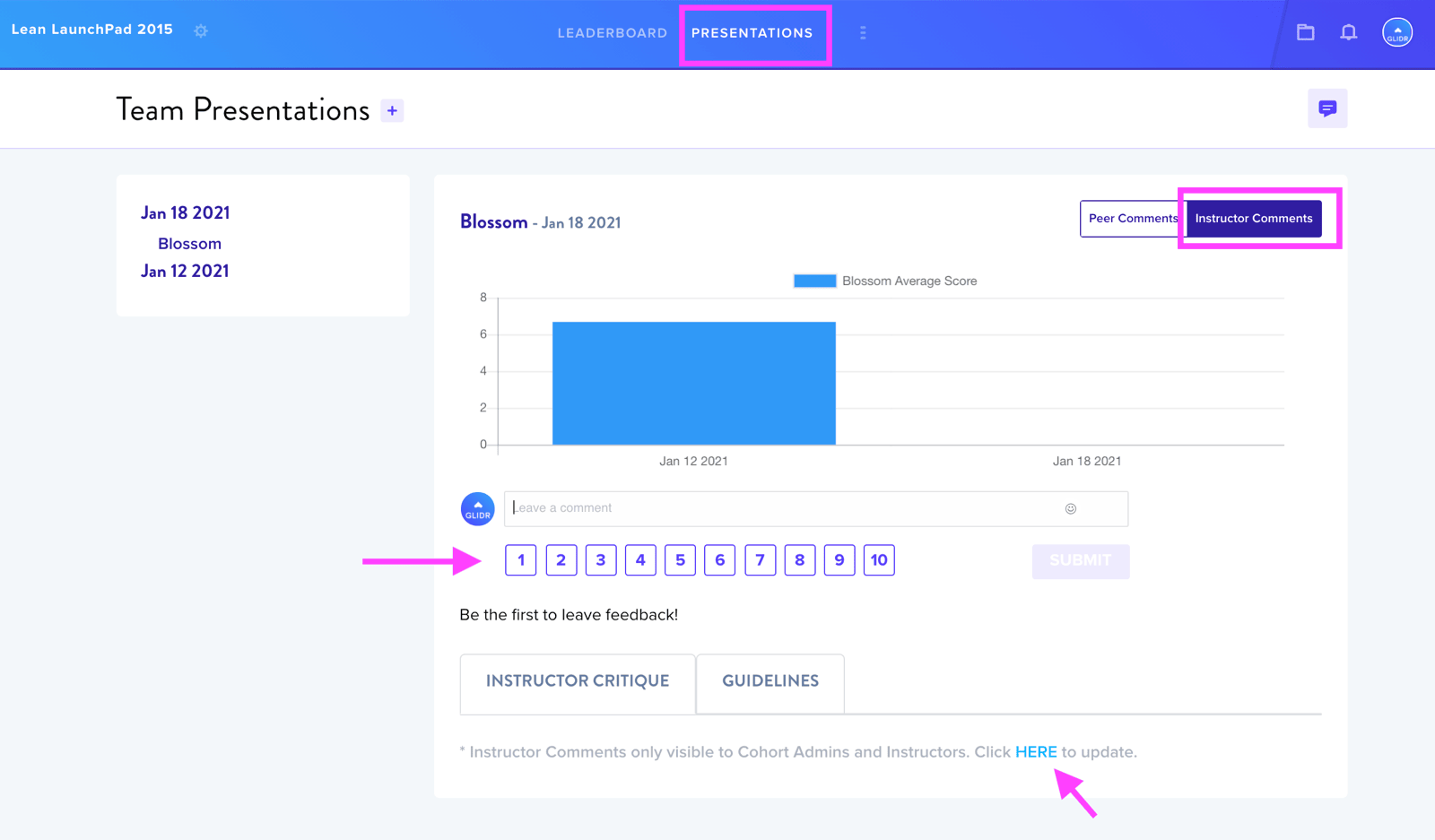
The Presentations tab enables students to submit presentation decks on designated dates. To create a presentation date, instructors click the + button next to the Team Presentations header.
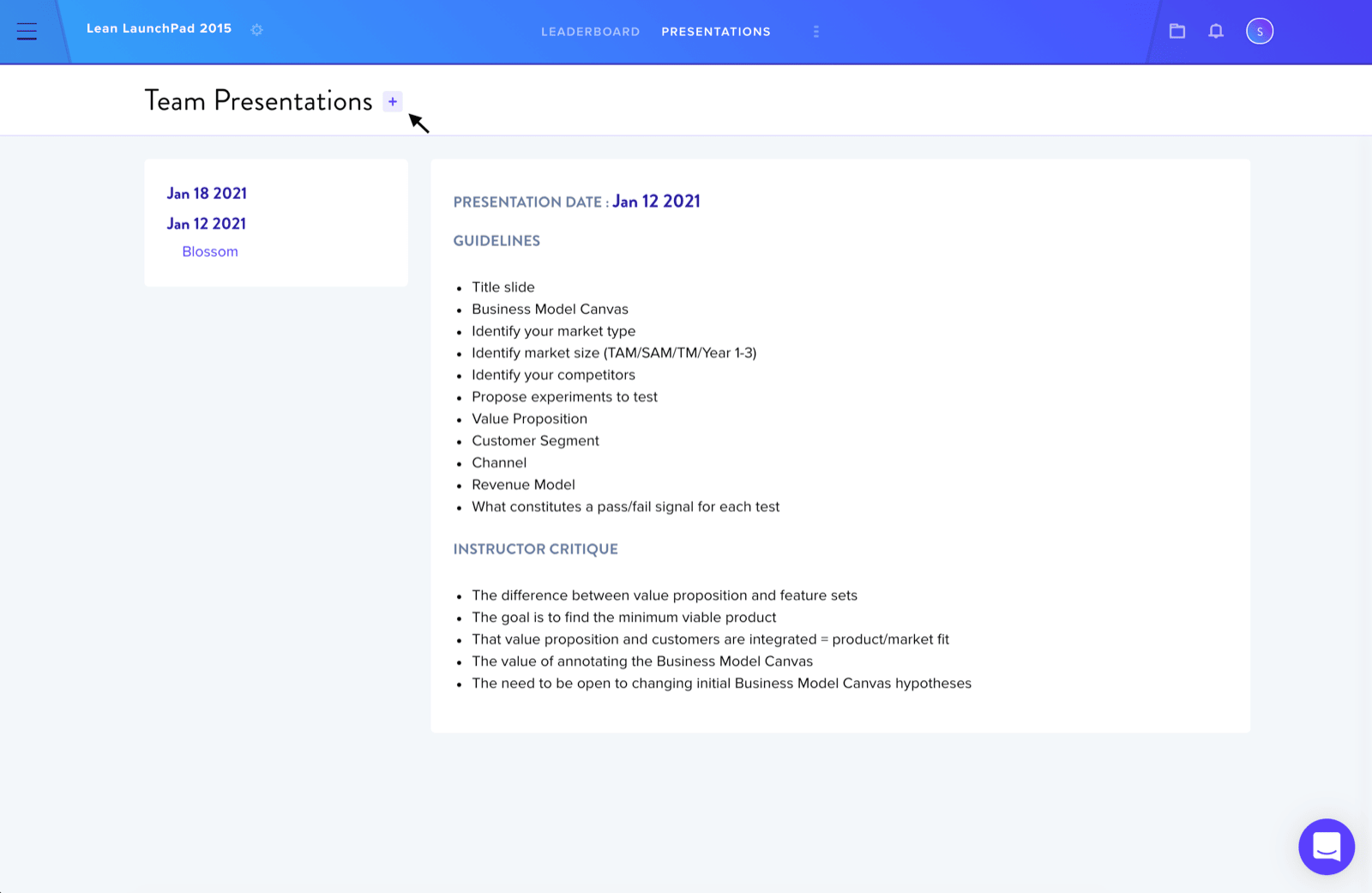
Creating a Presentation Date
Instructors must select the presentation date and choose which Canvas section the class will focus on that week. The Guidelines section is customizable, allowing instructors to adapt them to their own course schedule.
Selecting Teams
Next, instructors choose which teams will present by using either the Select All option or selecting individual team names.
Scoring and Feedback
Instructors can assign scores ranging from 1 to 10 for each team presentation and add comments. By default, instructor comments are set to Private visibility, restricting access to cohort admins and instructors only. This setting can be adjusted to Public to make comments visible to all cohort members.