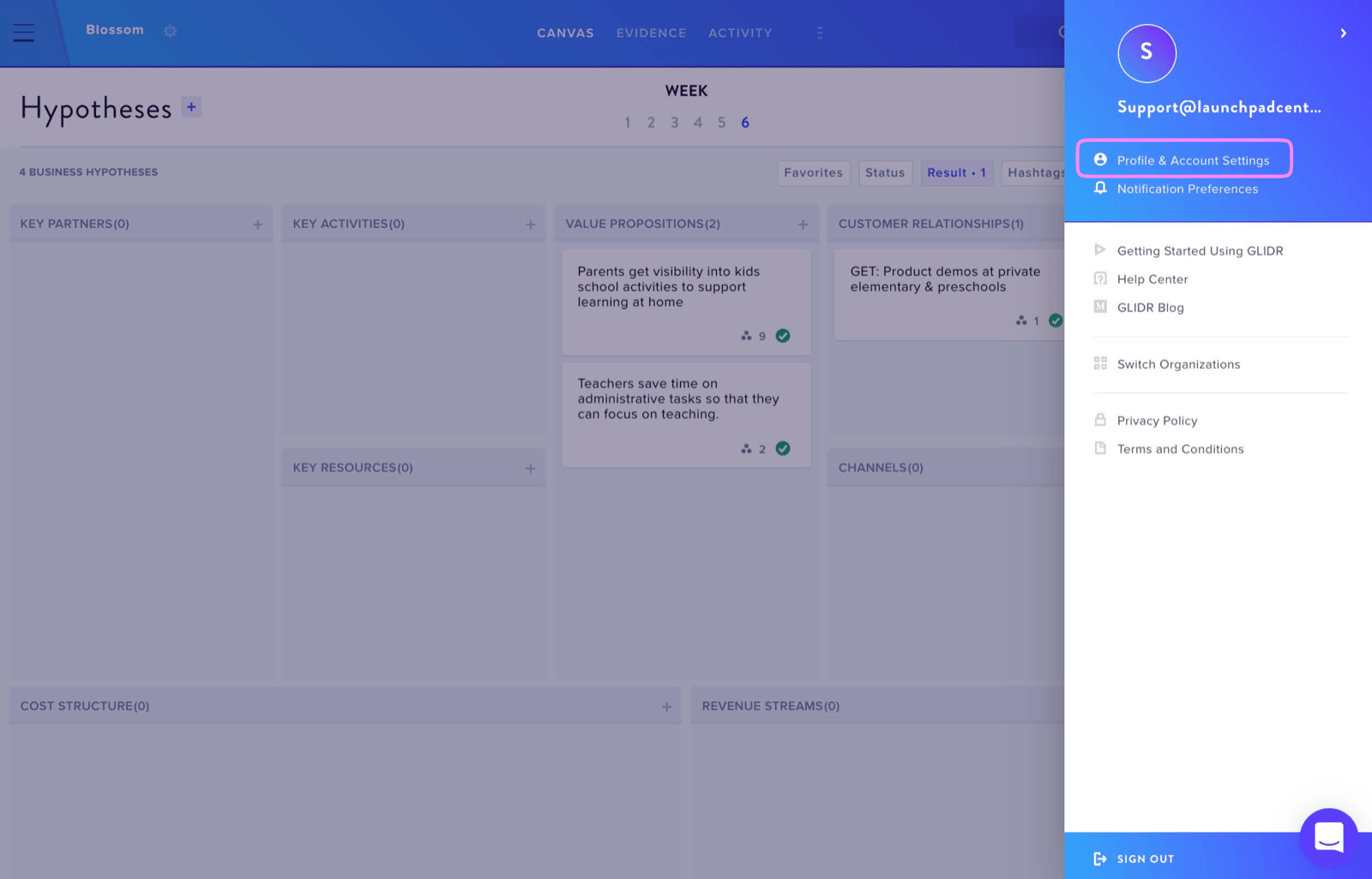
You can modify your email address through your Account Settings. Access this by clicking your Profile Icon in the top right corner, then selecting Profile and Account Settings.
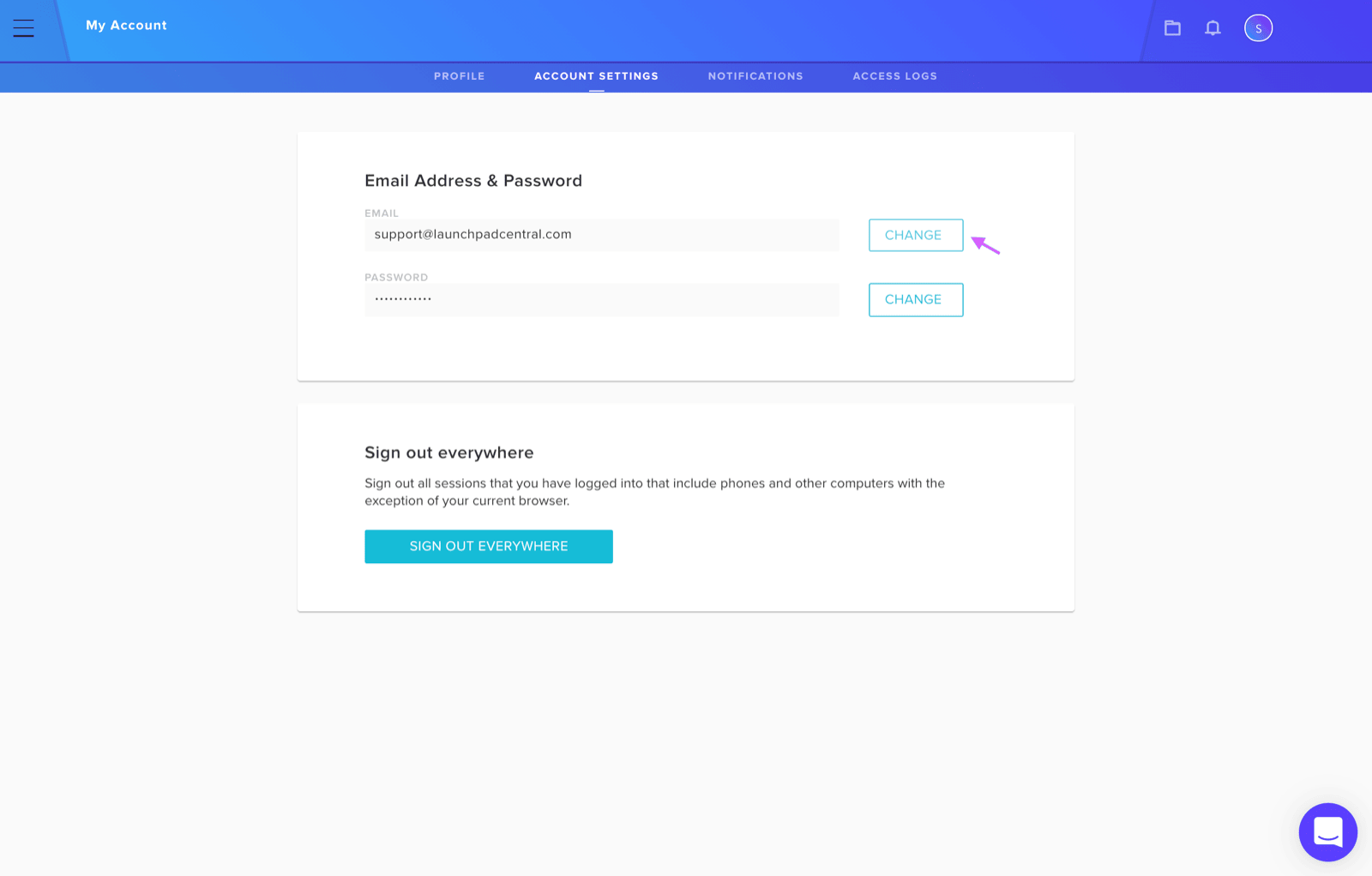
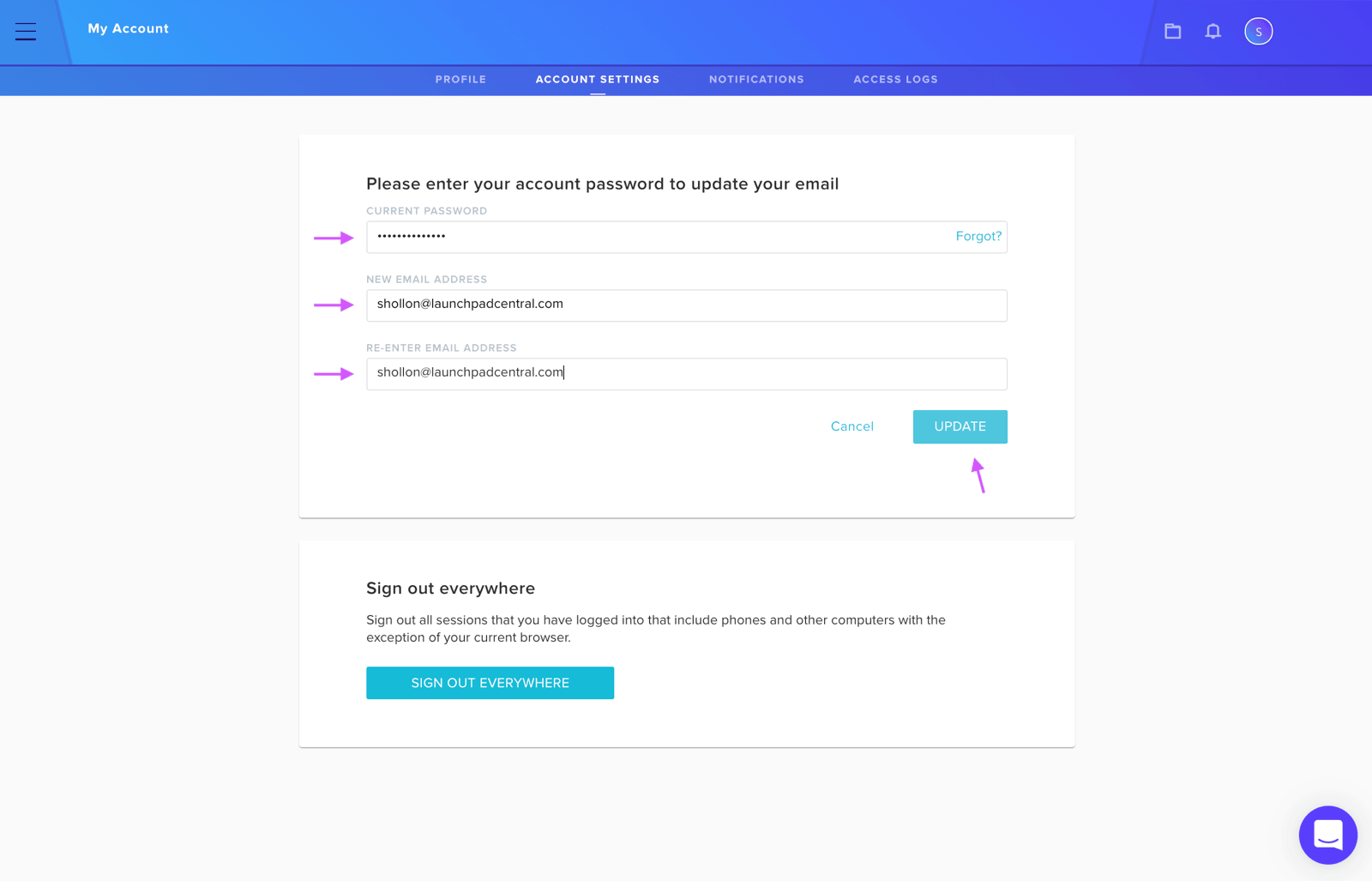
Navigate to the Account Settings tab and locate the Change button. You'll need to provide your current password along with your desired new email address (entered twice for confirmation). After filling in these fields, click Update to complete the process.