LaunchPad on GLIDR provides instructors with oversight of student progress and equips team members with tools for running innovation teams using evidence-based methods.
Setup Requirements
Before implementing weekly practices, instructors must complete cohort setup by creating teams and inviting members. This process is covered in the 5 Steps to Set Up Your Cohort guide.
Weekly Instructor Practices
Leaderboard Monitoring
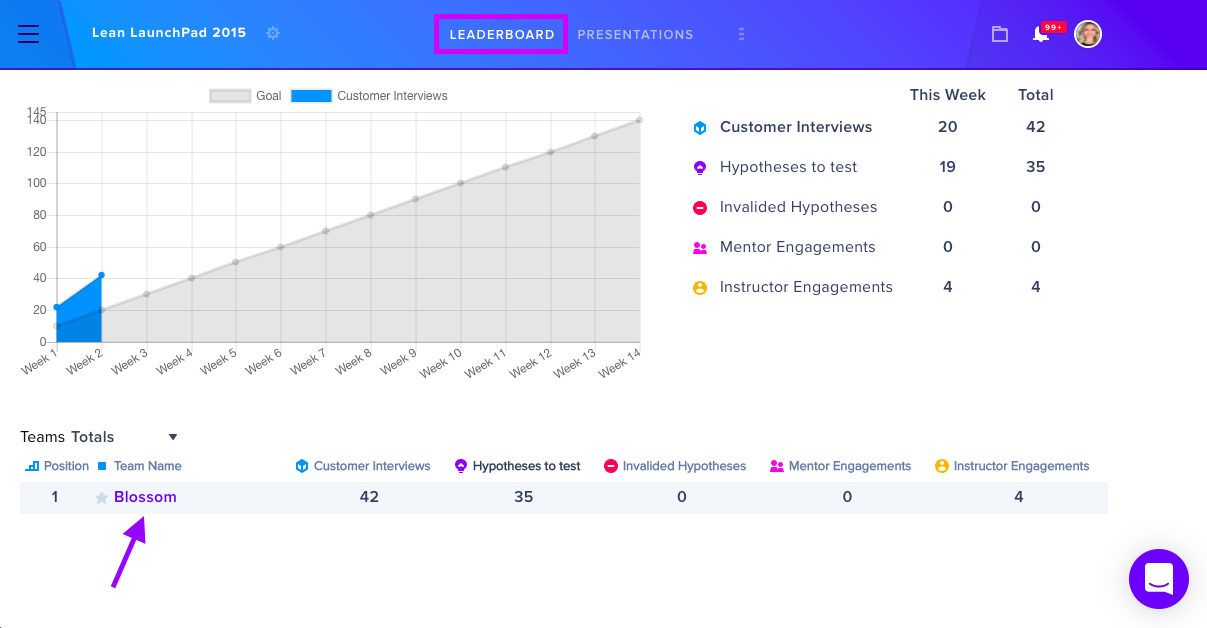
The Leaderboard displays current and total progression scores for all student teams, enabling comparative performance tracking.
Team Check-ins
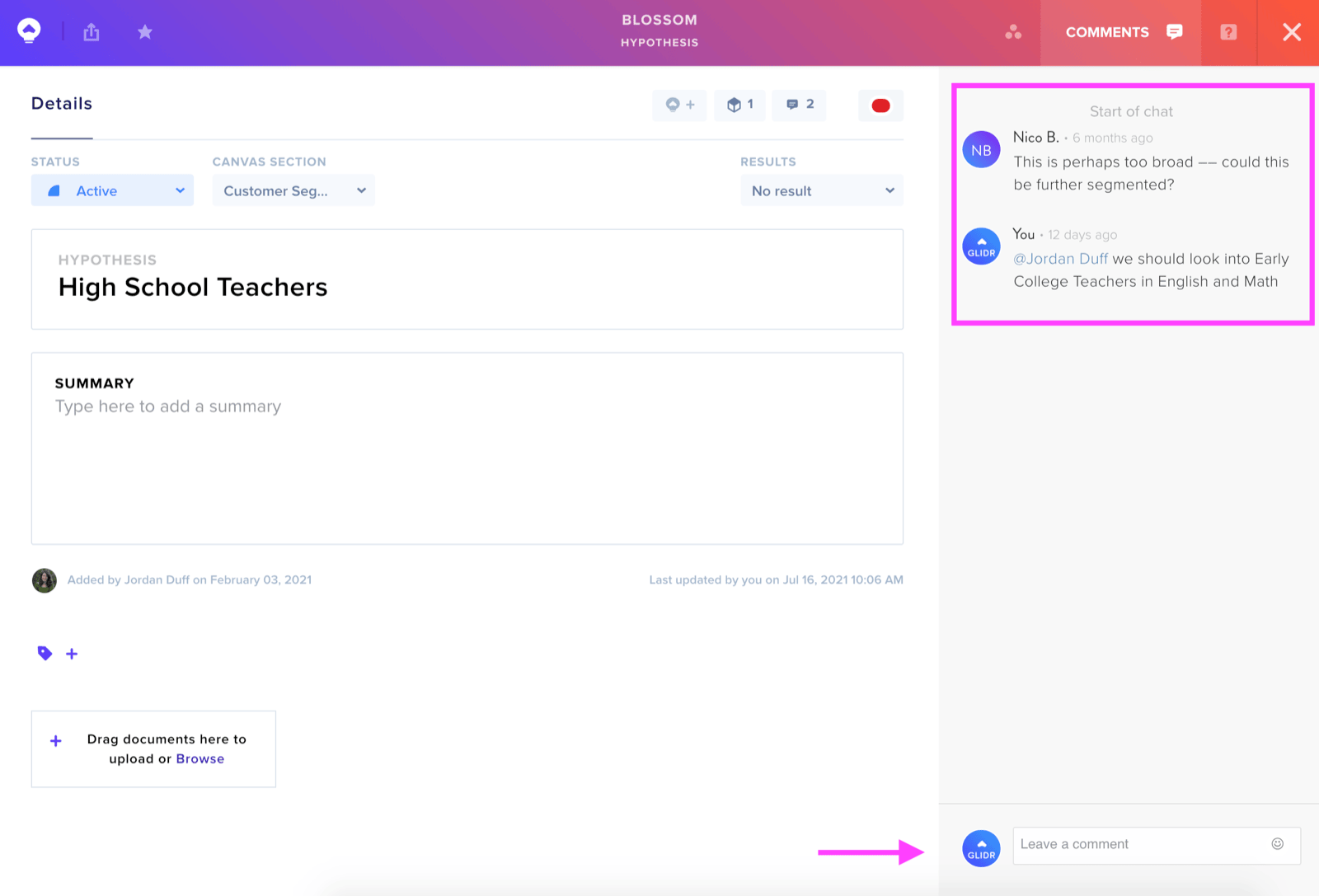
Instructors can review each team's canvas through the Leaderboard, access the Activity tab to view team progress, and examine specific Hypothesis or Interview cards. The platform supports feedback through comments on these items.
Project Dashboard Analysis
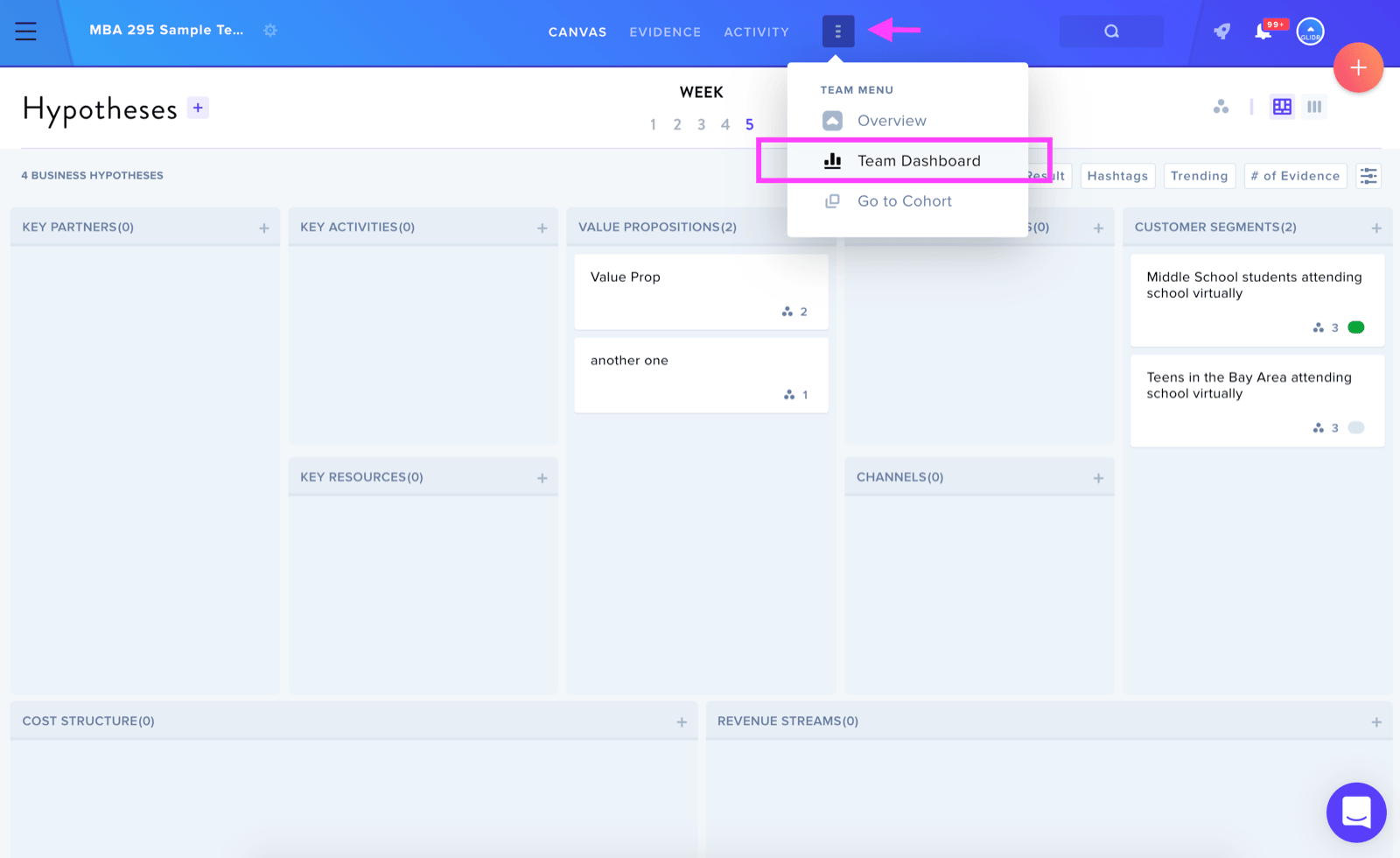
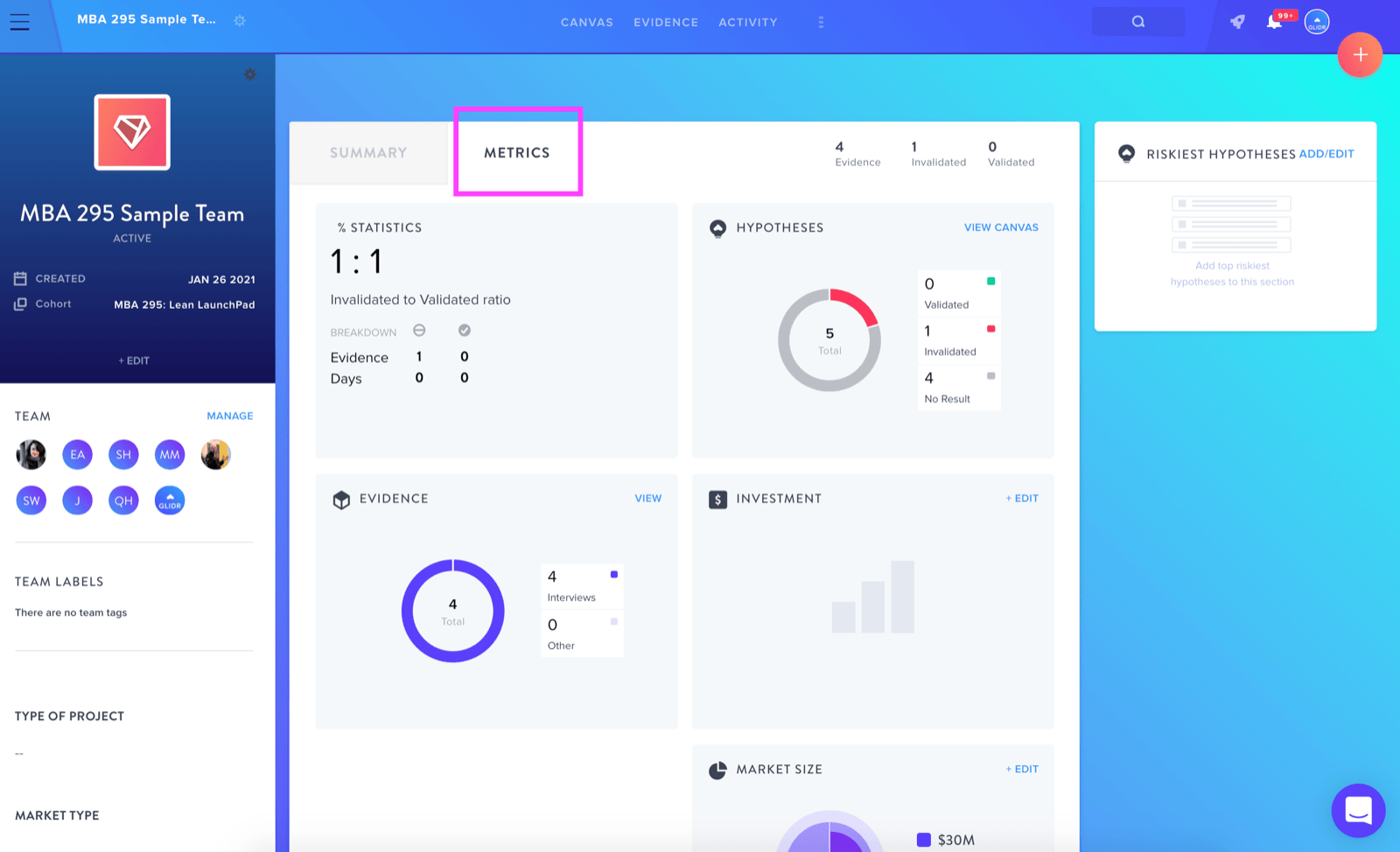
The Team Project Dashboard consolidates summary data and metrics in one location. Instructors can:
- Track individual team member contributions by clicking profile icons
- View hypothesis validation status, evidence types, and market size data via the Metrics tab
Feedback and Communication
The commenting feature enables instructors to provide feedback on Ideas, Evidence, Experiments, and Posts, with @mention functionality for directing attention to specific team members.
Presentation Management
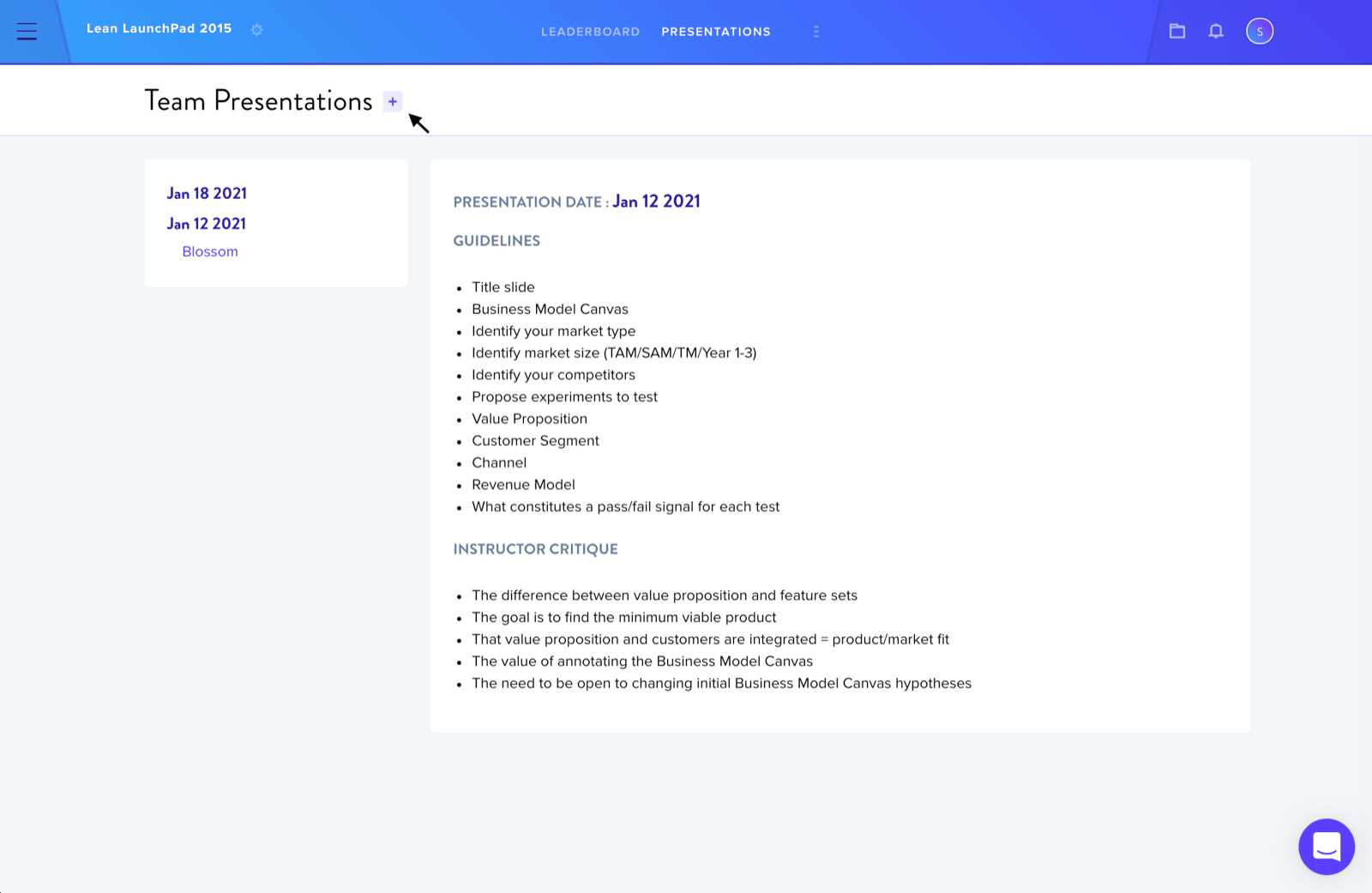
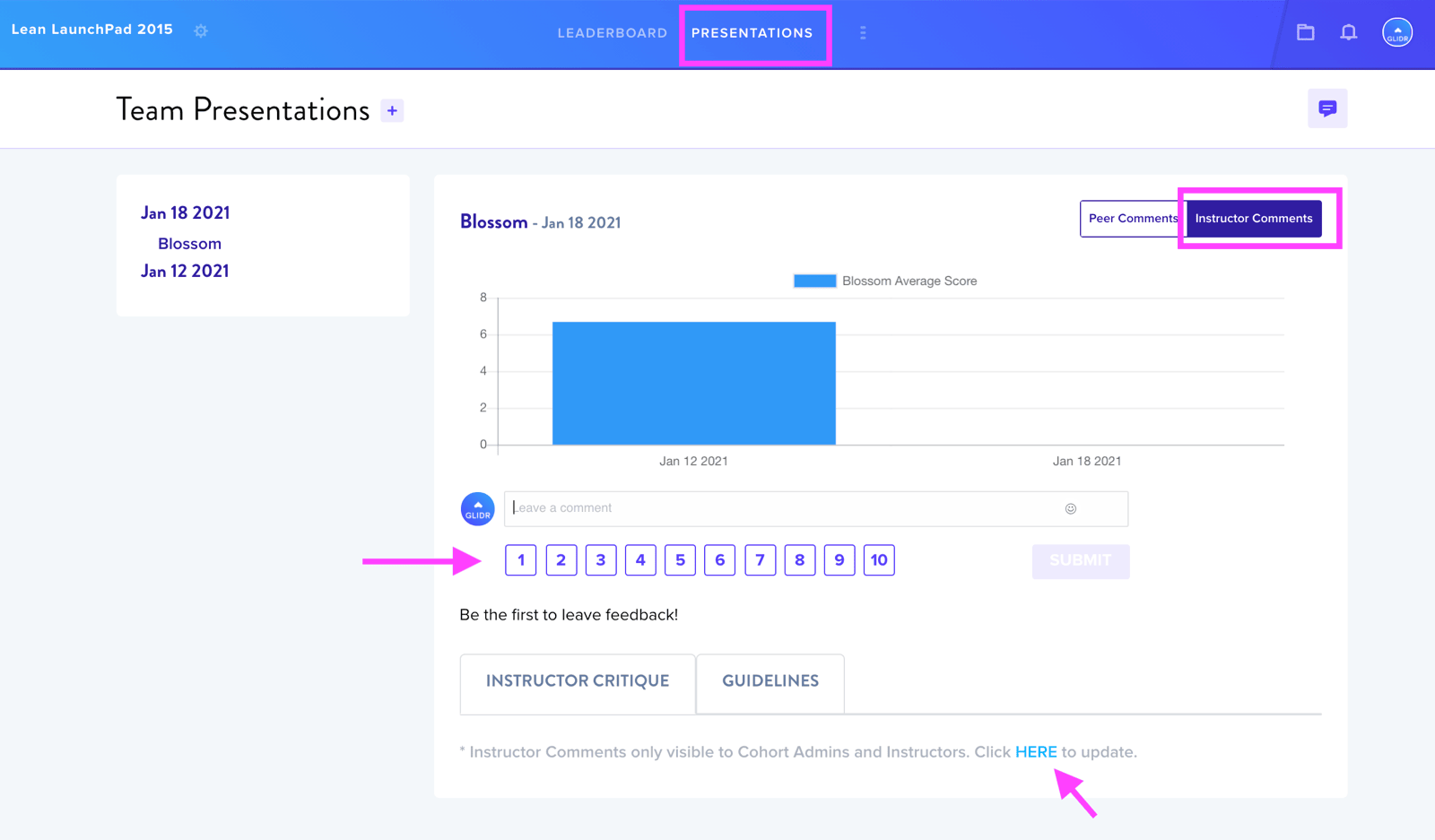
The Presentations tab allows students to upload decks by date. Instructors can assign scores (1-10) and leave comments. Instructor presentation comments default to Private but can be toggled to Public visibility.
Resource Distribution
The Resources tab (accessed via Cohort Settings) allows instructors to share syllabi, videos, and documents via links.
Notifications
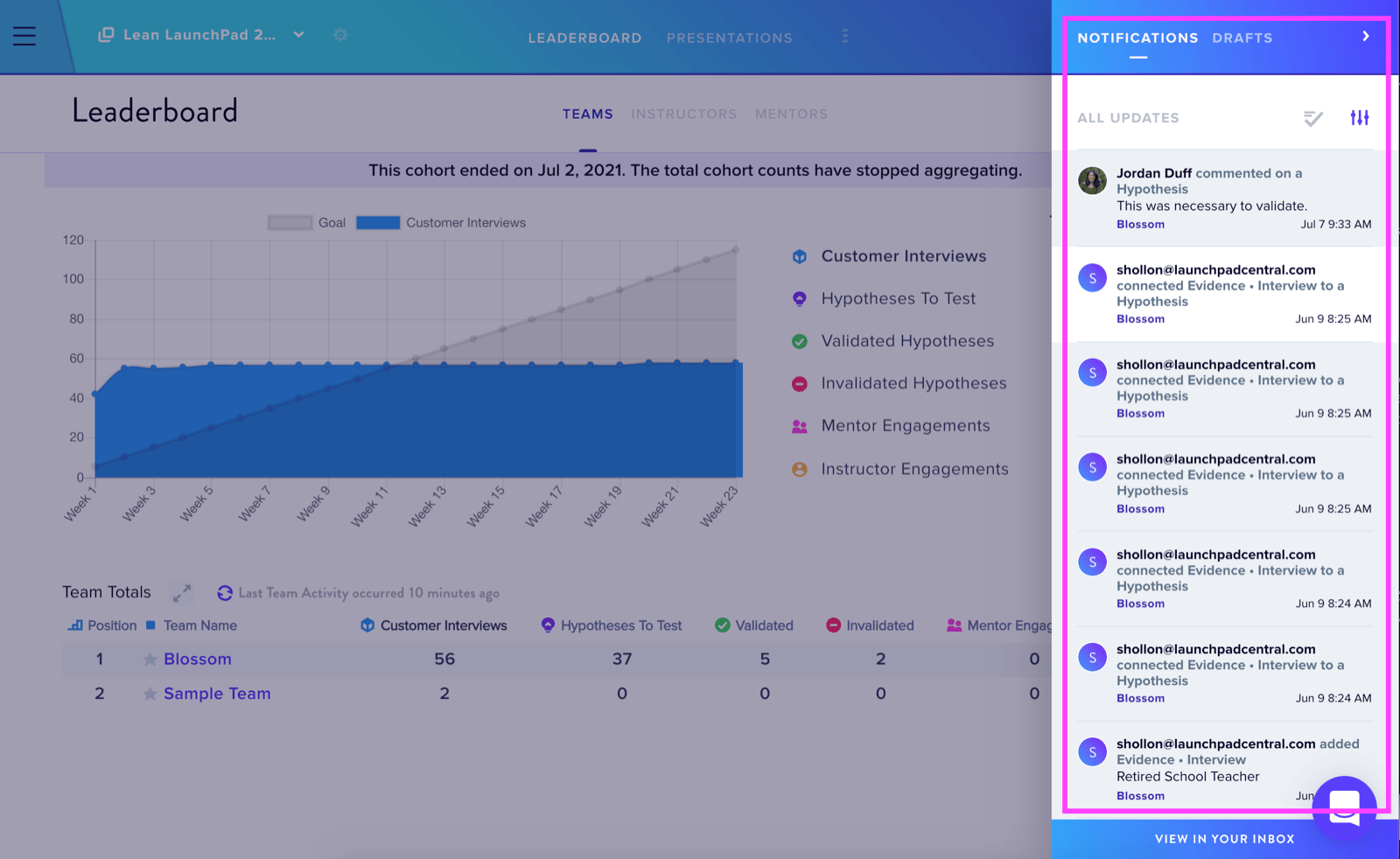
The Notifications Icon in the top-right navigation bar displays updates and draft content. Instructors should configure notification preferences through their profile settings.
Profile Customization
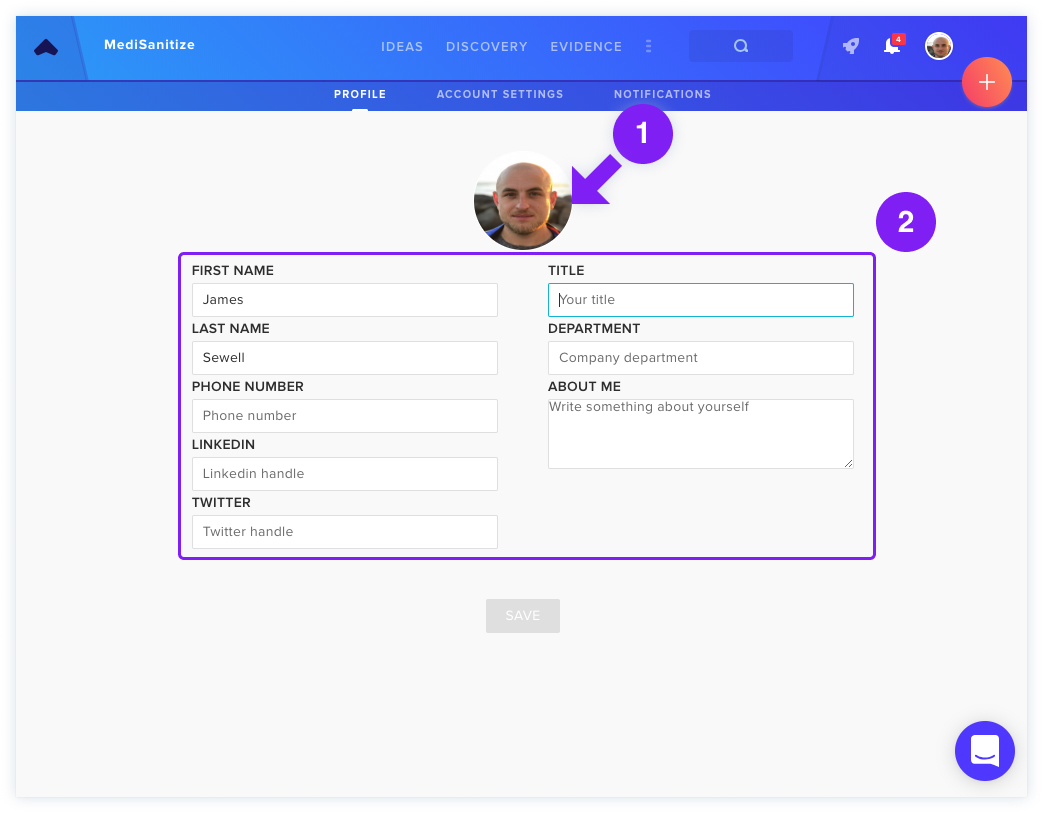
The Profile & Account Settings section enables instructors to update profile photos and personal information visible to teammates.