
LaunchPad on GLIDR centers customer feedback, discovery, and validation in project development. The platform provides lean tools for testing ideas through customer interviews and connecting validated hypotheses while offering real-time progress visibility.
Starting With Hypotheses
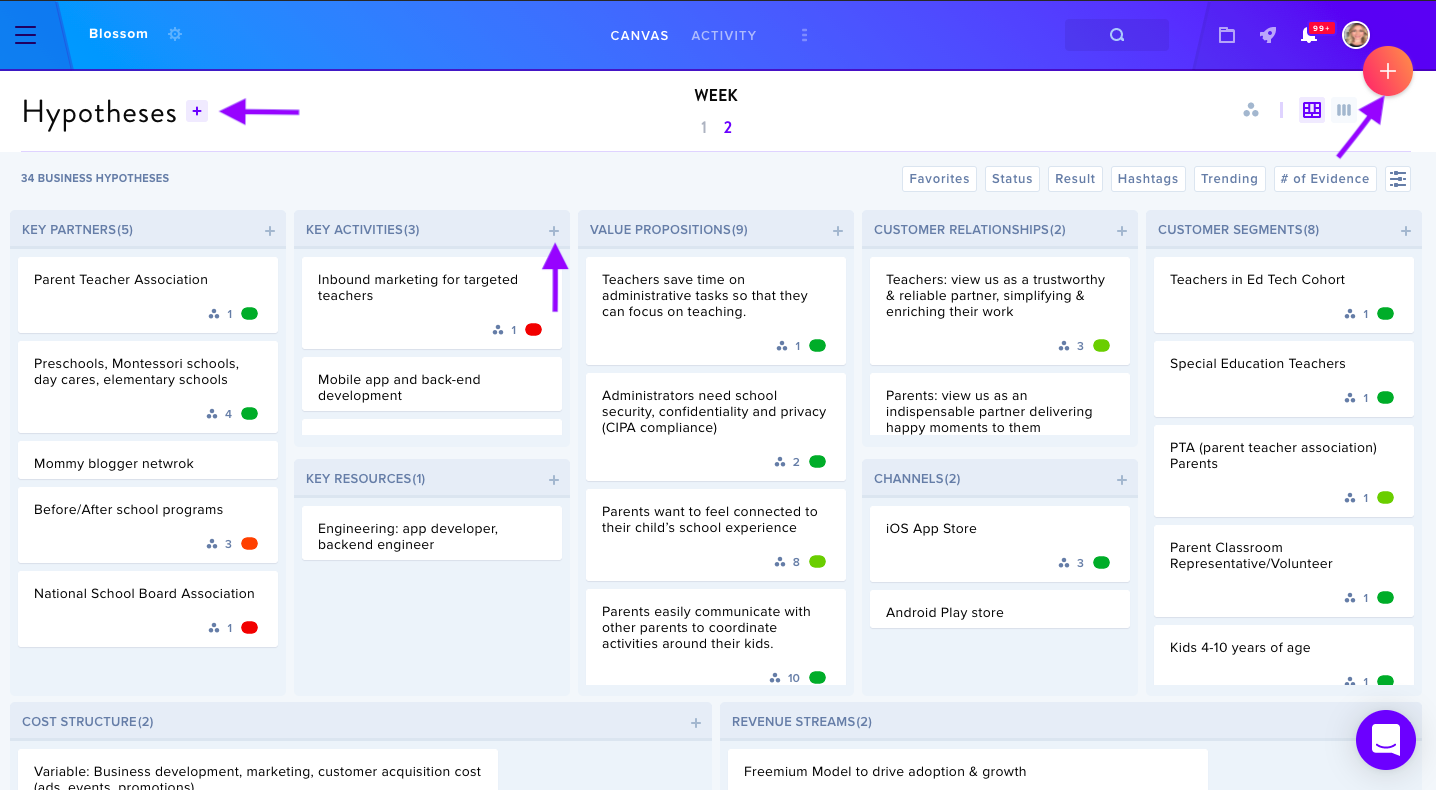
Begin by navigating to the + buttons on the canvas to add Hypotheses — the assumptions underlying your canvas sections. Keep entries brief with a 100-character limit, though you can expand details by clicking individual hypotheses.
Adding Customer Interviews
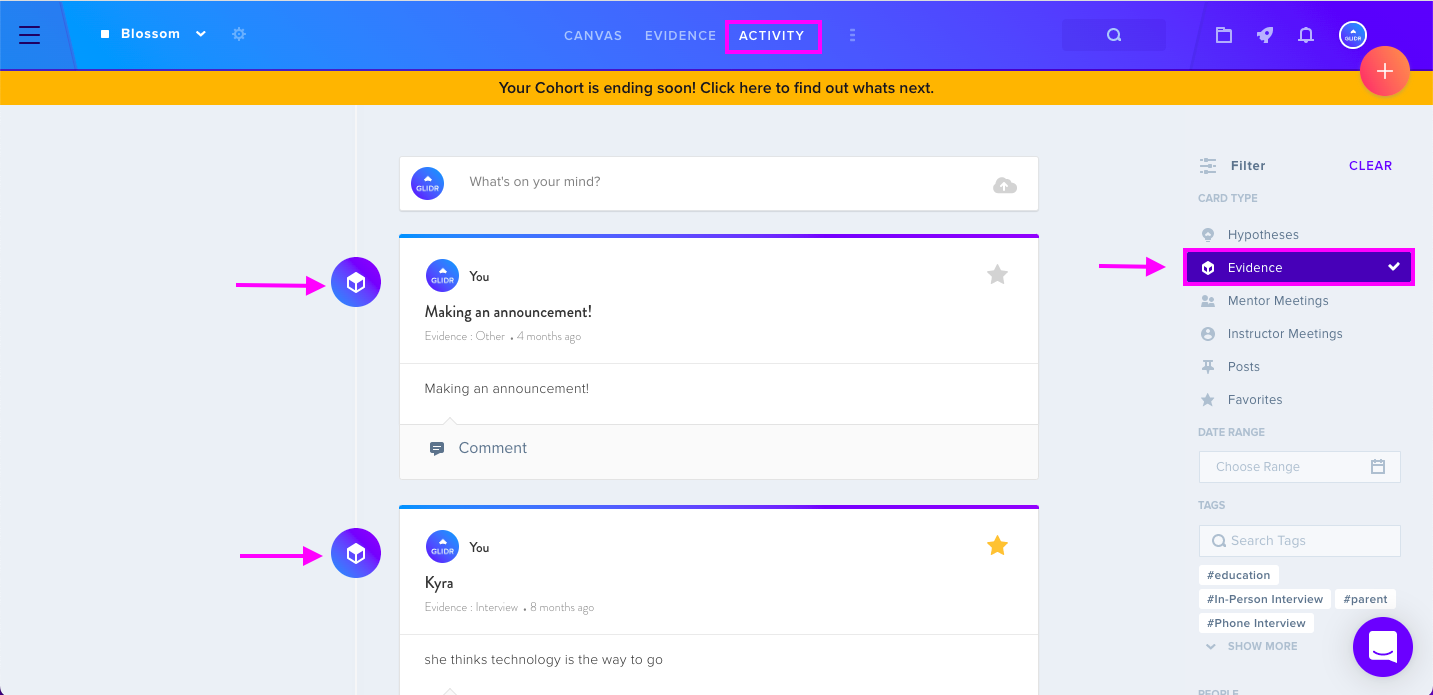
Gather evidence to validate or invalidate hypotheses through customer discovery interviews (opens in new tab) or other tests. Access the + red button at the top right, select Interview from the dropdown, and add interview details. The Activity tab displays interviews added by team members; filter by Evidence card type to view only customer interviews.
Connect interviews to hypotheses via the Connections tab. Rate evidence using a Trending Score (from "Disconfirming" to "Confirming") to track idea performance, potentially leading to validated ideas, invalidated ideas, or pivots.
Mentor and Instructor Meetings
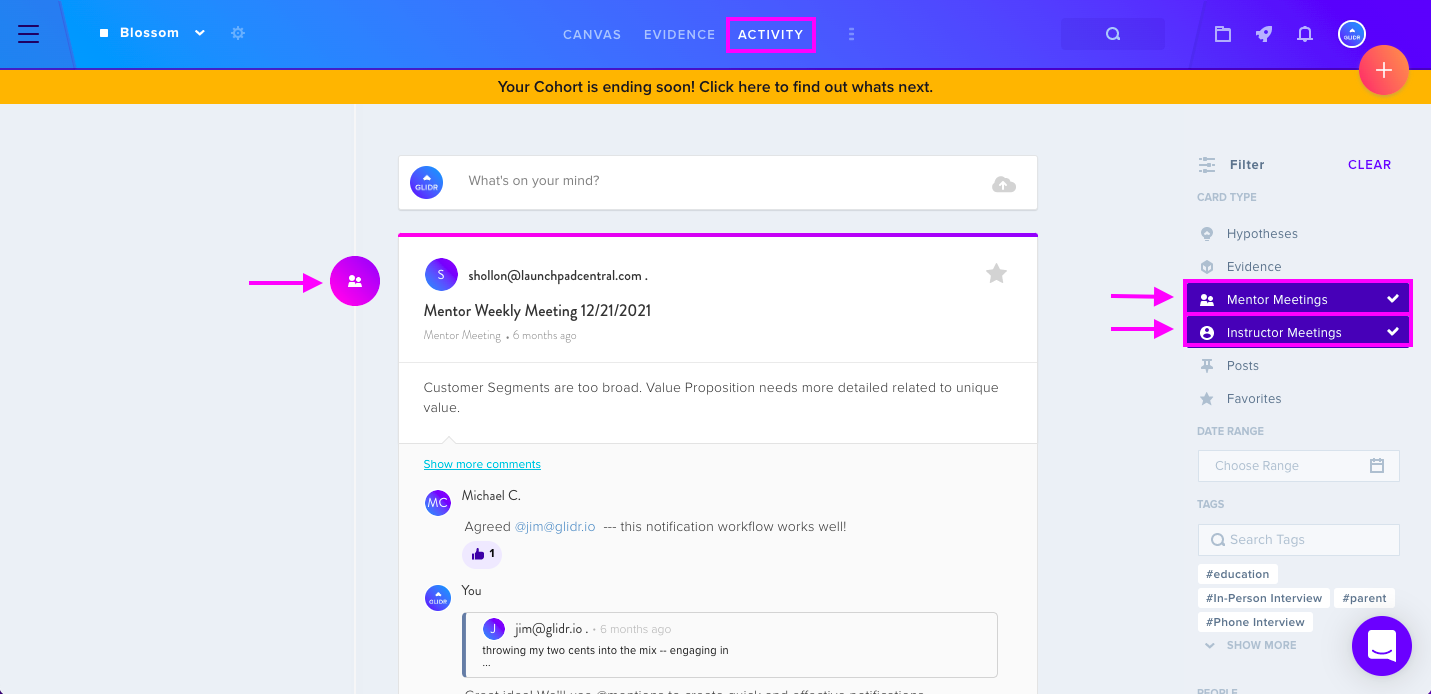
Add meetings by selecting the + red button, choosing Meeting, then selecting Mentor or Instructor. View these meetings in the Activity tab using the Mentor Meetings and Instructor Meetings filters.
Leaderboard
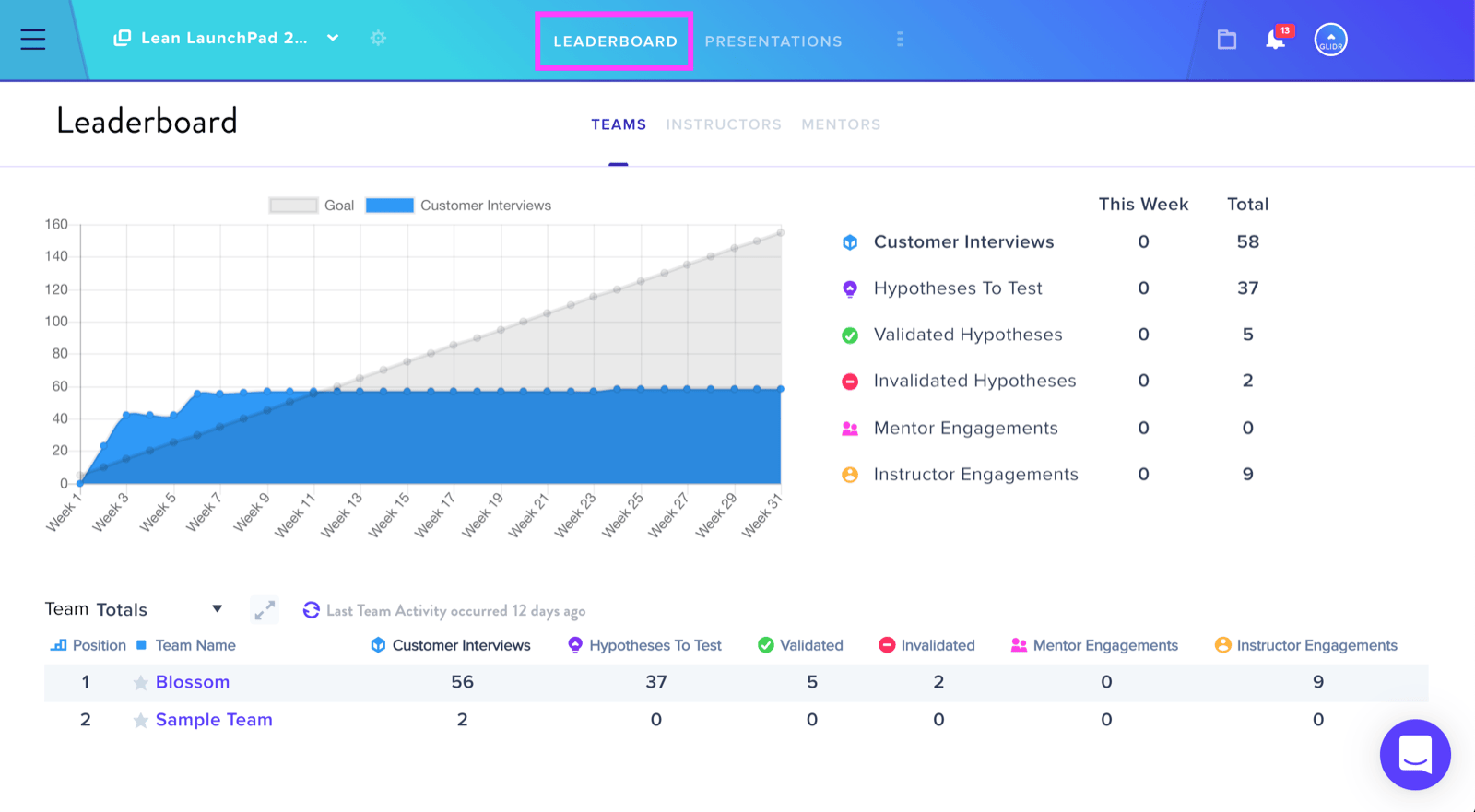
The Leaderboard displays current and total progression scores.
Presentations
Upload presentation decks under corresponding dates in the Presentations tab and comment on cohort team presentations.
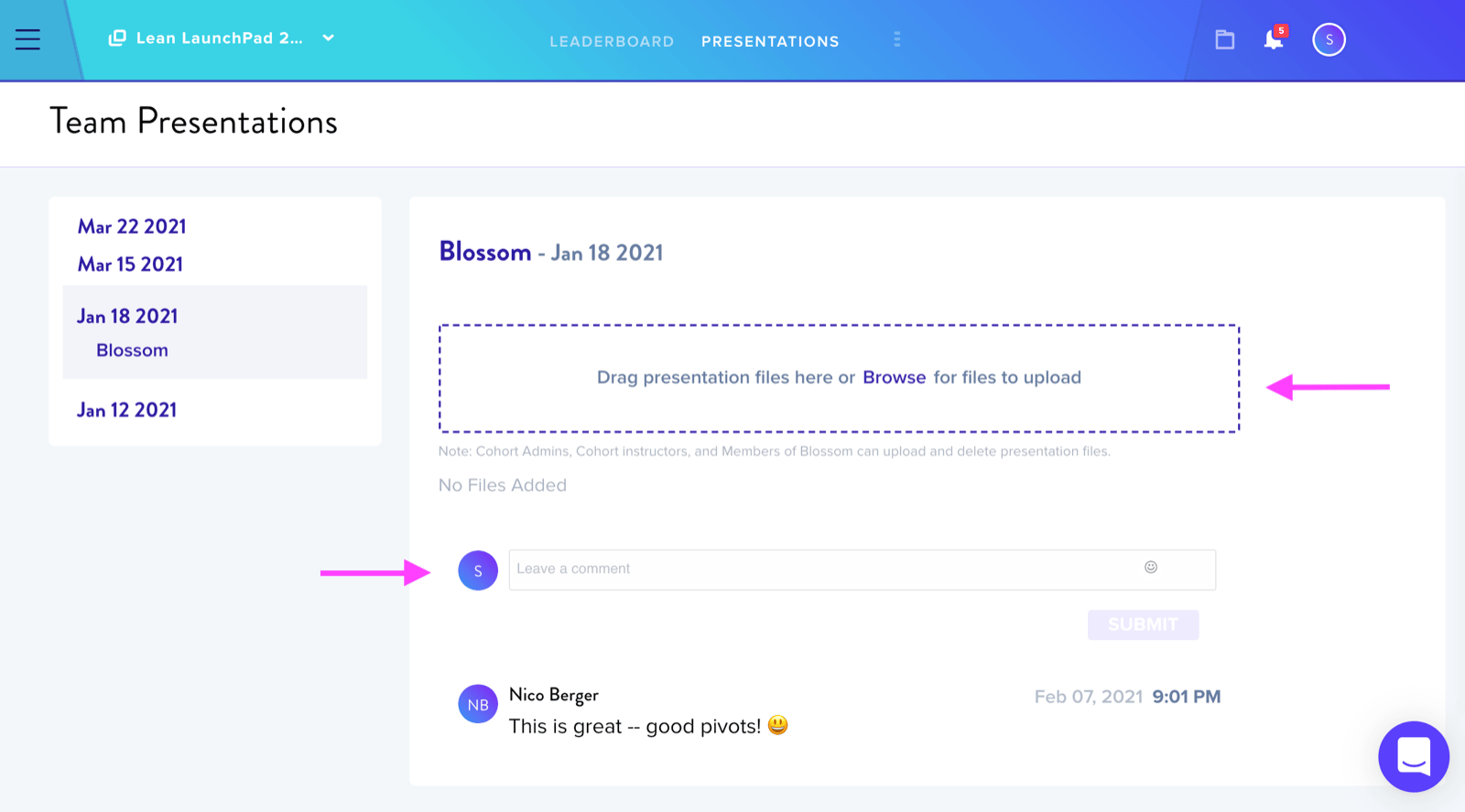
Adding Comments
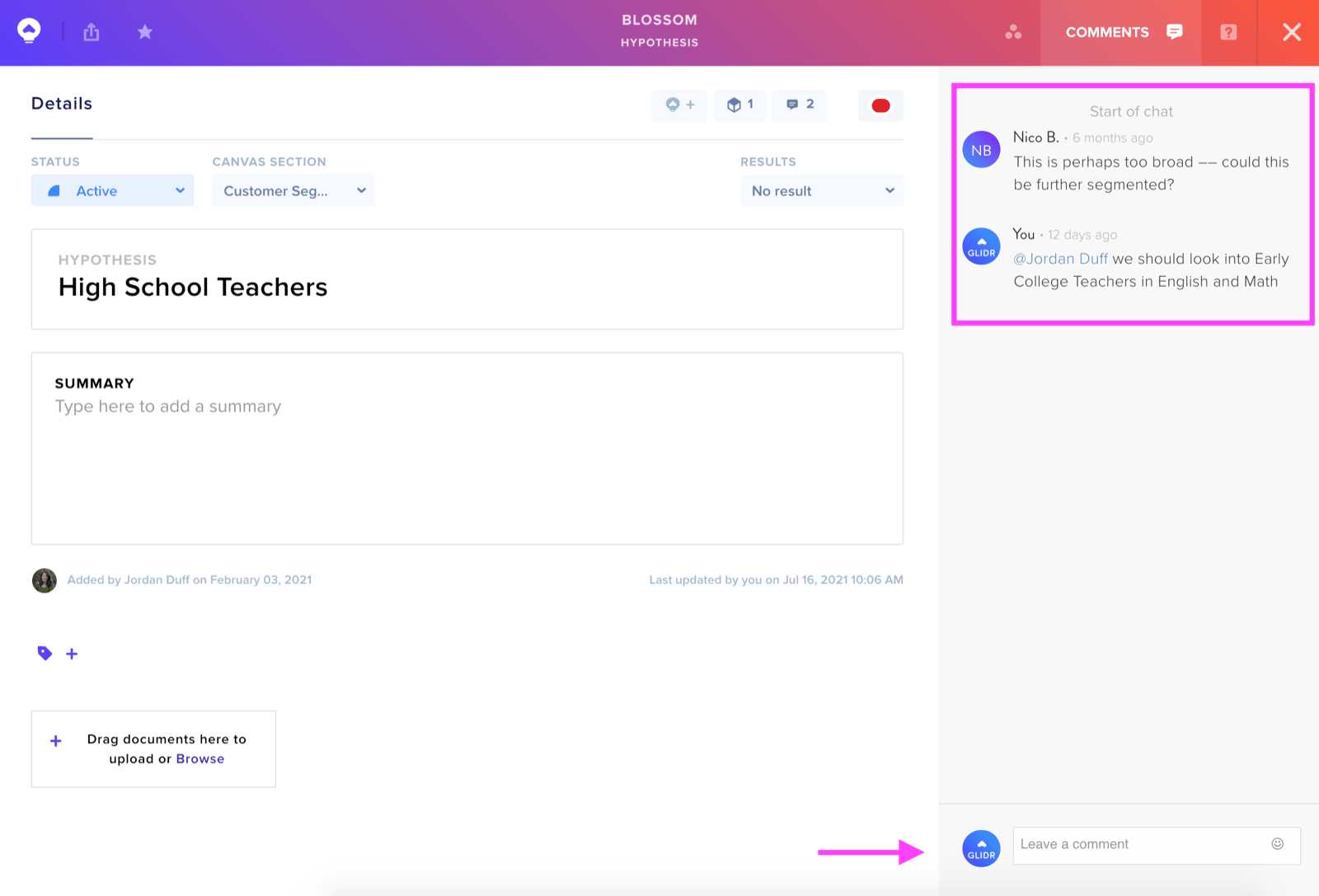
Leave quick feedback using the commenting feature. @mention specific teammates for targeted attention or input.
Notifications
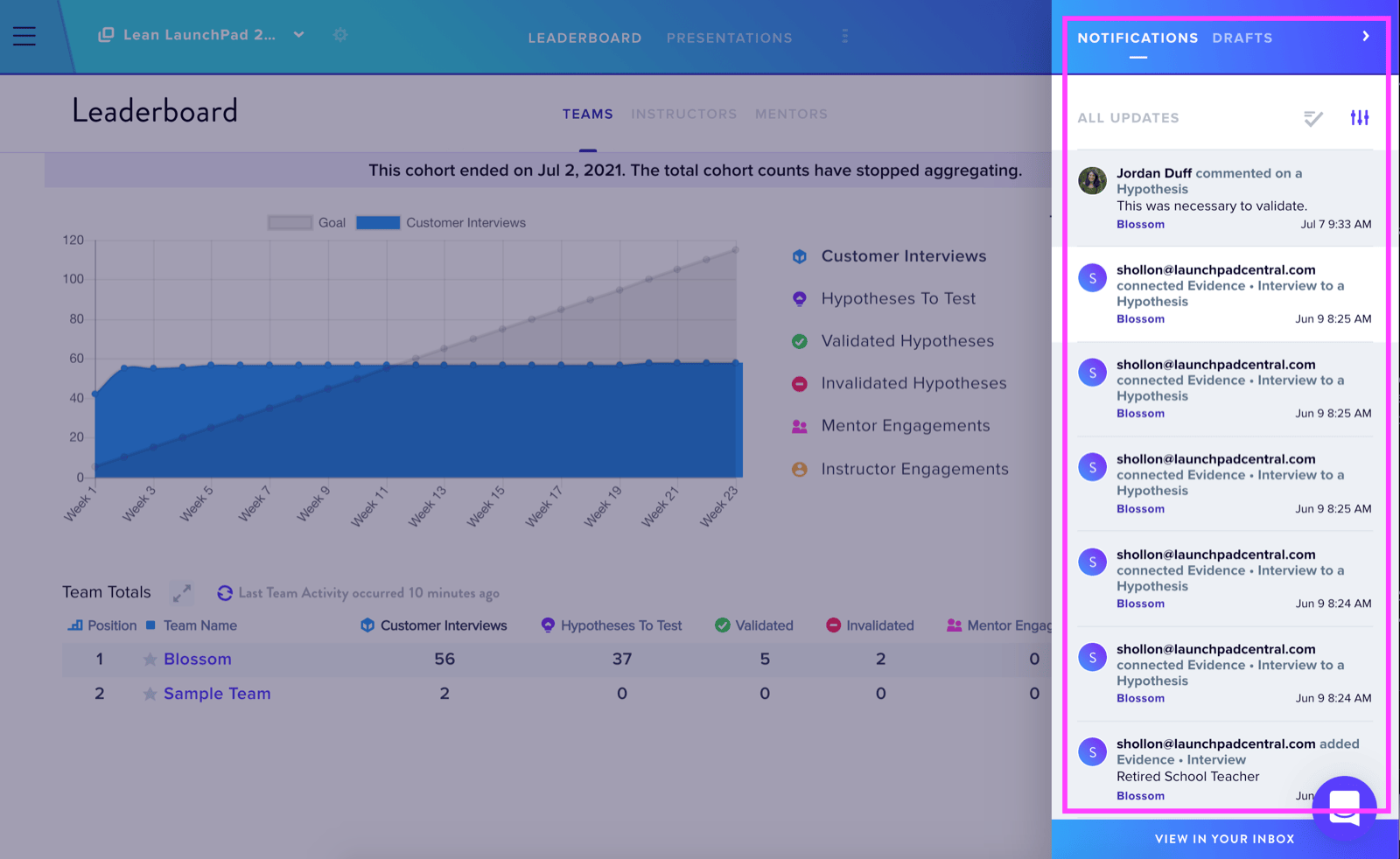
Click the Notifications Icon in the top right to view notifications and drafts. Update Notification Preferences via your Profile Icon to stay informed about project updates.
Team Profile Setup
Edit your team's profile on the Project Overview page by clicking the Three Bars icon and selecting Overview. Add descriptions, problem/solution statements, project type, and market type. Progress to the Investment and Market Size tabs as research advances.
Personal Profile Configuration
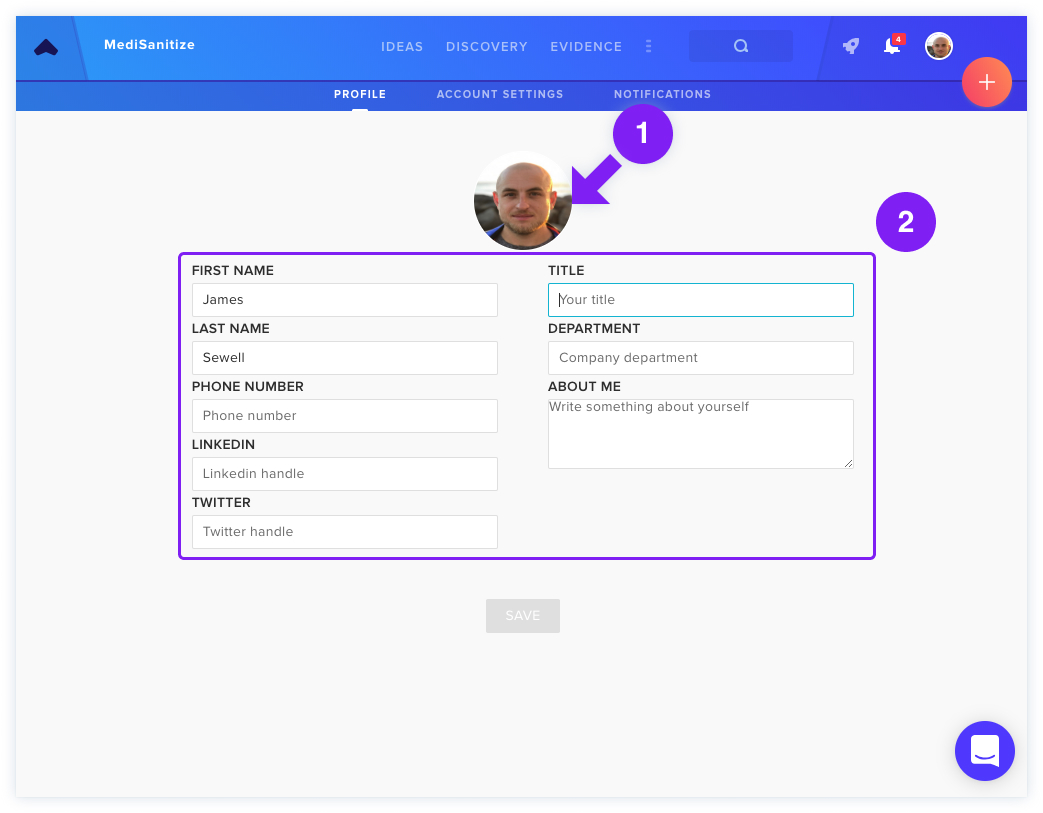
Navigate to Profile & Account Settings under your profile icon to modify personal information. Click your profile photo to update or remove it.
Chrome Extension Installation
Install Capture by GLIDR to extract web content directly, automatically creating new Evidence that you can connect to hypotheses and interviews.