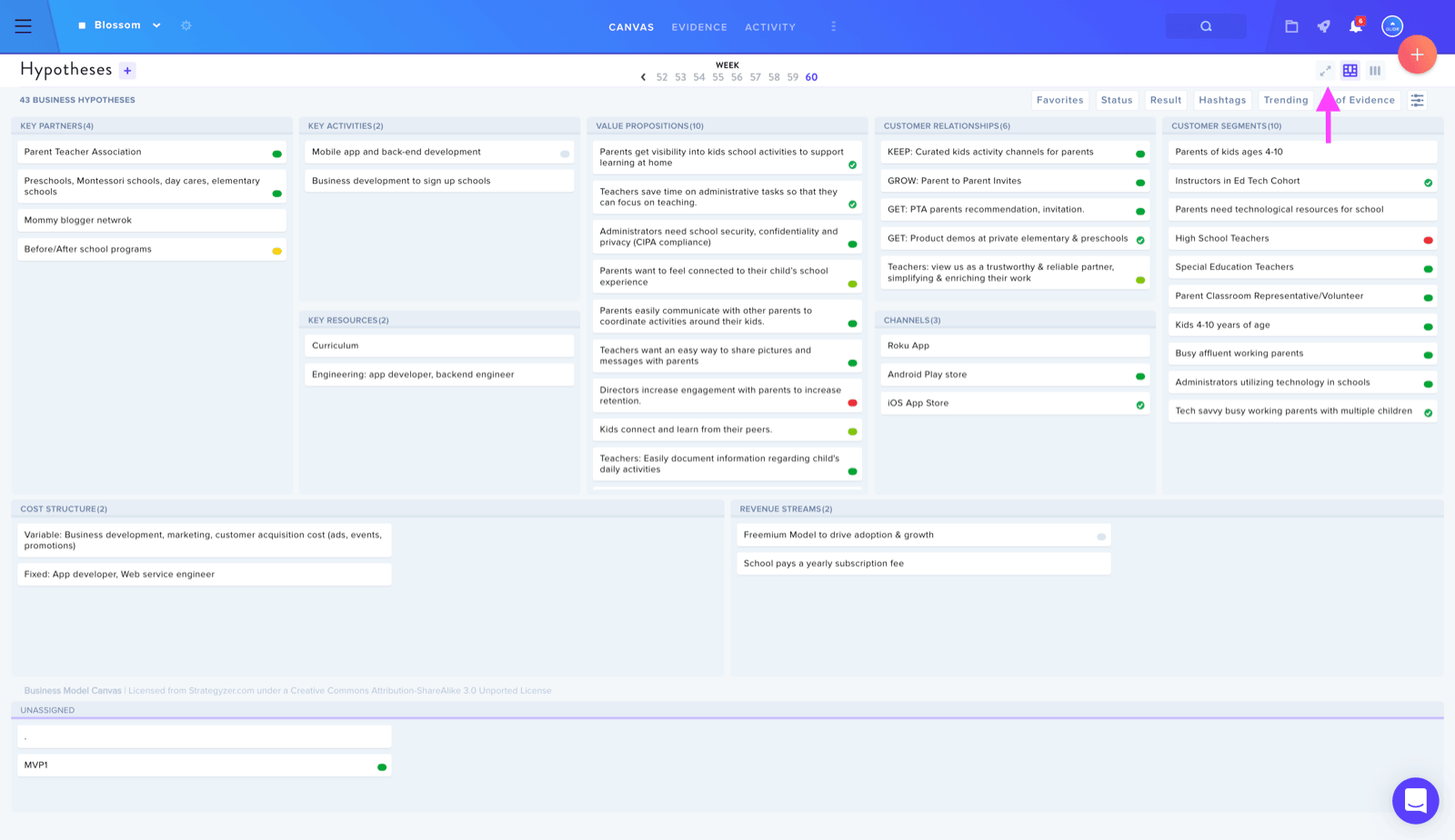
Use Collapse view to see the bigger picture or Expand view to see your canvas details.
Team members can leverage the Collapse View feature to view all assumptions across the business canvas in a single overview.
To switch between these views, locate and click the two arrows icon positioned in the upper right corner of your screen. This toggles between the collapsed summary perspective and the expanded detailed view.